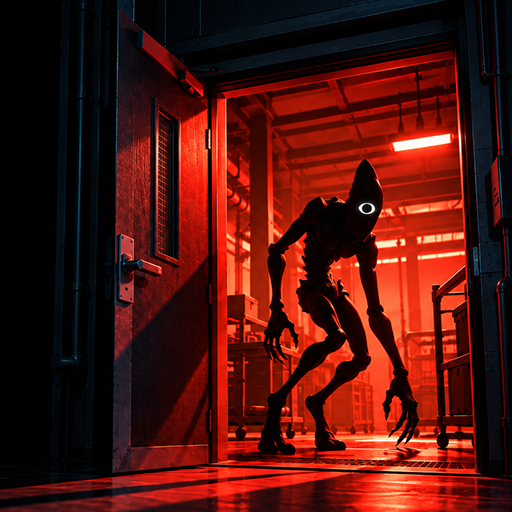
Dark Doors: Horror Escape
Aggiornata
Versione corrente
Offerta da

Vista tutta la passione dimostrata nel giocare a Dark Doors: Horror Escape, le tue mani non dovrebbero essere limitate al minuscolo schermo di un telefono. Gioca come un professionista e ottieni il pieno controllo del gioco con tastiera e mouse. MEmu ti offre tutto ciò che ti aspetti. Scarica e gioca a Dark Doors: Horror Escape su PC. Gioca quanto vuoi, niente più limitazioni di batteria, dati mobili e chiamate inquietanti. Il nuovissimo MEmu 9 è la scelta migliore per giocare a Dark Doors: Horror Escape su PC. Realizzato sulla base della nostra esperienza, lo squisito sistema di mappatura dei tasti preimpostati rende Dark Doors: Horror Escape un vero e proprio gioco per PC. MEmu è un gestore multi-instanza che permette di giocare con 2 o più account sullo stesso dispositivo. E la cosa più importante, il nostro esclusivo motore di emulazione può liberare tutto il potenziale del tuo PC, rendendo tutto fluido.
Mostra altro
Scarica Dark Doors: Horror Escape su PC con MEmu Android Emulator. Divertiti giocando sul grande schermo. YOU'RE INVITED TO THE ESTATE!
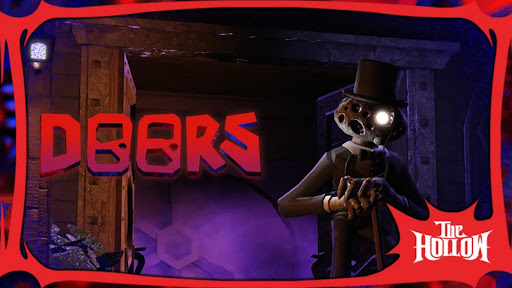
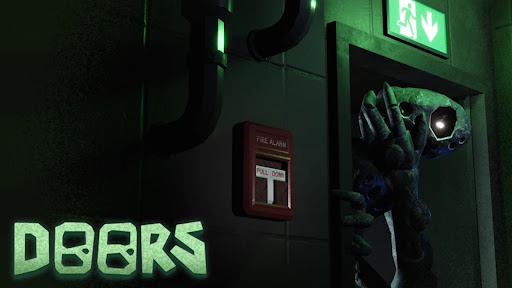
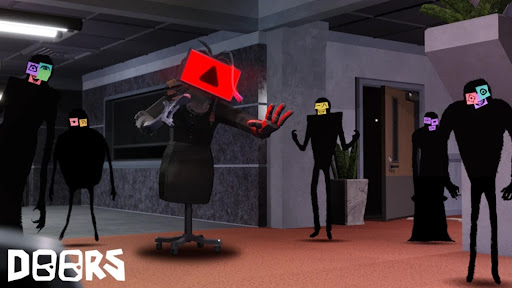
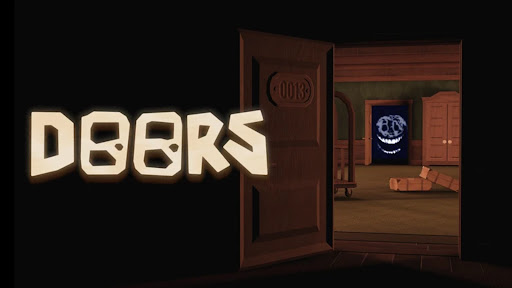
YOU'RE INVITED TO THE ESTATE!
Part of THE HOLLOW Event!
A horror game involving doors.
We recommend entering without a guide; use each death as a lesson.
Loud sounds, flashing lights ahead!
Headphones & max graphics recommended
Join the LSPLASH group for a free Revive!
⭐ Buy (and wear) our UGC for some Knobs and a Revive!
Music is non-copyright, on Spotify 'LSPLASH'
Many things are subject to change, and some things may break.
Mostra altro

1. Scarica il programma di installazione di MEmu e completa l'installazione

2. Avvia il Memu e apri il Google Play sulla homepage

3. Cerca Dark Doors: Horror Escape in Google Play
Install
4. Scarica e installa Dark Doors: Horror Escape
5. Al termine dell'installazione, fai clic sull'icona per avviar

6. Divertiti giocando a Dark Doors: Horror Escape su PC con MEmu
MEmu App Player è il miglior emulatore Android gratuito, utilizzato da 50 milioni di persone per ottenere un'esperienza di gioco Android superba. La tecnilogia di virtualizzazione MEmu ti permette di giocare a migliaia di giochi Android con semplicità sul tuo computer, anche i giochi con la grafica più esigente.
Schermo più grande con una grafica migliore; Lunga durata, senza limitazione di batteria o dati mobili.
Supporto completo per mappa di tastiera per un controllo preciso di tastiera e mouse o gamepad.
Multipli account di gioco o attività su un singolo PC contemporaneamente con il gestore di multi istanza.
Play Dark Doors: Horror Escape on PC by following steps: