Baby Learning Toddler Games
更新日
現在のバージョン
3.1
提供元

スマホ不要!プロ選手のようにキーボードとマウスで操作しよう。MEmuエミュはあなたにすべての期待を与える。電池が切れてしまうとか画面が小さいとかの問題を心配する必要がなくて、存分Baby Learning Toddler Gamesを楽しんでください。新しいMEmuエミュ7はPCでBaby Learning Toddler Gamesをプレイするのに最適!完璧なキーマッピングシステムにより、まるでパソコンゲームみたい。マルチインスタンスで複数のゲームやアプリを同時に実行!唯一無二な仮想化エンジンがパソコンの可能性を最大限になる。遊べるだけでなく、より楽しめる!
もっと見る
Baby Learning Toddler GamesをPCでダウンロード!大画面でより楽しむ。電源が落ちてしまうとか通信料が足りないとかの問題を心配する必要がなく、PCの大画面でより快適にゲームを楽しましょう! Welcome to the Toddler Learning Game for Little Minds!
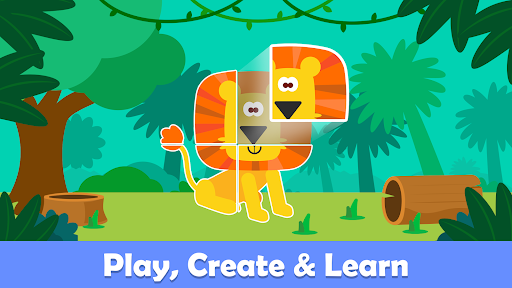
Welcome to the Toddler Learning Game for Little Minds!
Our educational game is designed for the youngest learners, ages 2 to 4 with each carefully crafted to nurture essential skills. Immerse your child in a vibrant world filled with over 100 play-based activities, From exploring the wonders of the Shape Match and diving into Color Fill to unleashing boundless creativity through interactive play, our kids games are a dynamic playground where kids can enjoy and learn simultaneously.
Engagement through children’s friendly voices helps your kids to learn happily and signals the commencement of the journey of learning kid games.
Discover a variety of interactive activities:
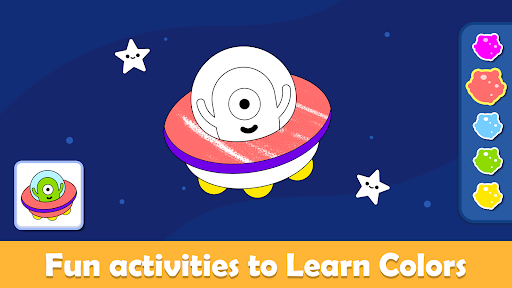
Color Fill: Kids fill in pictures with colors to bring them to life, helping them learn about different colors.
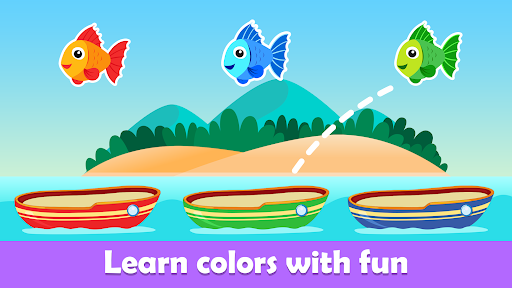
Color Match: Children match colors to objects or pictures, which teaches them how to recognize and pair similar colors.
Puzzle: Kids put pieces together to form a complete picture, improving their problem-solving skills and understanding of shapes.
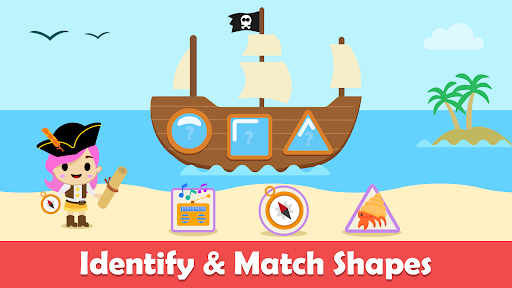
Shape Match: Children match different shapes to their corresponding outlines, helping them recognize and learn about shapes.
With a kid’s friendly user interface and various learning activities to explore, each element is carefully designed to make early kids games learning a joyful experience.
Explore many interactive features of learning games for kids:
Educational Fun Galore: Explore a variety of interactive activities and learning games for kids that make learning a joyful adventure
Engaging Playtime: Every tap and swipe opens up a world of excitement, seamlessly blending education with the thrill of engaging activities
Unlock Creativity: Foster boundless creativity through playful kid game interactions, from delightful Coloring challenges to exploring.
Endless Adventures: Discover a world of kids learning games where learning knows no bounds, engaging in captivating language and exciting adventures.
Tailored by child development experts, our kids' learning games content is made perfectly for both boys and girls in the kindergarten age group with the belief that learning should be as enjoyable as it is educational.
もっと見る

1. MEmuインストーラーをダウンロードしてセットアップを完了する

2. MEmuを起動し、デスクトップでのPlayストアを開く

3. PlayストアでBaby Learning Toddler Gamesを検索する
Install
4. Baby Learning Toddler Gamesをダウンロードしてインストールする
5. インストールが完了したら、アイコンをクリックしてスタート

6. MEmuを使用してPCでBaby Learning Toddler Gamesを楽しむ
MEmu App Playerは最高の無料で提供されるAndroidエミュレータで、5,000万人がすでに優れたAndroidゲーム体験を楽しんでいます。 MEmuの仮想化技術は、あなたのPCで何千ものAndroidゲームを快適にプレイすることを可能にします。
大画面でより精細;無限の待機、電池とドラフィックの極限を超え
キーボード・マウス・コントローラーを全力でサポート、より快適
マルチインスタンスで複数のゲームを同時に実行
Play Baby Learning Toddler Games on PC by following steps: