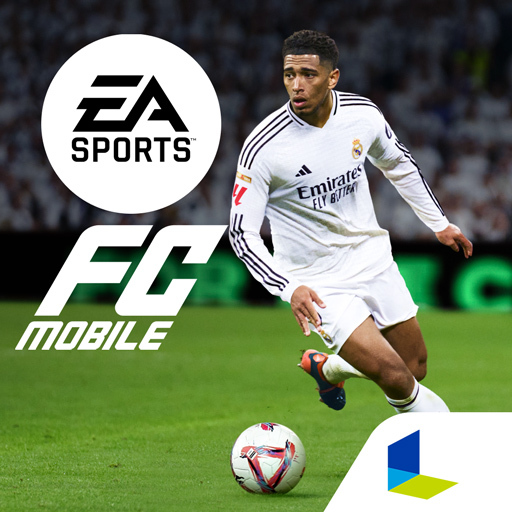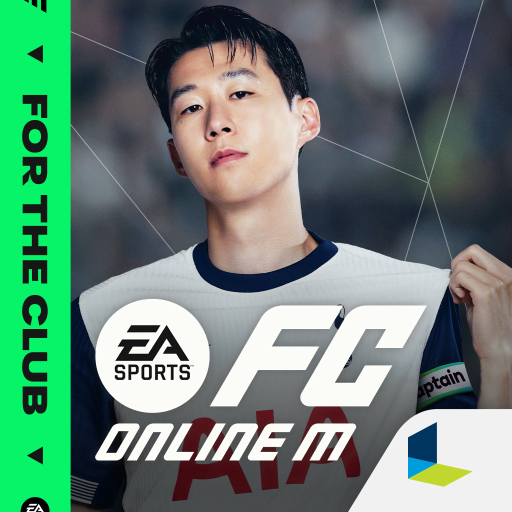
EA SPORTS FC™ MOBILE BETA
更新日
現在のバージョン
提供元

スマホ不要!プロ選手のようにキーボードとマウスで操作しよう。MEmuエミュはあなたにすべての期待を与える。電池が切れてしまうとか画面が小さいとかの問題を心配する必要がなくて、存分EA SPORTS FC™ MOBILE BETAを楽しんでください。新しいMEmuエミュ7はPCでEA SPORTS FC™ MOBILE BETAをプレイするのに最適!完璧なキーマッピングシステムにより、まるでパソコンゲームみたい。マルチインスタンスで複数のゲームやアプリを同時に実行!唯一無二な仮想化エンジンがパソコンの可能性を最大限になる。遊べるだけでなく、より楽しめる!
もっと見る
EA SPORTS FC™ MOBILE BETAをPCでダウンロード!大画面でより楽しむ。電源が落ちてしまうとか通信料が足りないとかの問題を心配する必要がなく、PCの大画面でより快適にゲームを楽しましょう! Discover a New Way to Play in EA SPORTS FC™ MOBILE.
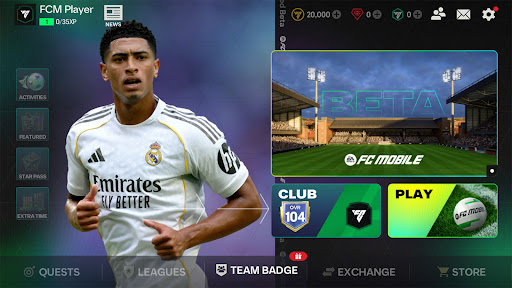
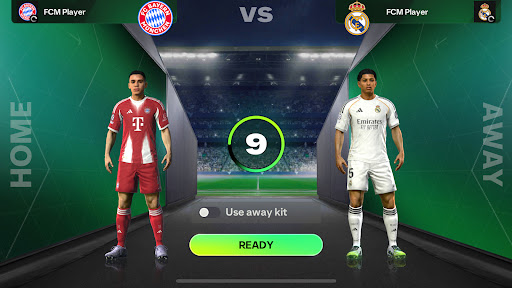
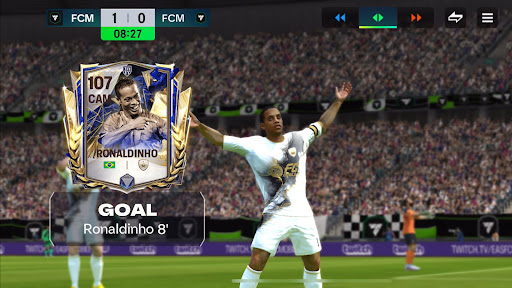
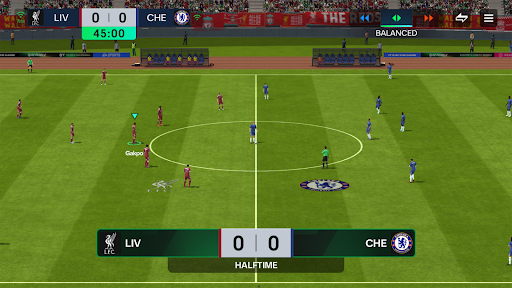
Discover a New Way to Play in EA SPORTS FC™ MOBILE
Welcome to the Limited Beta, where you can be among the first to experience PlayStyles — a new feature built to take gameplay to the next level with faster, and more dynamic action on the pitch.
Discover what makes players feel truly different in match situations. With 18 PlayStyles, this beta gives you the chance to try out new abilities for attacking, defending and goalkeeping.
In this Beta, PlayStyles are pre-assigned to players, giving you a first look at how they show up and perform in matches.
TRY 18 PLAYSTYLES
Explore PlayStyles in this Limited Beta and discover how they’re grouped across key parts of the game — from Dribbling, Passing, and Shooting to Defending, Physical play, and Goalkeeping. Whether you want explosive acceleration, faster & cleaner passing, stronger finishing, tougher defending, or more confident saves, PlayStyles bring out players’ unique capabilities across different moments in the match.
LEARN, EXPERIMENT, COMPETE
Start in PvE to learn how PlayStyles work and get comfortable with their effects, then take your squad into Division Rivals and experience how different PlayStyles can influence performance in different match situations.
The Club is Yours!
NOTICE: EA may survey your mobile device for details about your hardware and software configuration as part of your participation in this Beta. Beta is in English only. Requires persistent internet connection and acceptance of (i) Pre-release Feedback Agreement (Open) (https://tos.ea.com/legalapp/PRFA/US/en/open/), and (ii) EA's User Agreement (terms.ea.com). EA’s Privacy & Cookie Policy applies. You consent to any personal data collected through your use of EA’s services being transferred to the United States, as further explained in the Privacy & Cookie Policy. Must be 18+. Gameplay progress, progression, characters, character data and/or any other value or status indicators achieved in the EA SPORTS FC Mobile Beta will not transfer to EA SPORTS FC Mobile main game. EA SPORTS FC Mobile Beta is pre-release software, may contain errors/defects and is provided “as is” without any express or implied warranty.
This app: Requires acceptance of EA’s User Agreement. EA’s Privacy & Cookie Policy applies. You consent to any personal data collected through your use of EA’s services being transferred to the United States, as further explained in the Privacy & Cookie Policy. Requires an Internet connection (network fees may apply). Includes in-game advertising. Contains direct links to the Internet and social networking sites intended for an audience over 13. Allows players (above the minimum age of digital consent in their country) to communicate via League chat; to disable for users under the age of majority with League chat access, use your device's parental controls.The app uses Google Play Game Services. Log out of Google Play Game Services before installation if you don’t want to share your game play with friends.
User Agreement: terms.ea.com Privacy and Cookie Policy: privacy.ea.com Visit help.ea.com for assistance or inquiries. EA may retire online features after 30 days’ notice posted on ea.com/service-updates.
もっと見る

1. MEmuインストーラーをダウンロードしてセットアップを完了する

2. MEmuを起動し、デスクトップでのPlayストアを開く

3. PlayストアでEA SPORTS FC™ MOBILE BETAを検索する
Install
4. EA SPORTS FC™ MOBILE BETAをダウンロードしてインストールする
5. インストールが完了したら、アイコンをクリックしてスタート

6. MEmuを使用してPCでEA SPORTS FC™ MOBILE BETAを楽しむ
MEmu App Playerは最高の無料で提供されるAndroidエミュレータで、5,000万人がすでに優れたAndroidゲーム体験を楽しんでいます。 MEmuの仮想化技術は、あなたのPCで何千ものAndroidゲームを快適にプレイすることを可能にします。
大画面でより精細;無限の待機、電池とドラフィックの極限を超え
キーボード・マウス・コントローラーを全力でサポート、より快適
マルチインスタンスで複数のゲームを同時に実行
Play EA SPORTS FC™ MOBILE BETA on PC by following steps: