アルケミー・クラシック
更新日
現在のバージョン
1.7.3
提供元

スマホ不要!プロ選手のようにキーボードとマウスで操作しよう。MEmuエミュはあなたにすべての期待を与える。電池が切れてしまうとか画面が小さいとかの問題を心配する必要がなくて、存分アルケミー・クラシックを楽しんでください。新しいMEmuエミュ7はPCでアルケミー・クラシックをプレイするのに最適!完璧なキーマッピングシステムにより、まるでパソコンゲームみたい。マルチインスタンスで複数のゲームやアプリを同時に実行!唯一無二な仮想化エンジンがパソコンの可能性を最大限になる。遊べるだけでなく、より楽しめる!
もっと見る
アルケミー・クラシックをPCでダウンロード!大画面でより楽しむ。電源が落ちてしまうとか通信料が足りないとかの問題を心配する必要がなく、PCの大画面でより快適にゲームを楽しましょう! Throughout history, humans have always been eager to explore the world they inhabit.
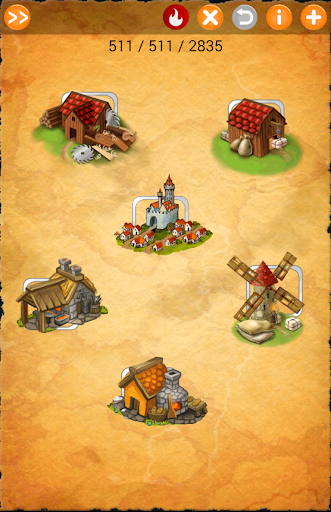
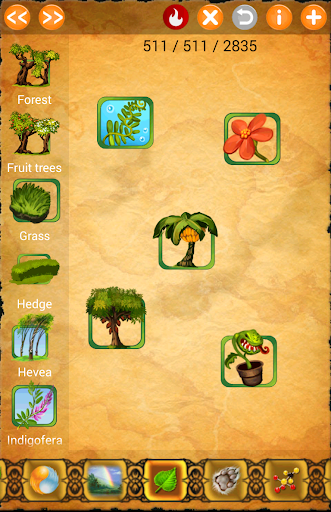
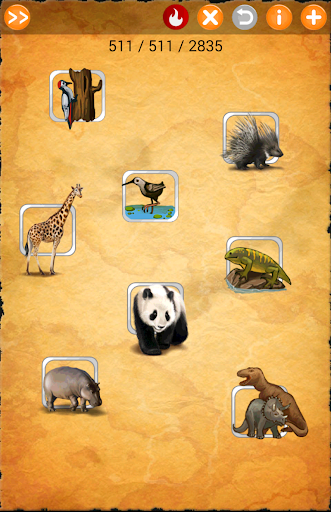
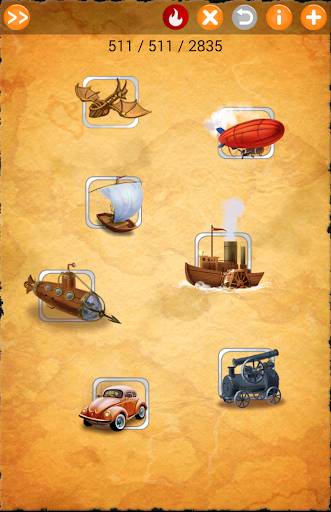
Throughout history, humans have always been eager to explore the world they inhabit. Human efforts resulted in significant progress, from the simplest of tools to high-tech industrial plants and flying machines. If you think about it, however, some time ago there was nothing but the basic elements of nature: fire, water, earth, and air. These very things form the basis of all diversity. It sounds incredible, doesn't it? Can you throw a bunch of dirt into air and get a hot air balloon? Of course not. And yet, these elements of nature are at the heart of nearly all objects, from an hourglass to a complex engineering facility. As a player, we offer you a different kind of game, a puzzle in that allows you to explore and build your own surroundings. You will uncover many secrets that concern the true nature of all things. Alchemy Classic gives players a unique chance to become a real explorer and creator!
Alchemy Classic Facebook fan page: http://facebook.com/AlchemyClassic
Enjoy with Alchemy Classic!
もっと見る

1. MEmuインストーラーをダウンロードしてセットアップを完了する

2. MEmuを起動し、デスクトップでのPlayストアを開く

3. Playストアでアルケミー・クラシックを検索する
Install
4. アルケミー・クラシックをダウンロードしてインストールする
5. インストールが完了したら、アイコンをクリックしてスタート

6. MEmuを使用してPCでアルケミー・クラシックを楽しむ
MEmu App Playerは最高の無料で提供されるAndroidエミュレータで、5,000万人がすでに優れたAndroidゲーム体験を楽しんでいます。 MEmuの仮想化技術は、あなたのPCで何千ものAndroidゲームを快適にプレイすることを可能にします。
大画面でより精細;無限の待機、電池とドラフィックの極限を超え
キーボード・マウス・コントローラーを全力でサポート、より快適
マルチインスタンスで複数のゲームを同時に実行
Play アルケミー・クラシック on PC by following steps: