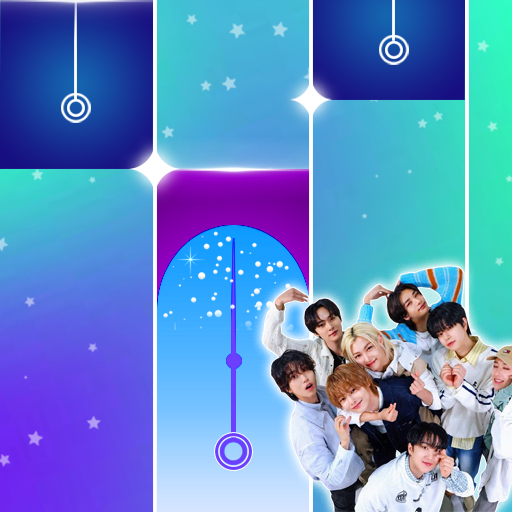
ENHYPEN Piano Tiles Game
更新日
現在のバージョン
8.0
提供元

スマホ不要!プロ選手のようにキーボードとマウスで操作しよう。MEmuエミュはあなたにすべての期待を与える。電池が切れてしまうとか画面が小さいとかの問題を心配する必要がなくて、存分ENHYPEN Piano Tiles Gameを楽しんでください。新しいMEmuエミュ7はPCでENHYPEN Piano Tiles Gameをプレイするのに最適!完璧なキーマッピングシステムにより、まるでパソコンゲームみたい。マルチインスタンスで複数のゲームやアプリを同時に実行!唯一無二な仮想化エンジンがパソコンの可能性を最大限になる。遊べるだけでなく、より楽しめる!
もっと見る
ENHYPEN Piano Tiles GameをPCでダウンロード!大画面でより楽しむ。電源が落ちてしまうとか通信料が足りないとかの問題を心配する必要がなく、PCの大画面でより快適にゲームを楽しましょう! Now we continue to work, create and find a very pleasant game.
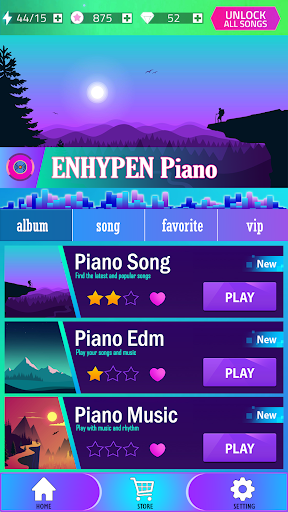
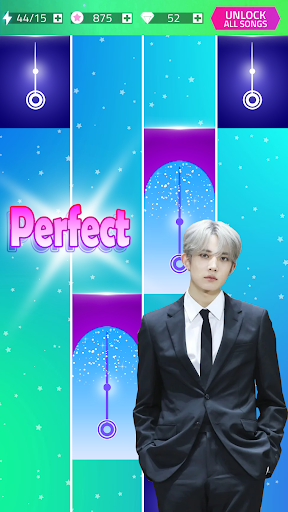

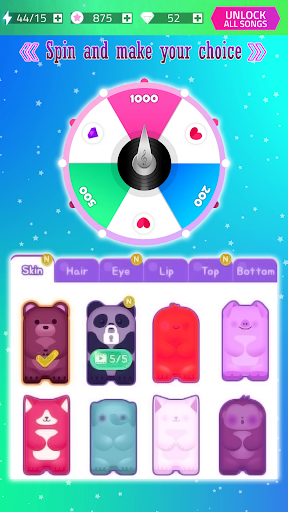
Now we continue to work, create and find a very pleasant game
and it's easier to understand, or play by anyone who plays it, and we too
find the appeal of every piano game that you like, be it from the beat, melody, even songs
trending today,
The most important part of this piano game, which is how we, meet the challenges
where every instant the tiles that we press will feel more and more speed,
Well... here it is
the level of speed of our fingers is tested, to suppress each rate, the moving temple tiles,
We as a creative team are well aware of how users can get through each of these challenges
and surely it can achieve results, or the highest score,
THERE ARE SOME FEATURES OF OUR GAME
Game Features:
- The notes and speed of notes are interactive and controlled by your movements. So it might be easy to tap the tile, but it's hard to master!
- Mode of competition: Challenge more than 10 million players worldwide by tapping the magic tiles of the piano at high speed. The winner will get everything!
- List of songs that range from classic songs to the most popular songs
- Request song: Suggest any piano song that you like
- Light to install.
If you have questions and suggestions we have linked our e-mail / bungkoesdev@gmail.com
**** Good luck and hope you are entertained with our game ****
もっと見る

1. MEmuインストーラーをダウンロードしてセットアップを完了する

2. MEmuを起動し、デスクトップでのPlayストアを開く

3. PlayストアでENHYPEN Piano Tiles Gameを検索する
Install
4. ENHYPEN Piano Tiles Gameをダウンロードしてインストールする
5. インストールが完了したら、アイコンをクリックしてスタート

6. MEmuを使用してPCでENHYPEN Piano Tiles Gameを楽しむ
MEmu App Playerは最高の無料で提供されるAndroidエミュレータで、5,000万人がすでに優れたAndroidゲーム体験を楽しんでいます。 MEmuの仮想化技術は、あなたのPCで何千ものAndroidゲームを快適にプレイすることを可能にします。
大画面でより精細;無限の待機、電池とドラフィックの極限を超え
キーボード・マウス・コントローラーを全力でサポート、より快適
マルチインスタンスで複数のゲームを同時に実行
Play ENHYPEN Piano Tiles Game on PC by following steps: