Game Boy Advance
更新日
現在のバージョン
0.9
提供元

スマホ不要!プロ選手のようにキーボードとマウスで操作しよう。MEmuエミュはあなたにすべての期待を与える。電池が切れてしまうとか画面が小さいとかの問題を心配する必要がなくて、存分Game Boy Advanceを楽しんでください。新しいMEmuエミュ7はPCでGame Boy Advanceをプレイするのに最適!完璧なキーマッピングシステムにより、まるでパソコンゲームみたい。マルチインスタンスで複数のゲームやアプリを同時に実行!唯一無二な仮想化エンジンがパソコンの可能性を最大限になる。遊べるだけでなく、より楽しめる!
もっと見る
Game Boy AdvanceをPCでダウンロード!大画面でより楽しむ。電源が落ちてしまうとか通信料が足りないとかの問題を心配する必要がなく、PCの大画面でより快適にゲームを楽しましょう! Return to the GBA Golden Age – Right on Your Phone!
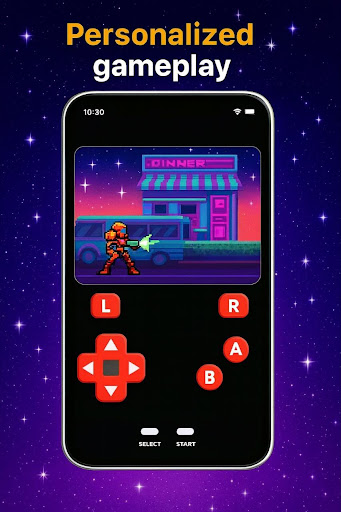
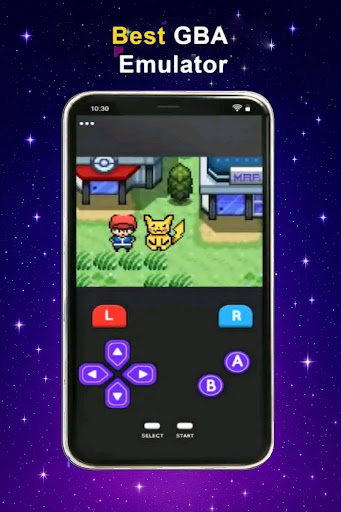
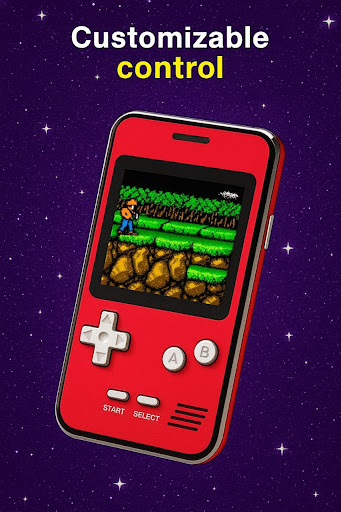
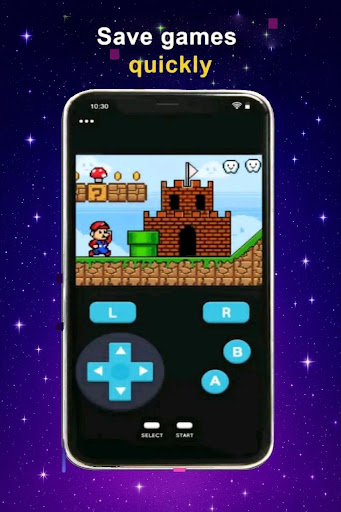
Return to the GBA Golden Age – Right on Your Phone!
Transform your smartphone into a full Game Boy Advance experience and dive back into the unforgettable era of classic handheld gaming. Our GBA setup lets you access iconic titles, offering smooth gameplay that brings nostalgia back to life.
Why You’ll Love It:
* Play legendary GBA games with responsive, fluid controls
* Enjoy retro graphics and sound just like the original device
Whether you're reliving childhood adventures or discovering timeless classics for the very first time, the magic of the Game Boy Advance is now in your pocket.
Portable. Nostalgic. Limitless.
Play wherever you are and whenever you want.
Relive the classics. Reignite the fun. Start your journey today.
もっと見る

1. MEmuインストーラーをダウンロードしてセットアップを完了する

2. MEmuを起動し、デスクトップでのPlayストアを開く

3. PlayストアでGame Boy Advanceを検索する
Install
4. Game Boy Advanceをダウンロードしてインストールする
5. インストールが完了したら、アイコンをクリックしてスタート

6. MEmuを使用してPCでGame Boy Advanceを楽しむ
MEmu App Playerは最高の無料で提供されるAndroidエミュレータで、5,000万人がすでに優れたAndroidゲーム体験を楽しんでいます。 MEmuの仮想化技術は、あなたのPCで何千ものAndroidゲームを快適にプレイすることを可能にします。
大画面でより精細;無限の待機、電池とドラフィックの極限を超え
キーボード・マウス・コントローラーを全力でサポート、より快適
マルチインスタンスで複数のゲームを同時に実行
Play Game Boy Advance on PC by following steps: