Word Blast! Puzzle Game
更新日
現在のバージョン
1.0.2
提供元

スマホ不要!プロ選手のようにキーボードとマウスで操作しよう。MEmuエミュはあなたにすべての期待を与える。電池が切れてしまうとか画面が小さいとかの問題を心配する必要がなくて、存分Word Blast! Puzzle Gameを楽しんでください。新しいMEmuエミュ7はPCでWord Blast! Puzzle Gameをプレイするのに最適!完璧なキーマッピングシステムにより、まるでパソコンゲームみたい。マルチインスタンスで複数のゲームやアプリを同時に実行!唯一無二な仮想化エンジンがパソコンの可能性を最大限になる。遊べるだけでなく、より楽しめる!
もっと見る
Word Blast! Puzzle GameをPCでダウンロード!大画面でより楽しむ。電源が落ちてしまうとか通信料が足りないとかの問題を心配する必要がなく、PCの大画面でより快適にゲームを楽しましょう! Welcome to Word Blast!
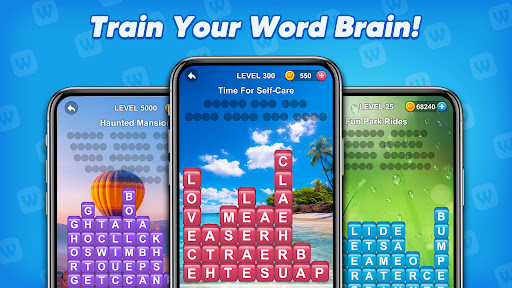
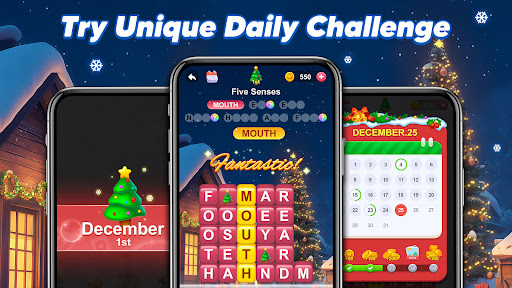
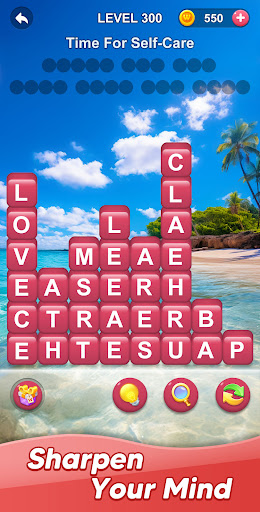
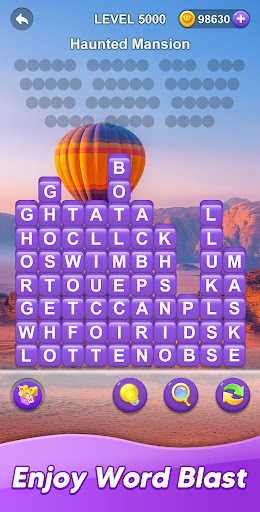
Welcome to Word Blast!
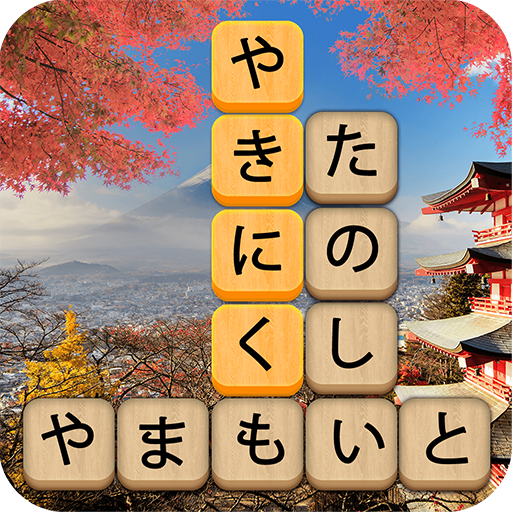
Word Blast! is an engaging word puzzle game that combines fun gameplay with brain training. Expand your vocabulary, sharpen your thinking skills, and relax by eliminating word blocks in beautifully designed levels. Perfect for players of all skill levels, Word Blast! is your go-to game for entertainment and mental exercise.
Why Word Blast?
Enjoy hours of puzzle-solving fun as you explore levels filled with creative topics. Based on given clues, find the hidden answer words, eliminate word blocks, and progress through increasingly challenging levels. Whether you're looking to unwind or train your mind, Word Blast! has you covered.
Game Features:
HD and Beautiful Backgrounds: Solve puzzles against stunning high-definition backgrounds that make gameplay visually delightful.
Rich Levels: Lots of levels filled with diverse topics, offering something for everyone—from beginners to word puzzle masters.
Topic-Based Gameplay: Use topic hints to find hidden words, eliminate blocks, and uncover solutions.
Train Your Brain and Vocabulary: Enhance logical thinking and word knowledge as you find and eliminate words.
Relaxing Elimination Mechanics: Enjoy a stress-free and satisfying gameplay experience as you remove word blocks and solve puzzles.
Game Highlights:
Smooth Interface: Experience distraction-free gaming with a clean and intuitive interface.
Daily Challenges: Solve puzzles every day to earn exclusive rewards.
Monthly Themed Events: Join dynamic challenges and explore event-exclusive gameplay inspired by seasonal themes and holidays.
Autosave: Your progress is always saved.
Hints and Help: Use smart hints to tackle tricky puzzles and keep the fun going.
What’s Coming?
Look forward to regular updates with exciting new levels, fresh monthly themes, and seasonal events to keep the game enjoyable and ever-changing.
Download Word Blast! today and start building your vocabulary, sharpening your mind, and relaxing with word puzzles anytime, anywhere!
もっと見る

1. MEmuインストーラーをダウンロードしてセットアップを完了する

2. MEmuを起動し、デスクトップでのPlayストアを開く

3. PlayストアでWord Blast! Puzzle Gameを検索する
Install
4. Word Blast! Puzzle Gameをダウンロードしてインストールする
5. インストールが完了したら、アイコンをクリックしてスタート

6. MEmuを使用してPCでWord Blast! Puzzle Gameを楽しむ
MEmu App Playerは最高の無料で提供されるAndroidエミュレータで、5,000万人がすでに優れたAndroidゲーム体験を楽しんでいます。 MEmuの仮想化技術は、あなたのPCで何千ものAndroidゲームを快適にプレイすることを可能にします。
大画面でより精細;無限の待機、電池とドラフィックの極限を超え
キーボード・マウス・コントローラーを全力でサポート、より快適
マルチインスタンスで複数のゲームを同時に実行
Play Word Blast! Puzzle Game on PC by following steps: