Word Search
更新日
現在のバージョン
1.3.1
提供元

スマホ不要!プロ選手のようにキーボードとマウスで操作しよう。MEmuエミュはあなたにすべての期待を与える。電池が切れてしまうとか画面が小さいとかの問題を心配する必要がなくて、存分Word Searchを楽しんでください。新しいMEmuエミュ7はPCでWord Searchをプレイするのに最適!完璧なキーマッピングシステムにより、まるでパソコンゲームみたい。マルチインスタンスで複数のゲームやアプリを同時に実行!唯一無二な仮想化エンジンがパソコンの可能性を最大限になる。遊べるだけでなく、より楽しめる!
もっと見る
Word SearchをPCでダウンロード!大画面でより楽しむ。電源が落ちてしまうとか通信料が足りないとかの問題を心配する必要がなく、PCの大画面でより快適にゲームを楽しましょう! Welcome to the Word Search game !
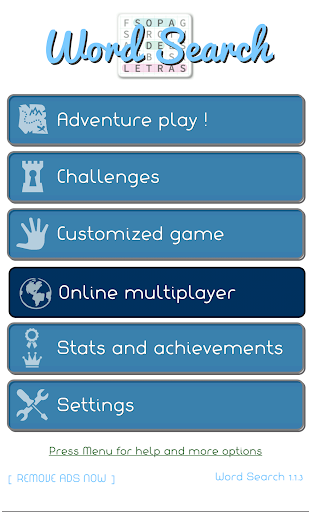
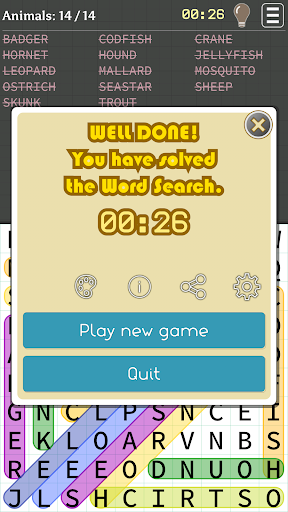
Welcome to the Word Search game !!!
Available in 4 languages: English, Spanish, Portuguese and Turkish!
【 HIGHLIGHTS 】
✔ Full game is free, with very few ads
✔ Original Game Modes: Image Search, questions, sayings, etc..
✔ Custom words puzzles
✔ Play via Bluetooth with your friends
✔ Compatible with all devices including tablets
✔ Learn new vocabulary in english or spanish.
✔ No intrusive permissions and very few space needed (3.5 Mb)
✔ Share your wordsearch with friends.
✔ Challenges, achievements and statistics.
✔ Hints: Don't get stuck!
✔ Thousands of words
【 Original Game modes 】
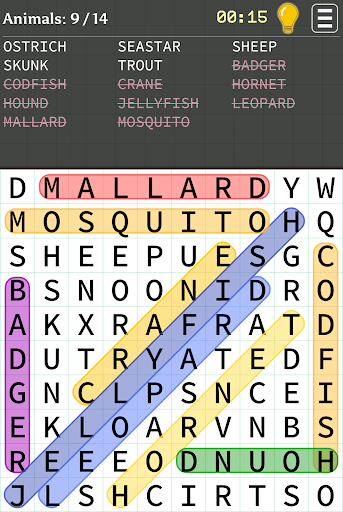
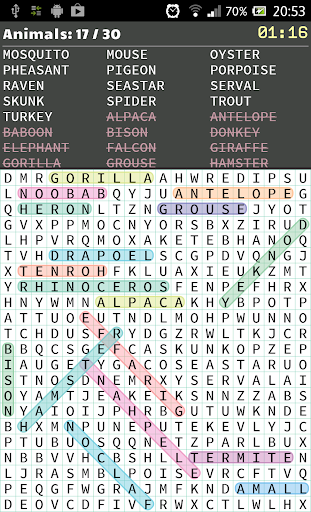
◉ Words: The traditional word find playmode. Just find all the words from the list in the shortest time possible.
◉ Images: You have to find the words from the images given.
◉ Phrases: A series of phrases are shown, with some highlighted words, which have to be found.
◉ Questions: The hardest mode, because from a given definition you must figure out the answer and find it. It's a challenge.
◉ Numbers: Find sequences of numbers
◉ Gems search: Find the gems and diamonds in the same bunch.
Just one more thing...
ENJOY !!!
もっと見る

1. MEmuインストーラーをダウンロードしてセットアップを完了する

2. MEmuを起動し、デスクトップでのPlayストアを開く

3. PlayストアでWord Searchを検索する
Install
4. Word Searchをダウンロードしてインストールする
5. インストールが完了したら、アイコンをクリックしてスタート

6. MEmuを使用してPCでWord Searchを楽しむ
MEmu App Playerは最高の無料で提供されるAndroidエミュレータで、5,000万人がすでに優れたAndroidゲーム体験を楽しんでいます。 MEmuの仮想化技術は、あなたのPCで何千ものAndroidゲームを快適にプレイすることを可能にします。
大画面でより精細;無限の待機、電池とドラフィックの極限を超え
キーボード・マウス・コントローラーを全力でサポート、より快適
マルチインスタンスで複数のゲームを同時に実行
Play Word Search on PC by following steps: