Location Toolkit Demo
更新日
現在のバージョン
1.0
提供元

スマートフォンは不要!パソコンと同じようにキーボードとマウスで操作できます。MEmu Playは、あなたが待ち望んでいたすべての楽しみをお届けします。バッテリー残量や小さな画面を気にすることなく、Location Toolkit Demoをご利用ください。最新のMEmu 9は、Location Toolkit DemoをPCで体験するのに最適です!完璧なキーマッピングシステムにより、PCのようなスムーズな操作性を実現します。マルチインスタンス機能により、複数のアプリケーションを同時に実行できます。独自の仮想化エンジンがPCのパフォーマンスを最大限に引き出します。アプリを使用するだけでなく、高品質な体験を得ることができます。
もっと見る
Location Toolkit DemoをPCでダウンロード!大画面でより楽しむ。電源が落ちてしまうとか通信料が足りないとかの問題を心配する必要がなく、PCの大画面でより快適にゲームを楽しましょう! This app is a small demonstration of the the full toolkit available on the Unreal Engine marketplace!
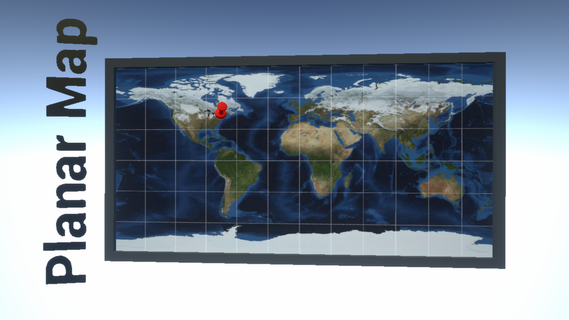
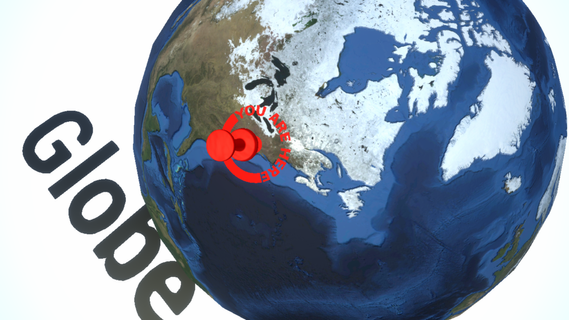
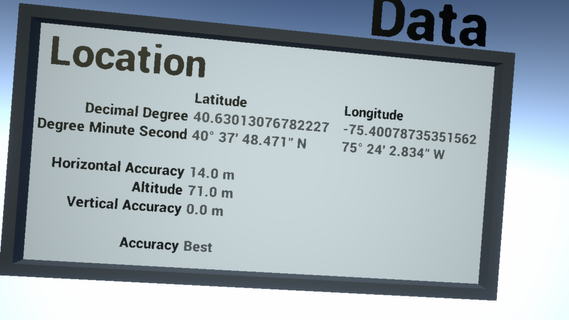
This app is a small demonstration of the the full toolkit available on the Unreal Engine marketplace!Integrate geographic location support to your projects. Textures, materials, static meshes, and blueprints themed on location. GPS compatible with mobile platforms. Content compatible for all platforms. Blueprint only pack.https://www.unrealengine.com/marketplace/location-toolkitGPS module for mobile platforms.Location-related macros, library, blueprints, infrastructure, and interfaces.Data, planar, spherical location map displays.160+ textures/materials: location markers, geographic grids, compass rose, etc...Eight location pin static meshes and modular location pin blueprints. Earth planet materials palette.Blueprints fully documented with logging capability.Documentation: https://wiki.unrealengine.com/Location_ToolkitForum support: https://forums.unrealengine.com/unreal-engine/marketplace/121235-location-toolkitContact: [email protected]You may also like the Magnetic Field Toolkit pack by the same author: https://www.unrealengine.com/marketplace/magnetic-field-toolkit
もっと見る

1. MEmuインストーラーをダウンロードしてセットアップを完了する

2. MEmuを起動し、デスクトップでのPlayストアを開く

3. PlayストアでLocation Toolkit Demoを検索する
Install
4. Location Toolkit Demoをダウンロードしてインストールする
5. インストールが完了したら、アイコンをクリックしてスタート

6. MEmuを使ってパソコンでLocation Toolkit Demoを体験する
MEmu Playは現在、最高の無料Androidエミュレーターであり、5,000万人のユーザーが優れたAndroidアプリ体験を楽しんでいます。MEmuの仮想化テクノロジーにより、数千ものAndroidアプリをコンピューターでスムーズに実行できます。
大画面でより精細;無限の待機、電池とドラフィックの極限を超え
キーボード・マウス・コントローラーを全力でサポート、より快適
マルチインスタンスで複数のゲームを同時に実行
Use Location Toolkit Demo on PC by following steps: