Screen Balance
更新日
現在のバージョン
8.5
提供元

スマートフォンは不要!パソコンと同じようにキーボードとマウスで操作できます。MEmu Playは、あなたが待ち望んでいたすべての楽しみをお届けします。バッテリー残量や小さな画面を気にすることなく、Screen Balanceをご利用ください。最新のMEmu 9は、Screen BalanceをPCで体験するのに最適です!完璧なキーマッピングシステムにより、PCのようなスムーズな操作性を実現します。マルチインスタンス機能により、複数のアプリケーションを同時に実行できます。独自の仮想化エンジンがPCのパフォーマンスを最大限に引き出します。アプリを使用するだけでなく、高品質な体験を得ることができます。
もっと見る
MEmu Playを使えば、PCでScreen Balanceを快適に楽しめます。何千ものAndroidアプリをデスクトップ版で利用できる、パワフルな無料Androidエミュレーターです。友達とつながり、より効率的に作品を磨き上げましょう! First Android App to allow adjustment of the screens White Balance.
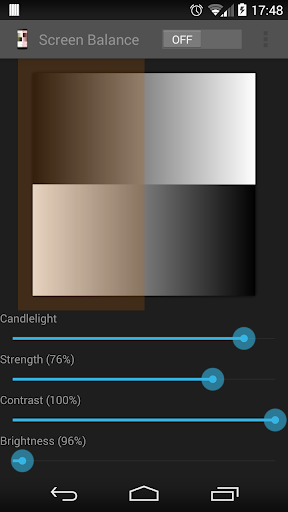
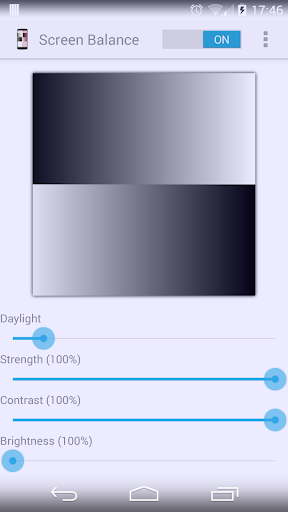
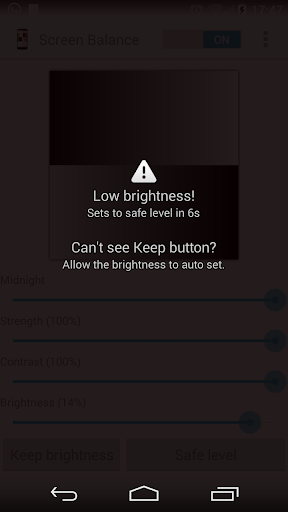
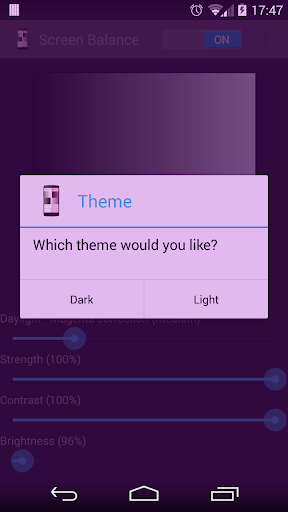
First Android App to allow adjustment of the screens White Balance.
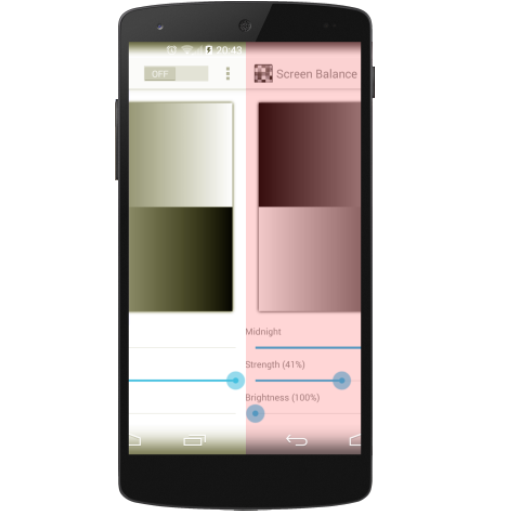
Exercise complete control over your screens white balance, tint and brightness level - Finally!
Root NOT needed.
UPDATES
Auto-sleeps when incompatible windows encountered (e.g. Package Installers)
Toggle on/off from notification tray - in Android Jellybean (4.1) and over.
Save color profiles.
Due to popular demand, we have added RGB adjuster to allow you to create your own color filters.
Due to demand, we have added option of adjusting the screen contrast - this vastly improves the readability of your screen at night. It also allows correction of harsh or over vibrant screen colors.
FEATURES
Reduce brightness levels to below what Android normally allows - prevents night time strain, especially on AMOLED screens.
Reduce Black Crush/Clipping on many devices including the recent Pixel 3
Apply color tint to the screen - this is used to apply a color filter, e.g. a red tint such that you can use it in really dark environments, e.g. star gazing or simply reading at night.
Safety feature to auto reset brightness if set too low by accident.
Dark and Light themes - allows you to accurately test white balance and prevent eye strain at night and to test your color balance.
Independently adjust brightness and tint as per your requirements.
Due to popular demand, we have ensured that the App stops from appearing on the Android task list.
Apply settings automatically on device boot.
Save color profiles and settings.
Inherently low resource use with no noticeable impact on performance and battery.
もっと見る

1. MEmuインストーラーをダウンロードしてセットアップを完了する

2. MEmuを起動し、デスクトップでのPlayストアを開く

3. PlayストアでScreen Balanceを検索する
Install
4. Screen Balanceをダウンロードしてインストールする
5. インストールが完了したら、アイコンをクリックしてスタート

6. MEmuを使ってパソコンでScreen Balanceを体験する
MEmu Playは現在、最高の無料Androidエミュレーターであり、5,000万人のユーザーが優れたAndroidアプリ体験を楽しんでいます。MEmuの仮想化テクノロジーにより、数千ものAndroidアプリをコンピューターでスムーズに実行できます。
大画面でより精細;無限の待機、電池とドラフィックの極限を超え
キーボード・マウス・コントローラーを全力でサポート、より快適
マルチインスタンスで複数のゲームを同時に実行
Use Screen Balance on PC by following steps: