Shadow PC
更新日
現在のバージョン
3.35.2
提供元

スマートフォンは不要!パソコンと同じようにキーボードとマウスで操作できます。MEmu Playは、あなたが待ち望んでいたすべての楽しみをお届けします。バッテリー残量や小さな画面を気にすることなく、Shadow PCをご利用ください。最新のMEmu 9は、Shadow PCをPCで体験するのに最適です!完璧なキーマッピングシステムにより、PCのようなスムーズな操作性を実現します。マルチインスタンス機能により、複数のアプリケーションを同時に実行できます。独自の仮想化エンジンがPCのパフォーマンスを最大限に引き出します。アプリを使用するだけでなく、高品質な体験を得ることができます。
もっと見る
MEmu Playを使えば、PCでShadow PCを快適に楽しめます。何千ものAndroidアプリをデスクトップ版で利用できる、パワフルな無料Androidエミュレーターです。友達とつながり、より効率的に作品を磨き上げましょう! Put the power of a high-end gaming desktop right at your fingertips.
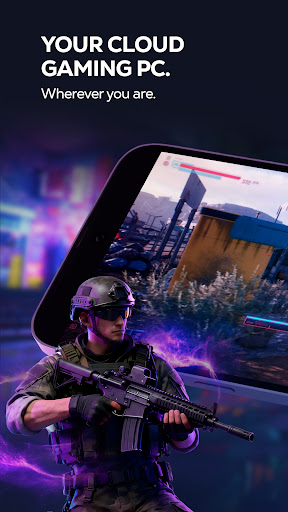
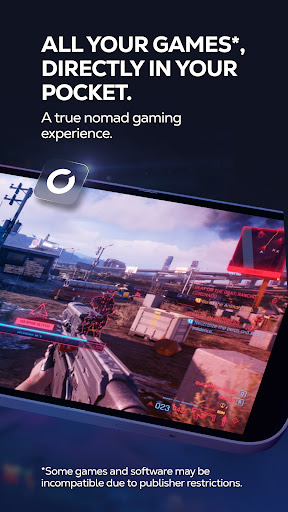
Put the power of a high-end gaming desktop right at your fingertips. Shadow PC gives you access to a real Windows 11 PC in the cloud, capable of running your most demanding games and software. Forget hardware limitations and turn your smartphone, tablet, or Android TV into an ultra-powerful gaming machine.
BUILT FOR PERFORMANCE
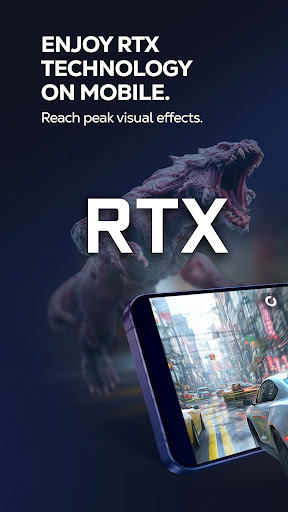
Enjoy stunning graphics and exceptional smoothness. Shadow PC lets you play with Ultra settings, enjoy Ray Tracing in supported games, and reach up to 4K / 120 Hz on compatible displays. Experience true console-like gameplay thanks to support for PlayStation, Xbox, and MFi controllers, as well as keyboard and mouse via Bluetooth. Use the built-in virtual controller with customizable touch controls to play wherever you are.
A FULL PC, WITH NO RESTRICTIONS
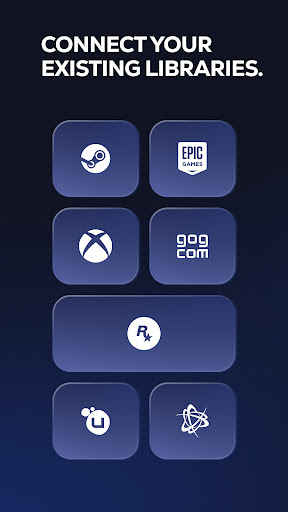
Shadow PC is not just a game streaming service with a predefined catalog. It’s your PC. Log in to your Steam, Epic Games, Ubisoft, Battle.net, or GOG accounts. Download and play the games you already own, install mods, and use your usual launchers and tools. Beyond gaming, Shadow PC also lets you work, create, and stream: Photoshop, OBS, Discord, editing or development software—just like on a local computer.
TECHNOLOGY ADAPTED TO YOUR CONNECTION
Thanks to our proprietary streaming protocol, Shadow PC delivers optimized smoothness and responsiveness over 4G, 5G, and Wi-Fi. Low Bandwidth Mode automatically adjusts streaming quality to ensure a stable session, even on the go. Latency is minimized for an experience close to a physical PC.
KEY FEATURES
* Full Windows 11 PC in the cloud
* High-end graphics performance, Ray Tracing compatible
* Ready for 4K and 120 Hz on supported displays
* Built-in virtual touch controller
* Controller, keyboard, and mouse support via Bluetooth or wired, with full keyboard control via Android's accessibility service
* Second screen: use your mobile to manage chats or streams
* Companion mode: use your mobile as a keyboard during PC or TV sessions
HOW IT WORKS
1. Subscribe on shadow.tech
2. Download the Shadow PC app
3. Connect a controller or use touch controls
4. Launch your virtual PC and play
もっと見る

1. MEmuインストーラーをダウンロードしてセットアップを完了する

2. MEmuを起動し、デスクトップでのPlayストアを開く

3. PlayストアでShadow PCを検索する
Install
4. Shadow PCをダウンロードしてインストールする
5. インストールが完了したら、アイコンをクリックしてスタート

6. MEmuを使ってパソコンでShadow PCを体験する
MEmu Playは現在、最高の無料Androidエミュレーターであり、5,000万人のユーザーが優れたAndroidアプリ体験を楽しんでいます。MEmuの仮想化テクノロジーにより、数千ものAndroidアプリをコンピューターでスムーズに実行できます。
大画面でより精細;無限の待機、電池とドラフィックの極限を超え
キーボード・マウス・コントローラーを全力でサポート、より快適
マルチインスタンスで複数のゲームを同時に実行
Use Shadow PC on PC by following steps: