sedang memuat turun MEmu...
Sekiranya muat turun tidak bermula,tekan sini
Cara Muat turun SW Maps - GIS & Data Collector di komputer
-
![komputer SW Maps - GIS & Data Collector]()
1. Muat turun pemasang MEmu dan selesaikan persediaan
-
![komputer SW Maps - GIS & Data Collector]()
2. Mulakan MEnu kemudian buka Google Play di desktop
-
![komputer SW Maps - GIS & Data Collector]()
3. Cari SW Maps - GIS & Data Collector di Google Play
-
 Install
4. Muat turun dan Pasang SW Maps - GIS & Data Collector
-
5. Apabila selesai pemasangan, menekan ikon itu untuk memulakan
-
![komputer SW Maps - GIS & Data Collector]()
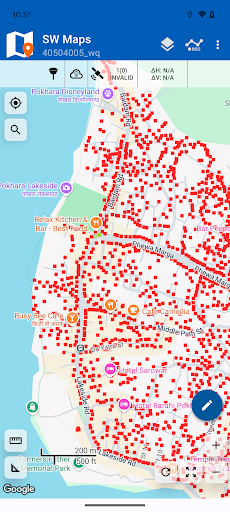
6. Gunakan MENu untuk mengalami SW Maps - GIS & Data Collector pada komputer anda










Topik yang hangat