Smart Watch Ultra 9 App
Dikemas kini
Versi Semasa
1.3
Ditawarkan Oleh

Berhentilah bimbang dengan bayaran berlebihan semasa menggunakan Smart Watch Ultra 9 App di telefon bimbit anda, bebaskan diri anda dari layar kecil dan nikmati penggunaan aplikasi pada paparan yang jauh lebih besar. Mulai sekarang, dapatkan pengalaman skrin penuh aplikasi anda dengan papan kekunci dan tetikus. MEmu Play semua ciri mengejutkan yang anda harapkan: pemasangan cepat dan penyediaan mudah, kawalan intuitif, tidak ada batasan bateri, data mudah alih, dan panggilan yang mengganggu. MEmu 9 yang baru adalah pilihan terbaik untuk menggunakan Smart Watch Ultra 9 App di komputer anda. Dikodkan dengan penyerapan kami, pengurus multi-instance menjadikan pembukaan 2 atau lebih akaun pada masa yang sama mungkin. Dan yang paling penting, mesin emulasi eksklusif kami dapat melepaskan potensi penuh PC anda, menjadikan semuanya lancar dan menyeronokkan.
Tunjukkan Lagi
Nikmati pengalaman hebat menggunakan Smart Watch Ultra 9 App di PC dengan MEmu Play. Ia merupakan emulator Android percuma yang hebat yang menyediakan beribu-ribu aplikasi Android untuk versi desktop mereka. Nikmati berhubung dengan rakan-rakan dan menggilap kerja anda dengan kecekapan yang lebih tinggi! Discover the ultimate companion for your Smart Watch Ultra 9 with the Smart Watch Ultra 9 App.
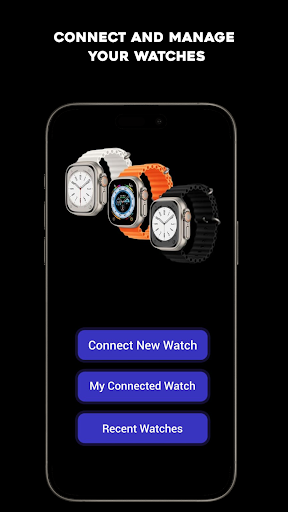
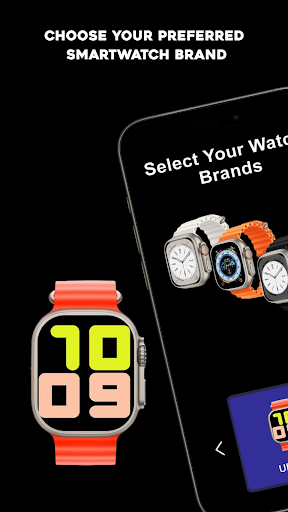
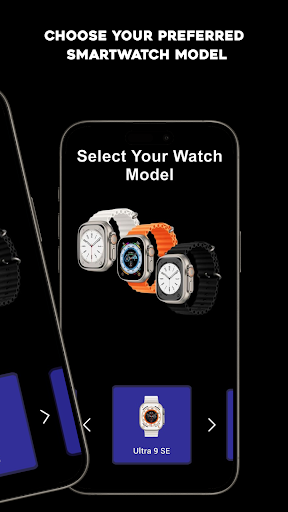
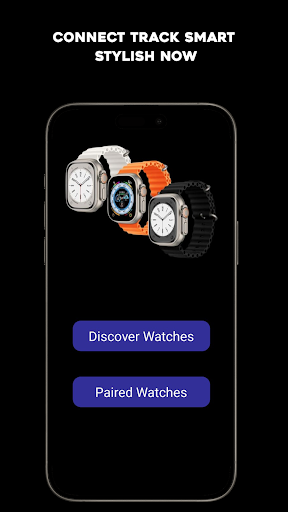
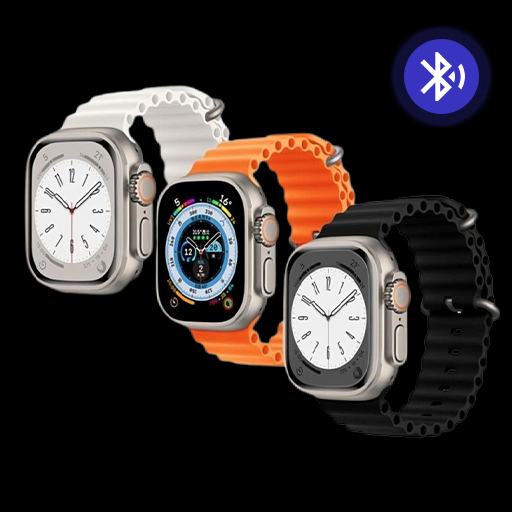
Discover the ultimate companion for your Smart Watch Ultra 9 with the Smart Watch Ultra 9 App. Designed to provide seamless connectivity, customization, and real-time syncing, this app makes managing your smartwatch simple and efficient. Pair your device effortlessly and enjoy a suite of features tailored to enhance your smartwatch experience.
The Smart Watch Ultra 9 App is equipped to support all your connection needs, offering reliable Bluetooth pairing and quick data syncing, ensuring you stay informed and in control of your smartwatch. Customize settings, notifications, and watch faces with just a few taps, giving your Smart Watch Ultra 8 a personal touch that matches your style.
Key Features:
Quick Pairing and Syncing: Connect your Smart Watch Ultra 9 instantly and sync data with ease.
Customizable Watch Faces: Choose and set unique watch faces to personalize your experience.
Notification Management: Control notifications directly from your smartwatch.
Regular Updates: Enjoy consistent updates that improve app stability and add new features.
Supported Smart Watch Models:
This app is compatible with all variations of the Smart Watch Ultra 9 series, ensuring wide compatibility and seamless integration for users with the latest models and updates.
Whether you are managing notifications, tracking device updates, or customizing your watch display, the Smart Watch Ultra 9 App is built to enhance your experience. Stay connected and in control of your smartwatch, with easy navigation and a user-friendly interface tailored to meet your needs.
Download the "Smart Watch Ultra 9 App" now to unlock the full potential of your smartwatch and transform how you manage and personalize your device.
Tunjukkan Lagi

1. Muat turun pemasang MEmu dan selesaikan persediaan

2. Mulakan MEnu kemudian buka Google Play di desktop

3. Cari Smart Watch Ultra 9 App di Google Play
Install
4. Muat turun dan Pasang Smart Watch Ultra 9 App
5. Apabila selesai pemasangan, menekan ikon itu untuk memulakan

6. Gunakan MENu untuk mengalami Smart Watch Ultra 9 App pada komputer anda
MEmu Play ialah emulator Android terbaik, dengan lebih 100 juta pengguna mengalami pengalaman aplikasi Android yang unggul. Teknologi virtualisasi MEmu membolehkan anda menjalankan beribu-ribu aplikasi Android dengan lancar pada komputer anda, walaupun yang paling mencabar.
Skrin lebih besar dengan grafik yang lebih baik; Tempoh yang panjang, tanpa had bateri atau data mudah alih.
Sokongan Keymapping penuh untuk kawalan tepat papan kekunci dan tetikus atau gamepad.
Pelbagai akaun permainan atau tugas pada satu PC sekaligus dengan pengurus pelbagai contoh.
Use Smart Watch Ultra 9 App on PC by following steps: