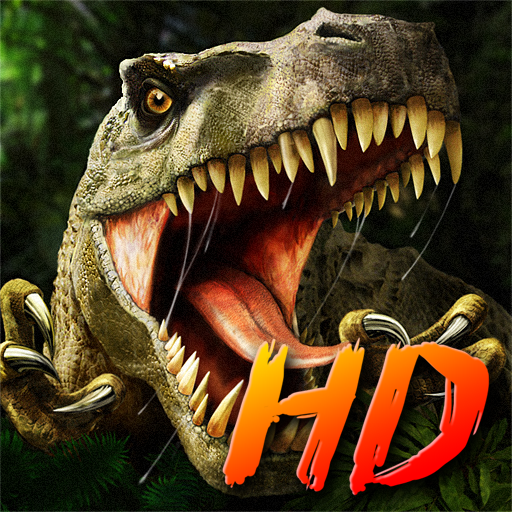
Carnivores: Dinosaur Hunter
Bijgewerkt
Huidige Versie
2.0.1
Aangeboden door

Met al je passie voor het spelen van Carnivores: Dinosaur Hunter, zouden je handen niet beperkt moeten zijn tot een klein scherm van je telefoon. Speel als een professional en krijg volledige controle over je spel met toetsenbord en muis. MEmu biedt je alles wat je verwacht. Download en speel Carnivores: Dinosaur Hunter op PC. Speel zo lang als je wilt, geen beperkingen meer van batterij, mobiele data en storende oproepen. De gloednieuwe MEmu 9 is de beste keuze om Carnivores: Dinosaur Hunter op PC te spelen. Voorbereid met onze expertise, maakt het uitmuntende vooraf ingestelde keymapping systeem van Carnivores: Dinosaur Hunter een echt PC-spel. MEmu multi-instance manager maakt het spelen van 2 of meer accounts op hetzelfde apparaat mogelijk. En het belangrijkste, onze exclusieve emulatie-engine kan het volledige potentieel van je PC benutten, waardoor alles soepel verloopt.
Meer tonen
Download Carnivores: Dinosaur Hunter on PC with MEmu Android Emulator. Enjoy playing on big screen. Carnivores series celebrates its 20th anniversary.
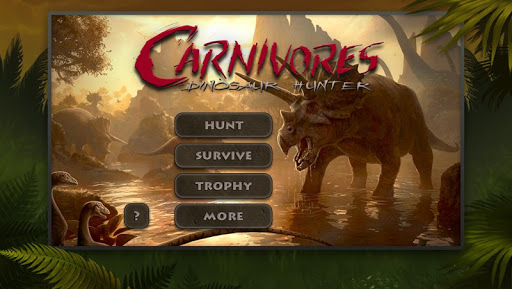
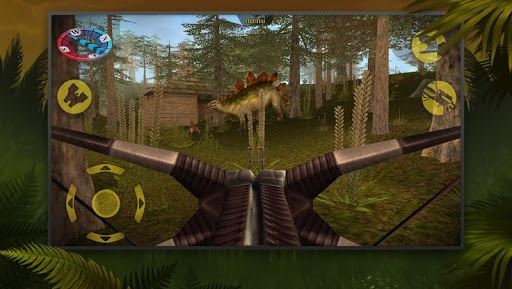
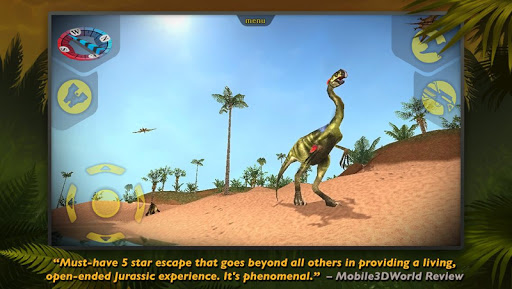
Carnivores series celebrates its 20th anniversary.
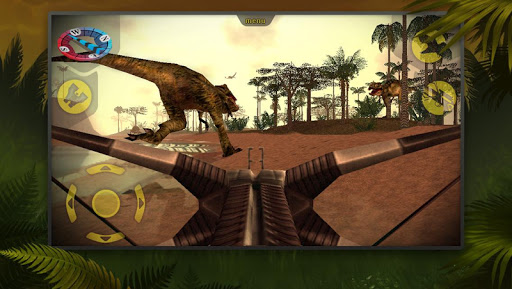
Carnivores: Dinosaur Hunter is a hunting simulation that is completely true to life and totally breathtaking. You land on a distant planet inhabited by dinosaurs and progress from a shy wildlife observer to a stealthy and ruthless T-Rex hunter. All dinosaurs are in full 3D complete with their terrifying roars!
- Select from 7 huge 3D environments
- Choose time of day (night vision on!)
- Fill the area with dinosaurs to your liking and skills
- Equip with camouflage, cover scent or radar
- Pick a weapon and hunt or take a camera and observe
- Store your prey in real-size trophy room
- Go green and use tranquilizer instead of bullets
- Try to beat your high score in Survive Mode
- Read tips and tricks for every dinosaur in ‘Dinopedia’
To anyone who played Carnivores on PC, guaranteed hours of nostalgia!
And new hunters will see what they have never seen before.
PLEASE NOTE:
- This game is free, but for real money you can buy additional things, the amount for the purchase of which will be written off from your Google account. You can disable purchases in the game in your device's settings.
- The game is not intended for children.
- Please be careful when making purchases.
- The game contains advertising.
- You need to connect to the Internet to play.
To find out how TatemGames collects and uses your data, please read our Privacy Policy at http://tatemgames.com/page/privacy-policy/
If you have a problem with the game, please send your problem to:
carnivores_support@tatemgames.com
Become a fan of Carnivores on Facebook:
www.facebook.com/carnivores
Thank you for playing our games! Stay in touch for news and updates:
www.facebook.com/tatemgames
www.twitter.com/tatemgames
www.youtube.com/tatemgames
Meer tonen

1. Download de MEmu-installatie en voltooi de setup

2. Start MEmu en open vervolgens Google Play op het bureaublad

3. Zoek Carnivores: Dinosaur Hunter in Google Play
Install
4. Download en installeer Carnivores: Dinosaur Hunter
5. Klik op het icoon om te starten na het voltooien van de installatie

6. Geniet van het spelen van Carnivores: Dinosaur Hunter op PC met MEmu
MEmu Play is de beste Android Emulator en 100 miljoen mensen genieten al van de superieure Android-game-ervaring. De virtualisatietechnologie van MEmu stelt je in staat om duizenden Android-spellen soepel op je PC te spelen, zelfs de meest grafisch intensieve.
Groter scherm met betere graphics; Lange duur, zonder beperking van batterij of mobiele data.
Volledige Keymapping-ondersteuning voor nauwkeurige besturing van toetsenbord en muis of gamepad.
Meerdere game-accounts of taken op één PC tegelijk met Multi-Instance manager.
Speel Carnivores: Dinosaur Hunter op PC door de volgende stappen te volgen: