Dino Tim: Educatief spel
Bijgewerkt
Huidige Versie
25.01.000
Aangeboden door

Met al je passie voor het spelen van Dino Tim: Educatief spel, zouden je handen niet beperkt moeten zijn tot een klein scherm van je telefoon. Speel als een professional en krijg volledige controle over je spel met toetsenbord en muis. MEmu biedt je alles wat je verwacht. Download en speel Dino Tim: Educatief spel op PC. Speel zo lang als je wilt, geen beperkingen meer van batterij, mobiele data en storende oproepen. De gloednieuwe MEmu 9 is de beste keuze om Dino Tim: Educatief spel op PC te spelen. Voorbereid met onze expertise, maakt het uitmuntende vooraf ingestelde keymapping systeem van Dino Tim: Educatief spel een echt PC-spel. MEmu multi-instance manager maakt het spelen van 2 of meer accounts op hetzelfde apparaat mogelijk. En het belangrijkste, onze exclusieve emulatie-engine kan het volledige potentieel van je PC benutten, waardoor alles soepel verloopt.
Meer tonen
Download Dino Tim: Educatief spel on PC with MEmu Android Emulator. Enjoy playing on big screen. Are you looking for free educational games for your children to learn and enjoy at the same time?
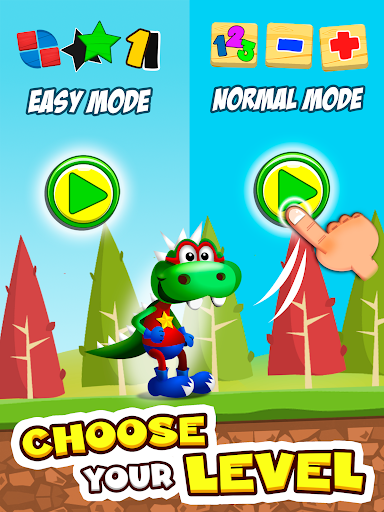
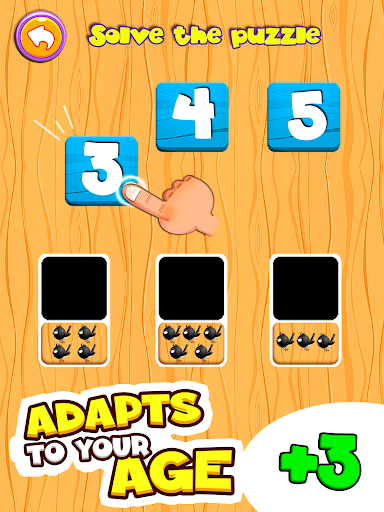
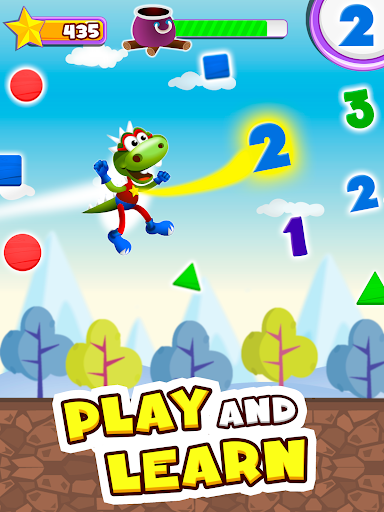
Are you looking for free educational games for your children to learn and enjoy at the same time?
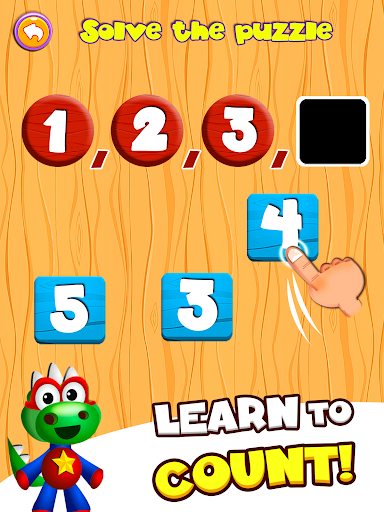
Here you go! With “Dino Tim: Learning colors and shapes and my first words” children in preschool age (3, 4, 5 and 6 years old) and primary school will learn with no effort while having fun.
The game is entirely translated into English but, if you wish so, you can also use Tim the Dino to learn Spanish, French, Italian... You only need to switch languages!
It suits perfectly to every age although it’s specifically suggested for pre-school and primary school (3-8 years).
Enjoy the adventure!
Some funny witches have abducted Tim’s family. Become a superhero and help him rescuing them!
Thanks to the good witch, you will be able to fly and collect figures that will allow you to do magic and turn the witches into animals!!
Children will experience an exciting adventure, solving puzzle games with colors and geometric shapes, running, flying, jumping and doing magic to unblock all the dino-characters and all game modes.
EDUCATIONAL TARGETS:
Learn to recognise geometric shapes: square, circle, rectangle, triangle, pentagon and rhombus.
Enhance speed, attention and psychomotoricity with the color recognizing game: red, green, blue, yellow, etc.
Learn first words, letters, consonants and vowels (literacy -abc-) in a fun manner in his native language (English).
Start learning a foreign language (Spanish, French, Italian…) for pre-school and primary school children (3-12 years old).
Resolve educational puzzles about different geometric shapes.
Learn and enhance coordination and fine motor skill in youngsters.
Develop visual perception of different shapes and objects in motion.
Develop attention and concentration in children.
Our development studio, Didactoons, has wide experience in developing educational apps that combine learning and fun.
So don’t miss it and download the free educational game: Dino Tim!
Meer tonen

1. Download de MEmu-installatie en voltooi de setup

2. Start MEmu en open vervolgens Google Play op het bureaublad

3. Zoek Dino Tim: Educatief spel in Google Play
Install
4. Download en installeer Dino Tim: Educatief spel
5. Klik op het icoon om te starten na het voltooien van de installatie

6. Geniet van het spelen van Dino Tim: Educatief spel op PC met MEmu
MEmu Play is de beste Android Emulator en 100 miljoen mensen genieten al van de superieure Android-game-ervaring. De virtualisatietechnologie van MEmu stelt je in staat om duizenden Android-spellen soepel op je PC te spelen, zelfs de meest grafisch intensieve.
Groter scherm met betere graphics; Lange duur, zonder beperking van batterij of mobiele data.
Volledige Keymapping-ondersteuning voor nauwkeurige besturing van toetsenbord en muis of gamepad.
Meerdere game-accounts of taken op één PC tegelijk met Multi-Instance manager.
Speel Dino Tim: Educatief spel op PC door de volgende stappen te volgen: