Summoners War
Bijgewerkt
Huidige Versie
9.3.0
Aangeboden door

Met al je passie voor het spelen van Summoners War, zouden je handen niet beperkt moeten zijn tot een klein scherm van je telefoon. Speel als een professional en krijg volledige controle over je spel met toetsenbord en muis. MEmu biedt je alles wat je verwacht. Download en speel Summoners War op PC. Speel zo lang als je wilt, geen beperkingen meer van batterij, mobiele data en storende oproepen. De gloednieuwe MEmu 9 is de beste keuze om Summoners War op PC te spelen. Voorbereid met onze expertise, maakt het uitmuntende vooraf ingestelde keymapping systeem van Summoners War een echt PC-spel. MEmu multi-instance manager maakt het spelen van 2 of meer accounts op hetzelfde apparaat mogelijk. En het belangrijkste, onze exclusieve emulatie-engine kan het volledige potentieel van je PC benutten, waardoor alles soepel verloopt.
Meer tonen
Download Summoners War on PC with MEmu Android Emulator. Enjoy playing on big screen. Summoners War: Sky Arena.

Summoners War: Sky Arena
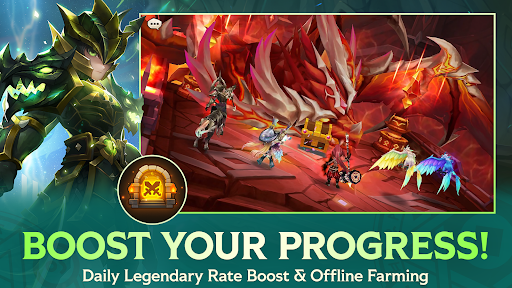
The legendary turn-based strategy RPG with immersive storytelling — loved by over 300 million Summoners worldwide!
Join the spectacular global war alongside over 1,000 Monsters and experience the ultimate strategic fantasy battle.
The more you fight and refine your perfect strategies, the more your Monsters will grow into cherished companions across the Sky Islands.
[Summoners War: Sky Arena]
Official Community: https://www.facebook.com/SummonersWarCom2us/
▶ Game Features
◆ Stunning Action and Infinite Strategy
Experience dynamic battles in a truly different fantasy world!
Utilize 23 types of Rune Sets, each with unique effects,
and build your own strategy to claim victory.
◆ The True Essence of a Collectible RPG: Massive Monster Collection
Fire, Water, Wind, Light, and Dark!
Five attributes and over 1,000 Monsters, each with distinctive skills and styles.
Maximize each Monster’s individuality and craft the ultimate strategy for thrilling victories!
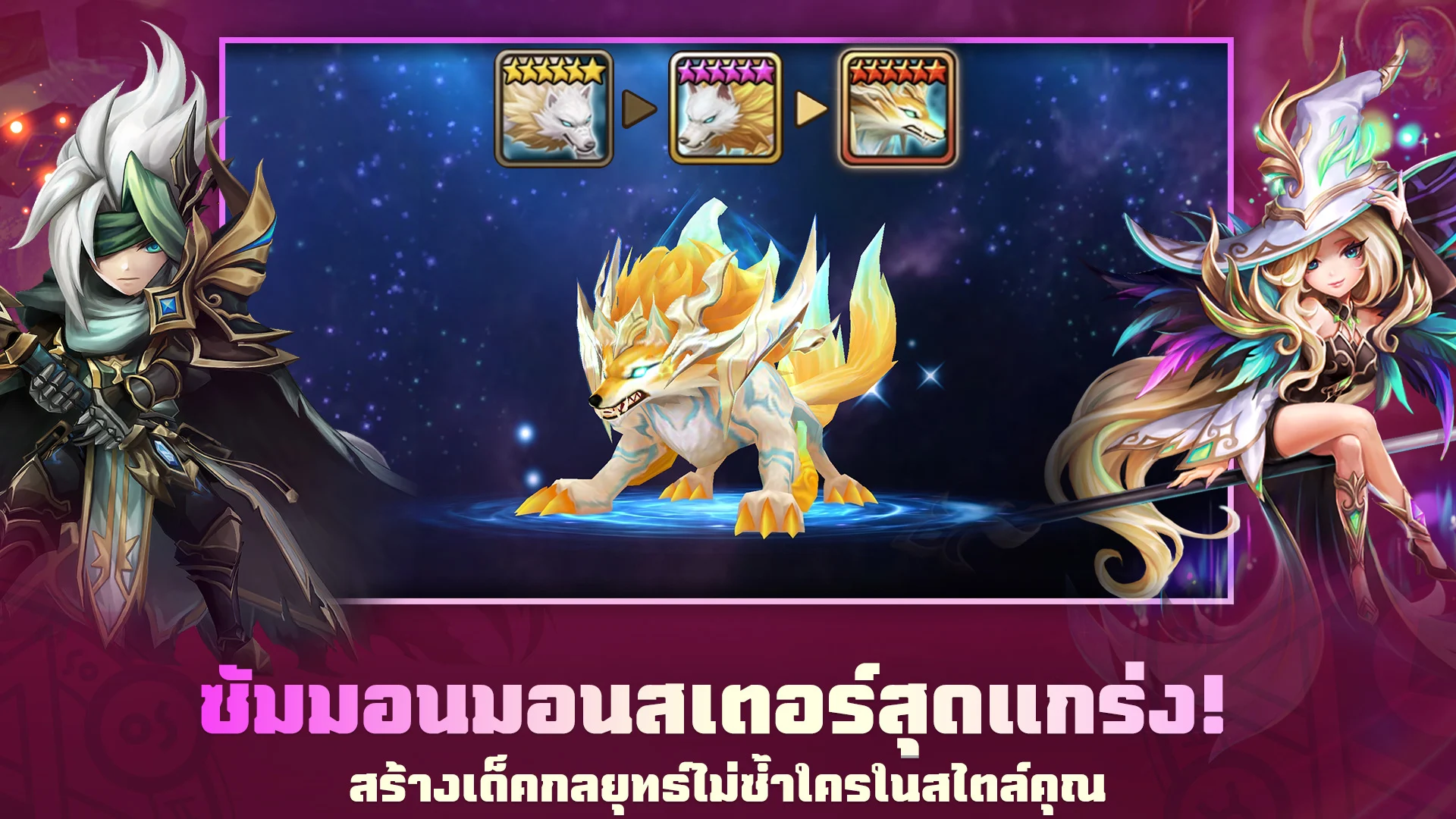
◆ Infinite Possibilities! Upgraded Monster Summoning and Growth
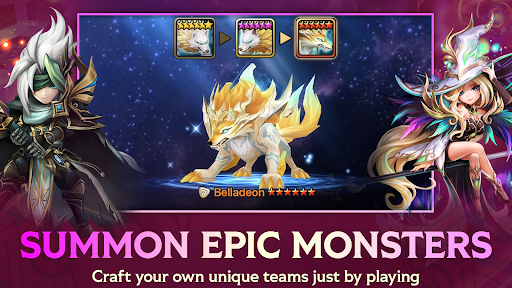
Obtain a guaranteed default 5-star Monster with Summon Mileage that accumulates as you summon.
Power up Monsters with Relics, the new equipment that grants immense strength.
Build the ultimate Monster that stands above the rest!
◆ A World of Endless Adventure and Battle
Village, battle, adventure, collection, growth, and crafting!
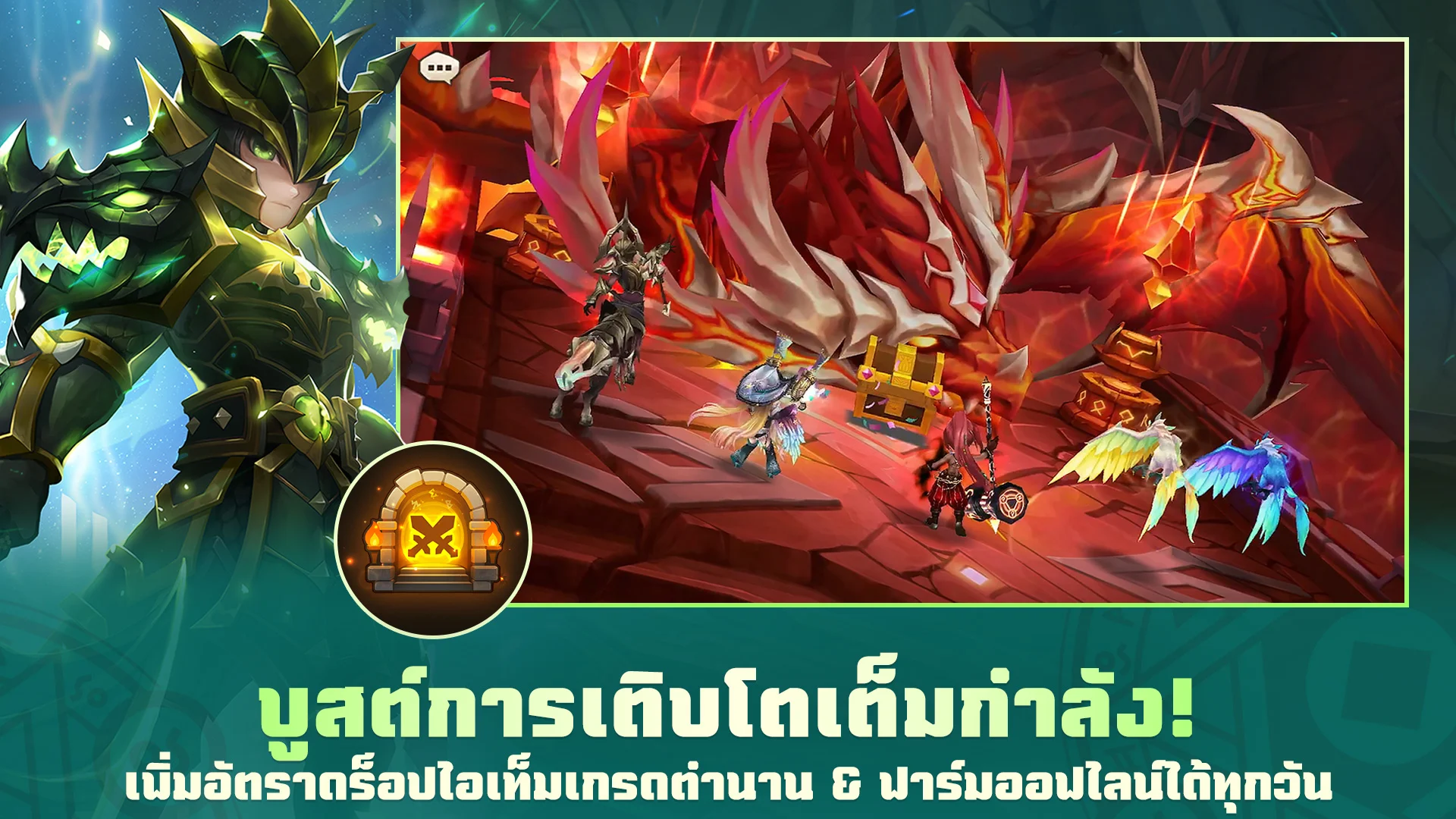
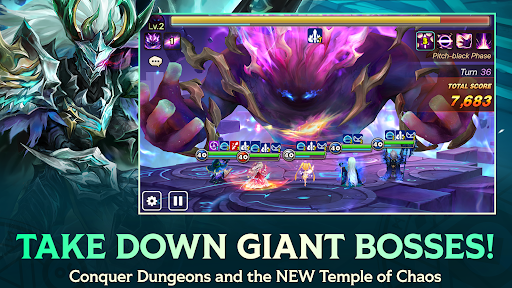
Uncover the schemes of dark forces and take down powerful bosses like Dragons and Giants.
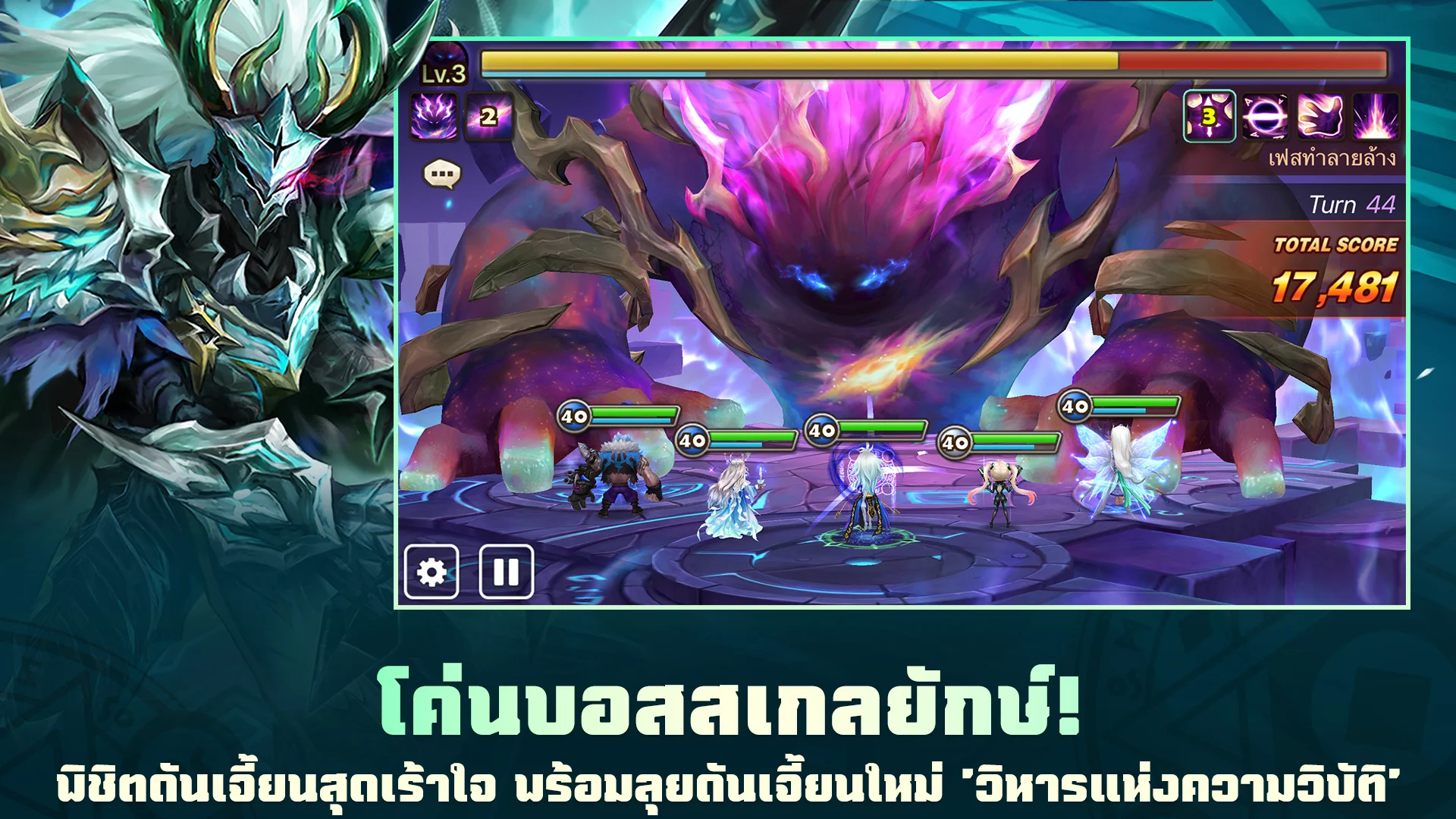
Join real-time 3-player raids, awaken new power in the Dimension Hole,
explore Tartarus’ Labyrinth, hunt giant slimes with guildmates,
and engage in intense Guild PvP battles.
◆ Real-Time Global Strategy Battles
Real-time tactical duels that begin with Pick & Ban!
Engage others in Challenge Battle, where victory belongs to strategy with equally provided Monsters.
Compete in the World Arena, the pinnacle of strategic combat,
and prove your mastery on the global stage in the SWC (Summoners War World Championship)!
◆ Fast Growth Support System to Become a Stronger Summoner
Farm efficiently with Ameria's Luck and Scout Battle!
From support quests for new and returning Summoners to special tasks that guarantee a 5-star Monster!
Dive into the world of Summoners War at lightning speed!
***
Device App Access Permission Notice
▶ Notice per access permission
Access permissions are requested in order for us to provide you with the following service when you use the app.
[Required]
None
[Optional]
- NOTIFICATION: The permission is required to receive info sent from the game app and advertisement push notifications.
- AUDIO: The permission is required to use the voice feature.
- STORAGE (Under OS 10.0): The permission is required to use the recording feature in the game.
※ You'll be able to enjoy the service except features related to above authorities even if you don't give permission to the above.
▶How to remove access permissions
After allowing the access permission, you can revoke or modify the access permissions as follows:
[OS 6.0 and up]
Settings > Apps > Select the app > Permissions > allow or deny permissions
[Under OS 6.0]
Upgrade the OS to deny access permission or delete app
***
Summoners War is available in 16 different languages:
English, 한국어, 日本語, 中文简体, 中文繁體, Deutsch, Français, Português, Español, Русский, Bahasa Indonesia, Tiếng Việt, Türkçe, العربية , Italiano and ไทย!
***
• Items are available for purchase in this game. Some paid items may not be refundable depending on the type of item.
• Terms of Service: http://terms.withhive.com/terms/policy/view/M9/T1
• Privacy Policy: http://terms.withhive.com/terms/policy/view/M9/T3
• For game-related inquiries, please contact the Com2uS Customer Support Center ( https://customer.withhive.com/com2us ).
Meer tonen

1. Download de MEmu-installatie en voltooi de setup

2. Start MEmu en open vervolgens Google Play op het bureaublad

3. Zoek Summoners War in Google Play
Install
4. Download en installeer Summoners War
5. Klik op het icoon om te starten na het voltooien van de installatie

6. Geniet van het spelen van Summoners War op PC met MEmu
MEmu Play is de beste Android Emulator en 100 miljoen mensen genieten al van de superieure Android-game-ervaring. De virtualisatietechnologie van MEmu stelt je in staat om duizenden Android-spellen soepel op je PC te spelen, zelfs de meest grafisch intensieve.
Groter scherm met betere graphics; Lange duur, zonder beperking van batterij of mobiele data.
Volledige Keymapping-ondersteuning voor nauwkeurige besturing van toetsenbord en muis of gamepad.
Meerdere game-accounts of taken op één PC tegelijk met Multi-Instance manager.
Speel Summoners War op PC door de volgende stappen te volgen: