Anyview Cast to TV
Zaktualizowano
Aktualna wersja
2.100.2.6
Sprzedawca

Przestań martwić się nadmiernymi opłatami podczas korzystania z Anyview Cast to TV na telefonie komórkowym, uwolnij się od małego ekranu i ciesz się korzystaniem z aplikacji na znacznie większym wyświetlaczu. Od teraz korzystaj z aplikacji na pełnym ekranie za pomocą klawiatury i myszy. MEmu oferuje wszystkie zaskakujące funkcje, których się spodziewałeś: szybką instalację i łatwą konfigurację, intuicyjne sterowanie, koniec z ograniczeniami baterii, danych mobilnych i niepokojących połączeń. Zupełnie nowy MEmu 9 to najlepszy wybór do używania Anyview Cast to TV na twoim komputerze. Zakodowany przez naszą absorpcję, menedżer wielu instancji umożliwia otwarcie 2 lub więcej kont w tym samym czasie. A co najważniejsze, nasz ekskluzywny emulator może uwolnić pełny potencjał twojego komputera, sprawić, że wszystko będzie płynne i przyjemne.
Pokaż więcej
Ciesz się wspaniałym doświadczeniem podczas grania w Anyview Cast to TV na komputerze z aplikacją MEMU App Player. Jest to potężny darmowy emulator Androida Umożliwia korzystanie z tysięcy aplikacji Androida. Anyview Cast to TV - The Ultimate Screen Mirroring Solution!
Anyview Cast to TV - The Ultimate Screen Mirroring Solution!
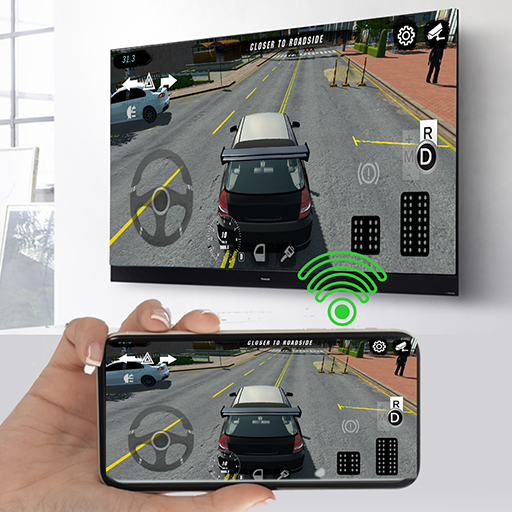
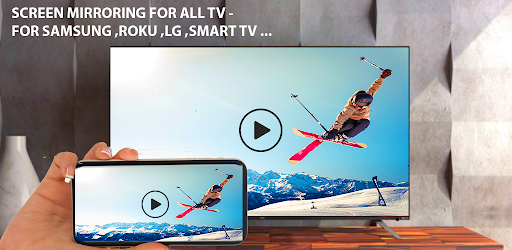
Want to enjoy your favorite content on the big screen? Anyview Cast to TV lets you wirelessly share your phone, tablet, or computer screen to any smart TV or casting device in seconds! Our powerful casting technology provides a seamless, lag-free mirroring experience for all your streaming needs.
#AnyviewCast #ScreenMirroring #CastToTV #AnyviewShare
WHY CHOOSE ANYVIEW CAST TO TV?
UNIVERSAL COMPATIBILITY - Anyview Cast works with virtually any screen-sharing protocol:
Cast to Hisense TVs with native Anyview Cast support
Compatible with Chromecast, Fire TV, Roku, and other casting devices
Works with smart TVs featuring screen mirroring capabilities
Connect to any DLNA/UPnP enabled device
MULTI-DEVICE SUPPORT - Share from any device to your TV:
Mirror your Android phone/tablet screen completely
Cast from iPhones and iPads
Share screens from Windows PCs and laptops
Compatible with Mac computers
Cast content from Chromebooks
SMOOTH MIRRORING EXPERIENCE
Cast in full HD 1080p resolution (4K on premium devices)
Enjoy low-latency mirroring with minimal delay
Stable connection that won't drop during streaming
Audio sync perfectly matched to video content
Adjustable quality settings for different network conditions
CAST ALL YOUR FAVORITE CONTENT - Share everything on your big screen:
Stream videos, movies, and TV shows
View photos and slideshows
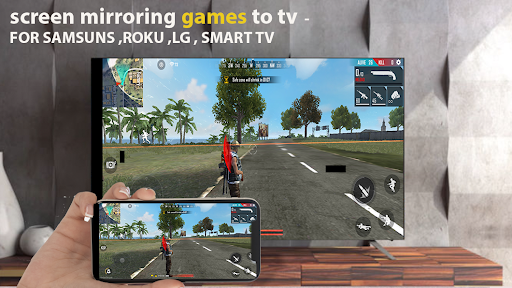
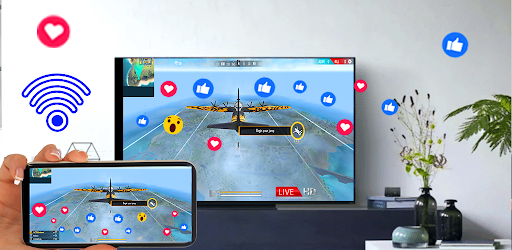
Play mobile games on your TV
Make presentations from your device
Browse websites together with friends and family
Video call on your TV screen
Display social media feeds
PRIVACY FOCUSED
Direct device-to-device connection
No account creation required
No data collection or tracking
Your content stays private and secure
EASY TO USE
Anyview Cast is designed for simplicity:
Connect your device to the same WiFi network as your TV
Open Anyview Cast to TV app
Select your TV from the device list
Start casting instantly!
POWERFUL FEATURES
Quick connect with QR code scanning
Share screen easily with one tap
Customize display resolution
Control volume directly from your device
Rotate screen orientation as needed
Pin protection for secure casting
Battery optimization for extended use
Background audio casting (continue using your phone while casting media)
Picture-in-picture mode
Custom screensaver options
Auto-reconnect to favorite devices
RELIABLE PERFORMANCE
Optimized for minimal battery drain
Works on both 2.4GHz and 5GHz WiFi networks
Bluetooth fallback option when WiFi isn't available
Wired connection support via adaptors
Automatic network detection and optimization
ANYVIEW SHARE MADE SIMPLE
Anyview Share has never been easier! With our dedicated support for Hisense Anyview Cast technology, you can mirror content from your device to compatible TVs with perfect performance. Whether you're using Anyview Cast from Hisense or another mirroring protocol, our app ensures the best casting experience available.
TECHNICAL SPECIFICATIONS
Supports Miracast, DLNA, AirPlay, and Google Cast protocols
HD streaming up to 1080p (4K available on compatible devices)
H.264 and H.265 video encoding
AAC and MP3 audio transmission
Required: Android 5.0+ or iOS 10.0+
Minimum 2GB RAM recommended for smooth operation
Works over WiFi, Mobile Hotspot, or direct connection
PREMIUM FEATURES - Upgrade to unlock:
4K Ultra HD casting
Advanced EQ audio controls
Custom overlay options
Extended screen recording
Multi-device simultaneous casting
Priority technical support
NEED HELP?
Our dedicated support team is ready to assist with any issues. Contact us directly through the app or visit our support website.
Don't settle for complicated or unreliable screen mirroring apps. Download Anyview Cast to TV today and experience the easiest way to share your screen with any television!
Anyview Cast to TV - making screen mirroring simple, reliable, and accessible for everyone.
Pokaż więcej

1. Pobierz instalator MEmu i zakończ instalację

2. Uruchom MEmu, a następnie otwórz Google Play na pulpicie

3. Wyszukaj Anyview Cast to TV w Google Play
Install
4. Pobierz i zainstaluj Anyview Cast to TV
5. Po zakończeniu instalacji kliknij ikonę, aby rozpocząć

6. Użyj MEmu, aby doświadczyć Anyview Cast to TV na swoim komputerze
MEmu Play to najlepszy emulator Androida, z którego korzysta ponad 100 milionów użytkowników, ciesząc się wyjątkowym doświadczeniem aplikacji na Androida. Technologia wirtualizacji MEmu pozwala na płynne uruchamianie tysięcy aplikacji Androida na komputerze, nawet tych najbardziej wymagających.
Większy ekran z lepszą grafiką; Długi czas, bez ograniczeń baterii lub danych mobilnych.
Pełna obsługa mapowania klawiszy dla precyzyjnego sterowania klawiaturą i myszą lub gamepadem.
Wiele kont gier lub zadań na jednym komputerze jednocześnie z menedżerem wielu instancji.
Use Anyview Cast to TV on PC by following steps: