Gif Maker
Zaktualizowano
Aktualna wersja
1.0.1
Sprzedawca

Przestań martwić się nadmiernymi opłatami podczas korzystania z Gif Maker na telefonie komórkowym, uwolnij się od małego ekranu i ciesz się korzystaniem z aplikacji na znacznie większym wyświetlaczu. Od teraz korzystaj z aplikacji na pełnym ekranie za pomocą klawiatury i myszy. MEmu oferuje wszystkie zaskakujące funkcje, których się spodziewałeś: szybką instalację i łatwą konfigurację, intuicyjne sterowanie, koniec z ograniczeniami baterii, danych mobilnych i niepokojących połączeń. Zupełnie nowy MEmu 9 to najlepszy wybór do używania Gif Maker na twoim komputerze. Zakodowany przez naszą absorpcję, menedżer wielu instancji umożliwia otwarcie 2 lub więcej kont w tym samym czasie. A co najważniejsze, nasz ekskluzywny emulator może uwolnić pełny potencjał twojego komputera, sprawić, że wszystko będzie płynne i przyjemne.
Pokaż więcej
Ciesz się wspaniałym doświadczeniem podczas grania w Gif Maker na komputerze z aplikacją MEMU App Player. Jest to potężny darmowy emulator Androida pozwalający grać w tysiące gier na Androida. "Gif Maker is a versatile animation photo creation software that allows users to easily create personalized GIFs using videos and images.
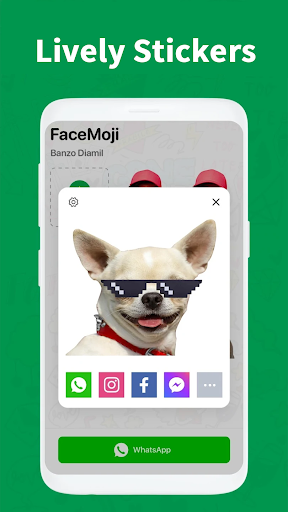
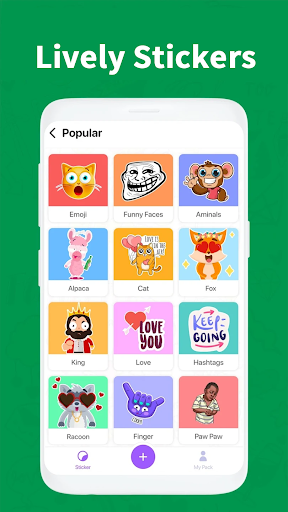
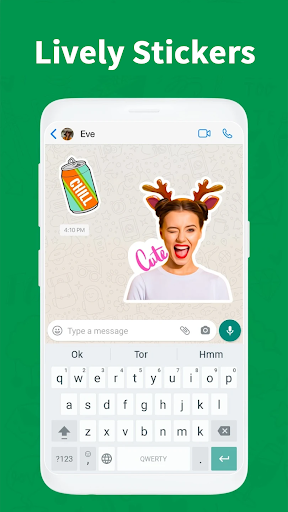
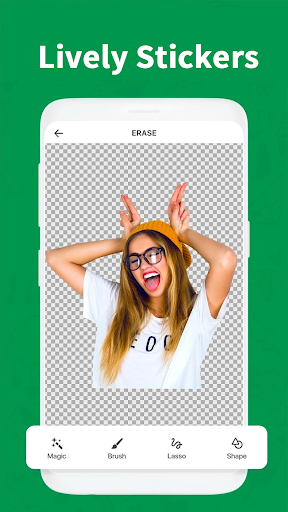
"Gif Maker is a versatile animation photo creation software that allows users to easily create personalized GIFs using videos and images. With a wide range of effects, filters, stickers, text, background frames, and custom backgrounds, you can bring your GIFs to life.
Key Features:
1. Convert Photo to GIF:
- Create GIFs from up to 200 favorite photos.
- Edit and enhance photos with various transformations, alignments, time adjustments, speed settings, filters, overlays, and background adjustments.
- Arrange photos and define transitions between them.
- Choose GIF playback direction (Loop, Boomerang).
- Add animated text with eye-catching effects using 99+ fonts.
- Include funny animated stickers like expressive animals and memes.
- Apply theme frames from a collection of over 100 options.
- Adjust GIF ratio for different social media sharing requirements.
2. Convert Video to GIF:
- Quickly convert your favorite video segments into GIFs.
- Cut and select specific parts of the video for conversion.
3. Edit GIF:
- Analyze existing GIF images and select the desired frames to create a new GIF.
- Utilize various editing features, including resizing, adjusting speed, adding transitions, text, filters, stickers, frames, and playback direction.
4. Convert GIF to Video:
- Adjust timing and speed of any GIF and save it as a video.
5. GIF to Photo:
- Automatically analyze each frame of a GIF, select significant moments, and save them as individual photos.
6. Camera to GIF:
- Capture and record live camera footage to create a simple GIF.
7. Screen Record to GIF:
- Record your phone's screen and automatically convert it into a GIF.
8. Compress and Crop GIF:
- Reduce GIF file size for easy sharing.
- Adjust display ratios to suit different social networks.
Additional Video Features:
- Video trimmer and joiner.
- Extract audio from videos.
- Crop videos and apply filters.
- Rotate videos 360 degrees.
- Adjust video settings like brightness, contrast, saturation, color warmth, and clarity.
- Support for MOV and MP4 video formats.
- Reverse videos.
- Adjust video playback speed.
- Remove audio from videos.
- Capture snapshots from videos.
Gif Maker breathes life into your photos and videos, allowing you to create unique and impressive GIFs. The application ensures a watermark-free experience when saving GIFs to your device. Create, enjoy, and share your GIFs with friends today!"
Pokaż więcej

1. Pobierz instalator MEmu i zakończ instalację

2. Uruchom MEmu, a następnie otwórz Google Play na pulpicie

3. Wyszukaj Gif Maker w Google Play
Install
4. Pobierz i zainstaluj Gif Maker
5. Po zakończeniu instalacji kliknij ikonę, aby rozpocząć

6. Użyj MEmu, aby doświadczyć Gif Maker na swoim komputerze
MEmu Play to najlepszy emulator Androida, z którego korzysta ponad 100 milionów użytkowników, ciesząc się wyjątkowym doświadczeniem aplikacji na Androida. Technologia wirtualizacji MEmu pozwala na płynne uruchamianie tysięcy aplikacji Androida na komputerze, nawet tych najbardziej wymagających.
Większy ekran z lepszą grafiką; Długi czas, bez ograniczeń baterii lub danych mobilnych.
Pełna obsługa mapowania klawiszy dla precyzyjnego sterowania klawiaturą i myszą lub gamepadem.
Wiele kont gier lub zadań na jednym komputerze jednocześnie z menedżerem wielu instancji.
Use Gif Maker on PC by following steps: