Pepi Tree
Обновлено
Текущая версия
2.2.0
Продавец

Перестаньте беспокоиться о быстром разряде батареи при использовании Pepi Tree на вашем телефоне. Освободитесь от крошечного экрана и наслаждайтесь приложением на гораздо большем экране. Теперь вы можете работать с приложением в полноэкранном режиме с удобством клавиатуры и мыши. MEmu предлагает вам все ожидаемые удивительные функции: быструю установку и простую настройку, интуитивно понятное управление и больше никаких забот о времени автономной работы, мобильном трафике или неожиданных звонках. Совершенно новый MEmu 9 — идеальный выбор для использования Pepi Tree на вашем компьютере. С помощью менеджера нескольких экземпляров MEmu вы можете одновременно использовать два или более аккаунтов. И самое главное, наш эксклюзивный движок эмуляции раскрывает весь потенциал вашего ПК, обеспечивая плавную и приятную работу.
Показать больше
Скачайте Pepi Tree на ПК с помощью Андроид эмулятора MEmu. Наслаждайтесь на большом экране. Pepi Tree is an educational activity for the whole family, where children explore tree-dwelling animals and their habitat in a fun way.
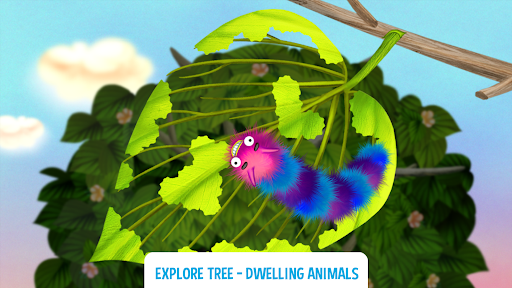
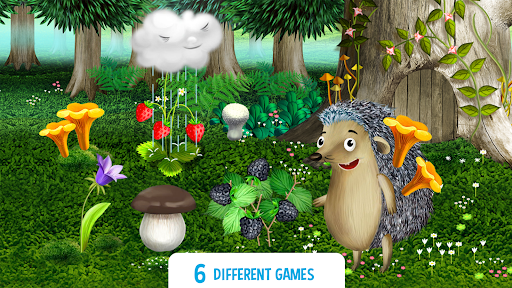
Pepi Tree is an educational activity for the whole family, where children explore tree-dwelling animals and their habitat in a fun way.
Sometimes you run out of time to explore nature in a forest or a park with your toddler? No worries, Pepi Tree will help to learn about the ecosystem of a forest tree!
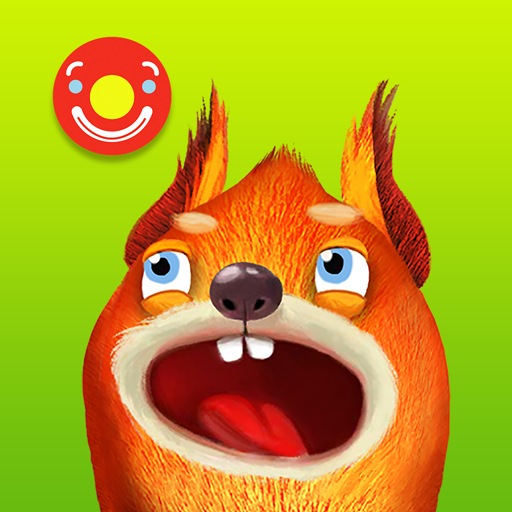
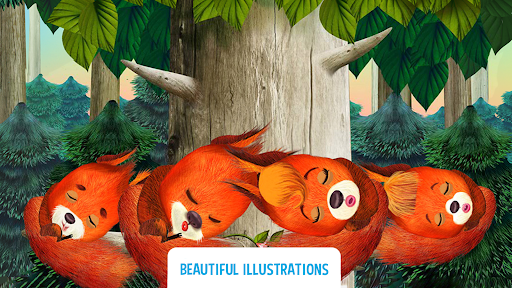
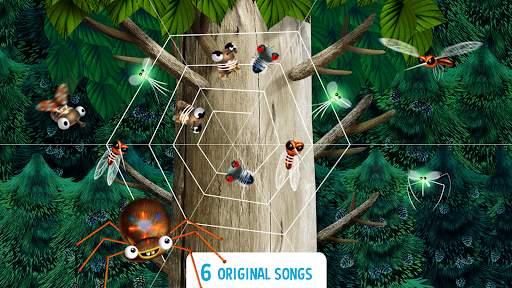
This educational activity is focused on a tree as an ecosystem or simply as a home for different animals. Play with the little ones and explore cute hand-drawn and animated characters: a little caterpillar, a spiny hedgehog, a long-legged spider, a friendly squirrel family, a cute owl and a lovely mole.
All animals live on a separate floors of the forest tree and offers six different mini toddler games. While playing different levels, children will get to know many fun facts about nature, forest ecosystem and inhabitants, such as caterpillar, hedgehog, mole, owl, squirrel and others: what they look like, what they eat and how they get their food, when they sleep, where exactly they live - in the branches, on the leaves or under the ground, and much more.
Key features:
• More than 20 cute hand-drawn characters: caterpillar, hedgehog, mole, owl, squirrel family and others;
• Educational activity for children and the whole family.
• 6 different mini educational games with multiple levels for your toddler;
• 6 original music tracks;
• Beautiful nature illustrations and animations;
• No rules, win or lose situations;
• Recommended age for little players: from 2 to 6 years.
Показать больше

1. Скачать инсталлятор MEmu и завершайте установку

2. Запускайте MEmu, затем откройте Google Play на главной странице

3. Ищите Pepi Tree в Google Play
Install
4. Скачайте и установите Pepi Tree
5. При завершении установки, нажмите на значок для старта

6. Наслаждайтесь Pepi Tree на своем компьютере с помощью MEmu.
MEmu Play — лучший бесплатный эмулятор Android, превосходный опыт работы с которым оценили 50 миллионов пользователей. Технология виртуализации MEmu позволяет без проблем запускать тысячи Android-приложений на вашем компьютере, даже самые требовательные.
Большой экран с лучшей графикой; Большая продолжительность, без ограничения батареи или мобильных данных.
Полная поддержка установки клавиш для точного управления клавиатурой и мышью или геймпадом.
Несколько игровых учетных записей или задач на одном компьютере одновременно с менеджером нескольких экземпляров.
Use Pepi Tree on PC by following steps: