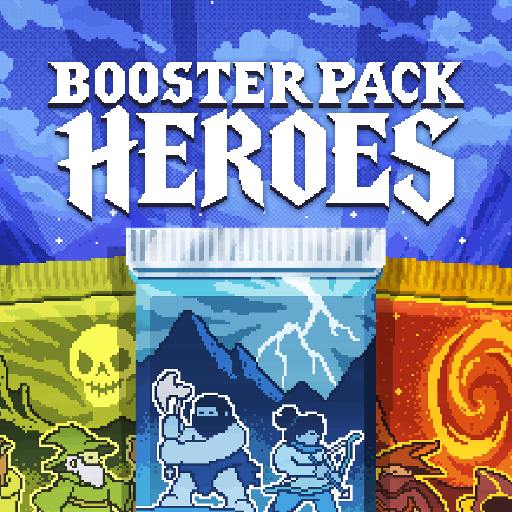
Booster Pack Heroes
Güncellendi
Mevcut Sürüm
Sunan

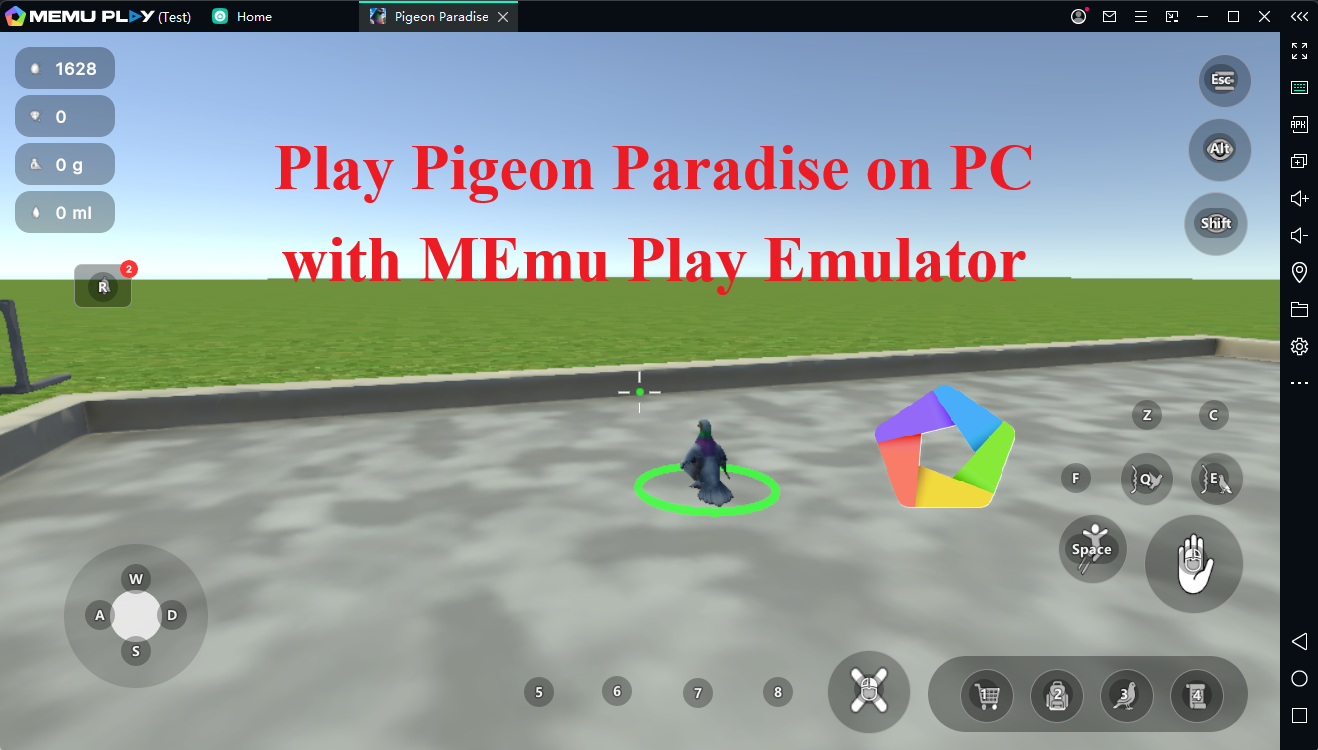
Booster Pack Heroes oynamak için bu kadar tutkuluyken, ellerin telefonunun küçük ekranıyla sınırlı kalmamalı.Bir profesyonel gibi oyna ve klavye ve fare ile oyununun tüm kontrolü sende olsun.MEmu sana beklediğin her şeyi sunuyor.PC'de Booster Pack Heroes indir ve oyna. İstediğin kadar oyna, artık pil sınırlamaları, mobil veri ve rahatsız edici çağrılar yok.Yepyeni MEmu 9, PC'de Booster Pack Heroes oynamak için en iyi seçim. Uzmanlığımızla hazırlanan zarif ön ayar tuş eşleme sistemi Booster Pack Heroes oyununu gerçek bir PC oyununa dönüştürüyor.MEmu çoklu örnek yöneticisi, aynı cihazda 2 veya daha fazla hesap oynamayı mümkün kılıyor.Ve en önemlisi, özel emülasyon motorumuz PC'nizin tüm potansiyelini ortaya çıkarıyor, her şeyi sorunsuz hale getiriyor.
Daha fazla göster
Booster Pack Heroes’i MEmu Android Emülatör ile PC’ye indirin. Büyük ekranda oynamanın keyfini çıkarın. Booster Pack Heroes is an incremental game where every pack could contain your next powerhouse.
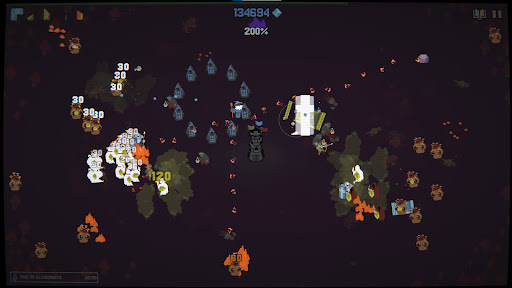
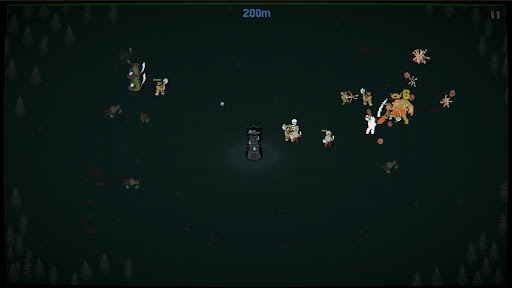
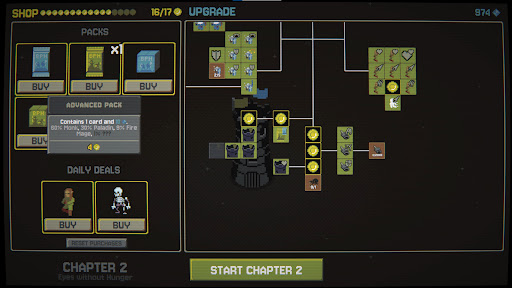
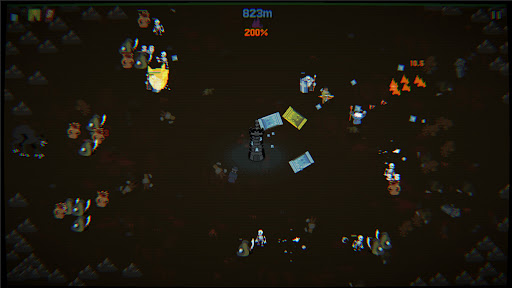
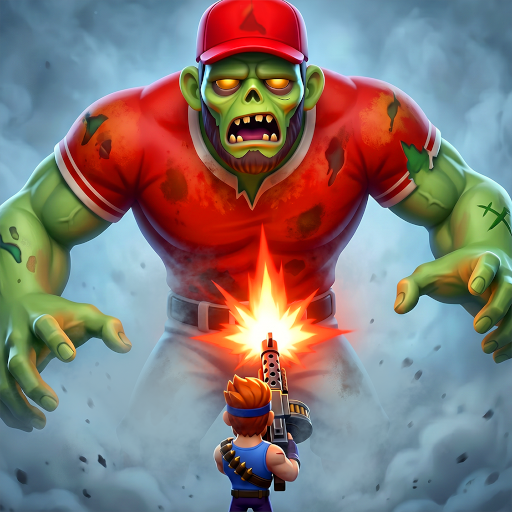
Booster Pack Heroes is an incremental game where every pack could contain your next powerhouse. Discover heroes and spells, upgrade their abilities, and survive endless monster hordes as you fight your way through the realms.
OPEN PACKS
Rip open booster packs, each with its own pool of heroes and spells. Hunt for rare cards and build a collection powerful enough to crush the toughest foes.
UPGRADE YOUR POWER
Survive to earn Mastery. Use it to upgrade your heroes and spells, unlock powerful new abilities, and turn your collection into an unstoppable force.
SURVIVE THE HORDE
Monsters are coming for the tower. Fight through increasingly dangerous waves, unleash devastating abilities, and push your survival as far as you can.
TRAVEL BETWEEN REALMS
Defeat each chapter's boss to unlock new booster packs, heroes, spells, and challenges. Every run feeds the next, giving you more power and letting you survive a bit longer.
…and there's more to discover beyond the tower. Travel between mysterious planes of existence, each with its own secrets.
The cycle has repeated countless times.
You're here to break it.
Daha fazla göster

1. MEmu yükleyicisini indirin ve kurulumu tamamlayın

2. MEmu'yu başlatın ve ana sayfada Google Play'i açın

3. Google Play'de Booster Pack Heroes arayın
Install
4. Booster Pack Heroes indirin ve yükleyin
5. Kurulum tamamlandığında başlamak için simgeye tıklayın

6. PC’de MEmu ile Booster Pack Heroes oyunun keyfini çıkarın
MEmu App Player, en iyi ücretsiz Android emülatörüdür ve 50 milyon insan zaten mükemmel Android oyun deneyimini yaşamaktadır. MEmu sanallaştırma teknolojisi, binlerce grafik oyunu hatta grafikte en yoğun olanları bile sorunsuz bir şekilde bilgisayarınızda oynamanızı sağlar.
Daha büyük ekranla daha iyi grafiklere sahip; Pil veya mobil veri sınırlaması olmaksızın uzun süre.
Keymapping klavye ve fare veya gamepad'in hassas kontrolü için destek verir.
Multi-Instance yöneticisi ile tek bir bilgisayarda aynı anda birden fazla oyun hesabı veya görev gerçekleşilebilir.
Play Booster Pack Heroes on PC by following steps: