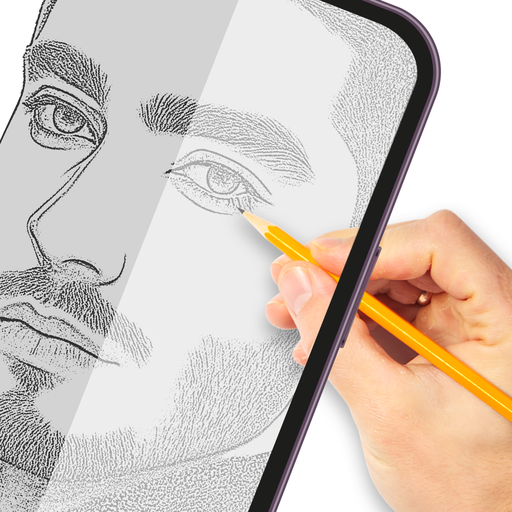
Trace & Draw: AR Art Projector
Güncellendi
Mevcut Sürüm
1.0.8
Sunan

Cep telefonunda Trace & Draw: AR Art Projector kullanırken fazla şarjlardan endişelenme, kendini küçük ekrandan kurtar ve uygulamayı çok daha büyük bir ekranda kullanmanın tadını çıkar. Şu andan itibaren, klavye ve fare ile uygulamayı tam ekran da kullanmayı dene. MEmu, beklediğin tüm şaşırtıcı özellikleri sunar: hızlı ve kolay kurulum, sezgisel kontroller, bunun dışında pil sınırı, mobil veri ve rahatsız edici aramalar artık yok. Yepyeni MEmu 9, bilgisayarında Trace & Draw: AR Art Projector kullanmanın en iyi seçimidir. Emilimimizle kodlanan çok örnekli yönetici, aynı anda 2 veya daha fazla hesap açmayı mümkün kılar. Ve en önemlisi, özel emülasyon motorumuz PC'nin tüm potansiyelini serbest bırakabilir, her şeyi pürüzsüz ve eğlenceli hale getirebilir.
Daha fazla göster
Trace & Draw: AR Art Projector’i MEmu Android Emülatör ile PC’ye indirin. Büyük ekranda oynamanın keyfini çıkarın. The process of tracing is used to convert an image into line work from a photo or artwork.
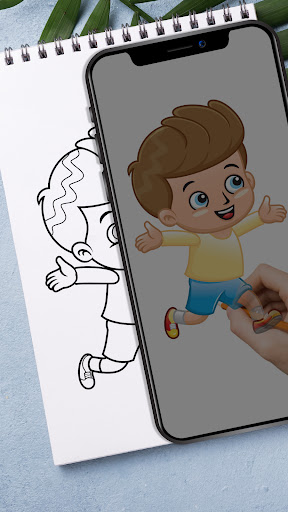
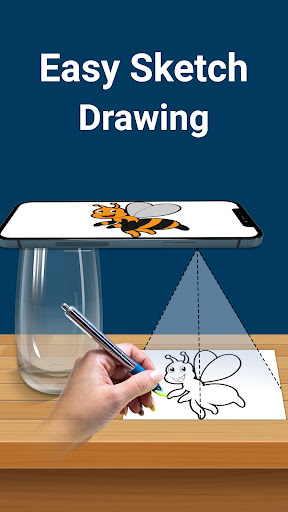
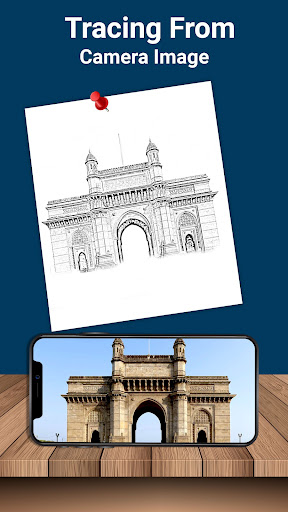
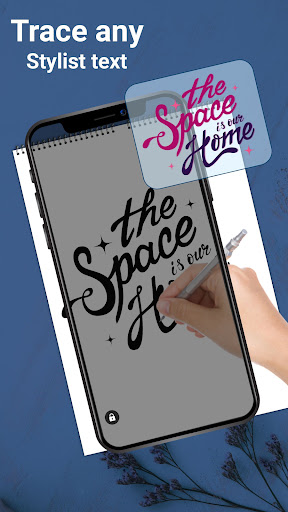
The process of tracing is used to convert an image into line work from a photo or artwork. You put your tracing paper over it and draw the lines that you see. So create it by tracing and sketching. Use this application to learn how to draw and trace.
How it works:-
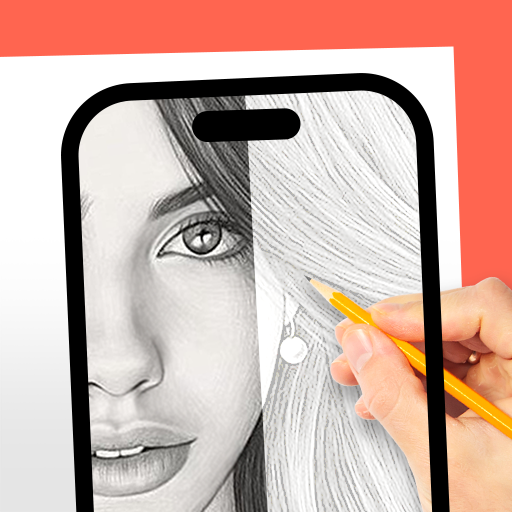
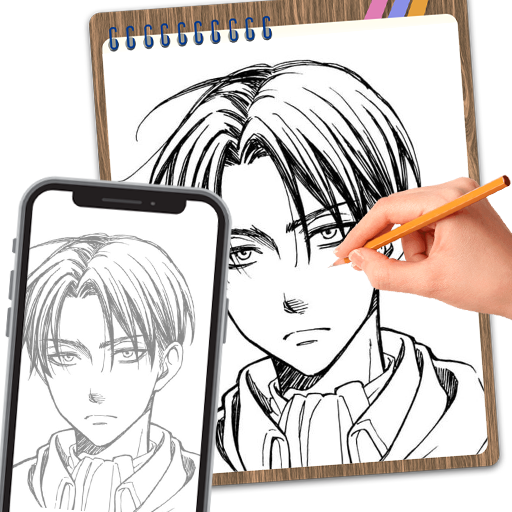
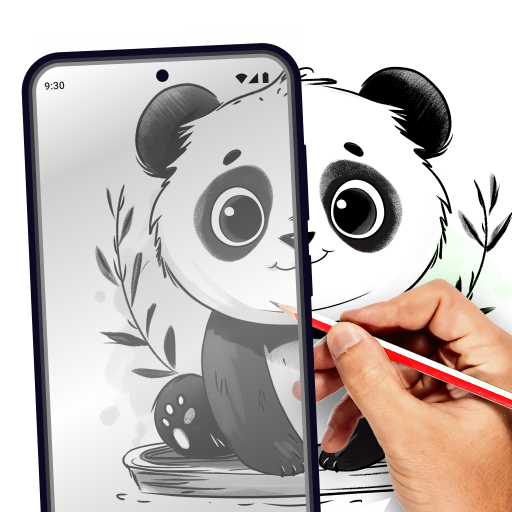
- Simply select an image from the gallery or you can capture the image from the camera. Here you can increase the level of brightness or change the background. You can rotate your selected image. After that, you will see a transparent version of that image on the mobile screen, and you must place drawing paper or anything else on which you wish to trace and sketch.
- Your image will be captured as a transparent image via the camera rather than on paper, allowing you to trace it on paper. Draw your image on the phone screen with a transparent image. So you can select any image and convert into a tracing image.
- Using predefined elegant fonts, this tracing app allows you to create text arts, including logos, signatures, and creative text artworks.
- Paper tracer is suitable application for children, artist, student and it also works as a sketch pad for easy drawing. Using this simple drawing app you can create any type of sketches.
Feature:-
- Pick any image from the gallery and convert into tracing image and sketch on blank paper
- You can also capture the image from the camera
- Place the paper over the screen and start drawing
- Set brightness to maximum
- Lock your images while drawing any type of easy sketches
- Rotate your image as your wish
- Create text arts like logos, signatures and text artworks
- You can easily zoom in and zoom out the images
- You can use pencil or pen to trace it and draw it
Tracing paper is a ar drawing app for anyone who looking to improve their skills. It’s great for stenciling and practicing drawing. Draw lines freely on tracing paper by clear viewing of the phone screen, the sketch to draw. Draw easy anything on your own book by tracing lines from fixed image.
You can adjust the opacity of the photo to trace draw sketch design. You can also draw a complicated sketch or drawing can be created using this lightbox trace drawing app.
You can lock your images for quick draw. Tracing drawing app helps to draw and trace any type of sketch drawing and there is no need of trace element.
So, download the trace draw application and built your skill in drawing and sketching.
Daha fazla göster

1. MEmu yükleyicisini indirin ve kurulumu tamamlayın

2. MEmu'yu başlatın ve ana sayfada Google Play'i açın

3. Google Play'de Trace & Draw: AR Art Projector arayın
Install
4. Trace & Draw: AR Art Projector indirin ve yükleyin
5. Kurulum tamamlandığında başlamak için simgeye tıklayın

6. Trace & Draw: AR Art Projector'i PC'de için MEmu'yu kullanın
MEmu Play, 50 milyon kullanıcısıyla en iyi ücretsiz Android emülatörüdür ve en üst düzey Android uygulama deneyiminin keyfini çıkarır. MEmu'nun sanallaştırma teknolojisi, en zorlu uygulamalar da dahil olmak üzere binlerce uygulamayı bilgisayarınızda sorunsuz bir şekilde çalıştırmanızı sağlar.
Daha büyük ekranla daha iyi grafiklere sahip; Pil veya mobil veri sınırlaması olmaksızın uzun süre.
Keymapping klavye ve fare veya gamepad'in hassas kontrolü için destek verir.
Multi-Instance yöneticisi ile tek bir bilgisayarda aynı anda birden fazla oyun hesabı veya görev gerçekleşilebilir.
Use Trace & Draw: AR Art Projector on PC by following steps: