
Win 98 Simulator
更新日期
目前版本
1.4.4
提供者

愛玩Win 98 Simulator的你,雙手不應該被束縛在智慧手機的小屏幕上。像職業選手一樣用鍵盤和滑鼠來全面控制你的遊戲吧。逍遙模擬器給你提供了你所有的期待。在電腦上下載、安裝Win 98 Simulator並盡情遊玩。再也不用擔心剩餘電量、流量消耗和煩人的來電。全新的逍遙模擬器9是你在電腦上遊玩Win 98 Simulator的最佳選擇!我们用心準備,完美的按鍵映射系統讓Win 98 Simulator宛如電腦遊戲;我們,用嫻熟的技術編程,逍遙多開器讓所有遊戲開好開滿;獨一無二的虛擬化引擎釋放你電腦的全部潛力,一切都入絲般順滑。我們不僅在意你怎樣遊玩,更在意如何讓你享受遊玩的樂趣!
更多
透過逍遙模擬器,在電腦上下載Win 98 Simulator,享受大熒幕的暢快體驗。 • 感受Windows 98 PC 的體驗!
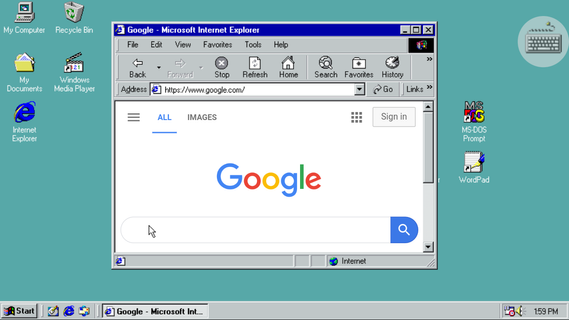
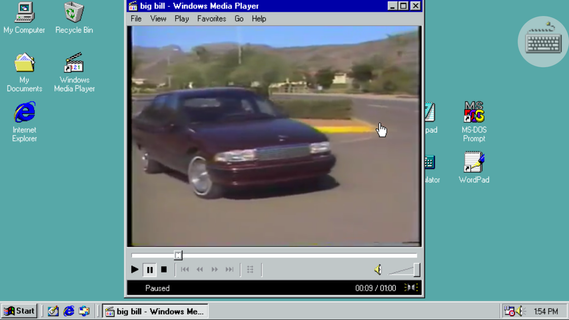
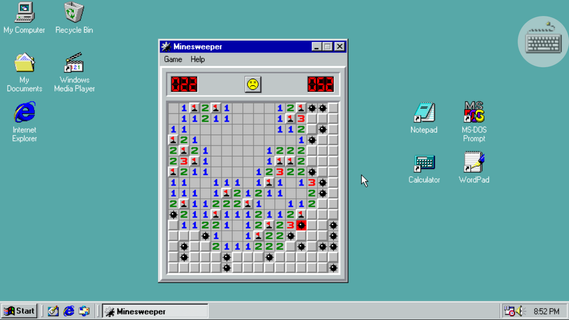
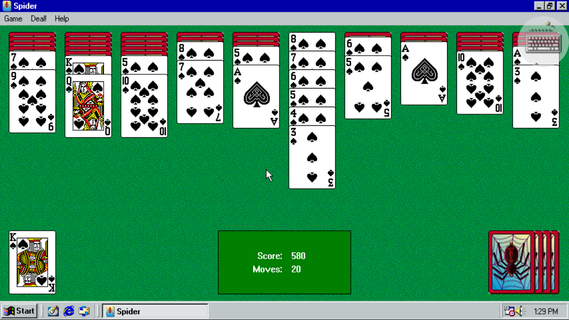
• 感受Windows 98 PC 的體驗!• 使用 Internet Explorer 瀏覽網頁• 在油漆中繪製• 玩掃雷、紙牌、蜘蛛紙牌或空當接龍• 使用 Windows Media Player 播放音樂和視頻• 在記事本和寫字板中書寫文本• 可自定義的壁紙(右鍵單擊桌面,單擊屬性)• 在 Windows 資源管理器中瀏覽設備文件• USB/藍牙鼠標支持• 原始開始菜單P.S. 感謝 Denis Akilov、Alexander Belash、Alexander Haritonov 和 Lev Sorvin 在測試中的幫助!
更多

1. 下載逍遙安裝器並完成設置

2. 啟動逍遙後打開位於桌面上的谷歌商店

3. 在谷歌商店中搜尋Win 98 Simulator
Install
4. 下載並安裝Win 98 Simulator
5. 下載完成後點擊圖標來啟動

6. 透過逍遙享受在電腦上玩Win 98 Simulator
逍遙安卓是優秀的安卓模擬器,全球超過5000萬用戶的優先選擇。逍遙安卓以虛擬化技術為核心,為用户打造突破手機配備局限的遊戲平台!
大屏精細展示;無限待機,超越電池和流量限制
鍵鼠,手把操作全面支持,操作更精準
用逍遙多開同時運行多個遊戲、應用。
Play Win 98 Simulator on PC by following steps: