
Cosmetic Checker
تازہ کاری
موجودہ ورژن
1.6.0
پیشکش بذریعہ

اپنے موبائل فون پر Cosmetic Checker کا استعمال کرتے وقت زیادہ چارج ہونے کی فکر نہ کریں، خود کو چھوٹی اسکرین سے آزاد کریں اور ایپ کو زیادہ بڑے ڈسپلے پر استعمال کرنے کا لطف اٹھائیں۔ اس کے بعد سے کی بورڈ اور ماؤس کے ساتھ اپنے ایپ کا فل اسکرین کا تجربہ حاصل کریں۔ MEmu آپ کو وہ تمام حیران کن خصوصیات پیش کرتا ہے جن کی آپ کو توقع کرتے ہیں: فوری انسٹال اور آسان سیٹ اپ، وجدانی کنٹرول، مزید بیٹری، موبائل ڈیٹا کی کوئی حد نہیں اور اب مزید پریشان کن کالز نہیں۔ نئے برانڈ کا MEmu 9 آپ کے کمپیوٹر پر Cosmetic Checker استعمال کرنے کے لیے بہترین اختیار ہے۔ MEmu کثیر نظیری منیجر بیک وقت 2 یا اس سے زیادہ اکاؤنٹس کھولنا ممکن بناتا ہے۔ اور سب اہم بات، ہمارا خصوصی ایمولیشن انجن آپ کے پی سی کی پوری طاقت ریلیز کرتے ہوئے ہر چیز ہموار اور قابل تفریح بناتا ہے۔
مزید دکھائیں
Download Cosmetic Checker on PC with MEmu Android Emulator. Enjoy playing on big screen. Cosmetic Checker is an easy-to-use application that helps to check the manufactured date, general shelf life, and calculating the approximate age of your beauty products, including makeup, skincare, and perfume by their batch code.
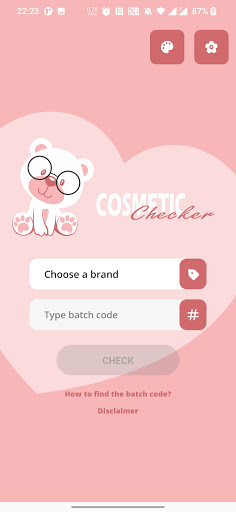
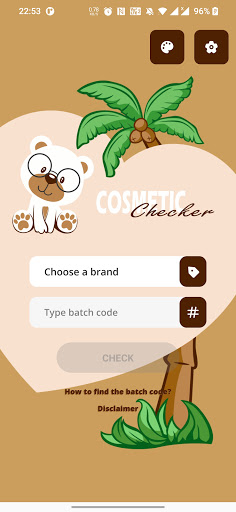
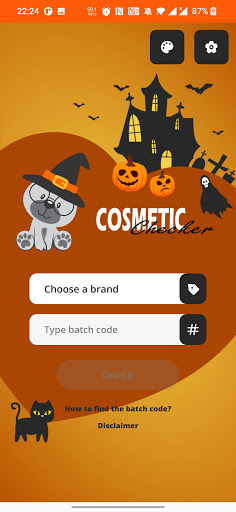
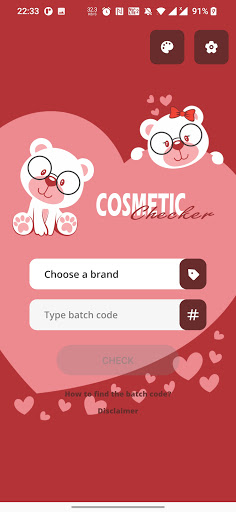
Cosmetic Checker is an easy-to-use application that helps to check the manufactured date, general shelf life, and calculating the approximate age of your beauty products, including makeup, skincare, and perfume by their batch code.
Cosmetic Checker is the best alternative app solution for those traditional websites:
- https://www.checkfresh.com
- http://checkcosmetic.net
- http://cosmeticswizard.net
because the application would save your favourite brand search time and your mobile data usage.
A batch code is a unique identification number (or set of letters and numbers) assigned to one product batch. For example, 40T500. The batch code may contain the manufactured date, manufacturer code, and manufacture place. In case of quality issues, the batch code can be used to find the root cause of the problem and potentially also to stop other faulty products from being sold.
The batch code is usually engraved or printed directly at the bottom of the product container or on the product packaging.
Additionally, there are plenty of well-designed themes for your preference and we hope those would increase your experience while using the application.
Guidance:
1. Download and install the Cosmetic Checker application for free.
2. Open the application and choose the brand of your cosmetic product.
3. Find the product batch code on the product container or packaging and type it to the batch code text input. The guidance and examples for finding cosmetic batch code can be found in the application.
4. Finally, press the “CHECK” button and wait a moment for the cosmetic information to be fetched and shown on the screen.
Download Cosmetic Checker now! Try and share the app with your friends.
مزید دکھائیں

1. MEmu انسٹالر ڈاؤن لوڈ کریں اور سیٹ اپ مکمل کریں

2. MEmu شروع کریں اسکے بعد ڈیسکٹاپ پر Google Play کھولیں

3. Google Play میں Cosmetic Checker تلاش کریں
Install
4. Cosmetic Checker ڈاؤن لوڈ کریں اور انسٹال کریں
5. انسٹال مکمل ہونے کے بعد سٹارٹ کرنے کے لیے آئیکن پر کلک کریں

6. MEmu کے ساتھ پی سی پر Cosmetic Checker کھیلنے کا لطف لیں
MEmu پلے بہترین اینڈرائڈ ایمولیٹر ہے اور 100 ملین لوگ اس کے زبردست اینڈرائڈ گیمنگ تجربہ سے لطف اندوز ہو رہے ہیں۔ MEmu کی ورچولائزیشن ٹیکنالوجی آپ کو اپنے PC پر ہزاروں اینڈرائڈ گیمز یہاں تک کہ انتہائی گرافک والے گیمز باسہولت کھیلنے کی طاقت دیتی ہے۔
بہتر گرافکس کے ساتھ بڑی اسکرین؛ طویل دورانیہ، بیٹری یا لامحدود موبائل ڈیٹا کے بغیر۔
کی بورڈ اور ماؤس یا گیم پیڈ کے عین مطابق کنٹرول کے لیے کی میپنگ کا پورا سپورٹ۔
کثیر مثالی منیجر کے ساتھ بیک وقت ایک پی سی پر متعدد گیم اکاؤنٹس یا ٹاسکس۔
پی سی پر درج ذیل مراحل پر عمل کرتے ہوئے پر Cosmetic Checker استعمال کریں: u003c/p>