Dokimon: Quest
更新日期
当前版本
1.1.2
提供者

爱玩Dokimon: Quest的你,双手不应该被束缚在手机的小屏幕上。像职业选手一样用键盘和滑鼠来全面控制你的游戏吧。在电脑上下载、安装Dokimon: Quest并尽情游玩。再也不用担心剩余电量、流量消耗和烦人的来电。全新的逍遥模拟器8是你在电脑上游玩Dokimon: Quest的好选择!我们用心准备,完美的按键映射系统让Dokimon: Quest宛如电脑游戏;
更多
透过逍遥模拟器,在电脑上下载Dokimon: Quest,享受大荧屏的畅快体验。 Dokimon: Quest is now on Google Play!
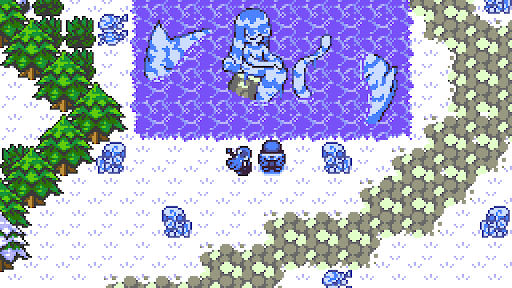
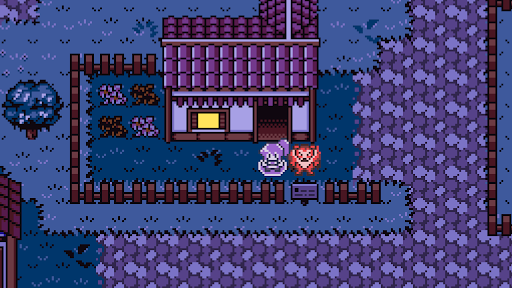

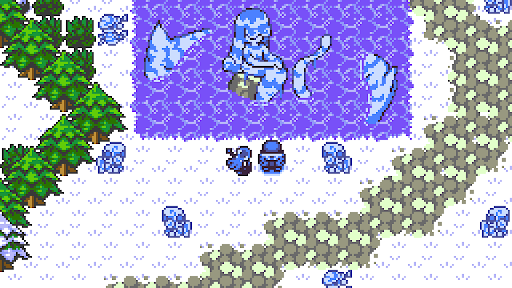
Dokimon: Quest is now on Google Play! Capture monsters to battle alongside, and push through the dangerous open world. In advances to uncover the the mystery about your missing friend, you must become stronger, allowing you to venture on into increasingly dangerous areas.
Dokimon: Quest is a turn-based monster tamer game, with 144 monsters to collect, and features a retro-nostalgic experience, but with modern day QoL like:
- 9 Playable characters to choose from
- Monster stats and move pools editable from pause menu
- Monster storage system access from pause menu
- Type Match and other optional Help Tools for Battles
- 8bit + Piano OST; Pick which one suits your preference
更多

1. 下载逍遥安装器并完成设置

2. 启动逍遥后打开位于桌面上的谷歌商店

3. 在谷歌商店中搜索Dokimon: Quest
Install
4. 下载并安装Dokimon: Quest
5. 下载完成后点击图标来启动

6. 通过逍遥在电脑上享受Dokimon: Quest
逍遥安卓是优秀的安卓模拟器,全球超过5000万用户的优先选择。逍遥安卓以虚拟化技术为核心,为用户打造突破手机配置局限的游戏平台!
大屏精细展示;无限待机,超越电池和流量限制
键鼠、手把操作全面支持,操作更精准
用逍遥多开同时运行多个游戏、应用。
Play Dokimon: Quest on PC by following steps: