ESC Bus Simulador电脑版

ESC Bus Simulador电脑版下载

ESC Bus Simulador电脑版

ESC Bus Simulador

  • 更新日期

  • 当前版本

    1.0.17

  • 提供者

    ESC Bus Simulador电脑版

ESC Bus Simulador电脑版简介

爱玩ESC Bus Simulador的你,双手不应该被束缚在手机的小屏幕上。像职业选手一样用键盘和滑鼠来全面控制你的游戏吧。在电脑上下载、安装ESC Bus Simulador并尽情游玩。再也不用担心剩余电量、流量消耗和烦人的来电。全新的逍遥模拟器8是你在电脑上游玩ESC Bus Simulador的好选择!我们用心准备,完美的按键映射系统让ESC Bus Simulador宛如电脑游戏;

更多

ESC Bus Simulador电脑版截图&视频

透过逍遥模拟器,在电脑上下载ESC Bus Simulador,享受大荧屏的畅快体验。 ESC巴士模拟器将带给你充满挑战的驾驶体验。
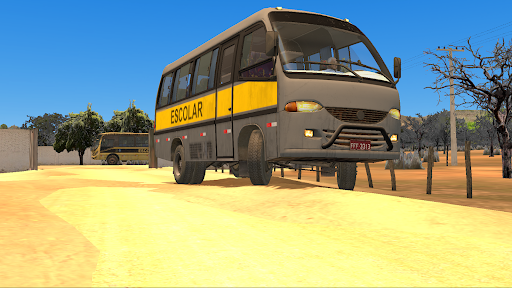
游戏信息

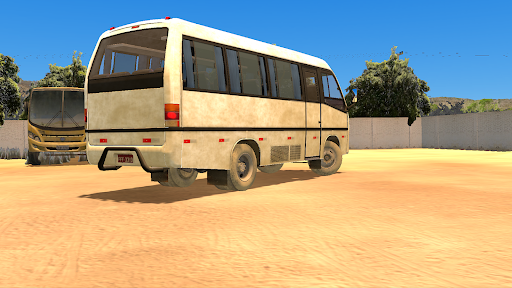
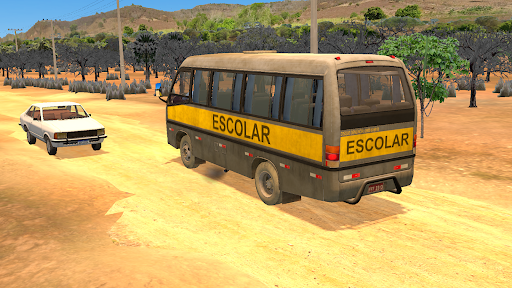
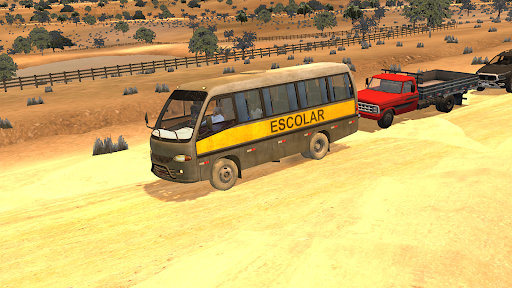
ESC巴士模拟器将带给你充满挑战的驾驶体验。驰骋于乡村小路、崎岖高速公路和城市街道,你的目标只有一个:安全送学生到校。

这绝非易事。这款沉浸式游戏拥有逼真的物理引擎、精细的车辆模型和丰富的地图细节。驾驶你的巴士探索世界。选择你的专属司机,带领他们完成穿越各种挑战性路段的艰巨任务。积累经验,提升等级,解锁更多车辆、游戏模式以及更多精彩内容!

更多

在电脑上下载ESC Bus Simulador

  • ESC Bus Simulador电脑版

    1. 下载逍遥安装器并完成设置

  • ESC Bus Simulador电脑版

    2. 启动逍遥后打开位于桌面上的谷歌商店

  • ESC Bus Simulador电脑版

    3. 在谷歌商店中搜索ESC Bus Simulador

  • ESC Bus Simulador电脑版 Install

    4. 下载并安装ESC Bus Simulador

  • ESC Bus Simulador电脑版

    5. 下载完成后点击图标来启动

  • ESC Bus Simulador电脑版
    ESC Bus Simulador电脑版 ESC Bus Simulador电脑版

    6. 通过逍遥在电脑上享受ESC Bus Simulador

为什么用逍遥体验ESC Bus Simulador

逍遥安卓是优秀的安卓模拟器,全球超过5000万用户的优先选择。逍遥安卓以虚拟化技术为核心,为用户打造突破手机配置局限的游戏平台!

  • 大屏精细展示;无限待机,超越电池和流量限制

  • 键鼠、手把操作全面支持,操作更精准

  • 用逍遥多开同时运行多个游戏、应用。

准备好游玩了吗?

热门话题

ESC Bus Simulador - FAQs

  • How to play ESC Bus Simulador on PC?

    Play ESC Bus Simulador on PC by following steps:

    • Download MEmu, then install and launch it
    • Login to Google Play Store, install the game
    • Enjoy playing the game on PC with MEmu
  • What are the minimum system requirements to run ESC Bus Simulador on PC?
    • Intel or AMD Processor
    • Microsoft Windows 7 and above
    • 2GB of memory
    • 5GB of free disk space
    • Hardware Virtualization Technology