Hypic - Photo Editor & AI Art
更新日期
当前版本
9.6.0
提供者

想体验Hypic - Photo Editor & AI Art,可是手机屏幕太小,用一会就变烫,怎么办?使用逍遥模拟器,在电脑的大屏幕上畅快体验!在电脑上下载安装Hypic - Photo Editor & AI Art,不用担心电量问题,想体验多久就多久,顺畅用一天~全新的逍遥模拟器9,绝对是您体验Hypic - Photo Editor & AI Art电脑版的好选择。完美的按键映射系统让Hypic - Photo Editor & AI Art如PC端般运行;强大的多开功能可同时使用多个应用;独家虚拟化技术更能彻底发挥电脑效能,保障长时间稳定运作。我们致力于不让设备限制您的体验,用起来轻松高效,畅快无比!
更多
透过逍遥模拟器,在电脑上下载Hypic - Photo Editor & AI Art,享受大荧屏的畅快体验。 利用 AI 的力量,让您的照片焕然一新——Hypic 来袭!
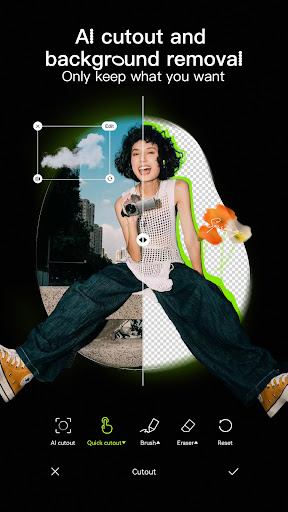
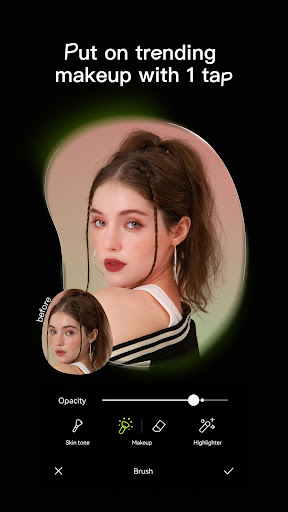
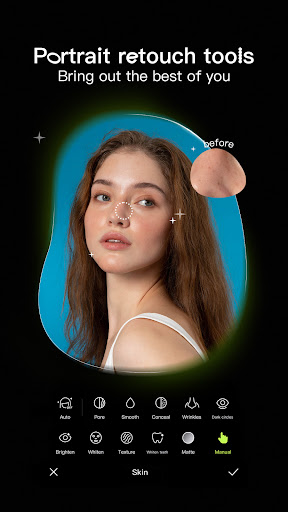
利用 AI 的力量,让您的照片焕然一新——Hypic 来袭!
准备好将日常自拍照变成惊艳杰作了吗?Hypic 是一款一体化照片编辑器,旨在利用 AI 的魔力,为您的照片锦上添花。无论您是追求艺术感、美感,还是纯粹的精致,Hypic 都能满足您的需求。
为什么您会爱上 Hypic:
一键 AI 魔法
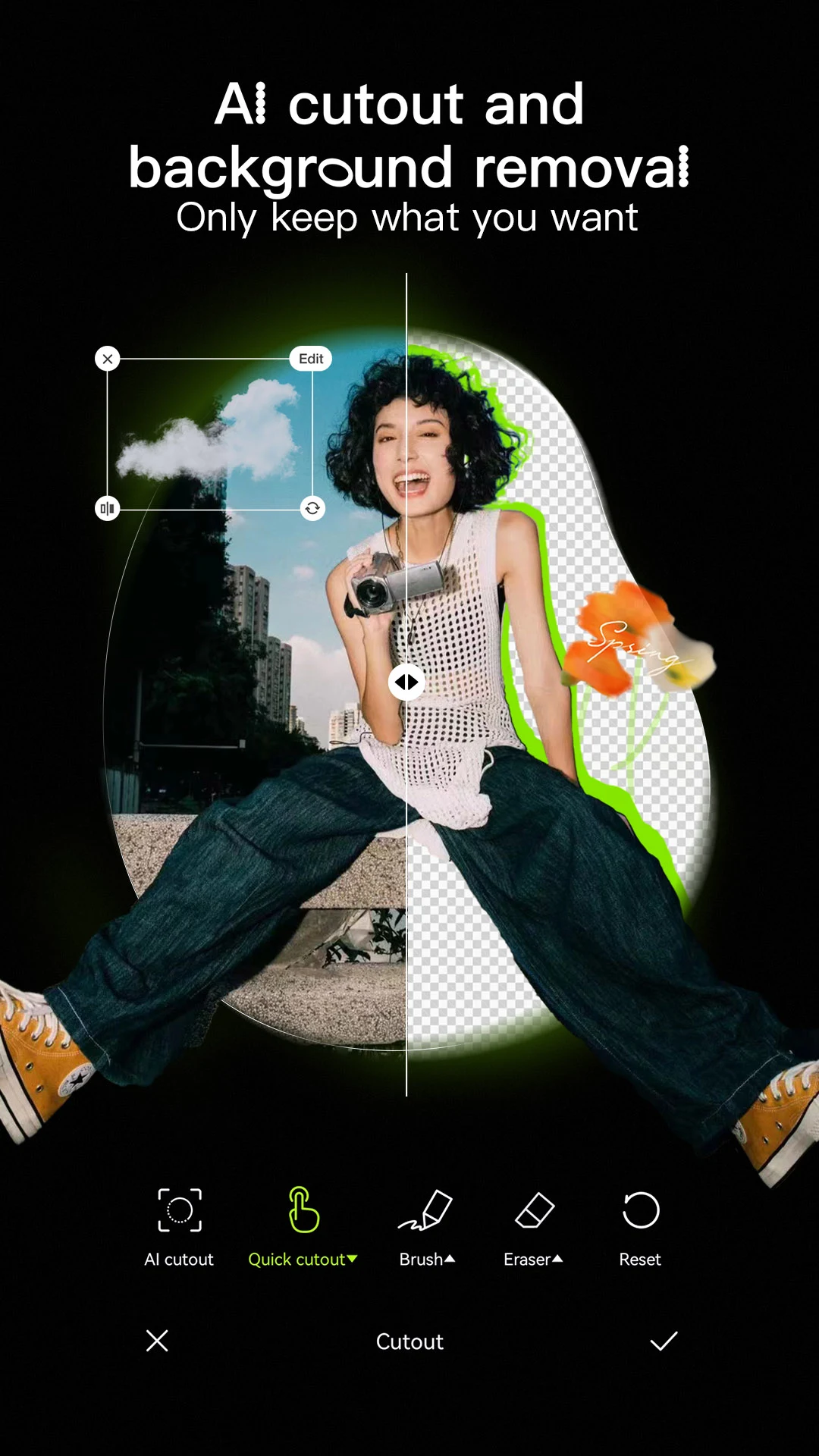
瞬间将照片变成艺术品。移除背景、生成头像、打造卡通形象或提升图像质量——所有这些都由尖端 AI 驱动。
时尚滤镜和特效
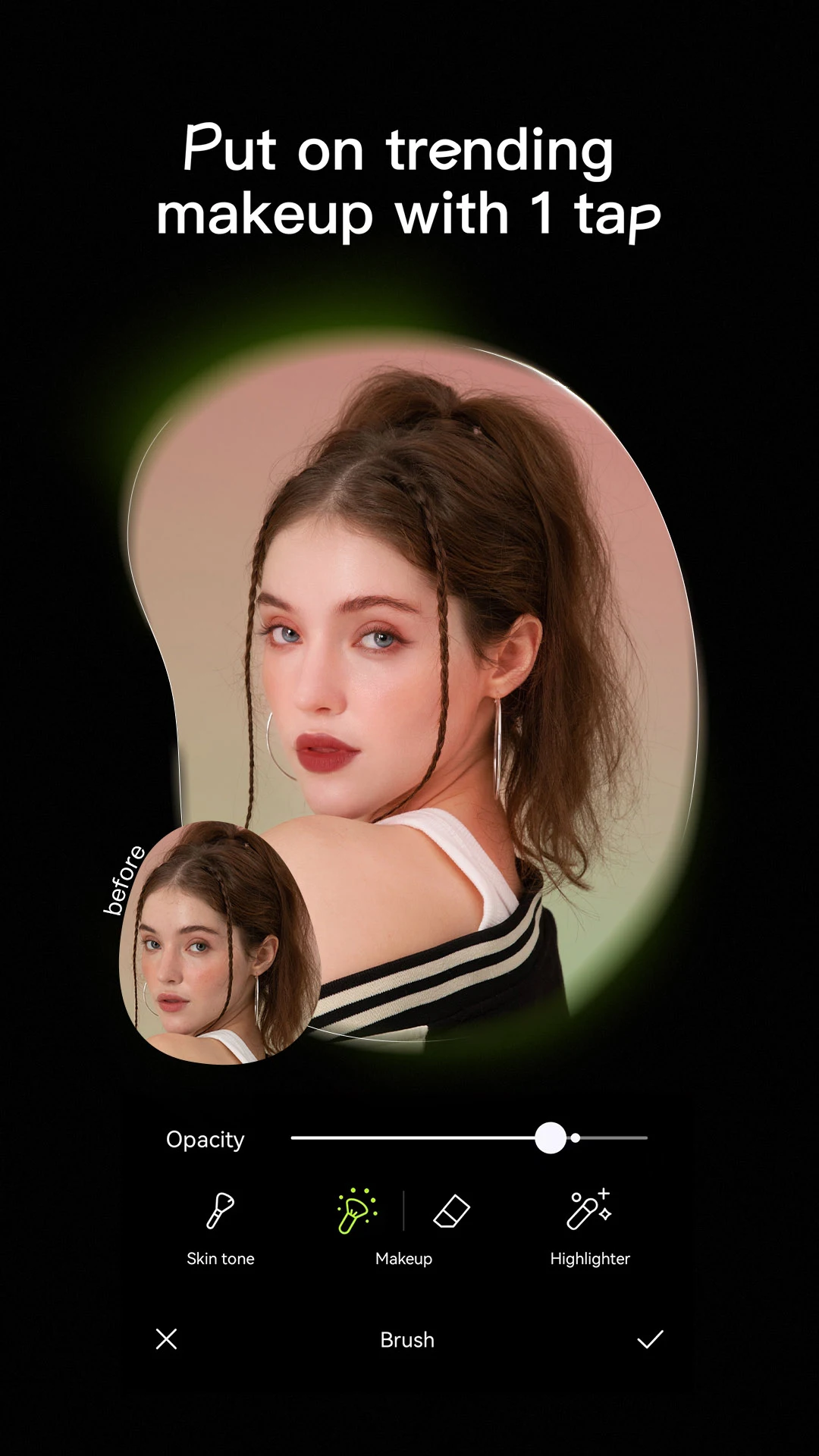
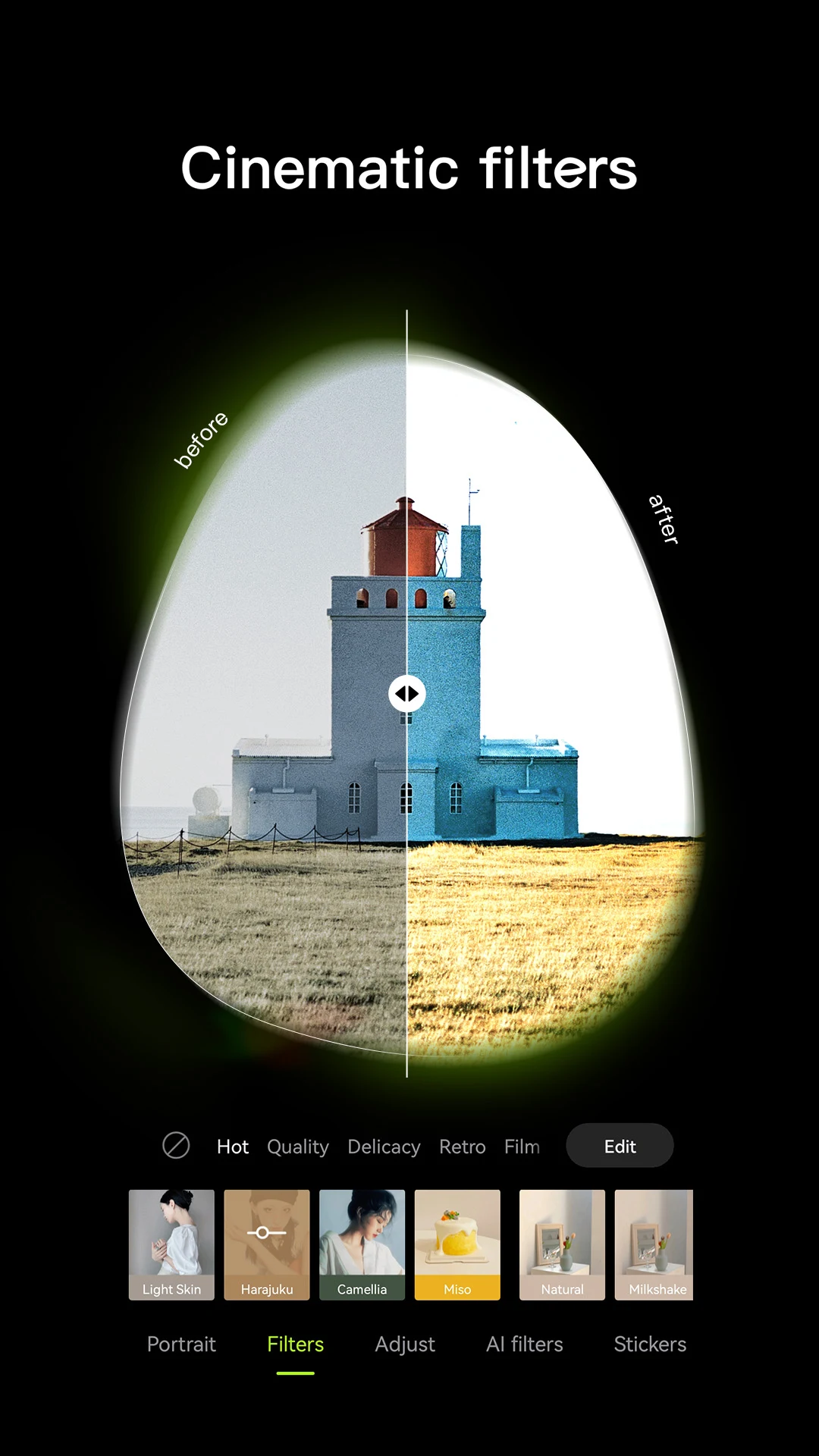
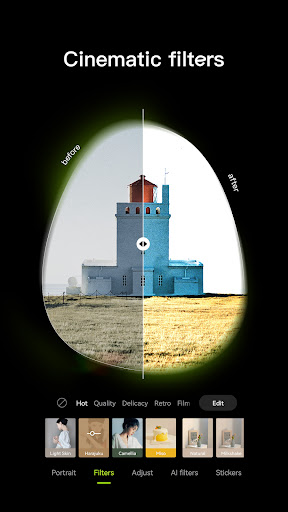
探索流行的美学风格,包括复古胶片、干净女孩预设和柔光滤镜。只需轻轻一点,即可匹配您的心情或风格。
智能修图工具
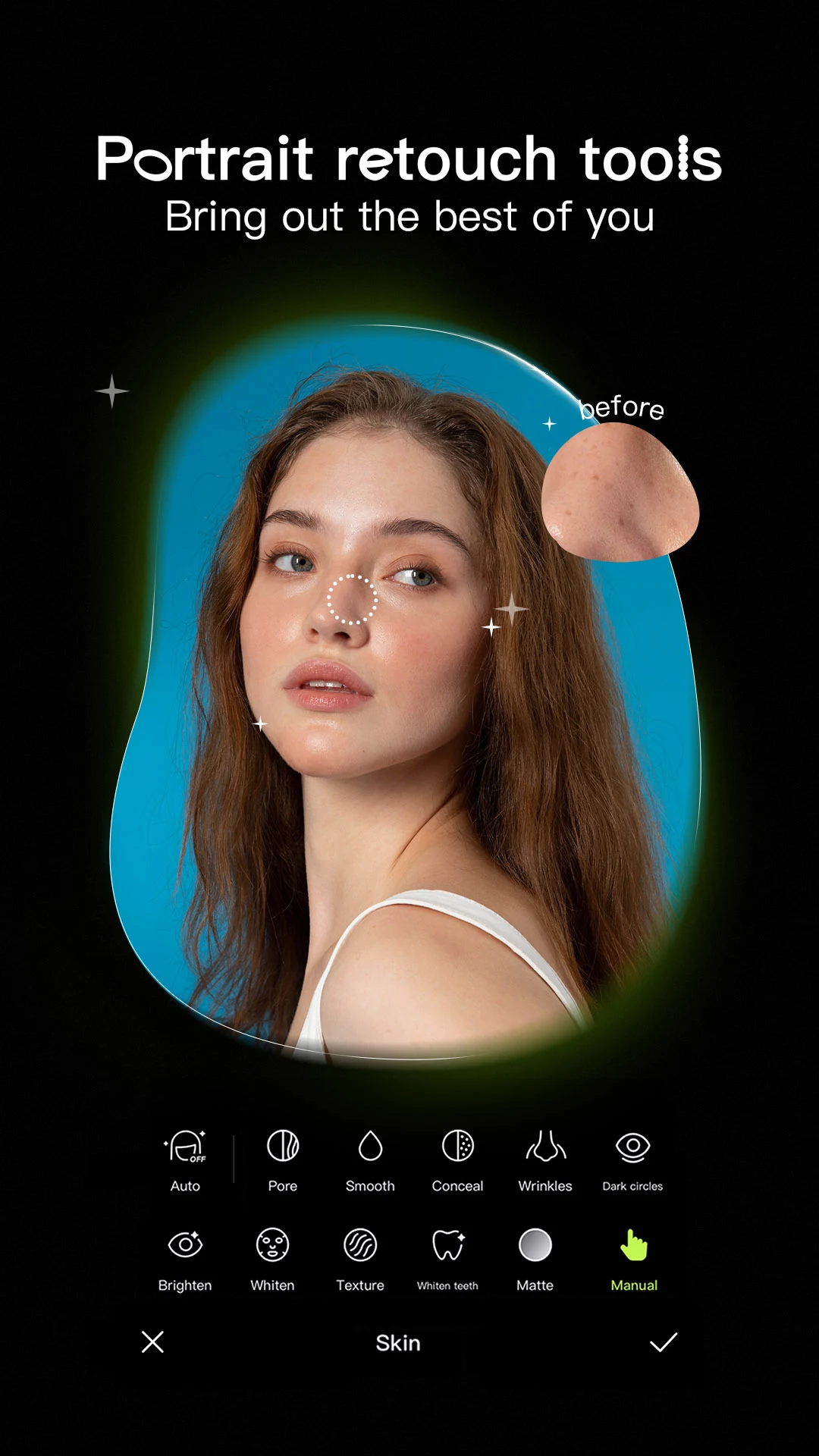
使用精准的工具,平滑、重塑和增强照片,自然地定制您的外观。轻松细致地调整面部特征。
精美模板
使用专业设计的模板,在几秒钟内打造惊艳视觉效果。无论是照片转储、故事还是日常视频博客,Hypic 的模板都能让您的内容看起来毫不费力。
无论您是业余编辑、数字创作者还是美学爱好者,Hypic 都能让编辑变得有趣、快速、轻松。无需任何经验。
批量编辑、制作拼贴画和生成 AI 艺术作品——一站式完成。
完美适用于 Instagram、TikTok、Pinterest 等平台。
立即下载 Hypic,将您的愿景变为现实——精美、轻松、即时。
如有任何关于 Hypic 的问题,请发送电子邮件至 retouchpics.support@bytedance.com 联系我们。
更多新功能教程和高级图片编辑技巧,请在 Instagram 上关注 @hypic https://www.instagram.com/hypic_app/ 或 TikTok https://www.tiktok.com/@hypic_global。
服务条款
https://m.hypic.com/clause/hypic-terms-of-service
隐私政策
https://m.hypic.com/clause/hypic-privacy-policy
更多

1. 下载逍遥安装器并完成设置

2. 启动逍遥后打开位于桌面上的谷歌商店

3. 在谷歌商店中搜索Hypic - Photo Editor & AI Art
Install
4. 下载并安装Hypic - Photo Editor & AI Art
5. 下载完成后点击图标来启动

6. 通过逍遥在电脑上享受Hypic - Photo Editor & AI Art
逍遥安卓是优秀的安卓模拟器,全球超过5000万用户的优先选择。逍遥安卓以虚拟化技术为核心,为用户打造突破手机配置局限的游戏平台!
大屏精细展示;无限待机,超越电池和流量限制
键鼠、手把操作全面支持,操作更精准
用逍遥多开同时运行多个游戏、应用。
Use Hypic - Photo Editor & AI Art on PC by following steps: