Air 4 Android
تم التحديث
الإصدار الحالي
1.1 Developer
تقديم

لا داعي للقلق بشأن الشحن الزائد عند استخدام Air 4 Android على هاتفك. تحرر من قيود الشاشة الصغيرة واستمتع به على شاشة أكبر باستخدام لوحة المفاتيح والفأرة. يوفر MEmu جميع الميزات الرائعة التي تتوقعها: تثبيت سريع، إعداد سهل، أدوات تحكم بديهية، ودون قيود على عمر البطارية، أو استخدام البيانات، أو المكالمات الواردة. يُعد MEmu 9 الجديد الخيار الأمثل لتجربة Air 4 Android على جهاز الكمبيوتر. بفضل تقنية التشفير الفريدة، يتيح لك مدير الحسابات المتعددة تشغيل حسابين أو أكثر في وقت واحد. والأهم من ذلك، أن محرك المحاكاة الفريد يستغل أداء جهاز الكمبيوتر بالكامل، مما يُحسّن تجربة التطبيق ويجعل كل شيء سلسًا للغاية.
أظهر المزيد
قم بتنزيل Air 4 Android على الكمبيوتر بإستخدام جهاز مقلد أندروز MEmu.استمتع بمتعة اللعب على الشاشة الكبيرة. Looking for Adobe Air?
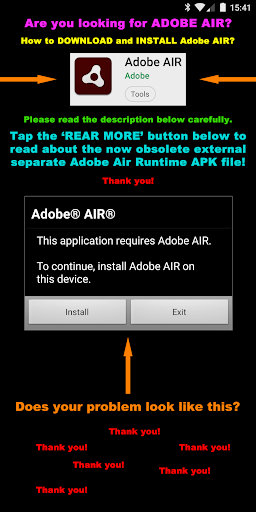
Looking for Adobe Air? The famous and ubiquitous Adobe Air Runtime (25) for Android is still available but you will have to search Google to find download and install the APK file (Android Package file). Please do copy and paste this query in your search engine: ( https://www.google.com/search?q=Adobe+Air+Runtime+(25)+for+Android ) Just in case you cannot access Adobe Air here on Google's Play Store. All devices running an operating system Android 9 and below should be supported fine. Thanks! (just allow the installation of the APK v.25 Android Package file, go).
Please have a look at my '3D Charts' App https://play.google.com/store/apps/details?id=air.A3DChartsMobile if you want to experience a modern app which is supporting the latest Android P (Pie 9) security level using Adobe Air. The '3D Charts' app was programmed using an actual version of Adobe's air SDK (software development kit) compiler with the nowadays preferred so called 'captive' integrated Runtime option. No 2 separate downloads necessary any more. All is in 1 app installer file! Cool and by now that is very secure and safe!
This 'Air 4 Android' app is for Adobe Flash CS5.5 Air 2.6 up developers only!
Please do not download nor rate unless you are a Flash developer.
This app is open source / source for sale and serves as demonstration.
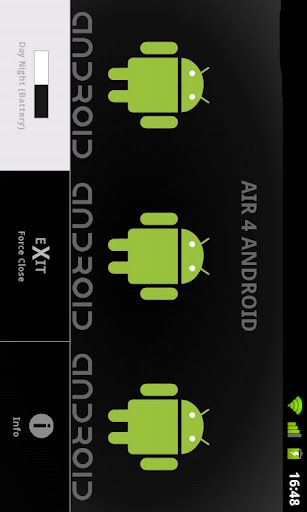
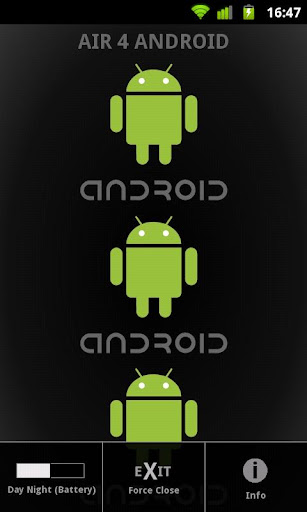
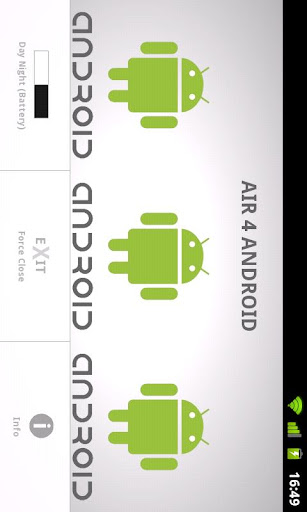
Features: Android System look alike Menu (emulation), Stage orientation landscape and portrait support (with 3D transition), (auto)fits any screen resolution (optimized for 800x480 and up - tablet), force close of app, store user settings as 'SharedObject', info popUp (emulation) ... night (eye and battery friendly) and day mode (black and white)
For further info please contact the developer.
أظهر المزيد

1. قم بتنزيل برنامج MEmu واكمال تثبيته

2. قم بتشغيل برنامج MEmu وفتح Google Play على الصفحة الرئيسية

3. ابح Air 4 Android في Google Play
Install
4. تنزيل وتثبيت Air 4 Android
5. انقر على الرمز للتشغيل بعد اكتمال التثبيت

6. استخدم MEmu لتجربة Air 4 Android على جهاز الكمبيوتر الخاص بك.
تطبيق MEmuهو افضل محاكى اندرويد مجانى وبالفعل 50 مليون شخص يستمتعون حاليا بتجربه اللعب عليه. تمكّنك تقنية MEmu الافتراضية من تشغيل آلاف ألعاب Android بسلاسة على الكمبيوتر الشخصي ، حتى أكثرها استخدامًا للرسومات.
شاشة أكبر وجرافيك افضل ووقت أطول بدون حدود البطارية وباقة التليفون
لوحة مفاتيح كاملة تدعم تحكم كامل عن طريق لوحة المفاتيح و الفأره وجيم باد
عدة العاب وحسابات ومهمات علي جهاز الكمبيوتر في وقت معين عن طريق Memu متعدد النوافذ
Use Air 4 Android on PC by following steps: