Air 4 Android
更新日
現在のバージョン
1.1 Developer
提供元

スマートフォンは不要!パソコンと同じようにキーボードとマウスで操作できます。MEmu Playは、あなたが待ち望んでいたすべての楽しみをお届けします。バッテリー残量や小さな画面を気にすることなく、Air 4 Androidをご利用ください。最新のMEmu 9は、Air 4 AndroidをPCで体験するのに最適です!完璧なキーマッピングシステムにより、PCのようなスムーズな操作性を実現します。マルチインスタンス機能により、複数のアプリケーションを同時に実行できます。独自の仮想化エンジンがPCのパフォーマンスを最大限に引き出します。アプリを使用するだけでなく、高品質な体験を得ることができます。
もっと見る
Air 4 AndroidをPCでダウンロード!大画面でより楽しむ。電源が落ちてしまうとか通信料が足りないとかの問題を心配する必要がなく、PCの大画面でより快適にゲームを楽しましょう! Looking for Adobe Air?
Looking for Adobe Air? The famous and ubiquitous Adobe Air Runtime (25) for Android is still available but you will have to search Google to find download and install the APK file (Android Package file). Please do copy and paste this query in your search engine: ( https://www.google.com/search?q=Adobe+Air+Runtime+(25)+for+Android ) Just in case you cannot access Adobe Air here on Google's Play Store. All devices running an operating system Android 9 and below should be supported fine. Thanks! (just allow the installation of the APK v.25 Android Package file, go).
Please have a look at my '3D Charts' App https://play.google.com/store/apps/details?id=air.A3DChartsMobile if you want to experience a modern app which is supporting the latest Android P (Pie 9) security level using Adobe Air. The '3D Charts' app was programmed using an actual version of Adobe's air SDK (software development kit) compiler with the nowadays preferred so called 'captive' integrated Runtime option. No 2 separate downloads necessary any more. All is in 1 app installer file! Cool and by now that is very secure and safe!
This 'Air 4 Android' app is for Adobe Flash CS5.5 Air 2.6 up developers only!
Please do not download nor rate unless you are a Flash developer.
This app is open source / source for sale and serves as demonstration.
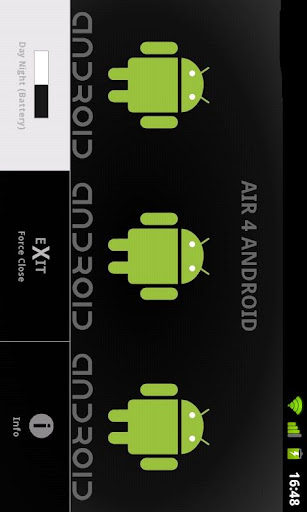
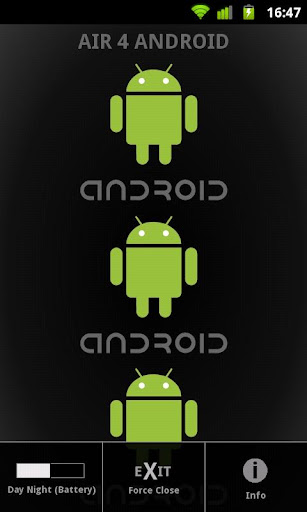
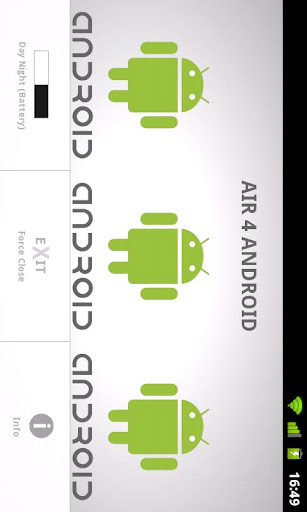
Features: Android System look alike Menu (emulation), Stage orientation landscape and portrait support (with 3D transition), (auto)fits any screen resolution (optimized for 800x480 and up - tablet), force close of app, store user settings as 'SharedObject', info popUp (emulation) ... night (eye and battery friendly) and day mode (black and white)
For further info please contact the developer.
もっと見る

1. MEmuインストーラーをダウンロードしてセットアップを完了する

2. MEmuを起動し、デスクトップでのPlayストアを開く

3. PlayストアでAir 4 Androidを検索する
Install
4. Air 4 Androidをダウンロードしてインストールする
5. インストールが完了したら、アイコンをクリックしてスタート

6. MEmuを使ってパソコンでAir 4 Androidを体験する
MEmu Playは現在、最高の無料Androidエミュレーターであり、5,000万人のユーザーが優れたAndroidアプリ体験を楽しんでいます。MEmuの仮想化テクノロジーにより、数千ものAndroidアプリをコンピューターでスムーズに実行できます。
大画面でより精細;無限の待機、電池とドラフィックの極限を超え
キーボード・マウス・コントローラーを全力でサポート、より快適
マルチインスタンスで複数のゲームを同時に実行
Use Air 4 Android on PC by following steps: