How to Play Pigeon Paradise on PC with MEmu Play Emulator
 |
|
Have you ever dreamed of building your own sky sanctuary, raising rare avian flocks, and mastering the authentic art of traditional pigeon keeping? Look no further than Pigeon Paradise, the unique simulation game by @aliyapicidev available on the Google Play Store. This captivating simulator allows you to build customized coops, feed and nurture your birds, hatch eggs, and use whistle commands to guide your flock as they execute breathtaking tumbles and glides in the open sky.
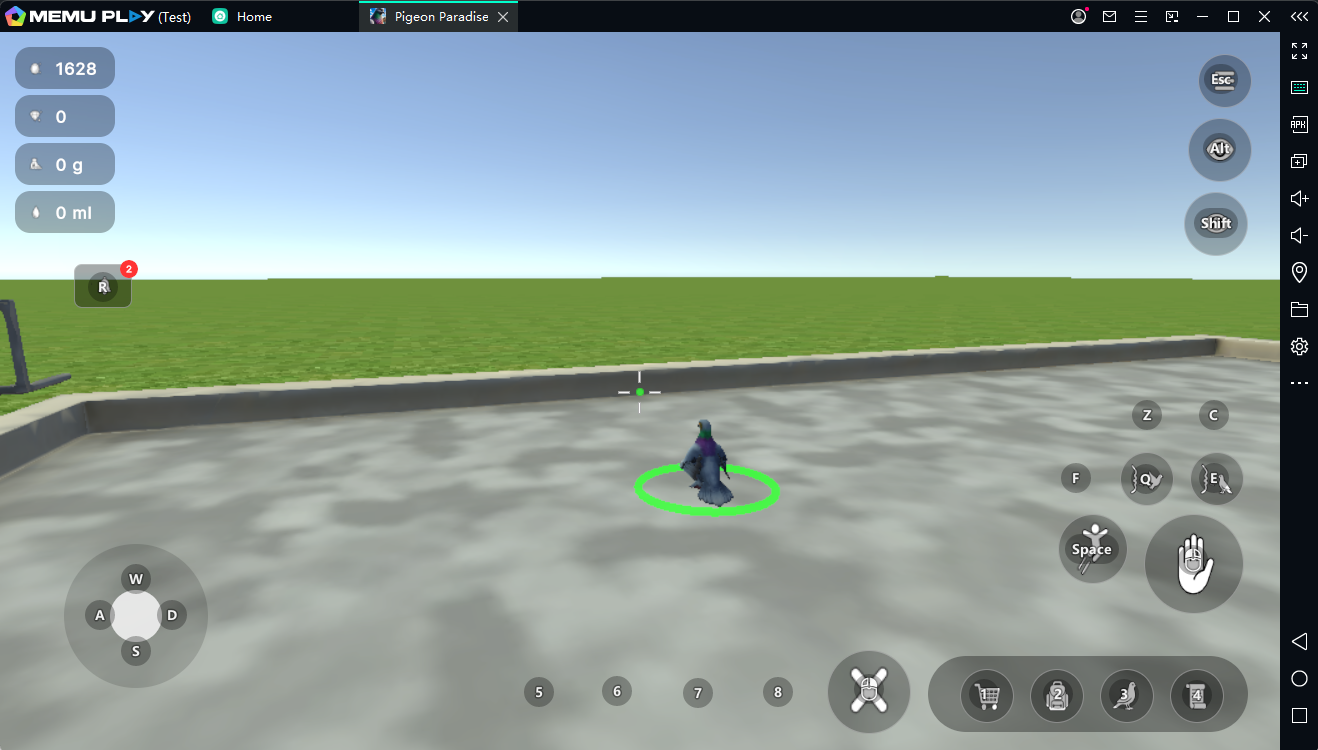

Pigeon Paradise
While managing your flock on a smartphone is a fun casual experience, checking your nests, training birds, and watching complex tumbling flights can quickly strain your eyes and overheat your phone's battery. To unlock the true, immersive beauty of this realistic day-and-night simulation, playing Pigeon Paradise on PC with MEmu Play is the definitive way to go.
Here is why MEmu Play is the perfect choice for expanding your digital pigeon empire.
Contents
Why Choose MEmu Play for Pigeon Paradise?
MEmu Play is widely recognized as one of the most efficient, lightweight Android emulators globally, specifically tailored to deliver top-tier performance without bogging down your system hardware.
1. Flawless Simulation with Zero Lag on Low-End PCs
Simulation games with active AI entities—like a sky full of flocking, tumbling pigeons—can consume significant mobile CPU resources. MEmu Play is highly optimized to run perfectly even on budget computers or older laptops with only 2GB or 4GB of RAM. It handles the realistic day/night cycle, flock physics, and environment rendering smoothly, ensuring your birds glide across the screen without a single frame drop.
2. Breathtaking Visuals and a Macro View of the Sky
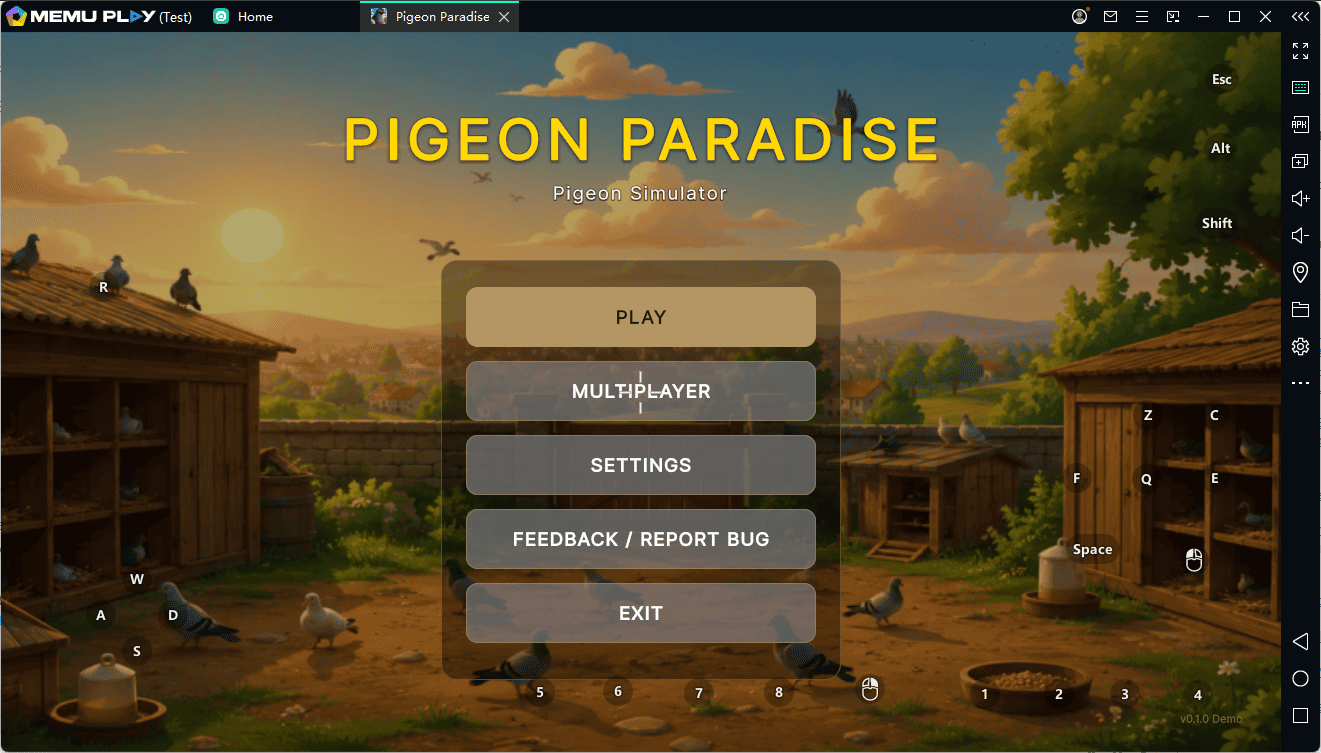
Watching your prize pigeons perform magnificent aerial acrobatics, glides, and tumbles is the core joy of Pigeon Paradise. Squinting at a tiny 6-inch phone screen ruins the grandeur. By launching the game through MEmu Play on your PC monitor, you can appreciate the gorgeous skyboxes, detailed bird animations, and full coop layouts in glorious high definition.
3. Seamless Control via Keymapping and Whistle Commands
In Pigeon Paradise, timing is everything when sending your birds on sorties or calling them back using precise whistle commands. Instead of tapping blindly on a smudged touch screen, MEmu Play allows you to map your whistle, feed distribution, and coop management controls straight to your keyboard and mouse. One-click hotkeys make taming wild pigeons and gathering gold from daily quests infinitely faster and easier.
4. Multi-Instance Management for Massive Flock Breeding
Want to speed up your breeding programs, hatch multiple eggs at once, or manage different coop strategies simultaneously? MEmu’s robust Multi-Instance Manager lets you run multiple separate windows of the emulator simultaneously. You can easily nurture multiple distinct pigeon accounts without breaking a sweat or crashing your Windows OS.
Core Features of Pigeon Paradise You'll Master on PC:
Coop Customization: Set up feeders, waterers, and nest shelves comfortably using your mouse precision.
Flock Expansion: Catch and tame wild pigeons from the vast sky and cross-breed them to hatch unique chicks.
Acrobatic Training: Train your birds to improve their stats and watch their flight behaviors on a cinematic display.
Simple Guide to Install & Play Pigeon Paradise on PC
Setting up your virtual pigeon paradise takes less than five minutes. Just follow these simple steps:
-
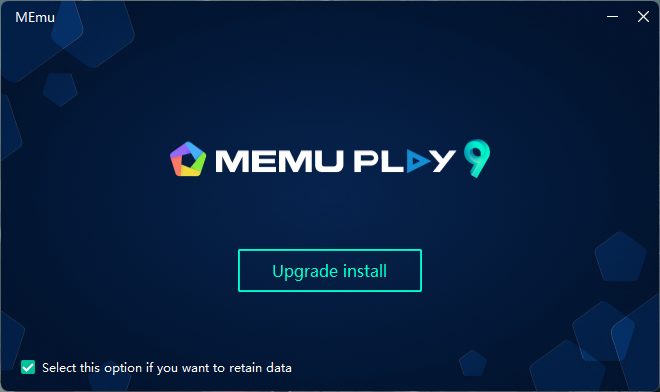
Download MEmu Play: Go to the official MEmu website and download the latest, clean installation package.
-
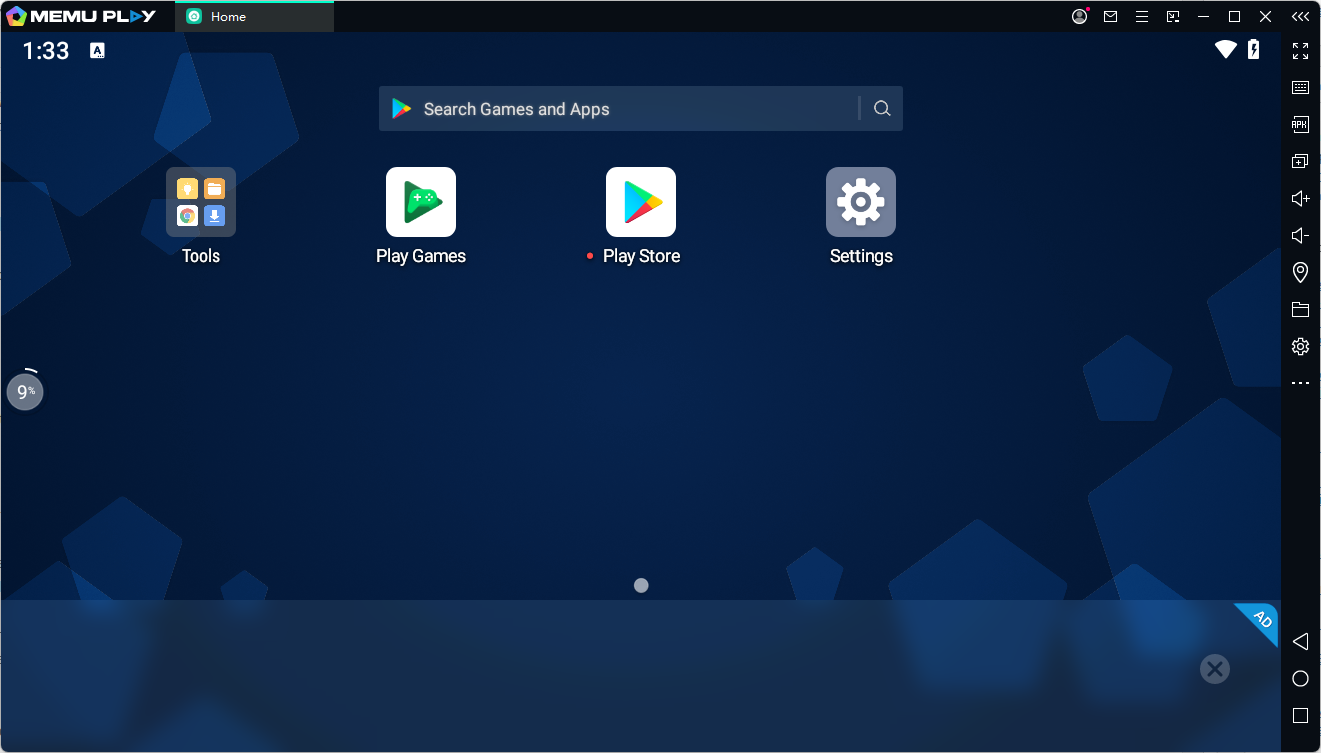
Install the Emulator: Run the setup wizard on your Windows PC and launch MEmu Play once finished.
-
Access Google Play: Open the built-in Google Play Store app inside MEmu and quickly sign in with your Google account.
-
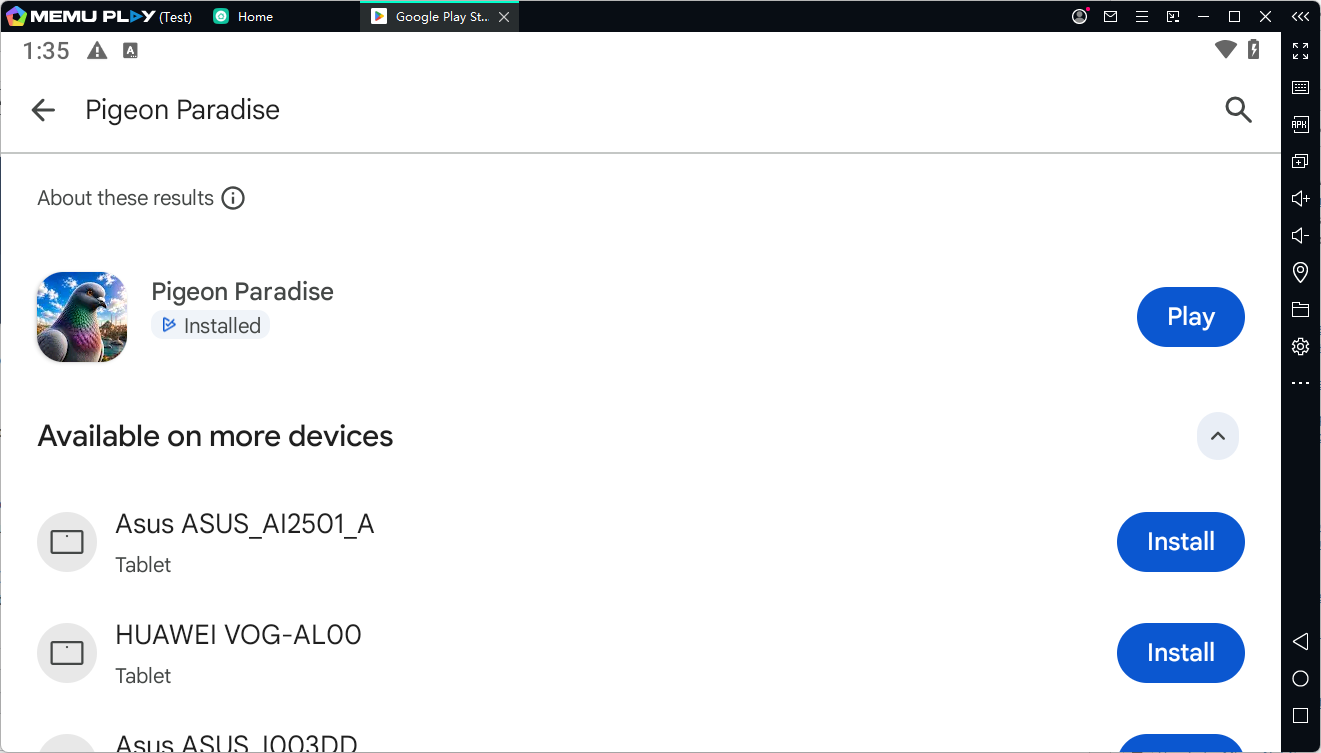
Search and Download: Search for "Pigeon Paradise" in the store search bar, click "Install," and let the game download.
-
Launch Your Coop: Click the game icon on your MEmu home screen, set up your favorite keyboard shortcuts, and start building your flock!
⚡ Don't limit your flock to a tiny screen! [Download MEmu Play Today], install Pigeon Paradise, and watch your birds dominate the sky in stunning high-definition! ⚡