Play Dream League Soccer 2026 on PC with MEmu Emulator: Ultimate Football Guide
 |
|
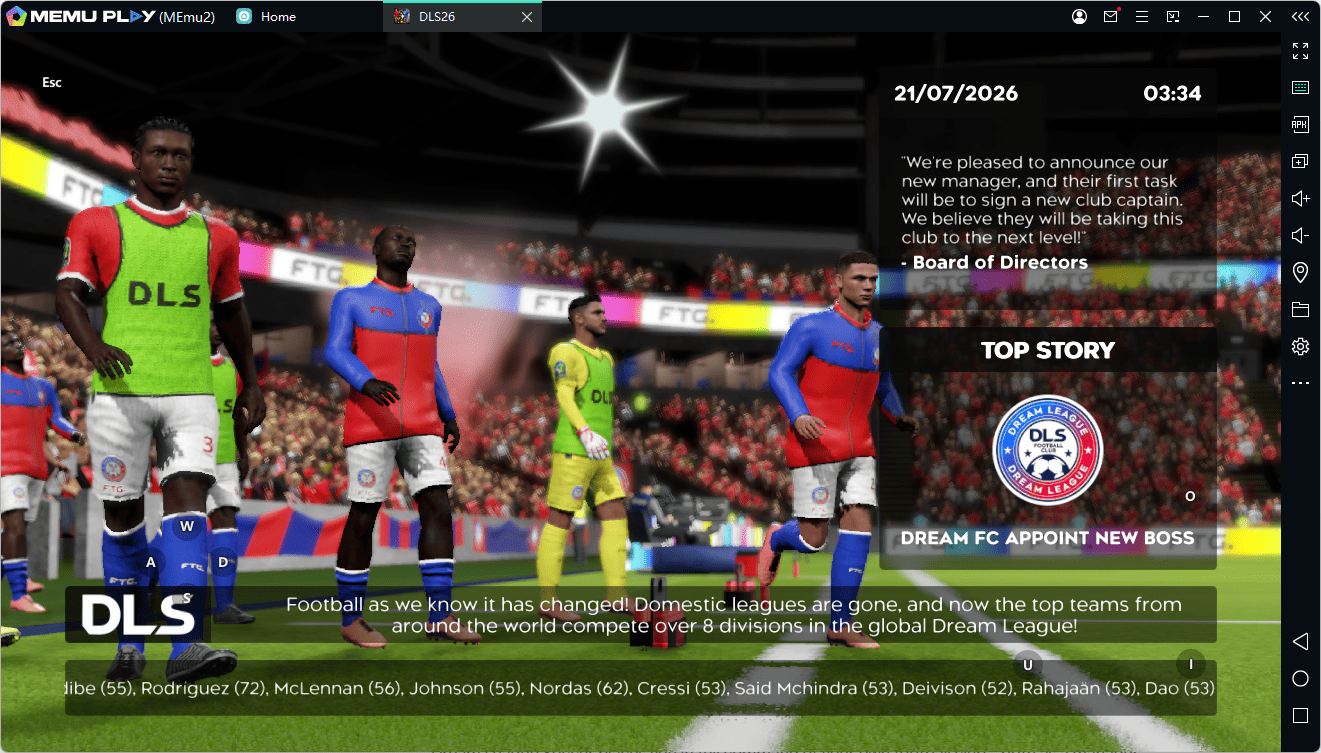
Are you ready to build your dream squad, sign top FIFPRO™ licensed superstars, and dominate international football leagues? Dream League Soccer 2026 (DLS) by First Touch Games is undoubtedly one of the most exciting mobile soccer games available today.

Dream League Soccer 2026
Featuring stunning 3D motion-captured movements, comprehensive club customization, and fierce multiplayer competitions, DLS brings the thrilling atmosphere of the pitch directly to your hands.
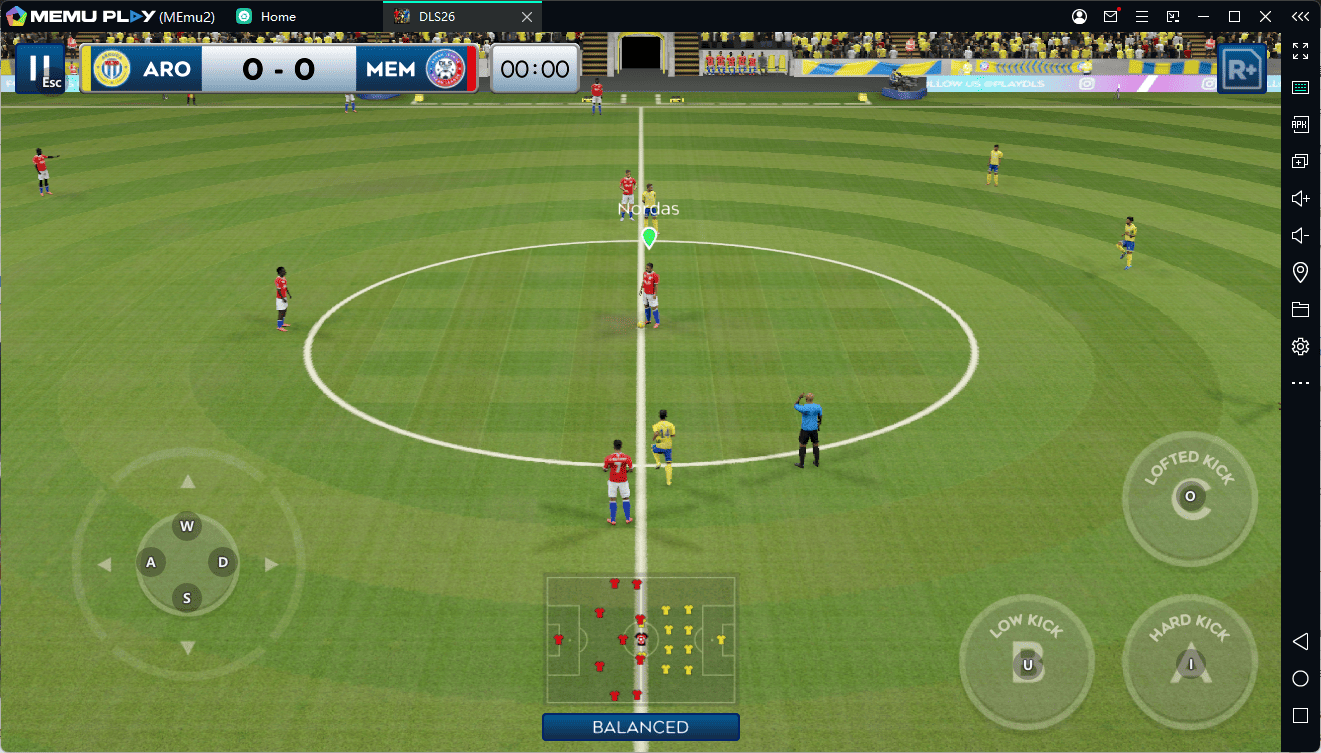
However, playing a fast-paced football game on a small smartphone screen can sometimes lead to missed shots, awkward thumb controls, and battery drain. That is why playing Dream League Soccer 2026 on PC using MEmu Emulator is the ultimate way to elevate your game!
Contents
Game Overview: What Makes Dream League Soccer 2026 So Addictive?
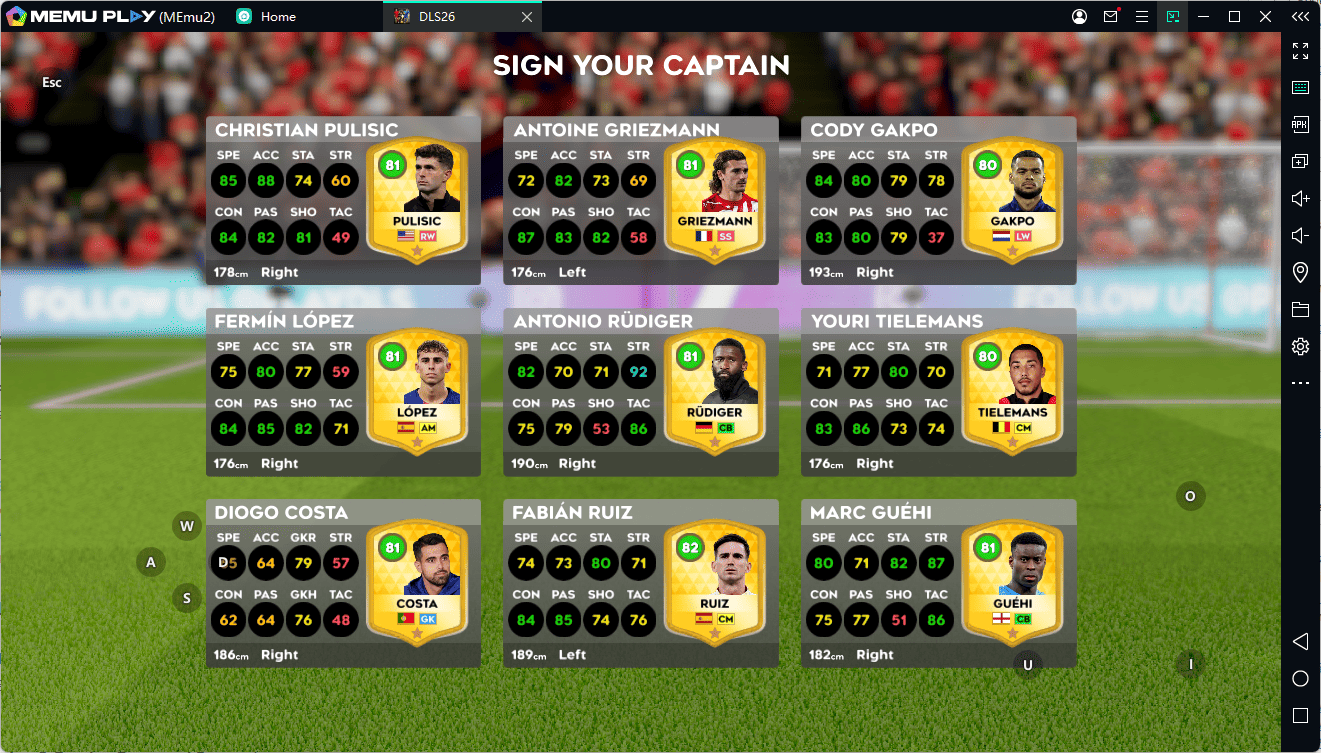
Dream League Soccer places you in full command of your own football club—both as a manager and as the player on the pitch.
Key Game Features:
- Licensed FIFPRO™ Players: Build and develop your team from over 4,000 real-world licensed soccer stars.
- Full 3D Match Experience: Enjoy realistic tackles, stunning long-range goals, motion-captured celebrations, and impressive goalkeeper saves.
- Build Your Soccer Empire: Construct your own stadium, upgrade medical and training facilities, and hire scouts to hunt for top talent in the transfer market.
- Dream League Live: Compete in real-time against players around the globe, climb division leaderboards, and prove your team's dominance.
Why Play Dream League Soccer 2026 on PC with MEmu Emulator?
Taking your football skills from a phone screen to a PC setup with MEmu Emulator gives you a massive competitive edge over your opponents. Here is why MEmu is the best Android emulator for DLS:
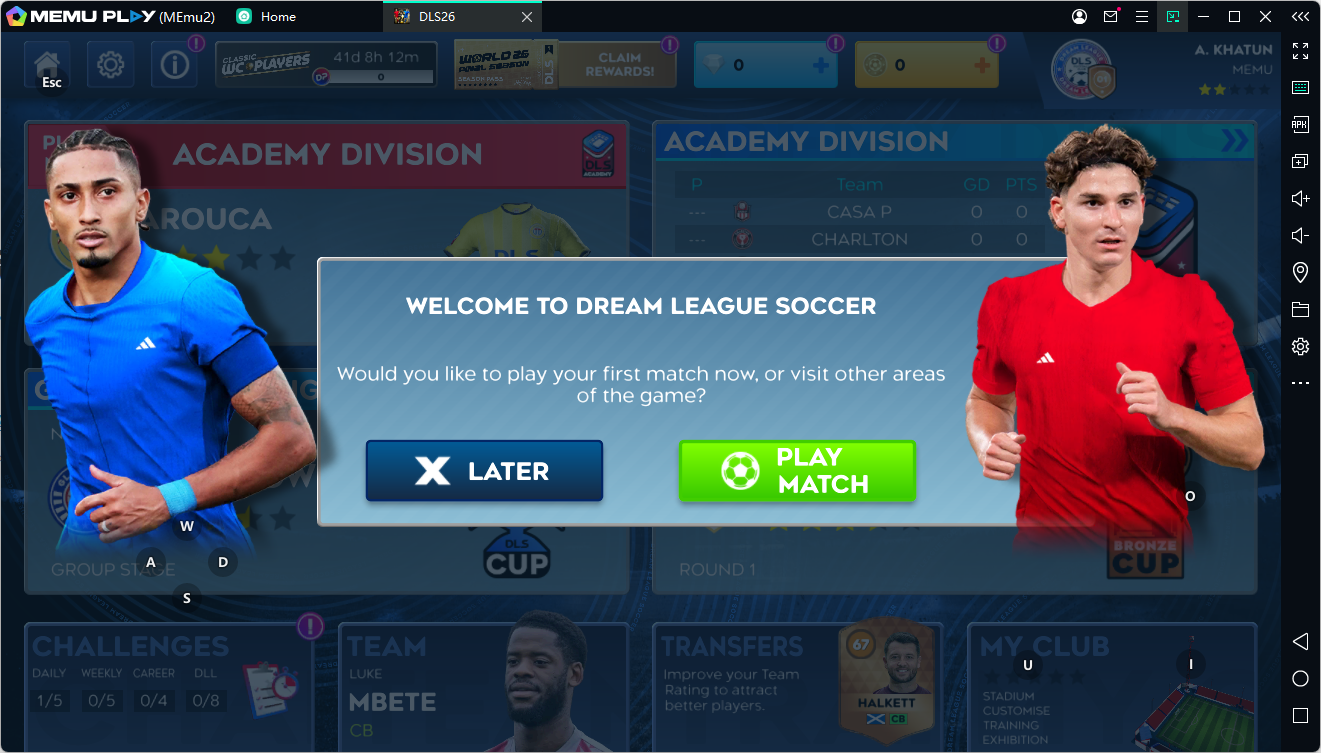
1. Superior Keymapping & Precise Gamepad Support
Scoring precise goal-corner shots and pulling off complex skill moves on a touch screen can be tricky. With MEmu’s custom Smart Keymapping, you can map controls seamlessly to your keyboard and mouse or plug in a gamepad/controller for a console-like gaming experience. Passing, shooting, and tackling become instantly more accurate!
2. High FPS & Silky-Smooth Visuals
Football matches demand high-frame-rate smoothness to judge ball trajectories and player positions accurately. MEmu harnesses your PC’s hardware (CPU and GPU) to run Dream League Soccer at high FPS with zero lag, stutter, or frame drops.
3. Bigger Screen, Better Tactical Vision
On a large PC monitor, you get a much wider field of view compared to a mobile screen. Spot open teammates running down the wings, time your through-balls perfectly, and read the opponent's defense effortless!
4. Unlimited Playtime (No Battery or Overheating Worries)
Nothing interrupts a winning streak like a low battery warning or a hot smartphone slowing down performance. On MEmu, you can play back-to-back league matches and online tournaments as long as you want without worrying about phone battery decay or thermal throttling.
How to Download and Play Dream League Soccer on PC (Step-by-Step)
Setting up Dream League Soccer on your computer with MEmu is fast and easy:
-
Download & Install MEmu: Visit the official MEmu Play Website and download the latest installer.
-
Launch MEmu: Open the emulator on your desktop and complete the quick initial setup.
-
Access Google Play Store: Log in to your Google Account inside MEmu.
-
Search for the Game: Search for Dream League Soccer.
-
Install & Win: Click Install, launch the game from the MEmu home screen, setup your keymapping/gamepad, and start scoring goals on the big screen!
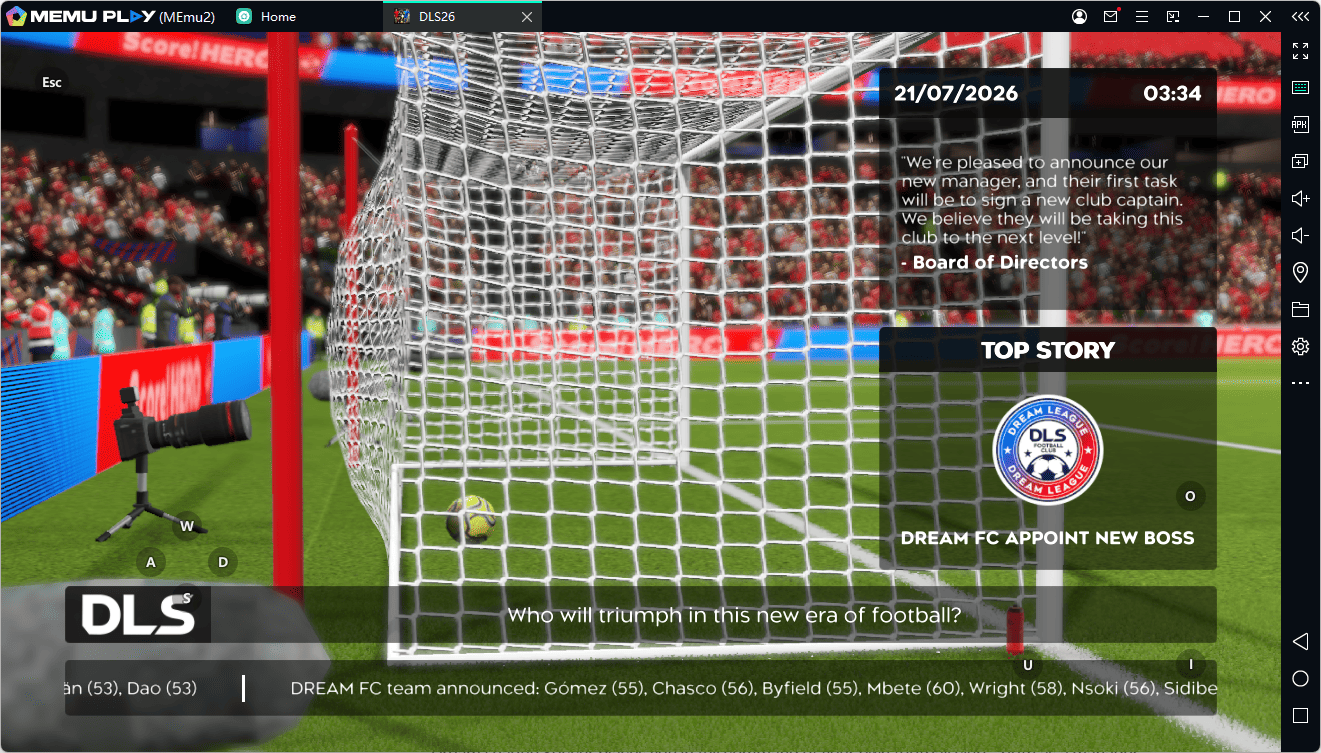
Lead Your Dream Team to Glory Today!
Don't restrict your tactical vision to a tiny mobile screen. Take full control of the pitch with keyboard or controller accuracy, ultra-smooth graphics, and uninterrupted gameplay.
Download MEmu Emulator today and experience Dream League Soccer 2026 like a true champion!