How to Play Highway Heroes: Truck Manager on PC with MEmu
 |
|
Looking to expand your trucking empire on a bigger screen? Highway Heroes: Truck Manager brings deep logistics, fleet management, and strategic transport gameplay right to your mobile device. However, managing dozens of routes and keeping an eye on your logistics grid is much easier when you play on a PC.
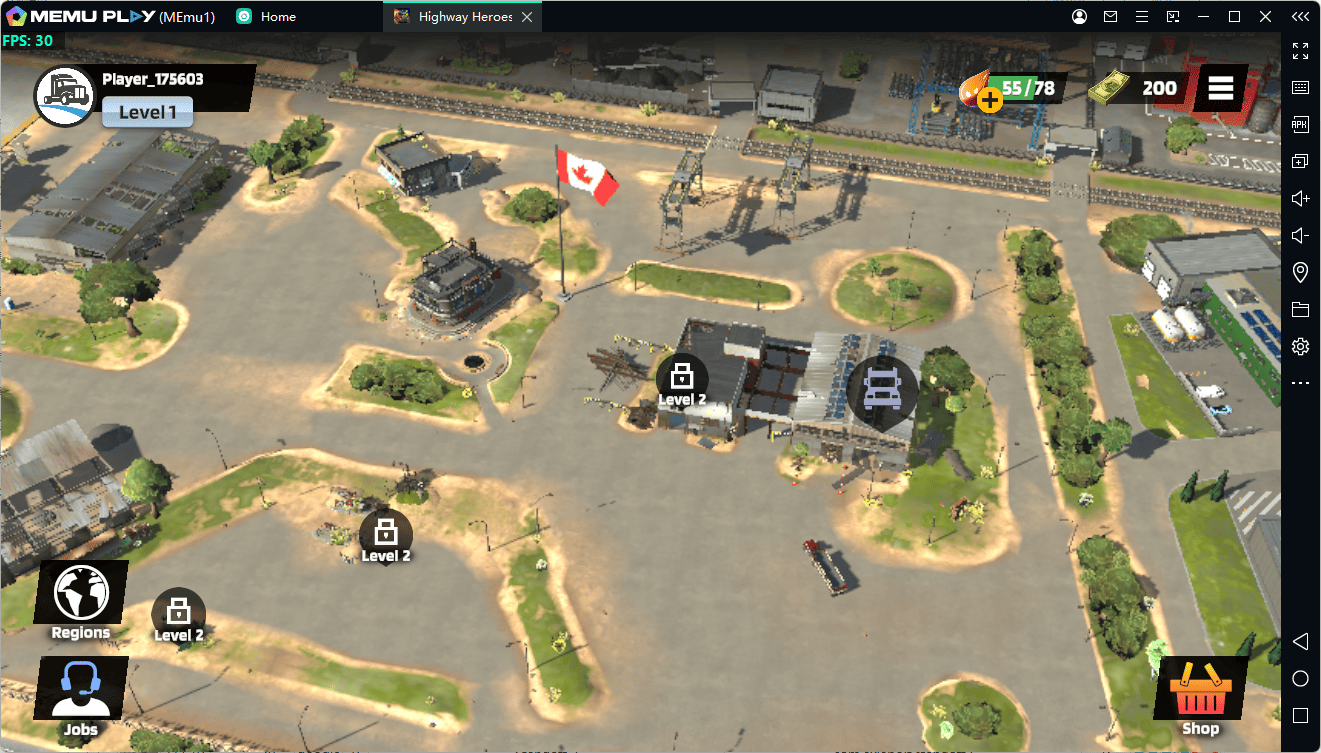
Using MEmu Android Emulator, you can experience smooth gameplay, larger display controls, and superior multitasking capabilities.
Why Play Highway Heroes: Truck Manager on PC?
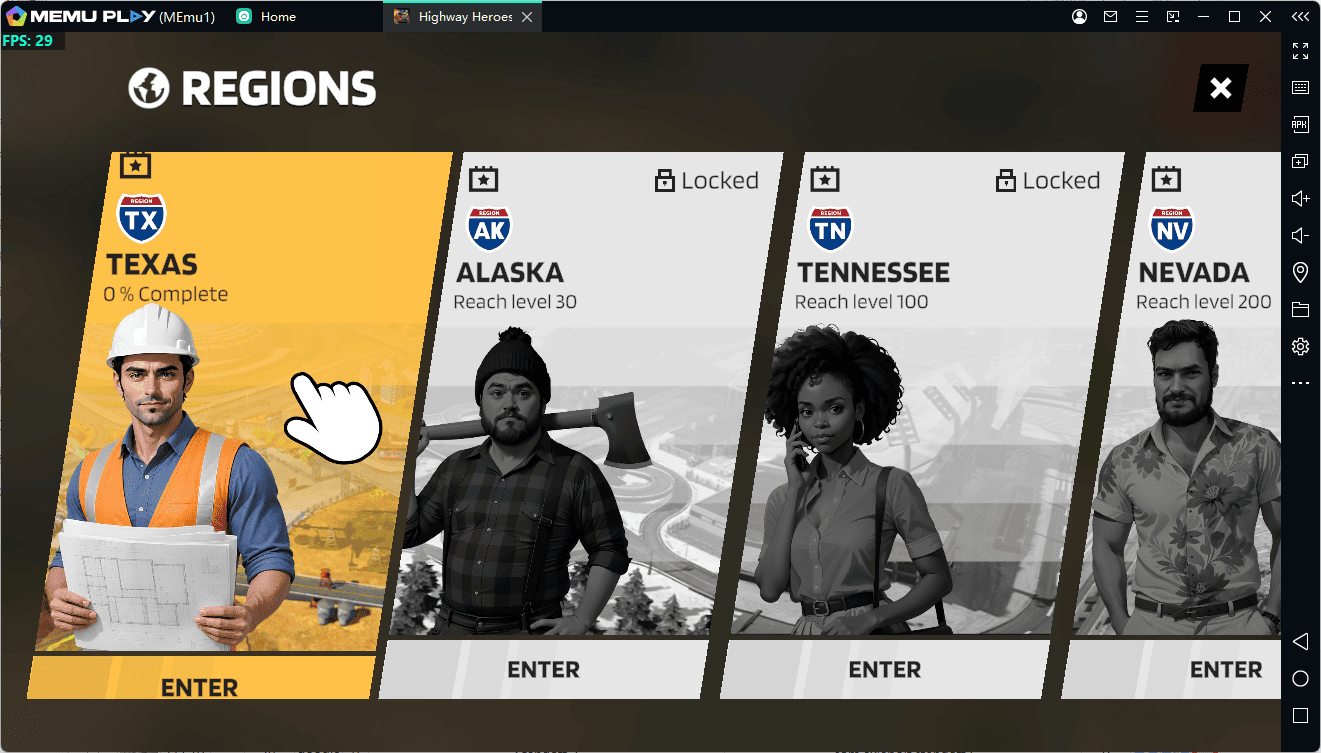
While mobile devices offer portability, playing a detailed management simulator on PC provides several major advantages:
-
Bigger Screen & Clearer UI: Easily manage complex transport routes, inspect your truck fleet, and track financial reports on a full-sized monitor.
-
Better Performance & Stability: Avoid battery drain, overheating, and frame drops during long management sessions.
-
Multi-Instance Capability: Run multiple game accounts or manage different logistics strategies simultaneously using MEmu’s Multi-MEmu tool.
-
Customizable Mouse & Keyboard Controls: Navigate menus faster and manage your fleet with precision clicks.
Key Features of MEmu Emulator for Highway Heroes
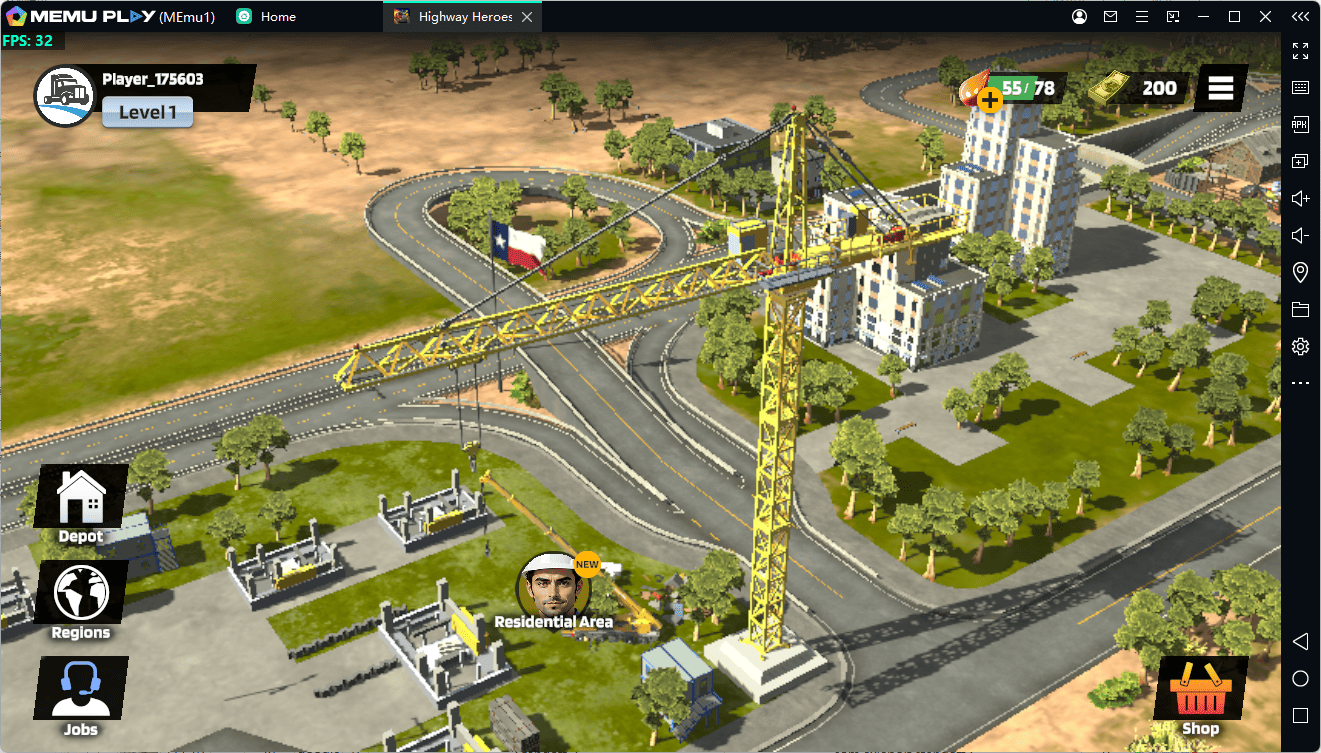
Pro Tip: MEmu is optimized to deliver high FPS and low memory usage, making it ideal for simulation and strategy titles that run in the background.
-
Keymapping Support: Assign shortcut keys to frequently used menus like Fleet Management, Job Boards, and Upgrades.
-
Macro Automation: Automate repetitive clicks for claim collection or route assignments.
-
Flexible Graphic Settings: Adjust resolution and rendering engine (OpenGL/DirectX) to match your hardware setup.
How to Download and Play Highway Heroes: Truck Manager on MEmu
Getting started takes just a few minutes. Follow these simple steps:
-
Download & Install MEmu: Visit the official MEmu website and install the latest version of the emulator on your PC.
-
Launch MEmu & Open Google Play: Complete the initial setup and sign in with your Google Account.
-
Search for the Game: Open the Google Play Store inside MEmu, search for "Highway Heroes: Truck Manager", and click Install.
-
Launch & Customize: Once installed, click the game icon on your MEmu home screen to start playing!
Conclusion
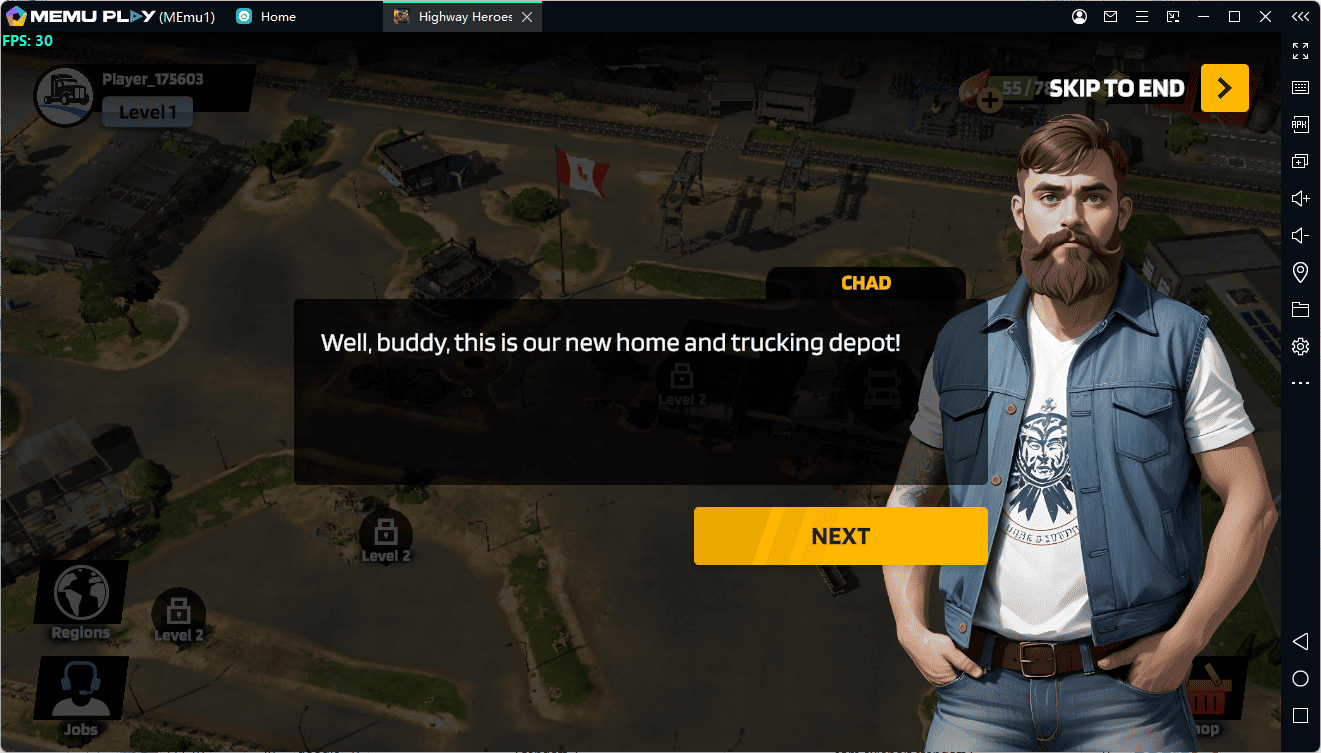
Take your fleet management skills to the next level by playing Highway Heroes: Truck Manager on PC with MEmu. Enjoy enhanced performance, seamless controls, and a clear view of your logistics empire!