Overwatch Rush on PC: Download and Play with MEmu
 |
|
Overwatch Rush brings a new mobile-focused experience to the Overwatch universe. Designed as a fast-paced top-down hero shooter, the game combines tactical team combat, unique heroes, and quick multiplayer action in a format built specifically for mobile devices. Blizzard has described Overwatch Rush as an entirely new game rather than a direct port of the existing Overwatch titles.
Overwatch Rush
If you prefer playing mobile games with a larger screen and PC controls, you can play Overwatch Rush on your computer with MEmu Android Emulator.
Contents
What Is Overwatch Rush?
Overwatch Rush is a free-to-play mobile hero shooter that brings familiar elements of the Overwatch universe into a new top-down gameplay format. Players select heroes with different abilities and roles, then join fast, tactical battles that require teamwork and smart decision-making.
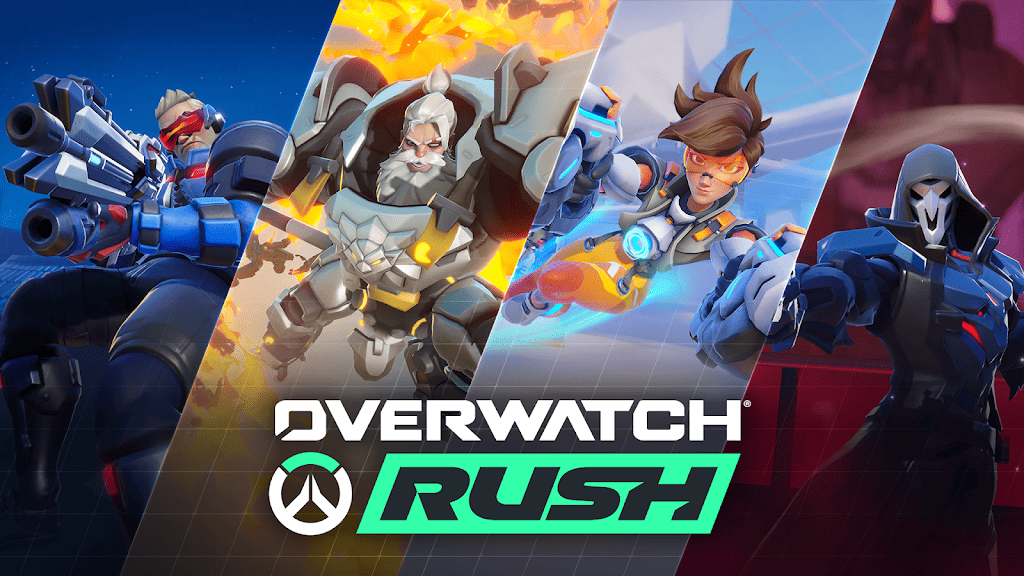
The game focuses on short, action-packed matches where every hero can contribute to the team in a different way. Choosing the right character, learning their abilities, and adapting to the battlefield are all important parts of achieving victory.
The game has been developed specifically for mobile platforms and remains a work in progress. Blizzard's first testing phase ended on April 19, 2026, with future testing updates expected to be announced later.
Overwatch Rush Features

Fast-Paced Hero Battles
Overwatch Rush combines hero-based combat with tactical team gameplay. Each hero offers a different set of abilities, encouraging players to experiment with different playstyles.
Choose Your Role
Build your approach around the hero you choose. Different characters can offer offensive power, defensive options, support abilities, and other tactical advantages that can influence the outcome of a match.
Strategic Team Gameplay
Working together is essential. Coordinate with teammates, adapt your strategy, and make the most of each hero's abilities to gain an advantage during battle.
Designed for Mobile
Rather than simply bringing an existing PC game to smartphones, Overwatch Rush was created as a new mobile-focused experience in the Overwatch universe.
How to Download and Play Overwatch Rush on PC with MEmu
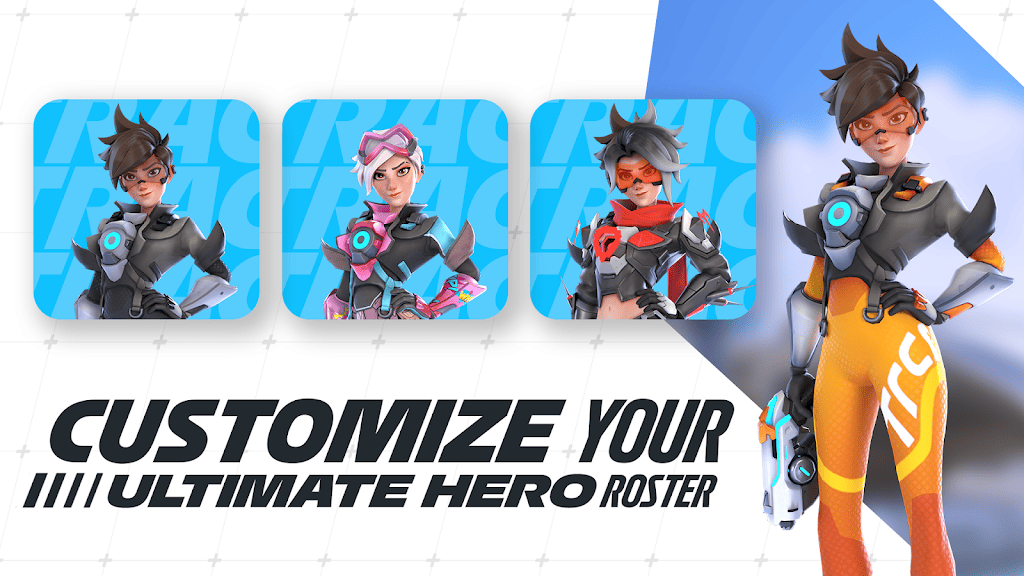
Playing Overwatch Rush on PC with MEmu can give you the advantages of a larger display and more flexible controls.
Step 1: Download and Install MEmu
Download and install MEmu Android Emulator on your Windows PC. Once installation is complete, launch the emulator.
Step 2: Install Overwatch Rush
You can install the game using one of the following methods:
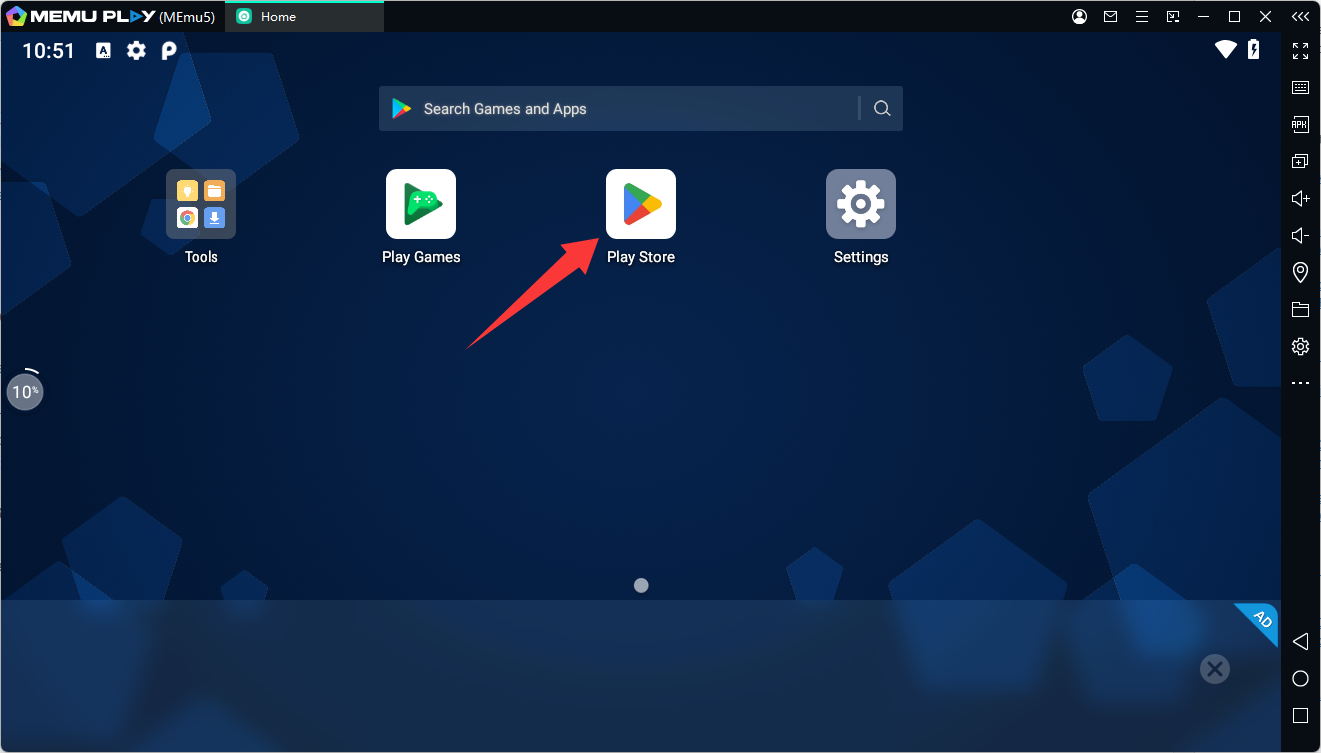
- Search for Overwatch Rush inside MEmu if the game is available in your region and store.
- Download a compatible APK or XAPK from a legitimate source and install it in MEmu.
Step 3: Launch the Game

After the installation is complete, open Overwatch Rush from the MEmu home screen and follow the game's available login and setup instructions.
Step 4: Customize Your Controls
Use MEmu's keyboard mapping tools to create a control layout that works best for you. A keyboard and mouse setup can provide more flexibility when navigating menus and controlling your character.
Why Play Overwatch Rush on PC with MEmu?
MEmu can make the mobile experience more comfortable by offering:
- A larger PC screen for better visibility
- Keyboard and mouse controls
- Customizable keymapping
- The ability to play without relying on a mobile device
- Convenient APK and XAPK installation options
Overwatch Rush
Important Availability Note
Overwatch Rush has been in testing, and Blizzard confirmed that its first testing phase ended on April 19, 2026. Availability may therefore vary depending on your region and the current testing status. Check official Overwatch Rush announcements for future testing phases and availability updates.
If you have access to Overwatch Rush, playing it through MEmu is a convenient way to enjoy its fast-paced hero battles on a larger screen with PC-style controls.