OverPeak: Game Overview, Features & How to Play on PC with MEmu
 |
|
OverPeak: Action Game is an open-world action game developed by R-USER Games. Set in the chaotic city of Prism City, the game follows Jason Fieldway, also known as Subject OP, a man resurrected after a mysterious experiment. Armed with extraordinary powers, he embarks on a brutal journey of revenge against the corporation responsible for his suffering.

OverPeak : Action Game
With destructive environments, powerful abilities, free flight, and choices that influence your reputation, OverPeak lets you decide whether to become Prism City's savior or its greatest threat. Want to experience OverPeak on a bigger screen? You can use MEmu Android Emulator to download and play the game on your PC.
Contents
What Is OverPeak?
OverPeak is an action-packed open-world game that combines intense combat, superhuman abilities, environmental destruction, and player-driven decisions. Players explore Prism City as Jason Fieldway, uncover the consequences of the Starbridge corporation's experiments, and pursue revenge against those who wronged him.
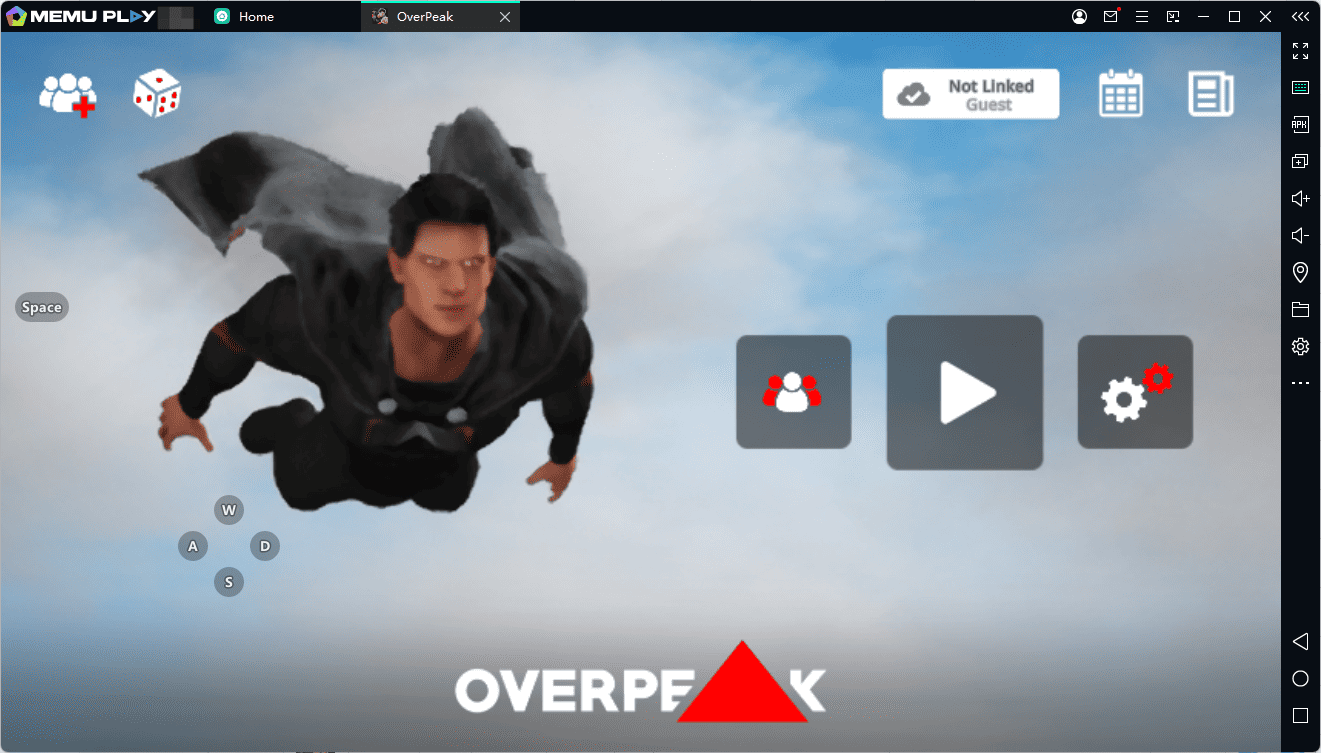
Unlike games that force players into a strictly heroic role, OverPeak allows you to choose how Jason behaves. You can rescue civilians, create chaos, or eliminate anyone who stands in your way. Your actions affect your reputation and influence how the people of Prism City respond to you.
The game is designed for players who enjoy superhero-style action, urban exploration, destructive combat, and morally challenging choices.
Key Features of OverPeak
1. Explore the Open World of Prism City
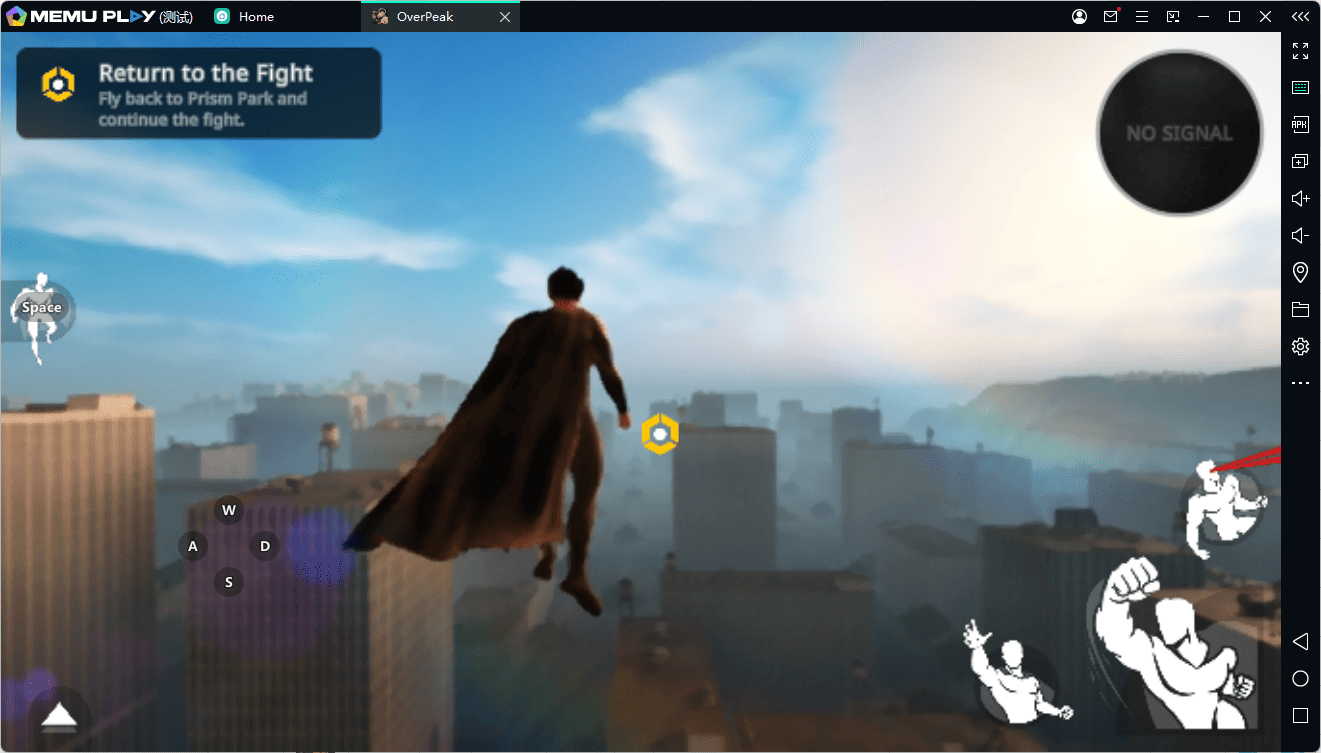
Prism City is your playground and battleground. Explore the urban environment, encounter enemies, and discover opportunities to unleash your powers. The open-world design gives you room to move beyond straightforward combat and experience the city on your own terms.
2. Destroy Buildings and the Environment
One of OverPeak's standout features is its dynamic destruction system. You can damage structures, collapse buildings, blast holes through walls, and smash environmental objects.
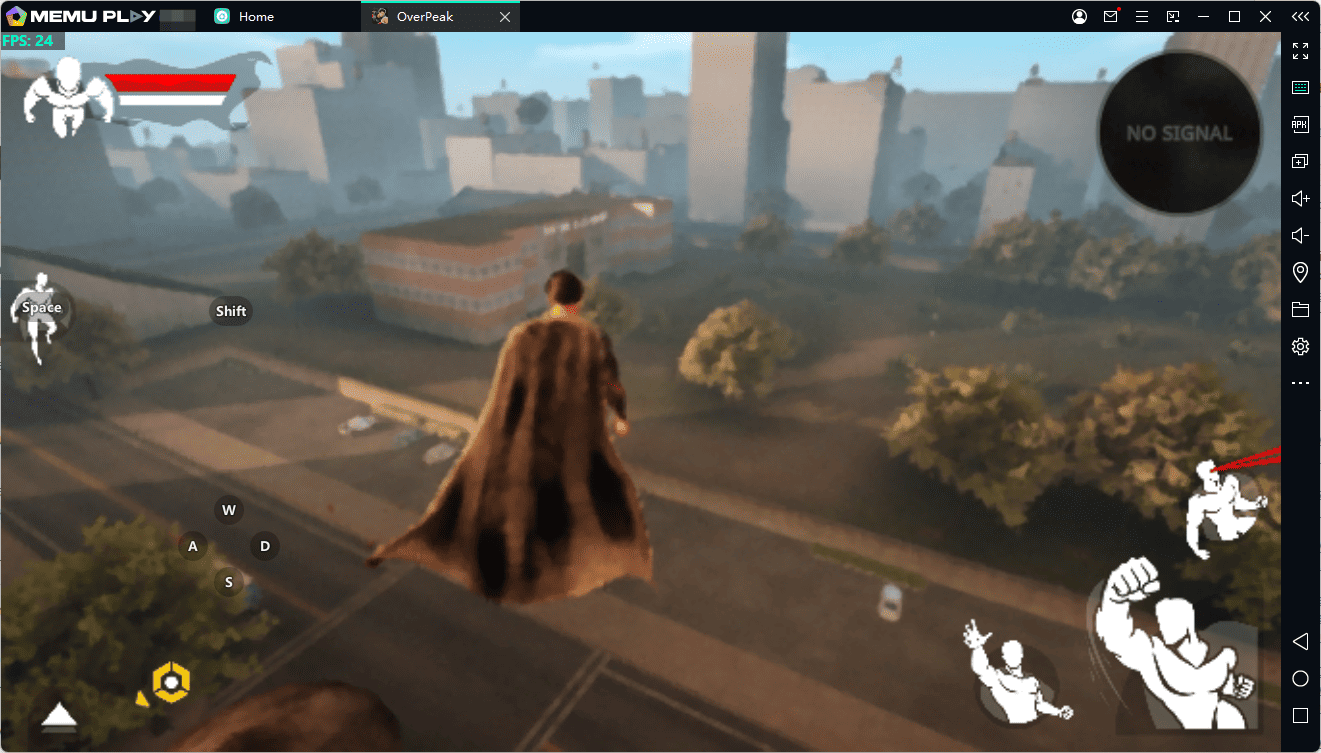
Instead of limiting destruction to scripted scenes, the game emphasizes turning the surrounding environment into part of the action. Battles become more chaotic as buildings and objects suffer damage.
3. Unleash Powerful Superhuman Abilities
Jason has access to a range of extraordinary abilities that make combat and exploration more exciting. According to the game's official Google Play description, these include:
- Thermal lasers: Unleash heat-based attacks against your targets.
- Freeze lasers: Use freezing powers during combat.
- Explosive fire blasts: Deliver destructive attacks with powerful bursts of fire.
- Wind attacks: Use wind-based abilities to add another dimension to combat.
- Free flight: Take to the skies and explore the city from above.
- Space travel: Venture beyond the city and travel into space.
These abilities give players multiple ways to approach encounters and explore the game's world.
4. Make Your Own Choices
In OverPeak, your actions help define Jason's identity. You can save civilians and act as a protector, or embrace chaos and become a feared presence in the city.
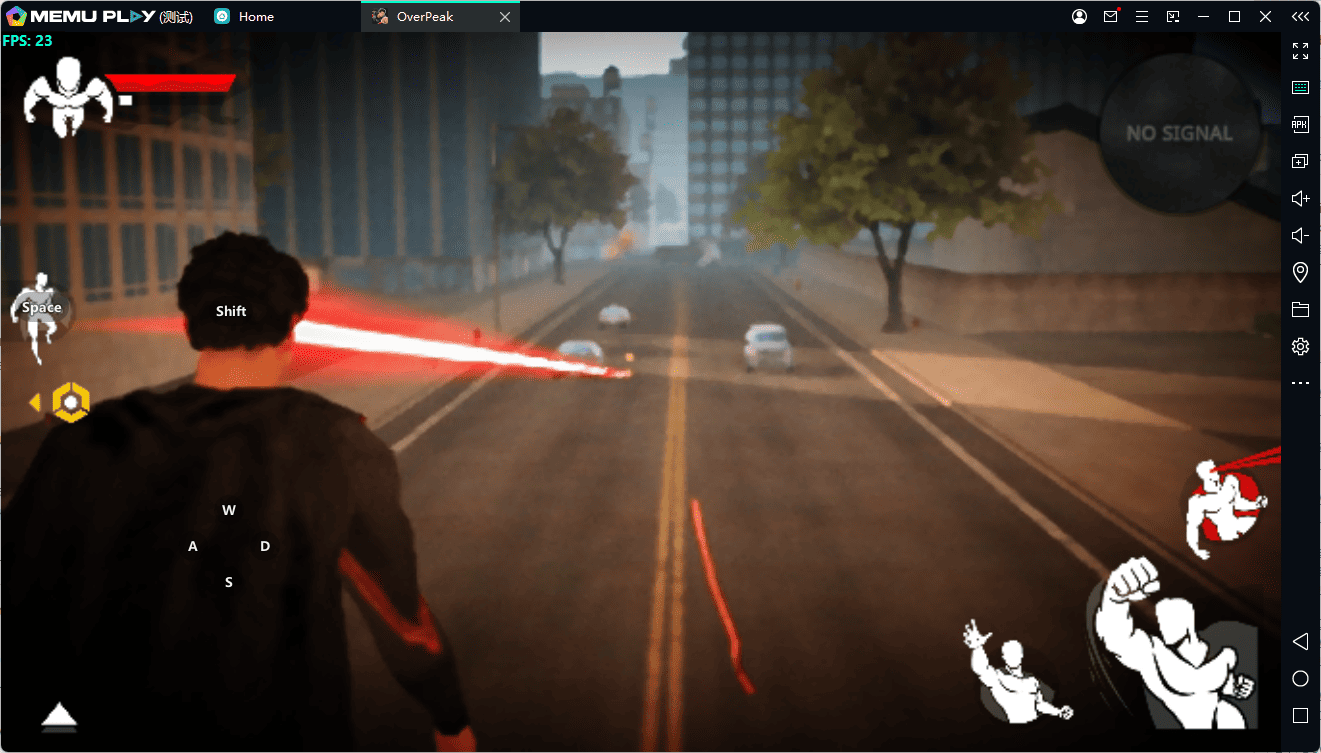
The game's reputation system tracks your behavior and changes how people in Prism City respond to you. Your decisions therefore contribute to the experience rather than serving as simple background details.
5. Experience a Dark Story of Revenge
The story centers on Jason Fieldway, a Starbridge experiment who died during a mysterious procedure before being resurrected with extraordinary powers. Driven by the loss of someone he loved, Jason sets out to destroy the corporation responsible for his suffering.
As you explore Prism City and unleash your abilities, the central question remains: will you use your power to protect the city, or will revenge turn you into its greatest danger?
Why Play OverPeak on PC with MEmu?
Although OverPeak is an Android game, playing it on a PC with MEmu Android Emulator offers several advantages.
- Bigger screen: Enjoy Prism City's environments, combat, and destruction on your computer monitor.
- Keyboard and mouse controls: Use MEmu's keymapping tools to configure controls that suit your play style.
- No phone battery concerns: Play without draining your mobile device's battery.
- Flexible performance settings: Adjust emulator settings to suit your computer's hardware and the game's demands.
- Multitasking convenience: Keep your game on your PC while using other desktop applications.
Actual performance depends on your computer's specifications, emulator configuration, and the game's compatibility.
How to Download and Play OverPeak on PC with MEmu
Follow these steps to install OverPeak on your Windows PC using MEmu.
Step 1: Download MEmu Android Emulator
Visit the official MEmu website and download the installer:
Download MEmu Android Emulator
Run the installer and follow the on-screen instructions to complete the installation.
Step 2: Launch MEmu and Open Google Play
Start MEmu on your PC. Open Google Play Store within the emulator and sign in with your Google account if prompted.
Step 3: Search for OverPeak
Search for OverPeak: Action Game in Google Play. Open the game's official listing published by R-USER Games.
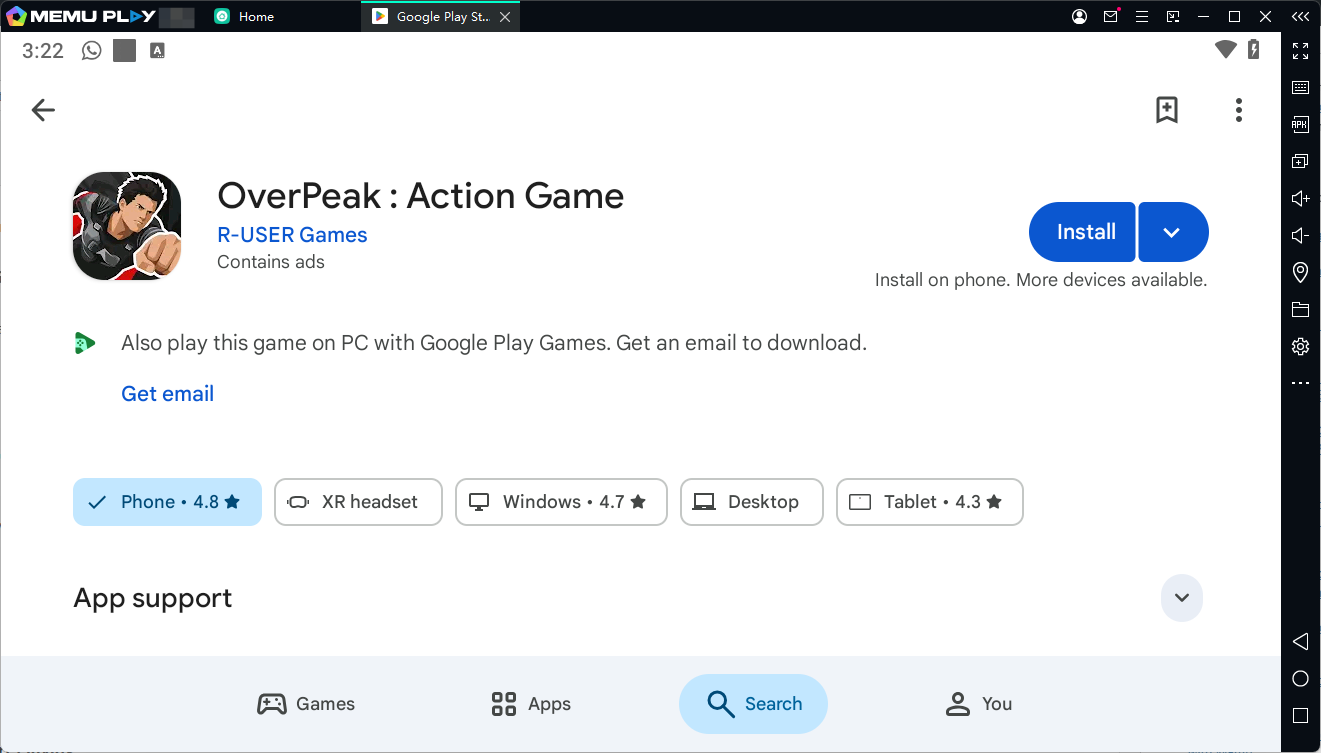
Step 4: Install the Game
Click Install and wait for the download and installation process to finish. Availability may vary by region and device compatibility.
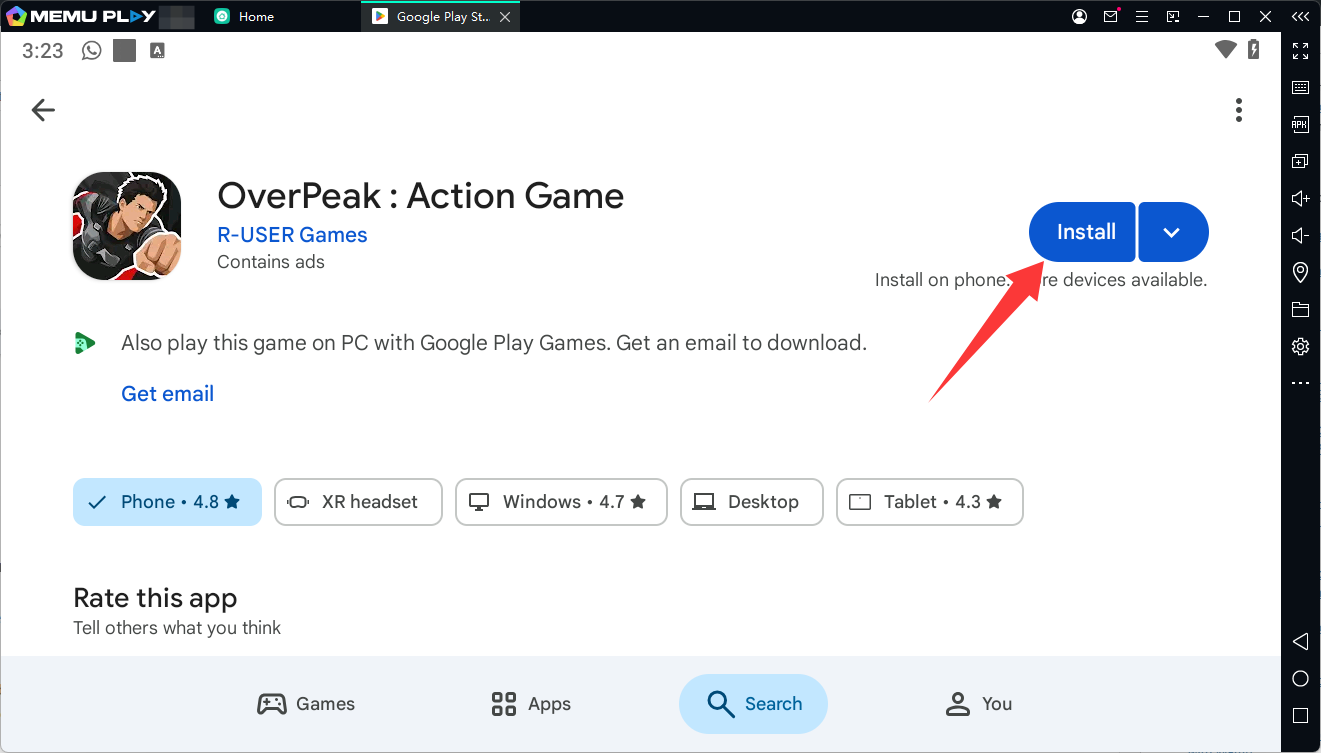
Step 5: Launch OverPeak and Start Playing
Open OverPeak from MEmu's home screen. Follow the game's initial setup instructions and begin exploring Prism City.
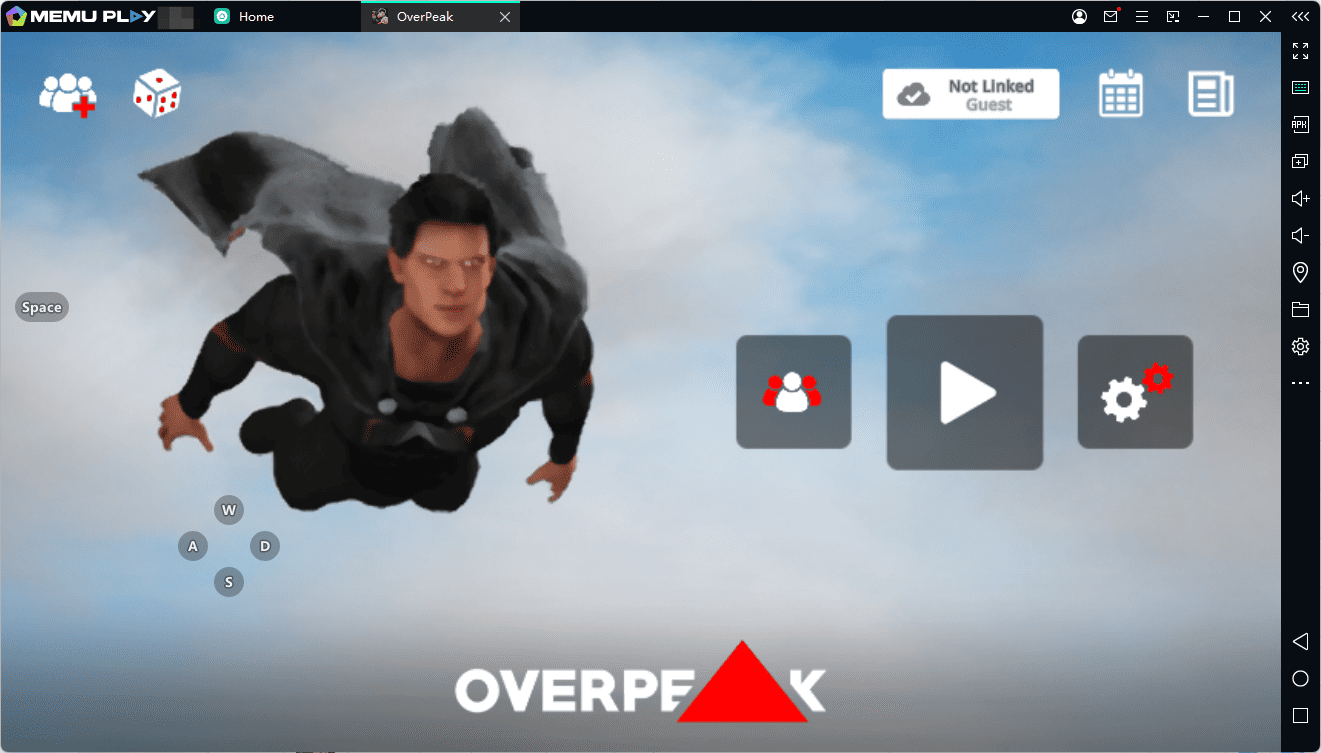
You can also configure MEmu's keyboard mapping tools where supported to make movement, combat, and other actions more convenient on PC.
Tips for Playing OverPeak on PC
- Adjust graphics settings: If you experience lag or frame drops, try lowering the game's graphics settings.
- Check emulator performance: Allocate suitable CPU cores and memory to MEmu based on your PC's available resources.
- Customize keymapping: Configure keyboard shortcuts where supported for a more comfortable control setup.
- Keep your software updated: Use the latest compatible version of MEmu and install game updates when available.
- Experiment with your powers: Try different abilities to discover how they work in combat and exploration.
- Consider your choices: Decide whether you want Jason to protect civilians or pursue a more destructive path.
Frequently Asked Questions (FAQ)
Is OverPeak available on PC?
OverPeak is listed as an Android game on Google Play, and you can use MEmu Android Emulator to run compatible Android versions on a Windows PC. Check the official game listing for current platform and compatibility information.
Is OverPeak free to download?
Check the Google Play listing for the current price and any in-app purchase details in your region. The listing indicates that the game contains ads.
What can you do in OverPeak?
You can explore Prism City, fight enemies, use superhuman abilities, destroy buildings and objects, fly through the air, and make choices that affect your reputation.
Can you fly in OverPeak?
Yes. The official game description includes free flight and space travel among its features.
Does OverPeak support keyboard and mouse controls?
When running OverPeak through MEmu, you can use the emulator's keymapping tools where supported. The exact control configuration may depend on the game's interface and compatibility.
What is the story of OverPeak?
The game follows Jason Fieldway, also known as Subject OP, who is resurrected after a mysterious experiment and seeks revenge against Starbridge, the corporation responsible for his suffering.
Final Thoughts
OverPeak combines open-world exploration, superhuman abilities, environmental destruction, and a revenge-driven story into a chaotic action experience. Its flight mechanics, destructible environments, and reputation system give players different ways to approach Prism City and shape Jason's path.
If you want to experience OverPeak on PC, MEmu Android Emulator offers a convenient way to run the Android version on a larger screen and configure keyboard controls where supported.
Ready to unleash your powers? Download MEmu, install OverPeak through Google Play, and discover what happens when Subject OP takes control of Prism City.
OverPeak : Action Game