How to Download and Play Farming Simulator 26 on PC with Android Emulator
 |
|
The ultimate agricultural simulation experience is back! Farming Simulator 26 has officially arrived, bringing advanced crop management, next-gen livestock breeding, and highly detailed machinery to mobile gamers. But why limit your massive farming empire to a tiny phone screen?
If you want to experience the countryside in stunning detail with maximum efficiency, playing this heavy-hitting title on a free Android emulator is the absolute best choice.
In this guide, we will show you how to download Farming Simulator 26 on PC using MEmu Play, the fastest and most stable PC Android emulator on the market, and why it completely transforms your gameplay.
Contents
Why Use an Android Emulator for Farming Simulator 26?
Farming Simulator 26 Mobile
Managing a massive farm requires precision, patience, and excellent multitasking. While the mobile version is great on the go, running an Android app on PC gives you a massive competitive advantage. Here is why hardcore players choose a mobile gaming emulator over a smartphone:
-
Stunning Visuals on a Bigger Screen: Farming Simulator 26 features breathtaking landscapes and intricate vehicle designs. A top-tier desktop Android emulator lets you enjoy the game in full HD or 4K resolution directly on your PC monitor.
-
Flawless Performance & No Overheating: Heavy simulation games drain phone batteries fast and cause severe thermal throttling. By utilizing a Windows Android emulator, you leverage your PC’s powerful CPU and GPU, ensuring smooth frame rates without lagging.
-
Precision Controls with Keyboard and Mouse: Steering massive tractors and operating complex harvesters can be clunky on a touchscreen. A software emulator allows you to map custom keyboard shortcuts and mouse clicks for seamless vehicle handling.
Why MEmu Play is the Best Android Emulator for Farming Simulator 26
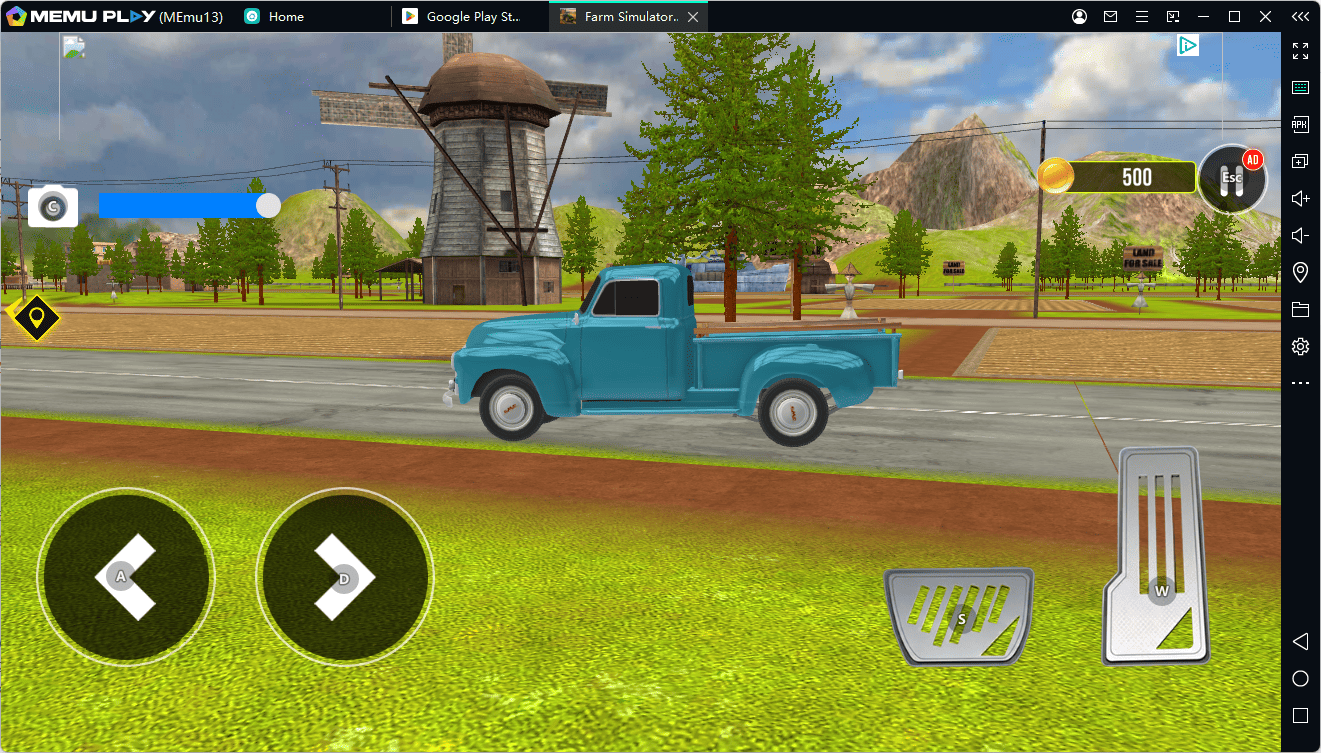
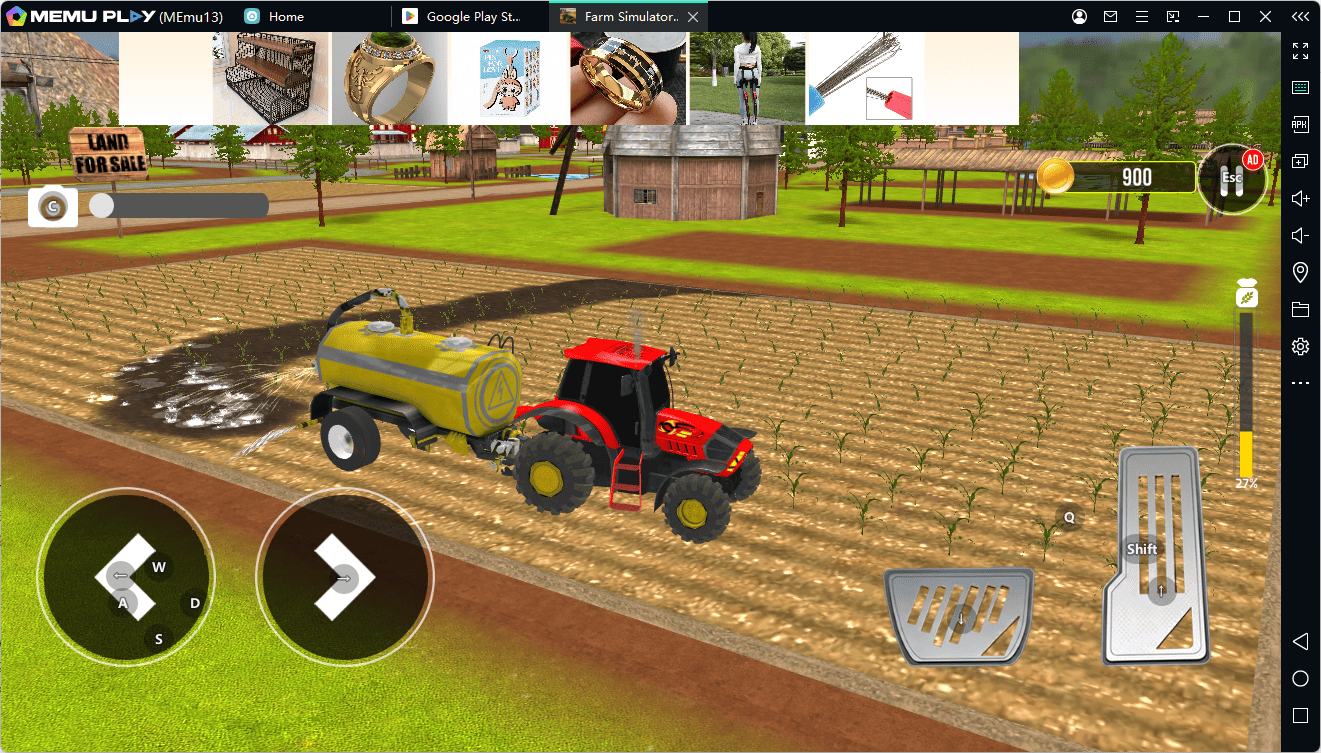
Not all Android emulators for Windows are created equal. When it comes to resource-heavy simulation games, MEmu Play stands out as the best Android emulator for performance, compatibility, and customization.
1. Advanced Keymapping for Ultimate Precision
MEmu Play features a built-in, highly intuitive smart keymapping tool. You can easily assign keyboard keys to accelerate, brake, attach tools, and switch camera angles. This tactile feedback makes managing your fields feel closer to a real-world driving simulator.
2. Superior Hardware Virtualization (High FPS)
Thanks to MEmu's optimized emulation engine, you can bypass mobile hardware limitations. Experience Farming Simulator 26 with enhanced rendering modes and stable, high-frame-rate settings. Say goodbye to stuttering when your farm gets crowded with vehicles and livestock.
3. Multi-Instance Manager for Extreme Multitasking
Want to let your crops grow on one farm while managing a separate save file or checking a guide online? MEmu's multi-instance emulator feature allows you to run multiple game windows simultaneously on a single PC without breaking a sweat.
Step-by-Step Guide: How to Install Farming Simulator 26 on PC
Getting started is incredibly simple. Follow these quick steps to set up the Android emulator on your desktop:
- Download and Install MEmu Play: Visit the official website and download the latest version of the MEmu Android emulator installer on your Windows PC.
- Launch the Emulator: Open MEmu Play and complete the quick initial setup.
- Access the Google Play Store: Open the built-in Play Store within the emulator and log into your Google account and search for the Game: In the search bar, type "Farming Simulator 26".
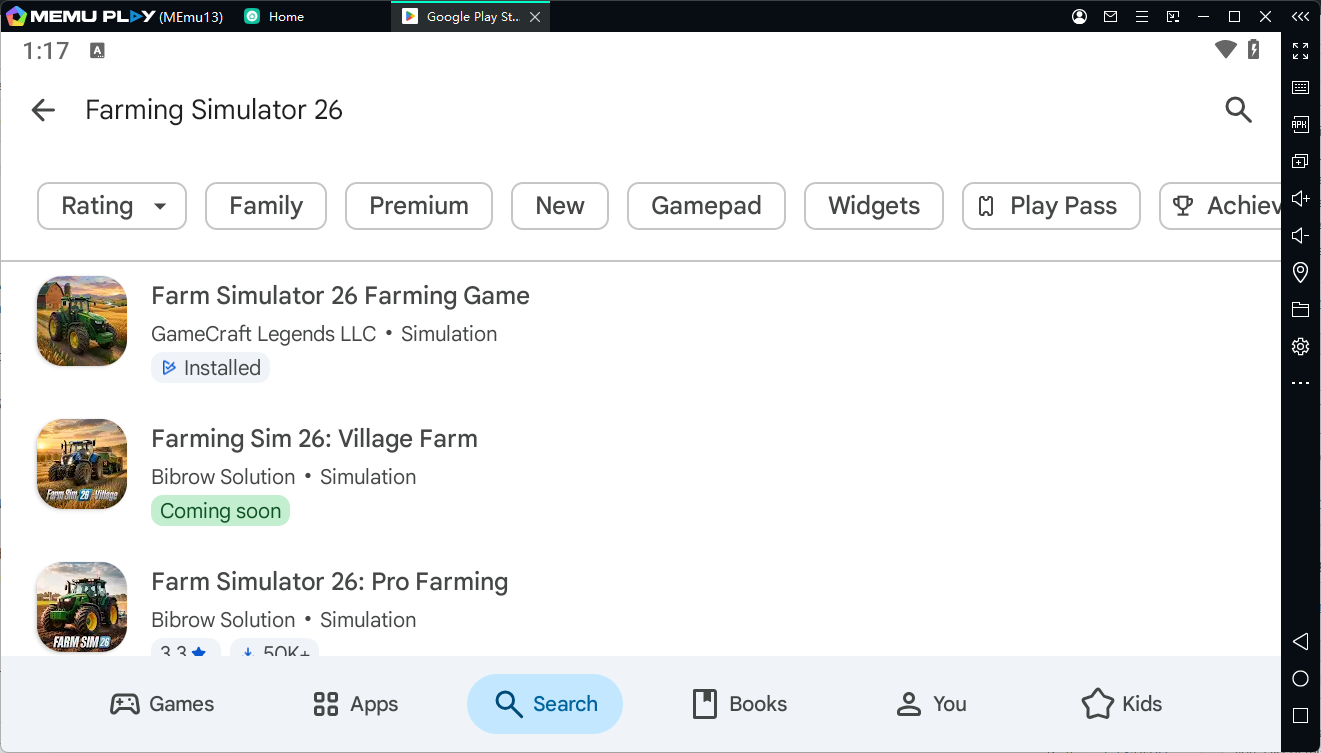
- Install and Play: Click the "Install" button. Once the download finishes, the game icon will appear on your MEmu home screen. Click it, configure your controls, and start building your dream farm!
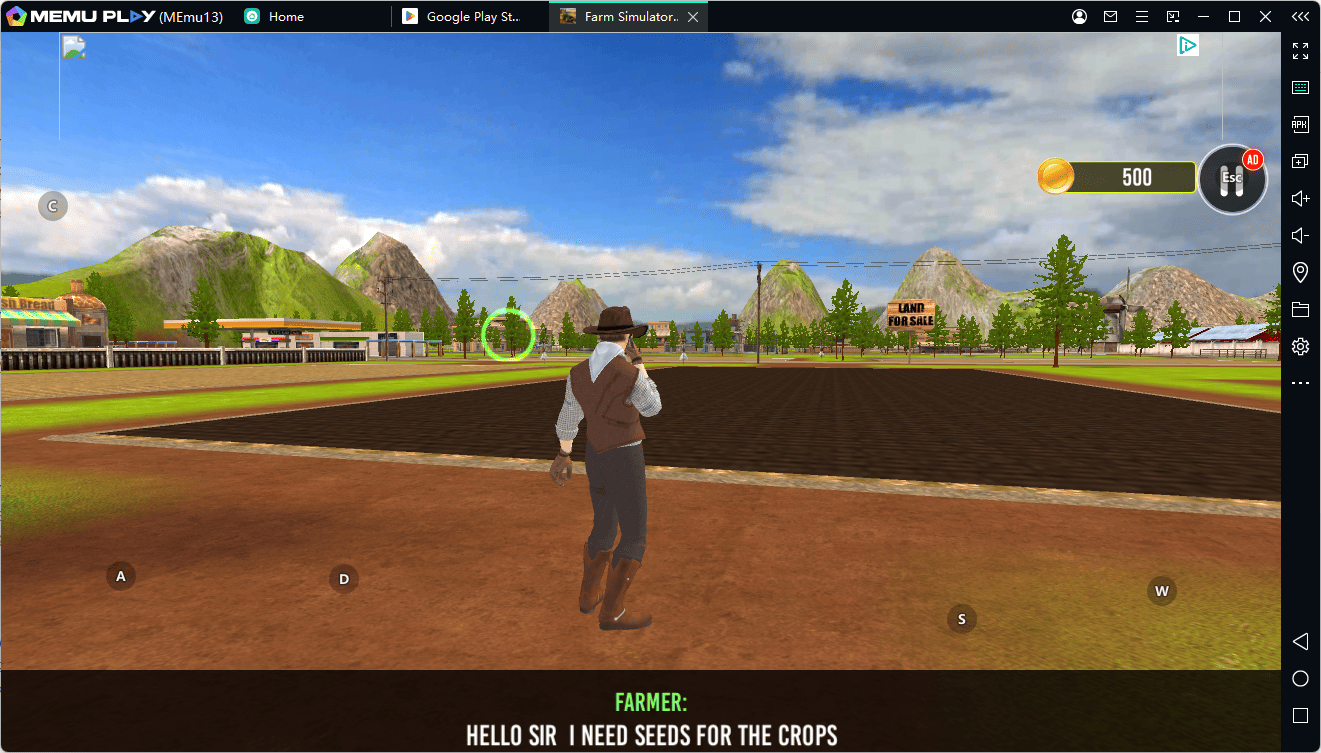
Conclusion: Elevate Your Farming Experience Today
Farming Simulator 26 Mobile
Don't let a small screen hold back your agricultural dreams. By choosing to run Android apps on PC with MEmu Play, you unlock superior graphics, smoother performance, and a completely customized control scheme.
Ready to harvest your crops like a pro? Download MEmu Play today and experience Farming Simulator 26 the way it was meant to be played!