Dye Hard - Color War: Game Overview and How to Play on MEmu Emulator
 |
|
Dye Hard - Color War is a fast-paced PvP paint battle game where players team up, cover the battlefield in colorful paint, defeat opponents, and capture enemy bases. Developed by CASUAL AZUR GAMES, the game combines colorful action, competitive multiplayer gameplay, simple controls, and unique paint-based mechanics into a casual but engaging battle experience.
With its colorful arenas, paint-shooting combat, team-based objectives, and character customization, Dye Hard - Color War offers a different take on the traditional shooter experience. Players can spray paint across the environment, fight rival squads, capture towers, and push toward enemy bases.
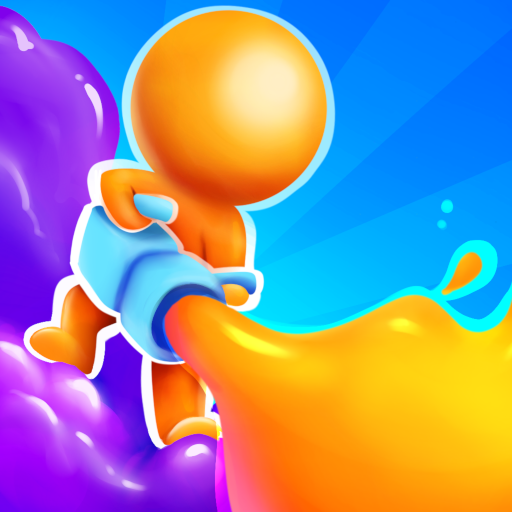
Dye Hard - Color War
Contents
What Is Dye Hard - Color War?
Dye Hard - Color War is a colorful multiplayer action game built around paint-based team battles. Instead of using traditional ammunition, players carry a spray gun with unlimited dye and compete to cover the battlefield with their team's color.
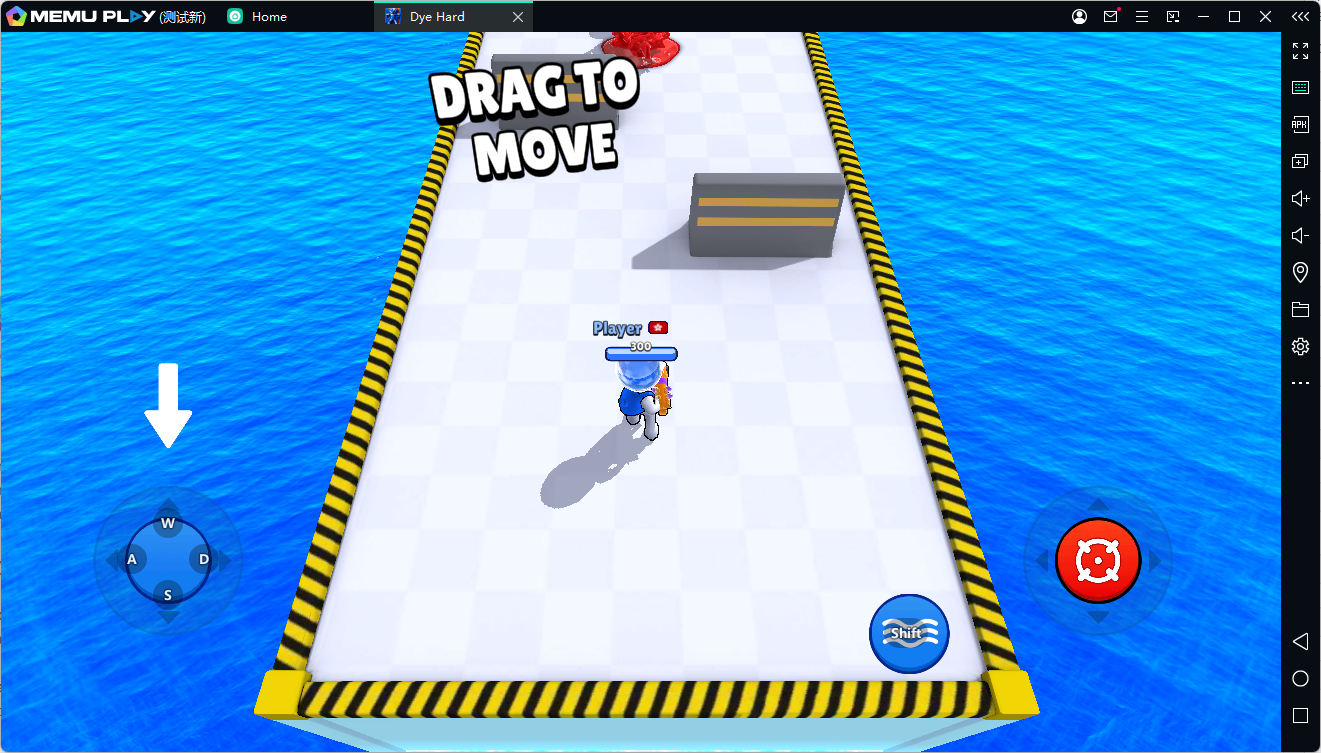
The game features three different squads represented by red, blue, and yellow. Each team has its own base and paint-shooting towers, while the main objective is to capture enemy structures and defeat opponents by covering the battlefield in paint.
The game's paint mechanics also play an important role in movement and survival. Areas covered by your team's paint can help your character move faster and restore health, creating additional strategic opportunities during battles.
Dye Hard - Color War Gameplay
The gameplay in Dye Hard - Color War is easy to understand but gives players plenty of opportunities to experiment with different strategies.
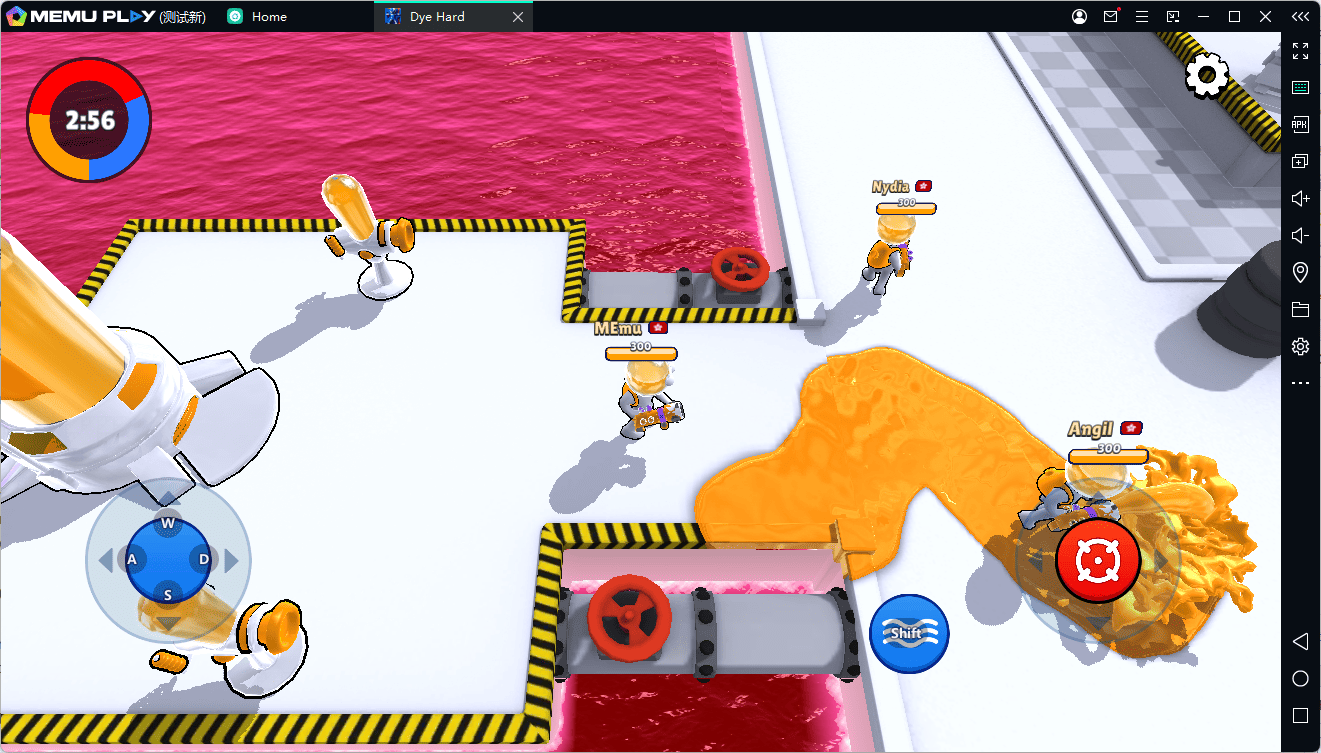
Paint the Battlefield
Your main weapon is a spray gun loaded with unlimited dye. Use it to cover the environment and expand your team's territory. The more of the battlefield you cover, the stronger your team's presence becomes.
Capture Enemy Towers and Bases
Each team controls its own base and paint-shooting towers. Work together with your squad to attack enemy structures, push into opposing territory, and capture important objectives.
Defeat Rival Players
Paint is more than just decoration. Use your spray gun to overwhelm opponents and control key areas of the battlefield. Timing your attacks and choosing the right route can help your team gain an advantage.
Use Your Team's Paint
Your team's paint can provide useful benefits during a match. According to the Google Play description, players can move faster and restore health when they dive into areas covered with their team's color.
This makes territory control an important part of the gameplay rather than simply a visual effect.
Key Features of Dye Hard - Color War
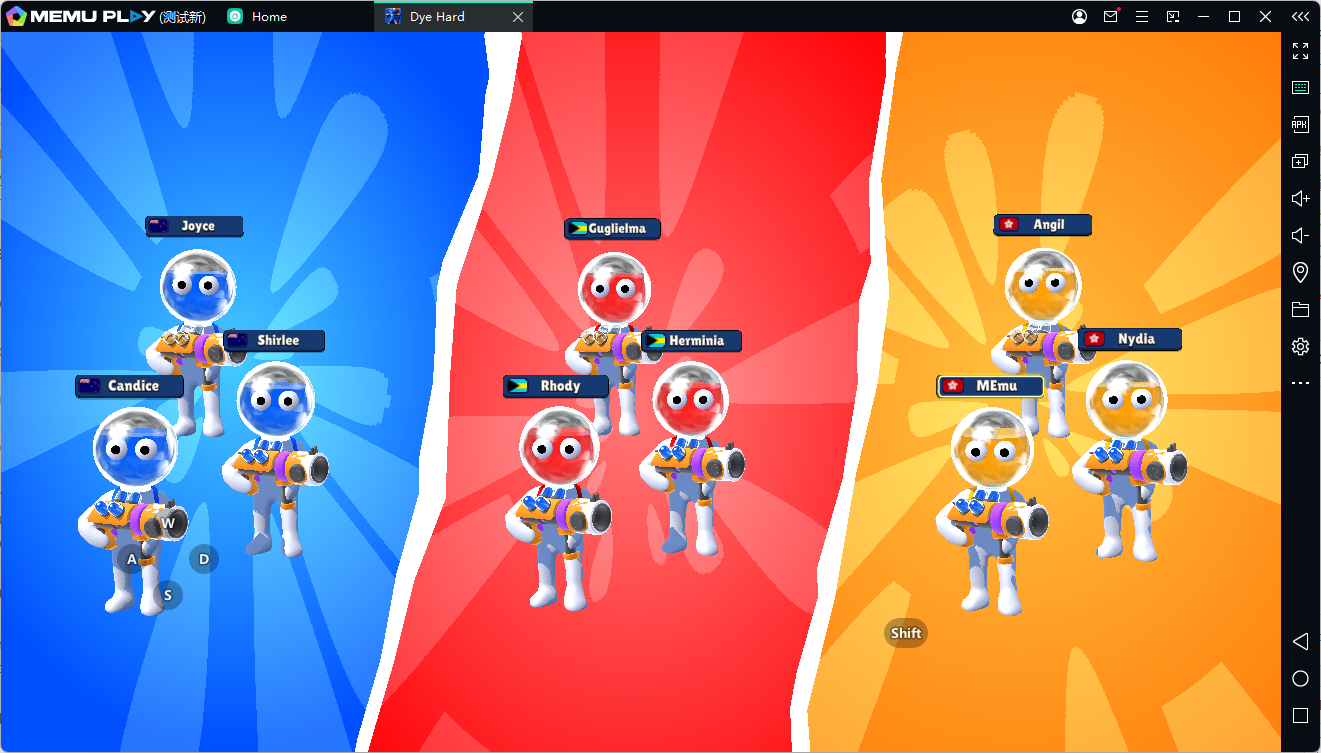
Colorful Paint-Based Combat
Dye Hard replaces conventional shooter combat with colorful paint battles. Every shot can change the appearance and control of the battlefield.
Team-Based Battles
Choose a squad and fight alongside your teammates. Red, blue, and yellow teams compete to dominate the map and capture enemy structures.
Simple Controls
The game features straightforward controls designed to make it easy for new players to jump into the action.
Unique Paint Mechanics
The paint system is central to both combat and movement. Players can cover the environment, control territory, and use their team's paint to gain gameplay advantages.
Character Customization
Dye Hard also includes character customization, allowing players to personalize their characters while progressing through the game.
Why Play Dye Hard - Color War on PC with MEmu?
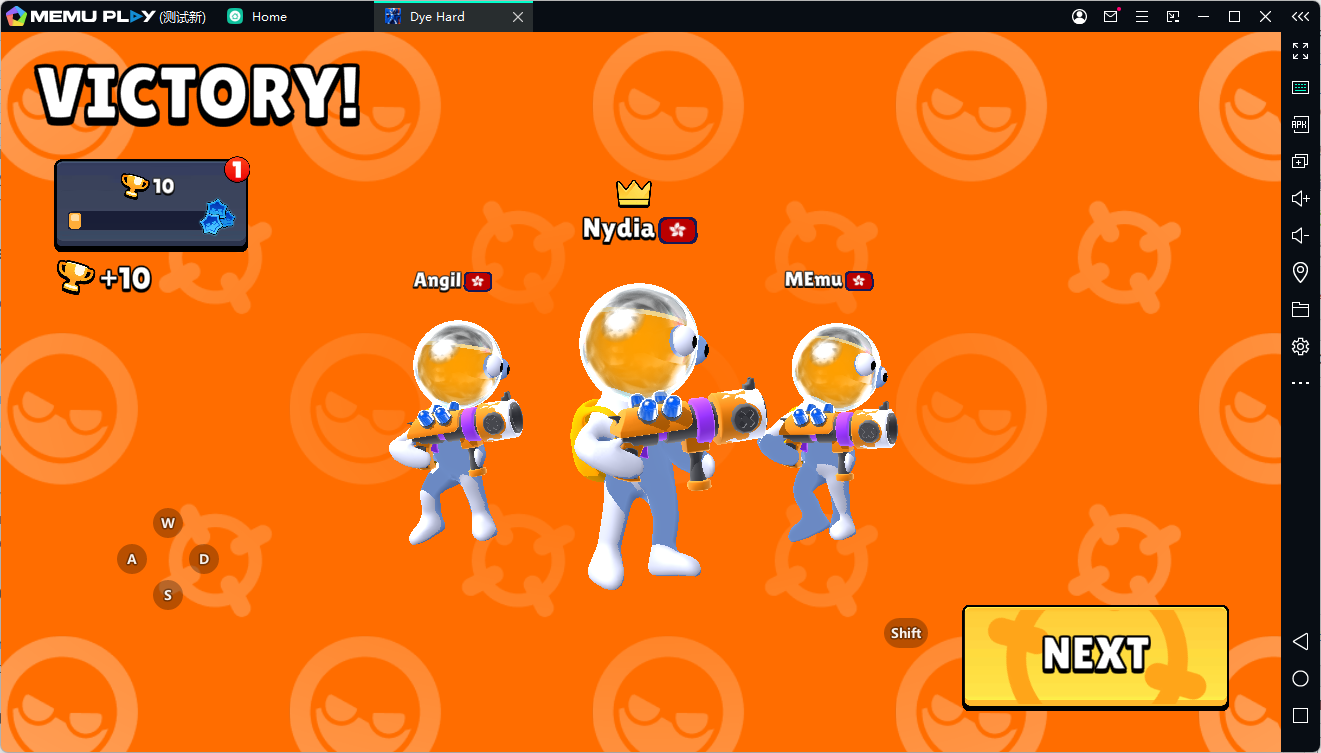
While Dye Hard - Color War is designed for mobile devices, playing it on a PC with an Android emulator can provide a larger screen and a more comfortable gaming setup.
MEmu Emulator lets you run Android games on your Windows PC, making it possible to enjoy mobile titles such as Dye Hard - Color War with a keyboard and mouse.
Playing on PC can be especially useful for players who prefer a larger display during fast-paced battles. You can also customize your controls and create a setup that feels more comfortable for extended gaming sessions.
How to Download and Play Dye Hard - Color War on MEmu Emulator
Follow these steps to start playing Dye Hard - Color War on your PC with MEmu.
Step 1: Download and Install MEmu
Download the latest version of MEmu Emulator from the official MEmu website and install it on your Windows PC.
Step 2: Open Google Play Store
Launch MEmu after installation. Open the Google Play Store from the emulator's home screen and sign in with your Google account if required.
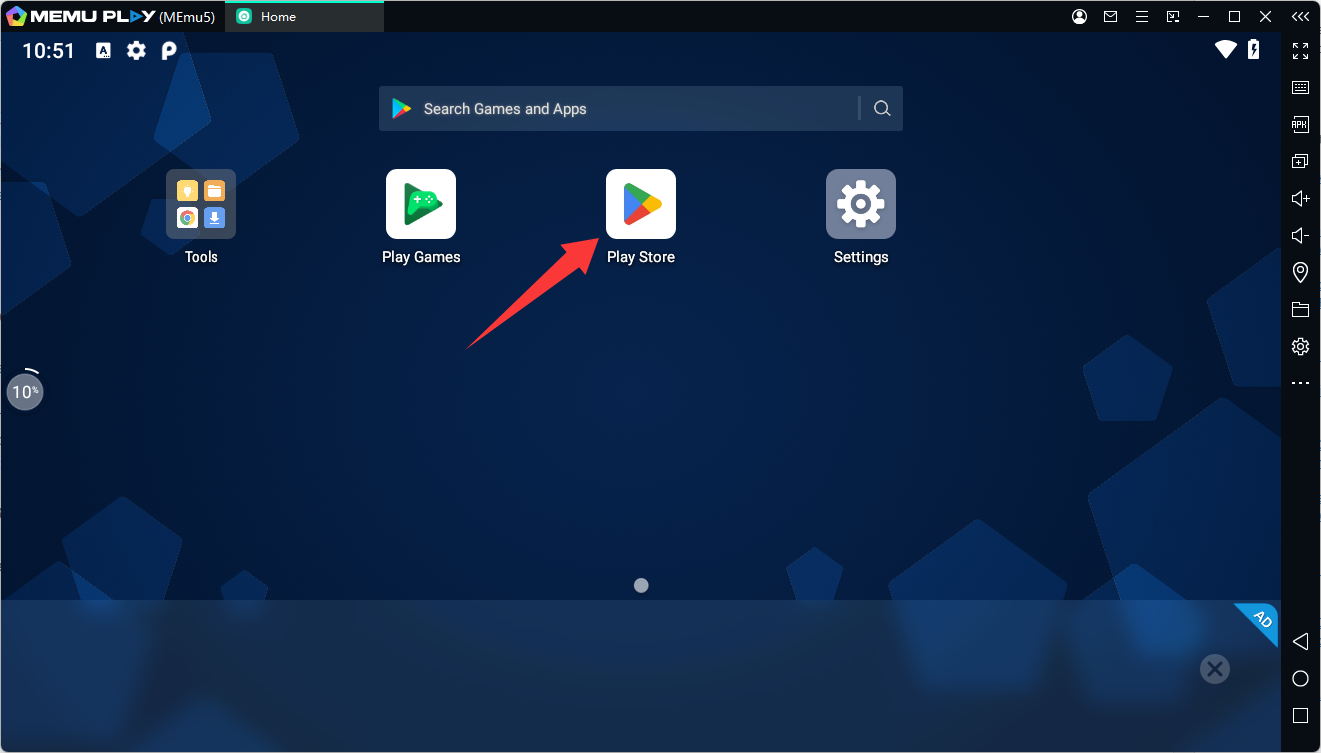
Step 3: Search for Dye Hard - Color War
Type Dye Hard - Color War into the Google Play Store search bar. Look for the game published by CASUAL AZUR GAMES.
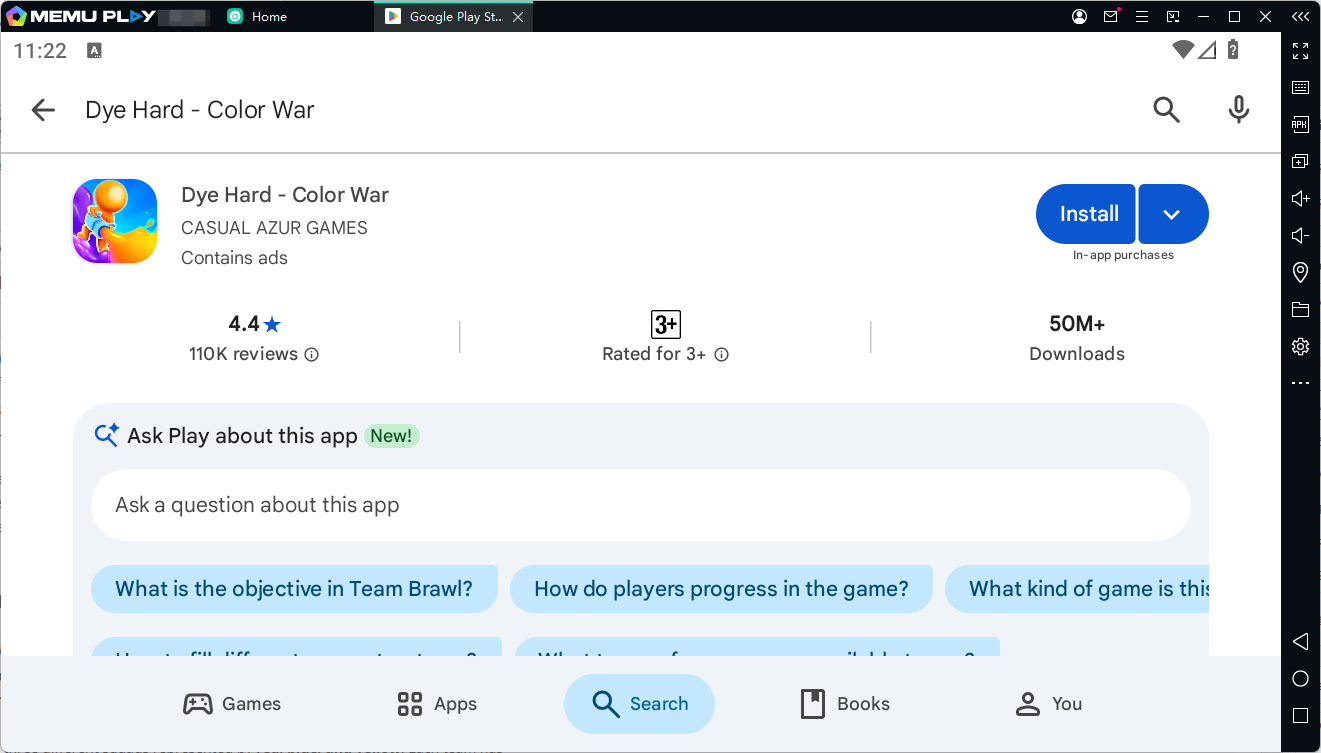
Step 4: Install the Game
Click Install and wait for Dye Hard - Color War to finish downloading. Once the installation is complete, the game icon will appear on your MEmu home screen.
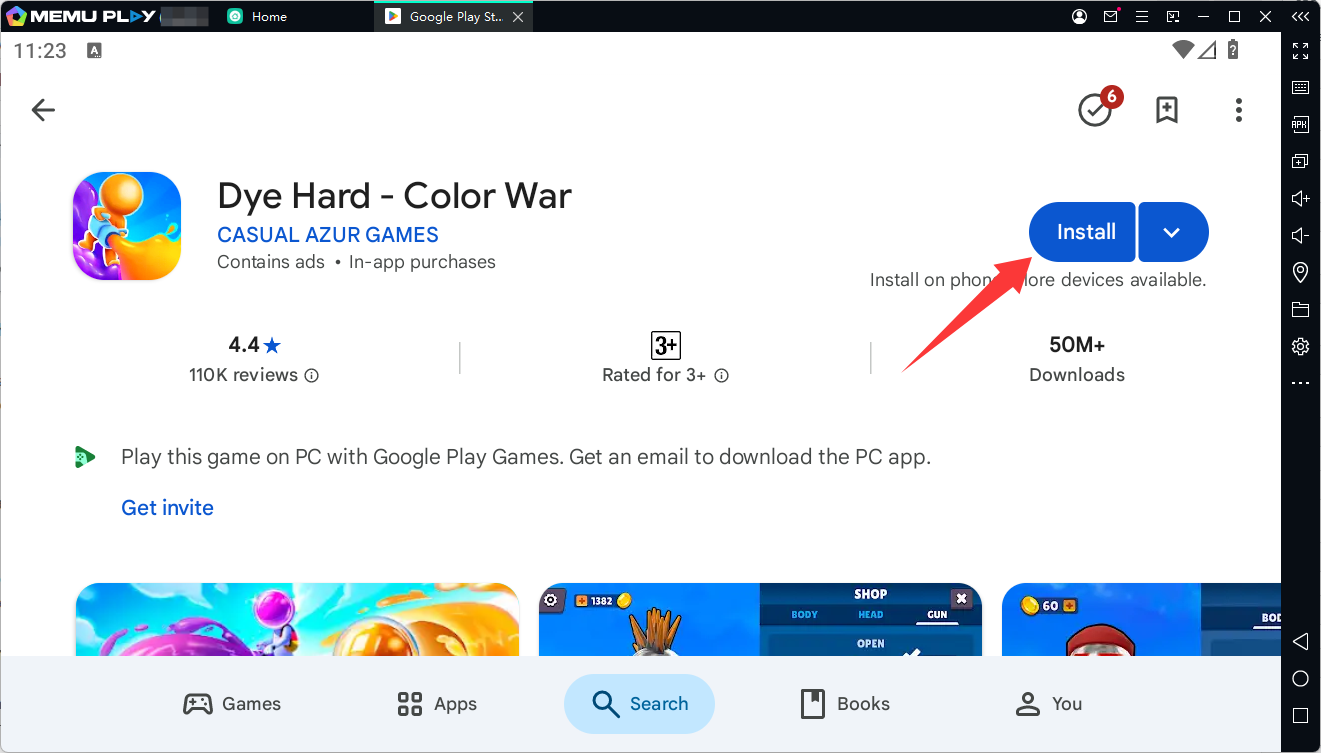
Step 5: Start Playing
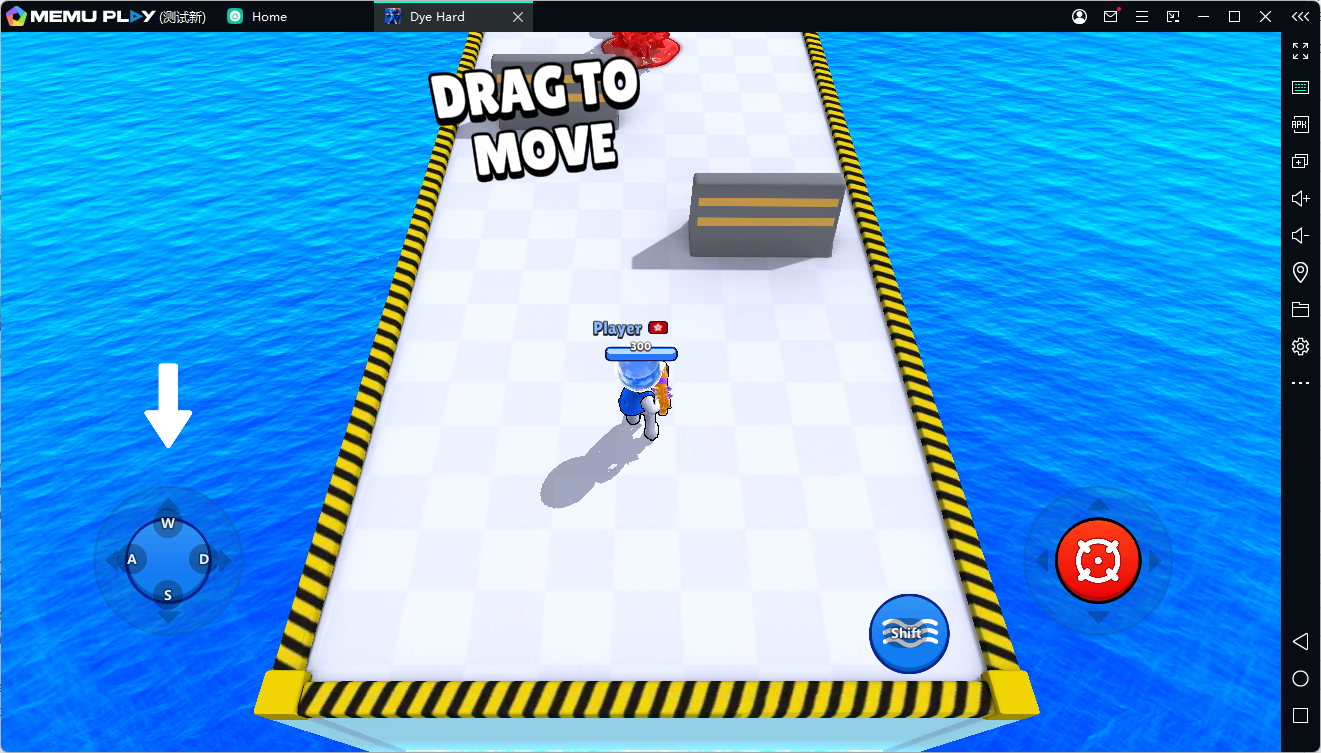
Launch Dye Hard - Color War from MEmu and jump into the colorful battlefield. Choose your team, grab your spray gun, cover the map with paint, capture enemy structures, and work with your squad to achieve victory.
Tips for Playing Dye Hard - Color War on MEmu
- Cover important areas first: Don't focus only on opponents. Controlling territory can give your team a strategic advantage.
- Use your team's paint: Move through areas covered by your team's color to take advantage of the movement and health benefits.
- Work with your squad: Coordinate attacks instead of rushing enemy bases alone.
- Protect your territory: Capturing enemy structures is important, but defending your own base can be just as valuable.
- Customize your controls: Configure MEmu's keyboard mapping to create controls that feel comfortable for fast-paced gameplay.
Dye Hard - Color War
Final Thoughts
Dye Hard - Color War combines paint-based combat, team strategy, territory control, and casual multiplayer action into a colorful battle experience. Its simple controls make it easy to pick up, while its paint mechanics add an extra layer of strategy to each match. The game is available on Android and is also listed on Google Play as supporting Windows through Intel technology.
For players who prefer gaming on a larger screen, MEmu Emulator provides an easy way to bring Dye Hard - Color War to PC. Install MEmu, download the game through Google Play, customize your controls, and start covering the battlefield with your team's color.