How to Play Last Origin R+ on PC with MEmu
 |
|
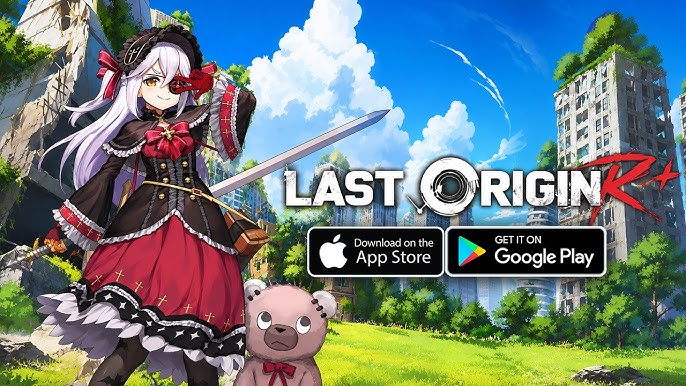
The wait is finally over: VALOFE officially launched Last Origin R+, the global version of the beloved Korean SRPG, on May 21, 2026. With over 60,000 pre-registrations and support for 8 languages, this next‑generation strategy RPG is ready to welcome commanders worldwide. If you are ready to lead your squad of Bioroids through a post‑apocalyptic world, MEmu Player is your best command center. Here’s how to play Last Origin R+ on PC and why the big screen changes everything.
Contents

LAST ORIGIN:最後的起源
Why Play Last Origin R+ on PC?
Last Origin R+ is a deep, turn‑based SRPG set in a world where humanity has been wiped out. You take on the role of a commander, assembling a team of “Bioroids” (mechanized humanoid weapons) to fight the unknown mechanical invaders and uncover the truth behind mankind’s fall. While the game is designed for mobile, playing it on your PC through MEmu gives you a whole new level of control and immersion.
- Breathtaking Visuals on a Big Screen: The world of Last Origin R+ is filled with beautifully drawn characters, ruined cityscapes, and dynamic grid‑based battlefields. MEmu’s high‑definition rendering brings every tactical detail to life on your monitor, so you never have to squint at a tiny phone screen again.
- Precision Control with Keyboard & Mouse: In a game where every move counts, touchscreen fumbles can cost you the battle. MEmu comes with an exquisite preset keymapping system designed specifically for Last Origin R+, turning the game into a real PC experience. You can bind camera controls, unit selection, and skill commands to your favorite keys for split‑second responses.
- Multi‑Instance for Multiple Accounts: Want to run two accounts at once, or farm resources on a secondary team while exploring the story on your main? MEmu’s multi‑instance manager lets you play 2 or more accounts on the same device simultaneously.
- No More Battery or Data Worries: Leave behind the limits of phone battery, expensive mobile data, and those interrupting calls. Play as long as you want on your PC’s stable connection and power supply.
- Smooth Performance: MEmu’s exclusive emulation engine unleashes the full potential of your PC’s hardware, delivering a buttery‑smooth frame rate even in the most demanding battles.
How to Download and Install Last Origin R+ on PC with MEmu
Getting Last Origin R+ up and running on your computer is simple. Just follow these steps:
- Download MEmu Installer: Visit the official MEmu website and download the latest version (MEmu 9 is the best choice for Last Origin R+).
- Install and Launch MEmu: Run the installer and complete the setup. Once done, launch MEmu from your desktop.
- Open Google Play Store: On the MEmu home screen, open the Google Play Store app and log in with your Google account.
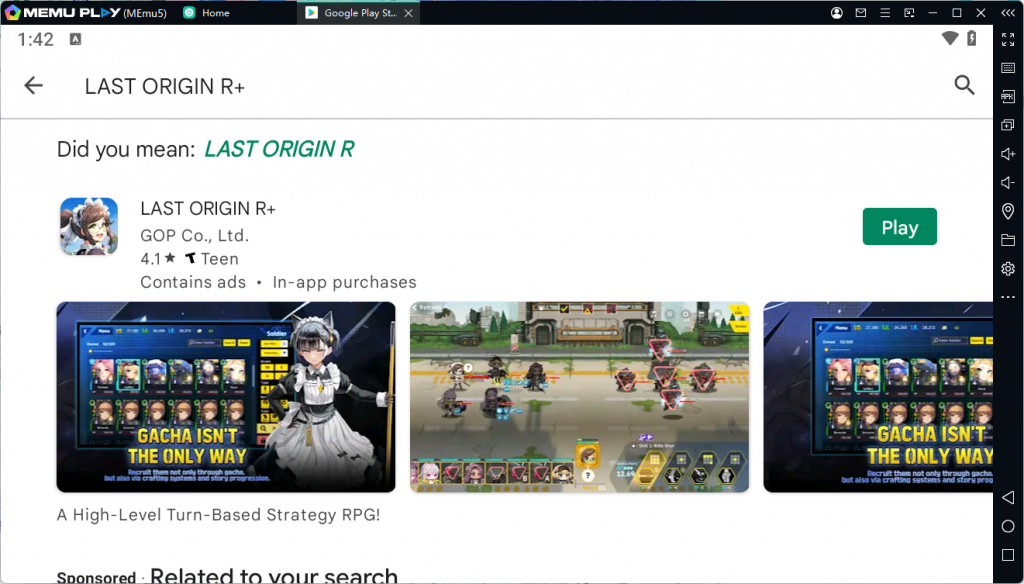
- Search for Last Origin R+: Type “Last Origin R+” into the search bar. Look for the official game listing from VALOFE.
- Install the Game: Click the “Install” button and let the game download and install inside MEmu.
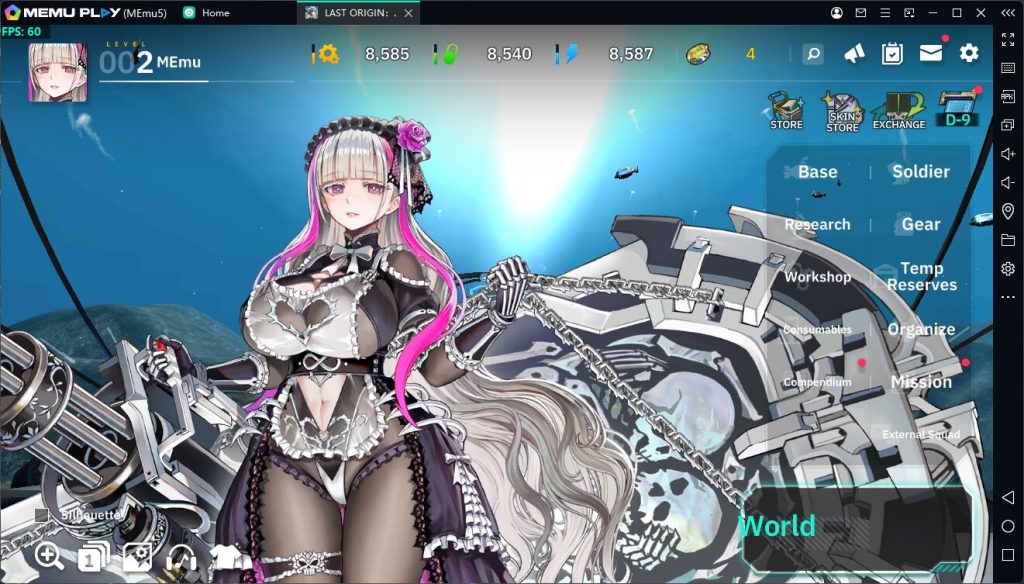
- Launch and Enjoy: Once the installation is complete, click the Last Origin R+ icon to start the game, and you are ready to lead your Bioroid squad to victory on the big screen.
Tip for APK/XAPK Files: If you are using an APK or XAPK file instead of downloading from the Play Store, simply drag and drop the file into the MEmu window. The emulator will handle the installation automatically.
A Deep SRPG Experience
Last Origin R+ is not just a collection game; it is a true strategy RPG where every decision matters. You will engage in turn‑based battles on a 9‑grid battlefield, carefully planning each move to outmaneuver your enemies while keeping your allies safe. The game features a deep character development system, allowing you to train your Bioroids, upgrade their skills, and build the ultimate formation to tackle any challenge. With a star‑studded Japanese voice cast including Yui Horie, Aya Suzaki, and Emiri Kato, the story of humanity’s fall and the hope for its resurrection unfolds with full emotional impact.
Conclusion
Last Origin R+ is a must‑play for fans of deep, turn‑based SRPGs and strategic character collection games. By playing it on PC with MEmu, you can fully enjoy its beautiful art, tactical depth, and immersive story without the limitations of a small touchscreen. Download MEmu today, install Last Origin R+, and take command of the final battle on the biggest screen in your base.