MECCHA CHAMELEON Free Download on PC
 |
|
Looking for a fresh, hilarious, and thrilling twist on the classic hide-and-seek formula? Look no further than MECCHA CHAMELEON, the multiplayer casual gaming sensation that has taken the gaming world by storm!
MECCHA CHAMELEON
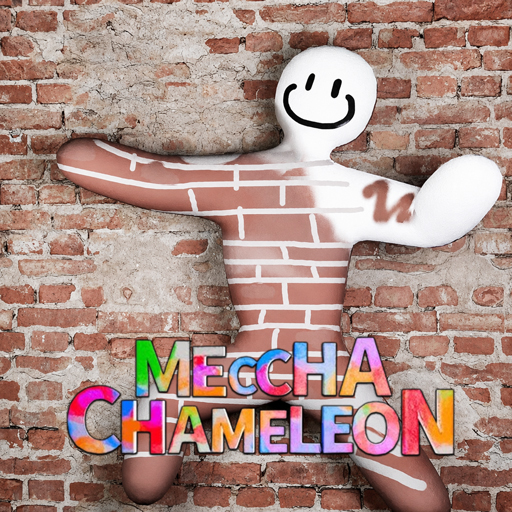
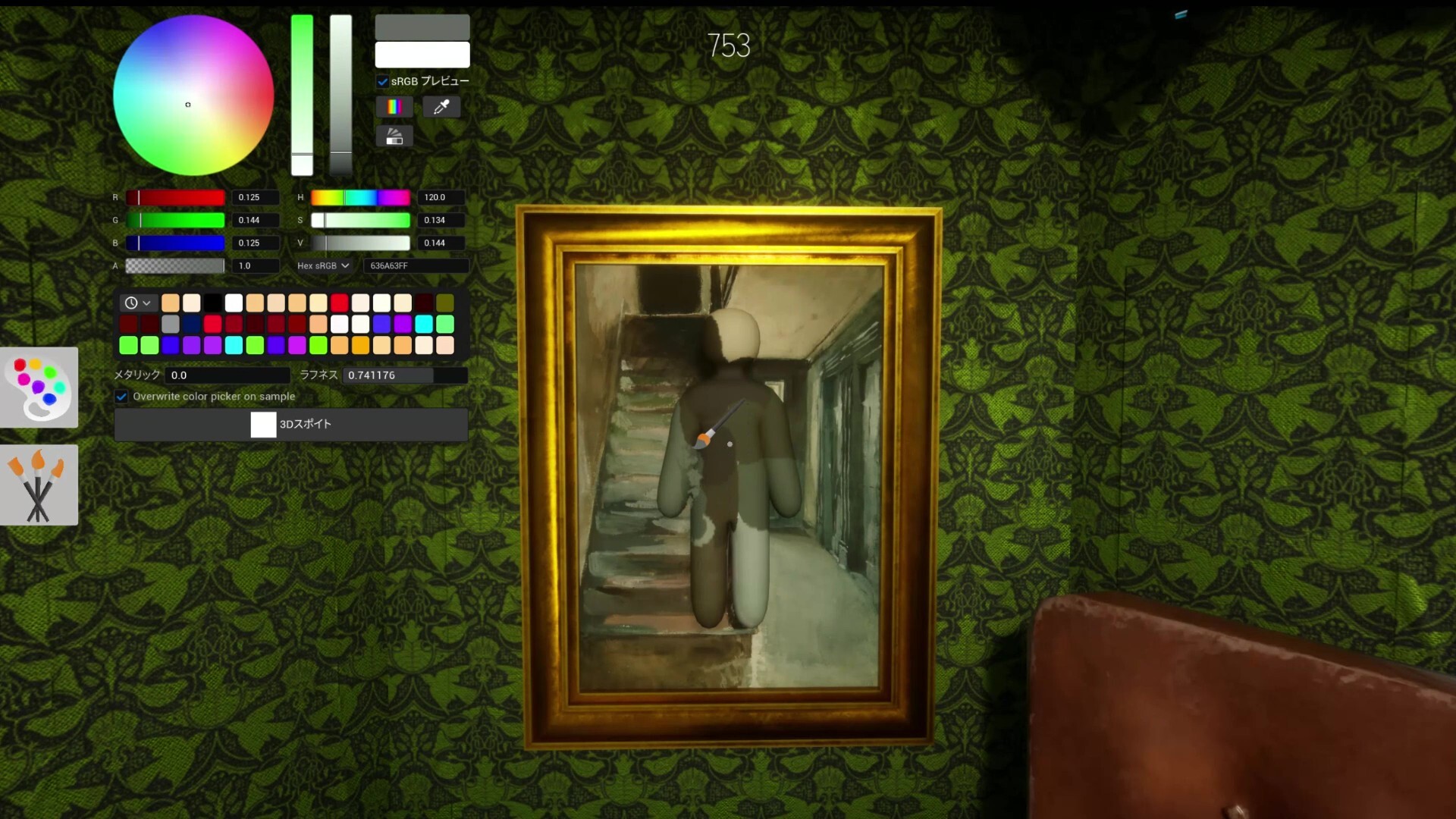
In this new-sensation party game, players are split into two teams: Chameleons (Hiders) and Hunters (Seekers). As a Chameleon, you control a white, blobby character, and your mission is simple yet highly creative: use an in-game color picker and eyedropper tool to paint your body, match your surroundings perfectly, choose the perfect deceptive pose, and blend into the environment like a true master of disguise. Meanwhile, the Hunters must use their keen eyesight to spot the fakes before the time runs out!
While playing on a mobile screen is fun, it can be extremely frustrating to pick the exact pixel color or execute precise stealth poses with clunky touch controls. If you want to elevate your camouflage skills and dominate the lobbies, the best way to play is to download MECCHA CHAMELEON on PC with MEmu Play!
Contents
SYSTEM REQUIREMENTS
- OS: Windows 10 64-bit.
- Processor: Intel Core i5
- Graphics: DirectX 11 or 12 compatible graphics card
- Storage: 4 GB available space
GAME INFO
- Genre: Casual
- Developer: lemorion_1224
- Platform: PC
- Game Size: 2.3 GB
- Released By: OFME + CSF
- Version: v2.3.0 | Build 23968060
- Pre-Installed Game
Why Play MECCHA CHAMELEON on PC with MEmu Play?
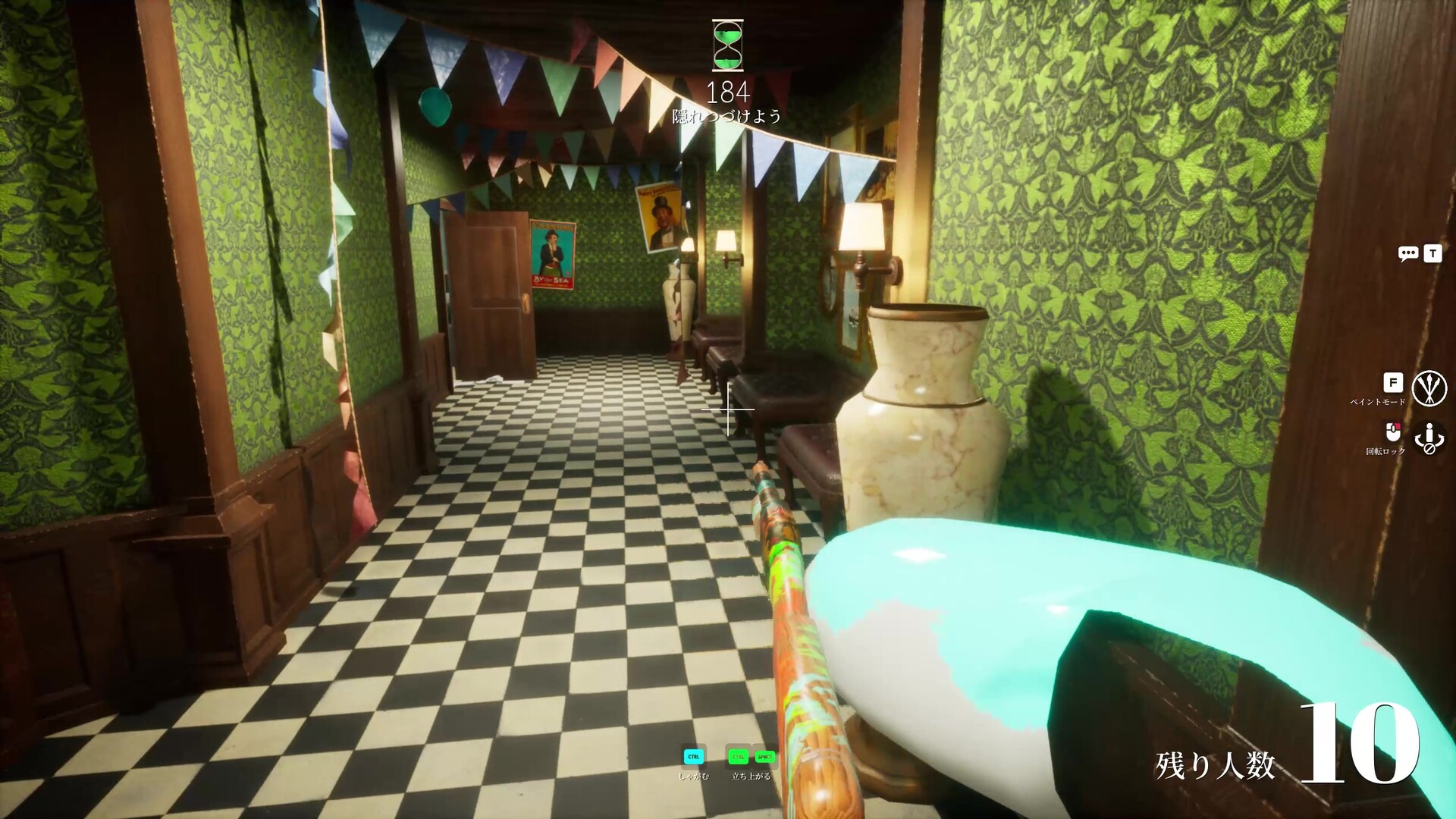
To become an elite invisible chameleon or an unstoppable hunter, you need precision, speed, and great visibility. Here is why MEmu Play gives you the ultimate competitive edge:
1. Pixel-Perfect Precision with Mouse and Keyboard
Choosing the exact color to blend into a complex brick wall or a detailed poster requires micro-adjustments. On a mobile phone, your thumb covers half the screen, making the color-picking process clumsy. With MEmu's Smart Keymapping, you can use your PC mouse for incredibly precise eyedropper selections and color matching. React faster, pose instantly, and leave the Seekers scratching their heads!
2. Spot Hiders Instantly on a Bigger Screen
As a Seeker, trying to find a tiny pixel difference on a small 6-inch phone screen can give you a headache. Playing on MEmu allows you to enjoy the game on a large PC monitor in high definition. Every tiny color discrepancy, subtle breathing movement, or awkward pose will stand out immediately. No hider can escape your sight!
3. Zero Lags and Smooth 120 FPS Gameplay
MECCHA CHAMELEON's multi-player chaotic matches can cause frame drops and battery drainage on mobile devices. MEmu Play utilizes your computer's hardware resources to deliver a stables, lag-free experience at up to 120 FPS. Enjoy buttery-smooth animations when shifting colors or running away from a hunter in full panic mode.
4. Streamer-Friendly Environment
MECCHA CHAMELEON is born for content creation and streaming! Running the game on MEmu Play makes it incredibly easy to connect with streaming software like OBS. Share your hilarious hiding spots and galaxy-brain plays with your viewers on Twitch or YouTube smoothly without putting extra stress on your smartphone.
How to Download and Play MECCHA CHAMELEON on PC
Ready to become the ultimate hide-and-seek champion? Setting up MECCHA CHAMELEON on your PC via MEmu Play is completely free and takes less than 3 minutes:
- Download MEmu Play: Visit the official MEmu website and download the latest emulator installer on your PC.

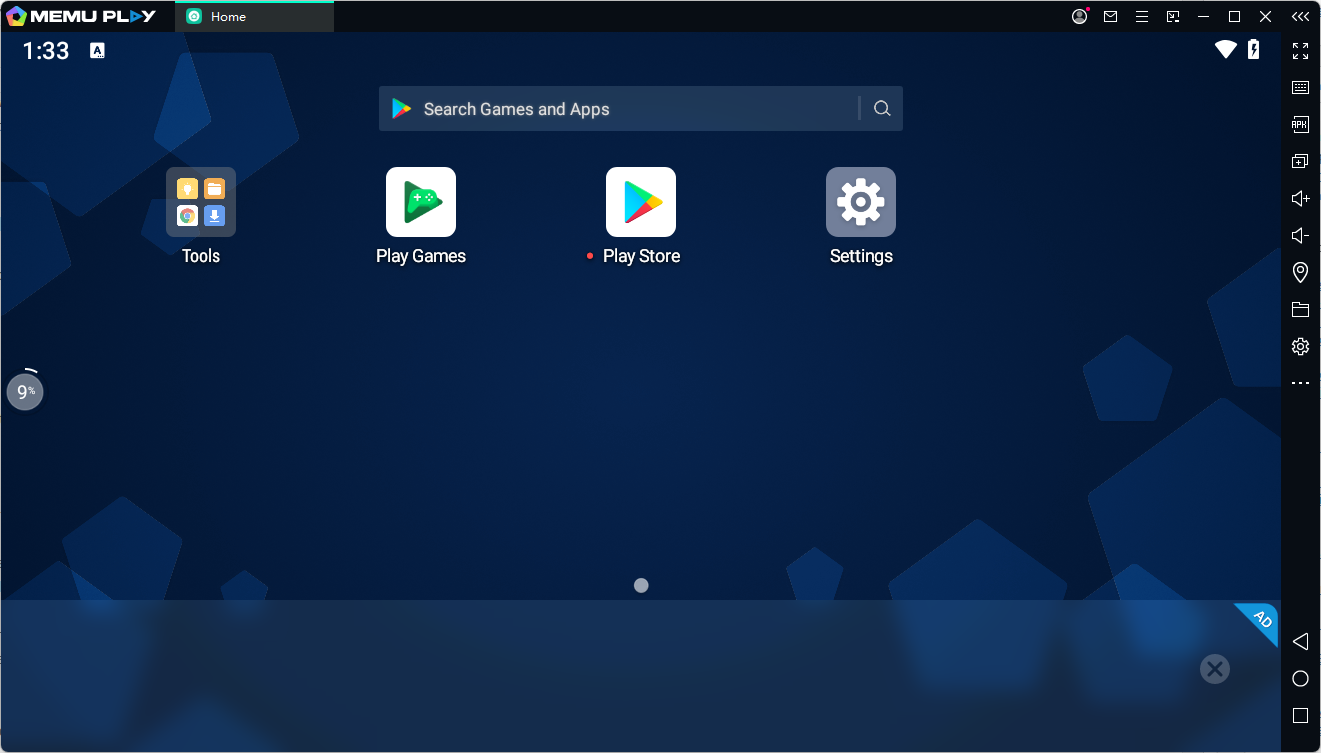
- Install and Launch: Follow the simple on-screen instructions to install MEmu Play, then open the emulator.
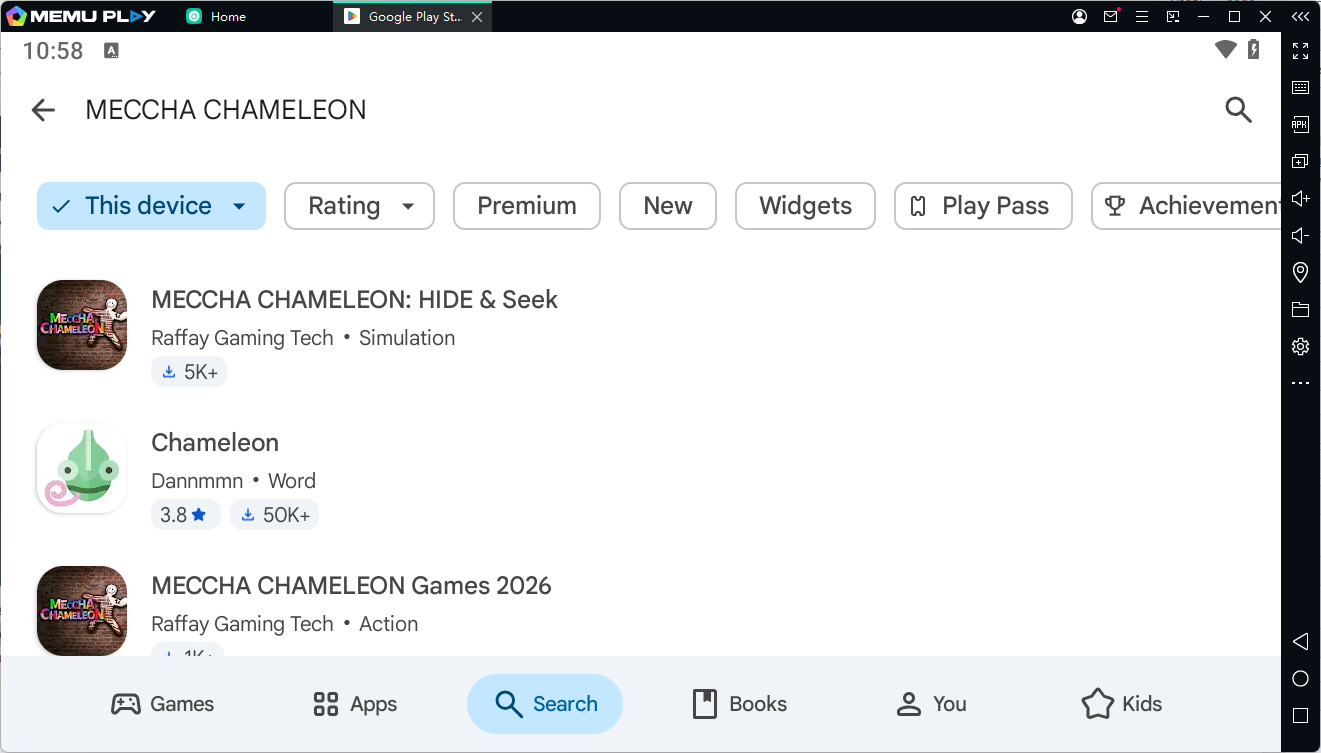
- Search for the Game: Open the pre-installed Google Play Store inside MEmu, and type "MECCHA CHAMELEON" into the search bar.
- Install and Play: Click the "Install" button. Once downloaded, the game icon will appear on your MEmu home screen. Click it, customize your controls, and get ready to blend in!
[👉 Click Here to Download MEmu Play and Play MECCHA CHAMELEON on PC for Free! 👈]