Downloading MEmu...
If the download doesn't start, click here
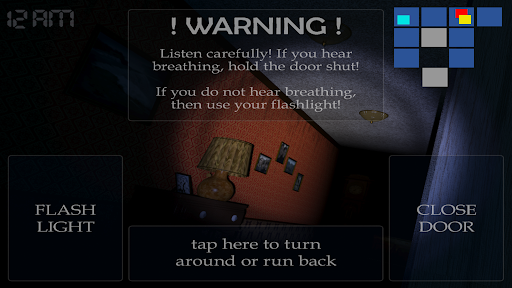
Jak stáhnout Five Nights at Freddy's 4 na PC
-
![Five Nights at Freddy's 4 PC]()
1. Stáhněte si instalační program MEmu a dokončete instalaci
-
![Five Nights at Freddy's 4 PC]()
2. Spusťte MEmu a poté otevřete Google Play na ploše
-
![Five Nights at Freddy's 4 PC]()
3. Vyhledejte Five Nights at Freddy's 4 v Google Play
-
 Install
4. Stáhněte a nainstalujte Five Nights at Freddy's 4
-
5. Po dokončení instalace klikněte na ikonu pro spuštění
-
![Five Nights at Freddy's 4 PC]()
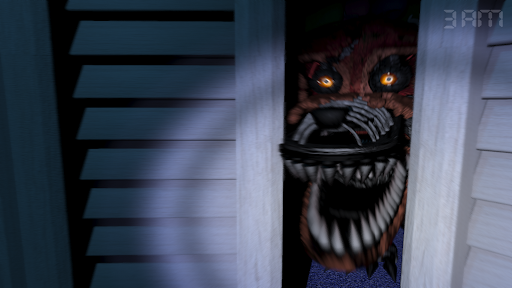
6. Užijte si hraní Five Nights at Freddy's 4 na PC s MEmu











Žhavá témata