Ever Night
Aktualizováno
Aktuální verze
10.0.60
Od vývojáře

With all your passion for playing Ever Night, you hands are not supposed to be limited on a tiny screen of your phone. Play like a pro and get full control of your game with keyboard and mouse. MEmu offers you all the things that you are expecting. Download and play Ever Night on PC. Play as long as you want, no more limitations of battery, mobile data and disturbing calls. The brand new MEmu 9 is the best choice of playing Ever Night on PC. Prepared with our expertise, the exquisite preset keymapping system makes Ever Night a real PC game. MEmu multi-instance manager makes playing 2 or more accounts on the same device possible. And the most important, our exclusive emulation engine can release full potential of your PC, make everything smooth.
Show more
Vychutnejte si vynikající zážitek z přehrávání Ever Night na PC s MEMU App Player. Je to silný bezplatný emulátor pro Android, který vám umožní hrát tisíce her v systému Android. Když sluneční světlo pohltí propast, svět se propadne do věčné noci.
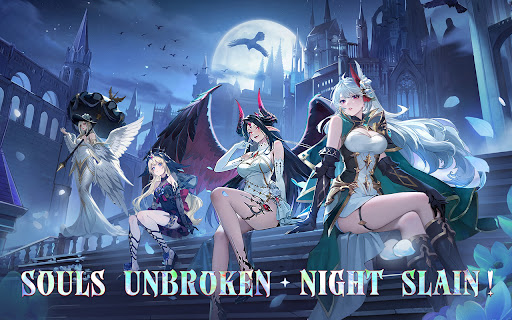
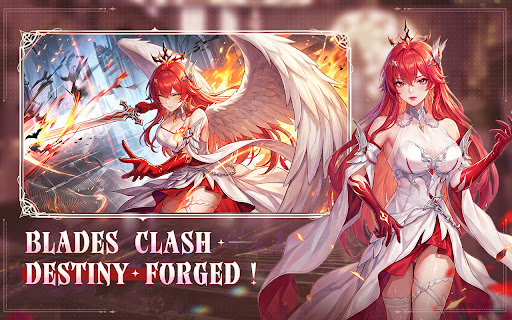
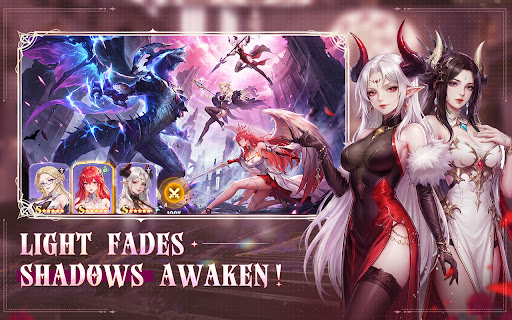
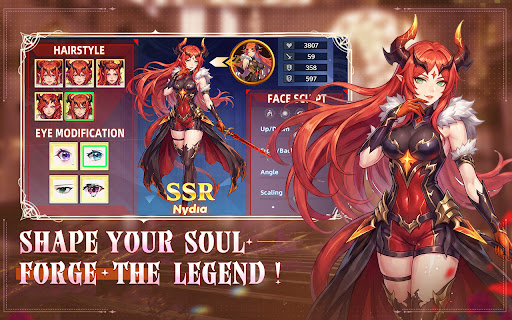
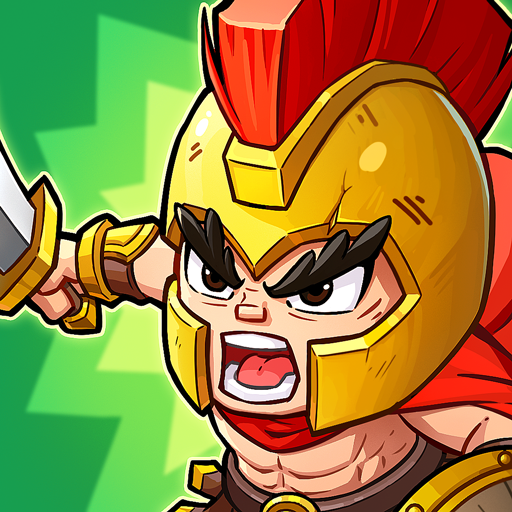
Když sluneční světlo pohltí propast, svět se propadne do věčné noci. Démoni divoce divočí, civilizace se blíží kolapsu. Ve hře Ever Night se stanete osudem hnaným LightChaserem a vydáte se na epickou cestu temnou zemí zoufalství a zázraků. Probuďte hrdiny, vytvořte svou nejsilnější skupinu a odhalte spiknutí za Eternal Night, abyste obnovili světlo!
Pohlcující temná estetika, epická audiovizuální hostina.
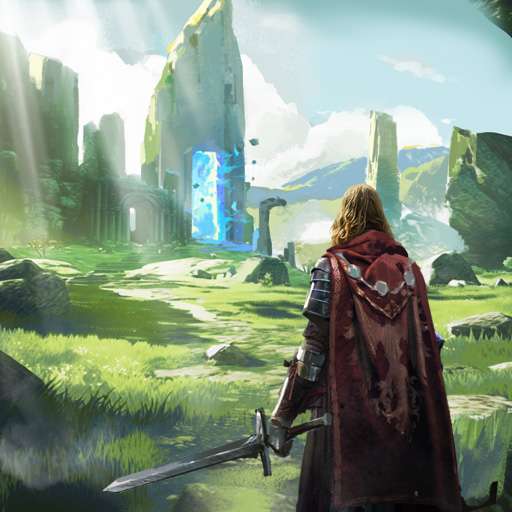
Engine nové generace přináší ohromující temnou fantasy grafiku, doplněnou detailně propracovaným prostředím a oslnivými efekty dovedností pro skutečný filmový zážitek. Prozkoumejte tajemné stinné lesy, rozpadající se starobylé hrady a hluboké podzemní propasti a ponořte se do dechberoucího, pohlcujícího příběhu.
Shromáždí se masivní hrdinové, strategická komba zvrátí průběh hry.
Pět frakcí a více než sto unikátních hrdinů čeká na vaše přivolání! Válečníci, mágové, vrazi, podporovatelé… volně kombinujte třídy a dovednosti. Využijte žetony frakcí a bonusy vazeb k vytvoření své charakteristické sestavy, porazte silnější nepřátele s vtipem a zažijte strhující strategickou hratelnost.
Přátelská hra v režimu nečinnosti – zesilujte i offline.
Žádné dřiny, jen zábava! Chytrý systém nečinnosti poskytuje obrovské odměny, i když jste offline. Epické vybavení a obrovské zdroje si můžete vyzvednout jediným klepnutím po přihlášení, což udrží vaše hrdiny v maximální síle, aby snadno zvládli každou výzvu.
Rozmanitá a bohatá hratelnost, prozkoumejte nekonečnou propast.
Kromě strhující hlavní kampaně na vás čeká řada herních režimů, včetně roguelike průzkumu dungeonů, zkoušek věží, světových bossů a dalších. Každé dobrodružství je novým zážitkem s náhodnými událostmi a skrytými truhlami, které udržují cestu plnou překvapení.
Globální soutěže na celém serveru, udržte čest svého cechu.
Přidejte se k cechu, vytvořte si pouta s důvěryhodnými spojenci a postavte se společně proti impozantním útočníkům napříč servery. Zapojte se do napínavých arénových bitev a cechových válek a soupeřte s hráči z celého světa. Vyšplhejte se v žebříčcích a získejte bezkonkurenční slávu a bohaté odměny!
Světlo nikdy nezhasne ani naděje nikdy neztratíte. Stáhněte si Ever Night ještě dnes a vydejte se na svou vlastní cestu vykoupení!
-- Sledujte nás pro více informací --
Oficiální stránka na Facebooku: https://www.facebook.com/evernightreawaken
Oficiální webové stránky: https://www.yrlongxin.com/
Show more

1. Stáhněte si instalační program MEmu a dokončete instalaci

2. Spusťte MEmu a poté otevřete Google Play na ploše

3. Vyhledejte Ever Night v Google Play
Install
4. Stáhněte a nainstalujte Ever Night
5. Po dokončení instalace klikněte na ikonu pro spuštění

6. Užijte si hraní Ever Night na PC s MEmu
MEmu je zdarma a ten nejlepší Android emulátor. 50 milionů lidí si užívá jeho nejlepší herní zážitky. Technologie virtualizace MEmu ti dovolí plynule hrát Android hry na PC a to i ty nejnáročnější.
Větší obrazovka s lepší grafikou; Dlouhá výdrž bez omezení baterie nebo mobilních dat.
Plná podpora mapování kláves pro přesné ovládání klávesnice a myši nebo gamepadu.
Více herních účtů nebo úkolů na jednom počítači najednou s Multi-Instance Managerem.
Play Ever Night on PC by following steps: