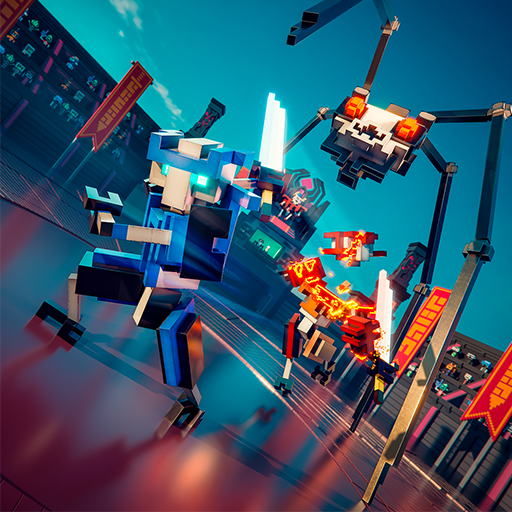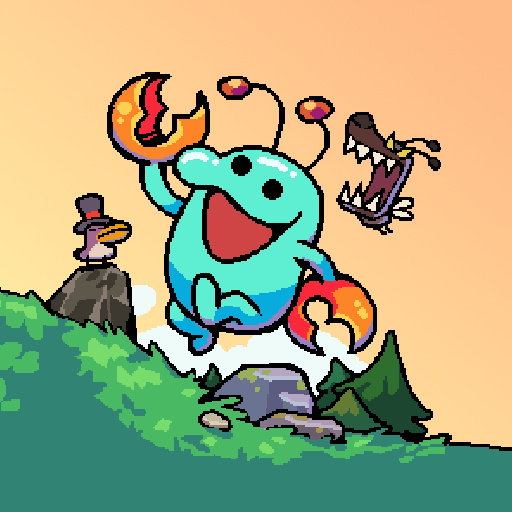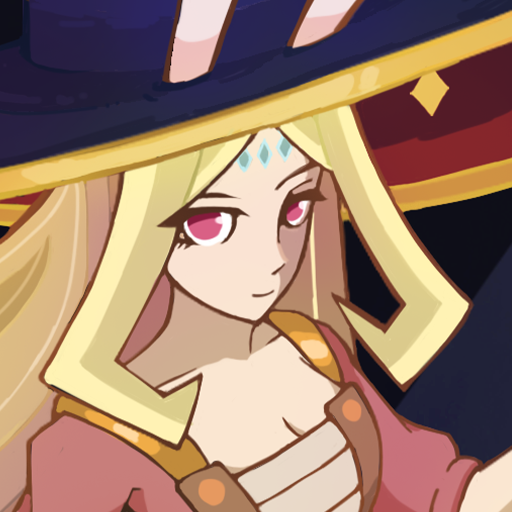
Master Royale
Aktualizováno
Aktuální verze
3.2729.1
Od vývojáře

With all your passion for playing Master Royale, you hands are not supposed to be limited on a tiny screen of your phone. Play like a pro and get full control of your game with keyboard and mouse. MEmu offers you all the things that you are expecting. Download and play Master Royale on PC. Play as long as you want, no more limitations of battery, mobile data and disturbing calls. The brand new MEmu 9 is the best choice of playing Master Royale on PC. Prepared with our expertise, the exquisite preset keymapping system makes Master Royale a real PC game. MEmu multi-instance manager makes playing 2 or more accounts on the same device possible. And the most important, our exclusive emulation engine can release full potential of your PC, make everything smooth.
Show more
Vychutnejte si vynikající zážitek z přehrávání Master Royale na PC s MEMU App Player. Je to silný bezplatný emulátor pro Android, který vám umožní hrát tisíce her v systému Android. Master Royale is one of the best Clash Royale private server to provide you with unlimited gems, gold and resources for free.
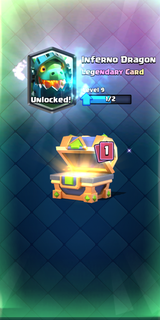
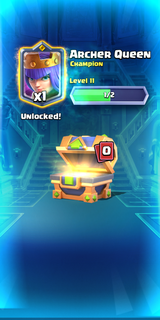
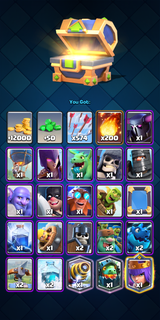
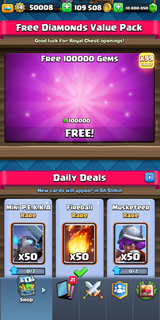
Master Royale is one of the best Clash Royale private server to provide you with unlimited gems, gold and resources for free. Here you can unlock all cards at max level and enjoy the pvp online battles with your friends without any lag.- Unlimited ResourcesYou don't have to pay for gems and gold in Master Royale as you will start with a wealth of resources in game for free- Unlock All CardsNo need to wait for unlocking new characters any more. You can get all cards and upgrade them to max level now.- Online PvPHave fun in battling against your friends online in 1v1 and 2v2 modes.
Show more

1. Stáhněte si instalační program MEmu a dokončete instalaci

2. Spusťte MEmu a poté otevřete Google Play na ploše

3. Vyhledejte Master Royale v Google Play
Install
4. Stáhněte a nainstalujte Master Royale
5. Po dokončení instalace klikněte na ikonu pro spuštění

6. Užijte si hraní Master Royale na PC s MEmu
MEmu je zdarma a ten nejlepší Android emulátor. 50 milionů lidí si užívá jeho nejlepší herní zážitky. Technologie virtualizace MEmu ti dovolí plynule hrát Android hry na PC a to i ty nejnáročnější.
Větší obrazovka s lepší grafikou; Dlouhá výdrž bez omezení baterie nebo mobilních dat.
Plná podpora mapování kláves pro přesné ovládání klávesnice a myši nebo gamepadu.
Více herních účtů nebo úkolů na jednom počítači najednou s Multi-Instance Managerem.
Play Master Royale on PC by following steps: