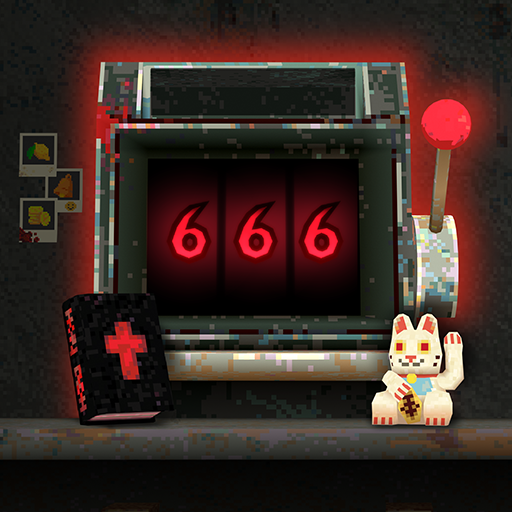
Slots & Daggers
Aktualizováno
Aktuální verze
1.0.24
Od vývojáře

With all your passion for playing Slots & Daggers, you hands are not supposed to be limited on a tiny screen of your phone. Play like a pro and get full control of your game with keyboard and mouse. MEmu offers you all the things that you are expecting. Download and play Slots & Daggers on PC. Play as long as you want, no more limitations of battery, mobile data and disturbing calls. The brand new MEmu 9 is the best choice of playing Slots & Daggers on PC. Prepared with our expertise, the exquisite preset keymapping system makes Slots & Daggers a real PC game. MEmu multi-instance manager makes playing 2 or more accounts on the same device possible. And the most important, our exclusive emulation engine can release full potential of your PC, make everything smooth.
Show more
Vychutnejte si vynikající zážitek z přehrávání Slots & Daggers na PC s MEMU App Player. Je to silný bezplatný emulátor pro Android, který vám umožní hrát tisíce her v systému Android. Po mé poslední hře SUMMERHOUSE jsem chtěl vytvořit něco radikálně odlišného.
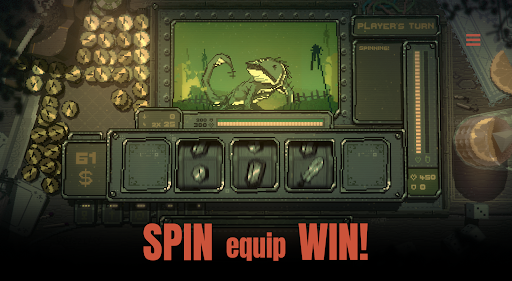
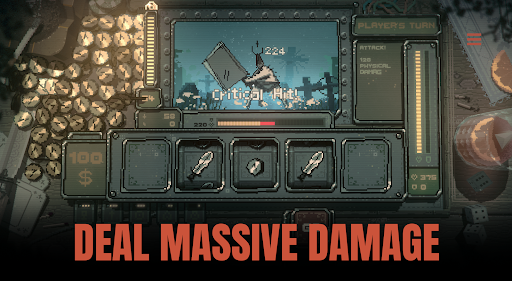
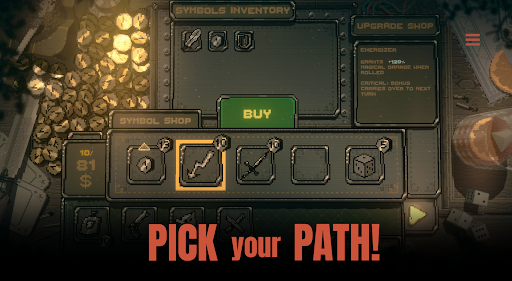
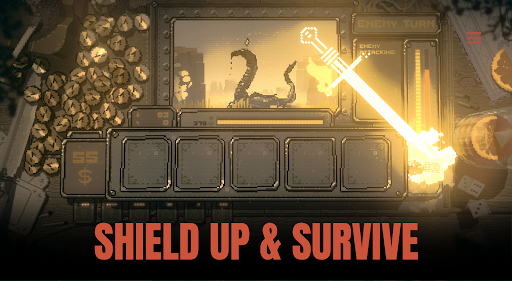
Po mé poslední hře SUMMERHOUSE jsem chtěl vytvořit něco radikálně odlišného. Stále malého, ale rychlejšího, s čísly, souboji a skřety!
Výsledkem jsou SLOTS & DAGGERS!
Pro vytvoření této hry jsem zkombinoval spoustu věcí, které hluboce miluji - podivné fantasy světy, hrubé kresby podivných malých kluků, staromódní křupavé hip-hopové bicí automaty a návykové arkádové hry, které při plivání malých mincí plácají "PLING PLING PLING" - s klasickou roguelike mechanikou.
Vlastnosti této hry jsou:
- Zábavný výherní automat
- Podivný fantasy svět
- 4-8hodinová kampaň
- Hrubé kresby podivných malých kluků
- Retro vizuální efekty
- Křupavé hip-hopové bicí automaty
- Režim s vysokým skóre „Egg arena“ pro skutečně odhodlané
- Návyková arkádová hratelnost, která hodně „plíská“
- Čísla! Souboje! Skřeti!
Stejně jako u SUMMERHOUSE mějte prosím na paměti, že tato hra je sólový projekt - malý, cílený a vytvořený s péčí. Má to být krátké a výstižné a nenabízí tolik obsahu jako hry, které v průběhu let vytvářely větší týmy, ale myslím, že je to férová nabídka!
Doufám, že se u SLOTS & DAGGERS dobře pobavíte!
Na zdraví,
Friedemann
Show more

1. Stáhněte si instalační program MEmu a dokončete instalaci

2. Spusťte MEmu a poté otevřete Google Play na ploše

3. Vyhledejte Slots & Daggers v Google Play
Install
4. Stáhněte a nainstalujte Slots & Daggers
5. Po dokončení instalace klikněte na ikonu pro spuštění

6. Užijte si hraní Slots & Daggers na PC s MEmu
MEmu je zdarma a ten nejlepší Android emulátor. 50 milionů lidí si užívá jeho nejlepší herní zážitky. Technologie virtualizace MEmu ti dovolí plynule hrát Android hry na PC a to i ty nejnáročnější.
Větší obrazovka s lepší grafikou; Dlouhá výdrž bez omezení baterie nebo mobilních dat.
Plná podpora mapování kláves pro přesné ovládání klávesnice a myši nebo gamepadu.
Více herních účtů nebo úkolů na jednom počítači najednou s Multi-Instance Managerem.
Play Slots & Daggers on PC by following steps: