Slots & Daggers
Updated
Current Version
1.0.24
Offered By

With your passion for Slots & Daggers, you shouldn’t have to limit yourself to the small screen of a phone. Play like a pro and take full control of the game using a keyboard and mouse. MEmu gives you everything you’re looking for. Download and play Slots & Daggers on PC. Play as long as you want — no more worries about battery life, mobile data, or unexpected calls. The all-new MEmu 9 is the best way to play Slots & Daggers on PC. With our expertly designed keymapping system, Slots & Daggers feels just like a real PC game. The MEmu multi-instance manager lets you run two or more accounts on the same device at the same time. Most importantly, our exclusive emulation engine unlocks your PC’s full potential, delivering smooth and seamless performance.
Show more
Download Slots & Daggers on PC with MEmu Android Emulator. Enjoy playing on big screen. After my last game SUMMERHOUSE, I wanted to make something radically different.
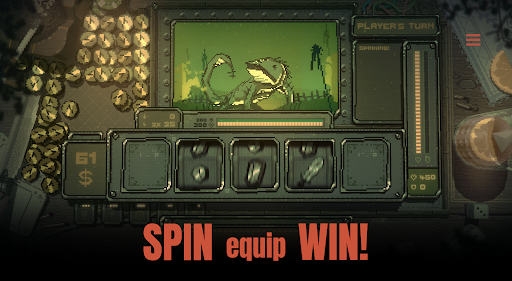
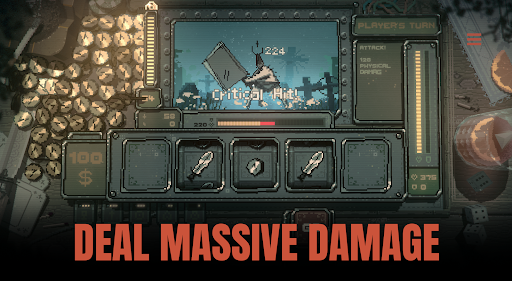
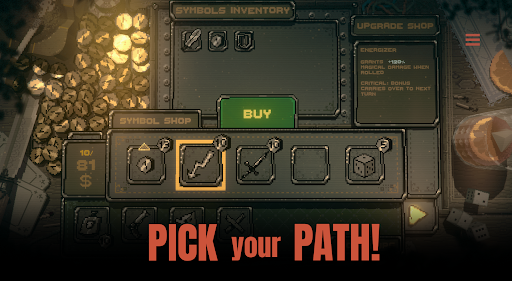
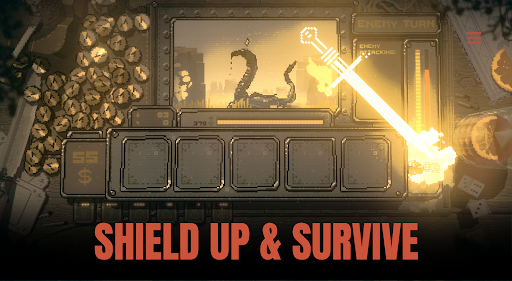
After my last game SUMMERHOUSE, I wanted to make something radically different. Still small, but faster, with numbers, fights and goblins!
The result is SLOTS & DAGGERS!
To make this game I combined a lot of things I deeply love - weird fantasy worlds, crude drawings of strange little guys, old school crunchy hiphop drum machines and addictive arcade games that go “PLING PLING PLING” as they spit out little coins - with classic roguelike mechanics.
The features of this game are:
- Fun slot machine
- Weird fantasy world
- 4-8 hour campaign
- Crude drawings of strange little guys
- Retro visuals
- Crunchy hip hop drum machines
- ‘Egg arena’ high score mode for the truly determined
- Addictive arcade gameplay that goes 'pling' a lot
- Numbers! Fights! Goblins!
As with SUMMERHOUSE, please keep in mind this game is a solo project - small, focused, and made with care. It’s meant to be short and sweet and doesn’t have the amount of content as games built by bigger teams over years, but I think it’s a fair deal!
I hope you have a good time with SLOTS & DAGGERS!
Cheers,
Friedemann
Show more

1. Download MEmu installer and finish the setup

2. Start MEmu then open Google Play on the desktop

3. Search Slots & Daggers in Google Play
Install
4. Download and Install Slots & Daggers
5. On install completion click the icon to start

6. Enjoy playing Slots & Daggers on PC with MEmu
MEmu Play is the best Android emulator and 100 million people already enjoy its superb Android gaming experience. The MEmu virtualization technology empowers you to play thousands of Android games smoothly on your PC, even the most graphic-intensive ones.
Bigger screen with better graphics; Long duration, without limitation of battery or mobile data.
Full Keymapping support for precise control of keyboard and mouse or gamepad.
Multiple game accounts or tasks on single PC at one time with Multi-Instance manager.
Play Slots & Daggers on PC by following steps: