Car Simulator: Engine Sounds
Aktualizováno
Aktuální verze
0.6
Od vývojáře

Přestaňte se obávat přebíjení při používání Car Simulator: Engine Sounds na mobilním telefonu, uvolněte se z malé obrazovky a užívejte si aplikace na mnohem větším displeji. „Společnost MEmu vám nabízí všechny překvapivé funkce, které jste očekávali: rychlá instalace a snadné nastavení, intuitivní ovládání, žádná omezení baterií, mobilní data a rušivá volání. Zcela nový přístroj MEmu 9 je nejlepší volbou použití Car Simulator: Engine Sounds ve vašem počítači. díky naší absorpci umožňuje správce více instancí otevření 2 nebo více účtů současně. A co je nejdůležitější, náš exkluzivní emulační modul může uvolnit plný potenciál vašeho počítače, učinit vše plynulým a příjemným.
Show more
Vychutnejte si vynikající zážitek z přehrávání Car Simulator: Engine Sounds na PC s MEMU App Player. Je to silný bezplatný emulátor pro Android, který vám umožní hrát tisíce her v systému Android. Are you a car enthusiast?

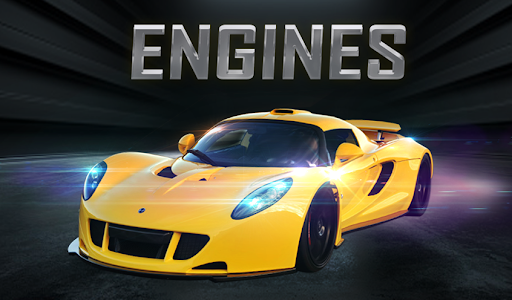
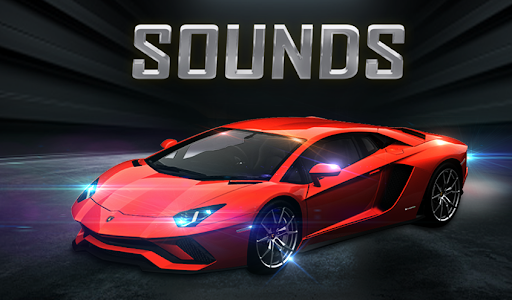
Are you a car enthusiast? Do you love the engine revving sounds when your car steers onto the streets? Car Simulator: Engine Sounds is a cutting-edge interactive engine sound effect application that will trigger your passion for cars.
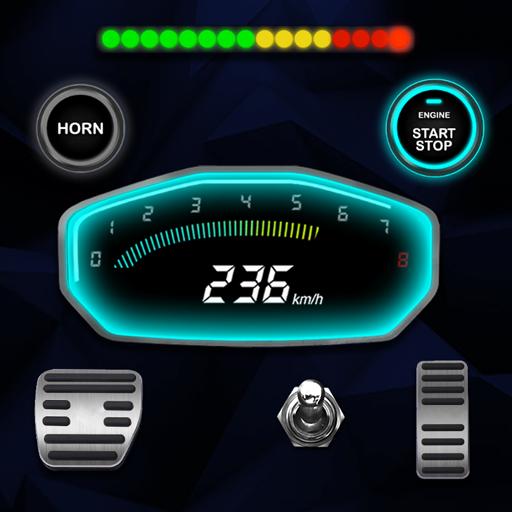
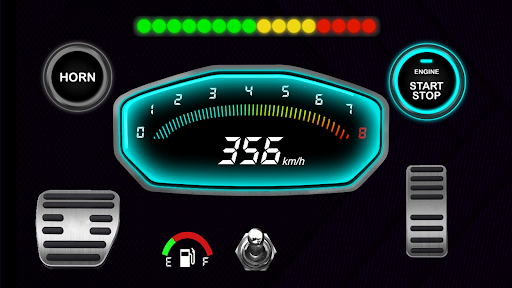
Car Simulator: Engine Sounds perfectly simulates a massive range of modern and classic automobiles, from race cars to supercars and everything in between. With real-world mechanical physical parameters, Car Simulator will give you full control of accelerator speed and brakes as you experience the real scope of the best and finest engine sounds ever created. Speed up, brake, and horn as you hit the road!
People of all ages can enjoy this awesome car engine sound app, which features incredible engine sound effects and an accurate simulation of car driving. To give car fans more entertainment options, Car Simulator: Engine Sounds also bring additional features like a gas pedal and a GPS speedometer, providing a luxurious appearance of a car interior and a realistic feeling of speeding up to the maximum. Listen to all the wonderful engine sounds that can only come from a V6, V8, V10, or V12 engine. In addition, for each car, there is a nice picture and the option to hear the sound separately when starting the engine or accelerating.
Simply choose the car you love to experience and dive into the best feeling of realistic simulation. This app will get you hyped up with powerful firing engine sounds. All cars and sound effects in the world are available and totally free in Car Simulator: Engine Sounds.
Amazing features of Car Simulator: Engine Sounds:
Show more

1. Stáhněte si instalační program MEmu a dokončete instalaci

2. Spusťte MEmu a poté otevřete Google Play na ploše

3. Vyhledejte Car Simulator: Engine Sounds v Google Play
Install
4. Stáhněte a nainstalujte Car Simulator: Engine Sounds
5. Po dokončení instalace klikněte na ikonu pro spuštění

6. Užívejte si používání Car Simulator: Engine Sounds na PC s MEmu
MEmu je bezplatný a vynikající emulátor Androidu s 50 miliony uživatelů, který poskytuje vynikající zážitek z aplikací. Virtualizační technologie MEmu 9 vám umožňuje plynule spouštět aplikace pro Android na vašem počítači, a to i ty nejnáročnější.
Větší obrazovka s lepší grafikou; Dlouhá výdrž bez omezení baterie nebo mobilních dat.
Plná podpora mapování kláves pro přesné ovládání klávesnice a myši nebo gamepadu.
Více herních účtů nebo úkolů na jednom počítači najednou s Multi-Instance Managerem.
Use Car Simulator: Engine Sounds on PC by following steps: