Your Phone Companion - Link to Windows
Aktualizováno
Aktuální verze
1.21022.163.0
Od vývojáře

Přestaňte se obávat přebíjení při používání Your Phone Companion - Link to Windows na mobilním telefonu, uvolněte se z malé obrazovky a užívejte si aplikace na mnohem větším displeji. „Společnost MEmu vám nabízí všechny překvapivé funkce, které jste očekávali: rychlá instalace a snadné nastavení, intuitivní ovládání, žádná omezení baterií, mobilní data a rušivá volání. Zcela nový přístroj MEmu 9 je nejlepší volbou použití Your Phone Companion - Link to Windows ve vašem počítači. díky naší absorpci umožňuje správce více instancí otevření 2 nebo více účtů současně. A co je nejdůležitější, náš exkluzivní emulační modul může uvolnit plný potenciál vašeho počítače, učinit vše plynulým a příjemným.
Show more
Vychutnejte si vynikající zážitek z přehrávání Your Phone Companion - Link to Windows na PC s MEMU App Player. Je to silný bezplatný emulátor pro Android, který vám umožní hrát tisíce her v systému Android. You love your phone.
You love your phone. So does your PC. Get instant access to everything you love on your phone, right from your PC. To get started, Install the Your Phone Companion - Link to Windows app on your Android phone and link it with the Your Phone app on your Windows 10 PC.
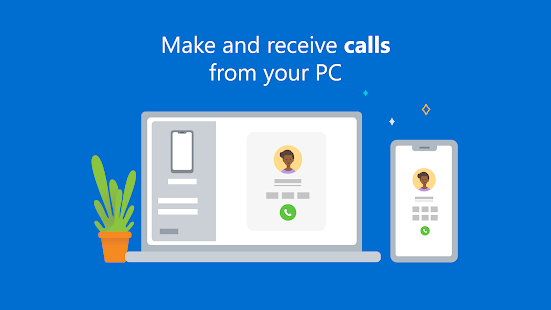
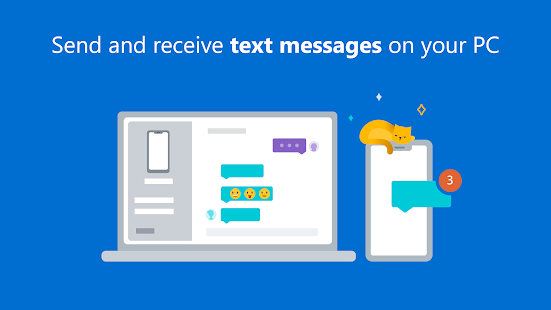
Link your Android phone and PC to view and reply to text messages, make and receive calls*, and more - all right on your PC.
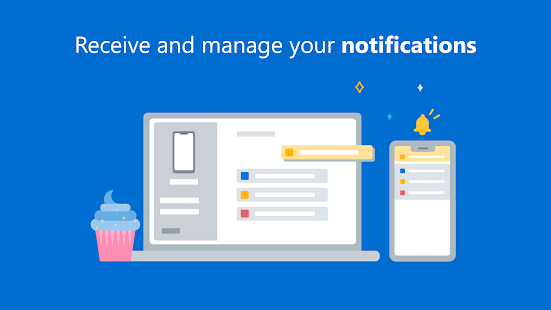
Stay on top of your life as you receive and manage real-time mobile notifications on your PC.
Make emailing yourself photos a thing of the past as you share your favorite images between your phone and PC. Copy, edit, and even drag and drop photos without ever touching your phone.
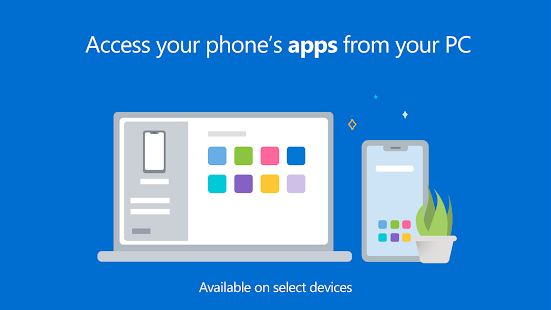
For select** Samsung phones you can also wirelessly drag and drop files from your phone to your PC (and vice versa) and even access your favorite mobile apps on your PC.
Your Phone features:
• Make and receive calls from your PC*
• Manage your Android phone's notifications on your PC
• Access your favorite mobile apps** on your PC
• Read and reply to text messages from your PC
• Drag files between your PC and phone**
• Copy and paste content between your PC and phone**
• Instantly access the photos on your phone from your PC
• Use your PC’s bigger screen, keyboard, mouse, and touch screen to interact with your phone from your PC.
Integrated with Surface Duo and select Samsung mobile devices for an even better experience
• Surface Duo and select Samsung models have Link to Windows integrated and no additional apps required to be downloaded from the Play Store. See list of supported devices: aka.ms/ypltwdevices
• Find Link to Windows in the Quick Access tray (drag down from the top of your screen to access it).
• This integration enables unique features like cross-device copy and paste, Phone screen, file drag-and-drop, and Apps (for a breakdown, see aka.ms/ypltwdevices).
*Calls requires a Windows 10 PC running the May 2019 update or later with Bluetooth capability.
**Drag and drop, Phone screen and Apps access all require a compatible device (aka.ms/ypltwdevices) and a Windows 10 PC running the October 2018 update or later. The multiple apps experience requires a Windows 10 PC that’s running the May 2020 Update or later and has at least 8GB of RAM.
By installing this app, you agree to the Microsoft Terms of Use https://go.microsoft.com/fwlink/?LinkID=246338 and Privacy Statement https://go.microsoft.com/fwlink/?LinkID=248686
Tell us what features you'd like to see next by selecting "Send feedback" in settings in the Your Phone app or the Your Phone Companion app.
Show more

1. Stáhněte si instalační program MEmu a dokončete instalaci

2. Spusťte MEmu a poté otevřete Google Play na ploše

3. Vyhledejte Your Phone Companion - Link to Windows v Google Play
Install
4. Stáhněte a nainstalujte Your Phone Companion - Link to Windows
5. Po dokončení instalace klikněte na ikonu pro spuštění

6. Užívejte si používání Your Phone Companion - Link to Windows na PC s MEmu
MEmu je bezplatný a vynikající emulátor Androidu s 50 miliony uživatelů, který poskytuje vynikající zážitek z aplikací. Virtualizační technologie MEmu 9 vám umožňuje plynule spouštět aplikace pro Android na vašem počítači, a to i ty nejnáročnější.
Větší obrazovka s lepší grafikou; Dlouhá výdrž bez omezení baterie nebo mobilních dat.
Plná podpora mapování kláves pro přesné ovládání klávesnice a myši nebo gamepadu.
Více herních účtů nebo úkolů na jednom počítači najednou s Multi-Instance Managerem.
Use Your Phone Companion - Link to Windows on PC by following steps: