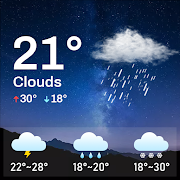
Daily Weather
Aktualizováno
Aktuální verze
1.1.9
Od vývojáře

Přestaňte se obávat přebíjení při používání Daily Weather na mobilním telefonu, uvolněte se z malé obrazovky a užívejte si aplikace na mnohem větším displeji. „Společnost MEmu vám nabízí všechny překvapivé funkce, které jste očekávali: rychlá instalace a snadné nastavení, intuitivní ovládání, žádná omezení baterií, mobilní data a rušivá volání. Zcela nový přístroj MEmu 9 je nejlepší volbou použití Daily Weather ve vašem počítači. díky naší absorpci umožňuje správce více instancí otevření 2 nebo více účtů současně. A co je nejdůležitější, náš exkluzivní emulační modul může uvolnit plný potenciál vašeho počítače, učinit vše plynulým a příjemným.
Show more
Vychutnejte si vynikající zážitek z přehrávání Daily Weather na PC s MEMU App Player. Je to silný bezplatný emulátor pro Android, který vám umožní hrát tisíce her v systému Android. Discover weather changes anytime, anywhere.
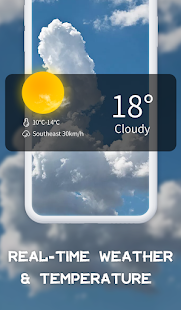
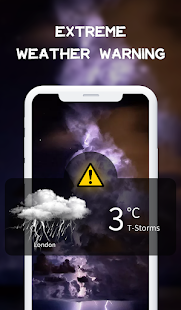

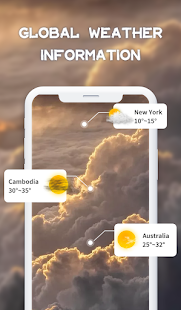
Discover weather changes anytime, anywhere.Weather information at your fingertips.
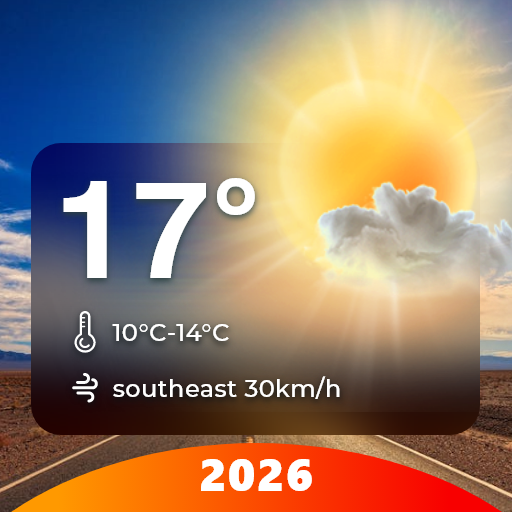
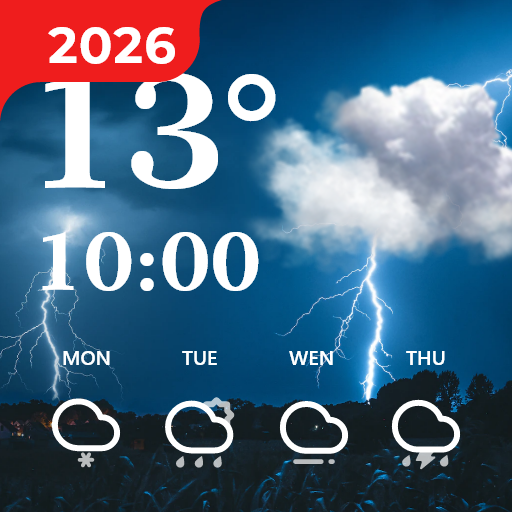
See realistic rain, snow or thunderstorm weather animations, sun rays for clear days, the moon’s glow and the stars at night, shooting stars, moving clouds and many more weather animations.
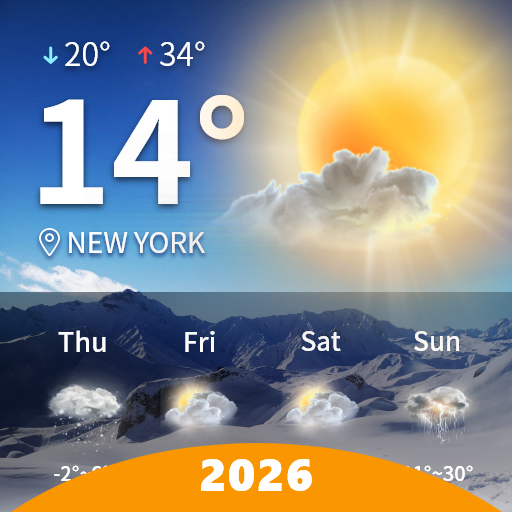
Prepare for your day with accurate current conditions, chance of precipitation, hourly and daily forecasts.
Real weather information
-Display the real-time temperature and weather type.
Hourly forecast information
-Master the daily dynamics, calmly prepare for travel.
Extreme weather alert
-Severe and extreme weather warnings to help you prepare for weather changes.
Weather details
-You can get not only temperature and clock information, but also humidity, visibility, UV index, air pressure, wind speed, sunrise and sunset.
Global weather
-This accurate weather app allows you to add global cities to the list and get real-time local weather forecast information. No matter where you are, you can bring this weather app!
Nice widgets
-The application contains various exquisite widget styles, you can choose your favorite style and appearance to beautify your desktop.
Show more

1. Stáhněte si instalační program MEmu a dokončete instalaci

2. Spusťte MEmu a poté otevřete Google Play na ploše

3. Vyhledejte Daily Weather v Google Play
Install
4. Stáhněte a nainstalujte Daily Weather
5. Po dokončení instalace klikněte na ikonu pro spuštění

6. Užívejte si používání Daily Weather na PC s MEmu
MEmu je bezplatný a vynikající emulátor Androidu s 50 miliony uživatelů, který poskytuje vynikající zážitek z aplikací. Virtualizační technologie MEmu 9 vám umožňuje plynule spouštět aplikace pro Android na vašem počítači, a to i ty nejnáročnější.
Větší obrazovka s lepší grafikou; Dlouhá výdrž bez omezení baterie nebo mobilních dat.
Plná podpora mapování kláves pro přesné ovládání klávesnice a myši nebo gamepadu.
Více herních účtů nebo úkolů na jednom počítači najednou s Multi-Instance Managerem.
Use Daily Weather on PC by following steps: