One Million Coins
Aktualisiert
Aktuelle Version
Angeboten von

Bei all Ihrer Leidenschaft für das Spielen von One Million Coins sollten Ihre Hände nicht auf einen winzigen Bildschirm Ihres Telefons beschränkt sein. Spielen Sie wie ein Profi und übernehmen Sie die volle Kontrolle über Ihr Spiel mit Tastatur und Maus. MEmu bietet Ihnen all die Dinge, die Sie erwarten. Laden Sie One Million Coins herunter und spielen Sie es auf dem PC. Spielen Sie so lange, wie Sie wollen, ohne Grenzwerte für Akku, mobile Daten und störende Anrufe. Das brandneue MEmu 9 ist die beste Wahl, um One Million Coins auf dem PC zu spielen. Das exquisite voreingestellte Tastaturbelegungssystem, das mit unserem Fachwissen vorbereitet wurde, macht One Million Coins zu einem echten PC-Spiel. Der MEmu Multi-Instanz-Manager ermöglicht das Spielen von 2 oder mehr Konten auf demselben Gerät. Und das Wichtigste: Unsere exklusive Emulations-Engine kann das volle Potenzial Ihres PCs freisetzen und für reibungslose Abläufe sorgen.
Mehr anzeigen
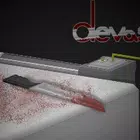
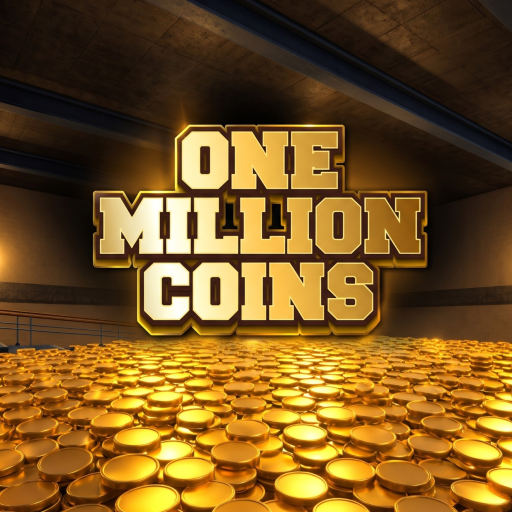
Laden Sie Play One Million Coins auf dem PC mit MEmu Android Emulator. Viel Spaß beim Spielen auf großmundieren. Step into the ultimate gold-collecting experience in One Million Coins, a highly focused first-person incremental mining game where your sole objective is to clear out a massive vault filled with exactly 1,000,000 shiny coins!
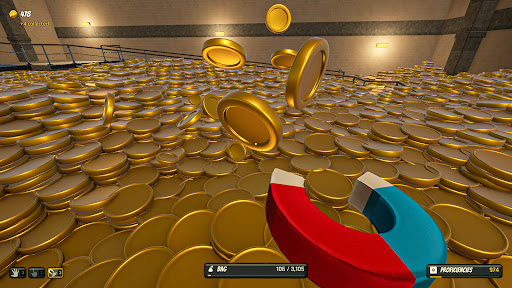
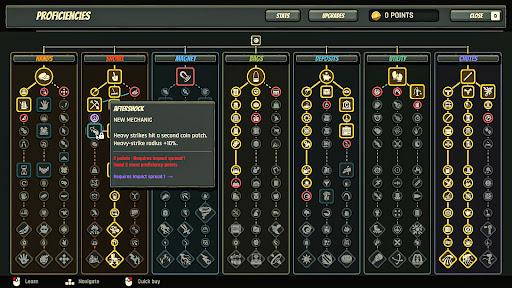
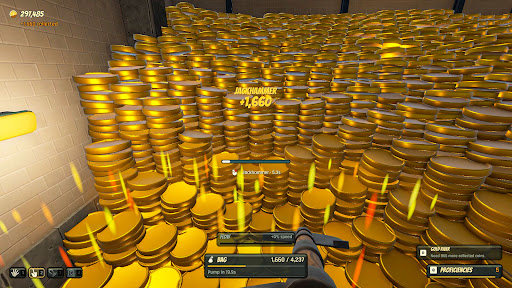
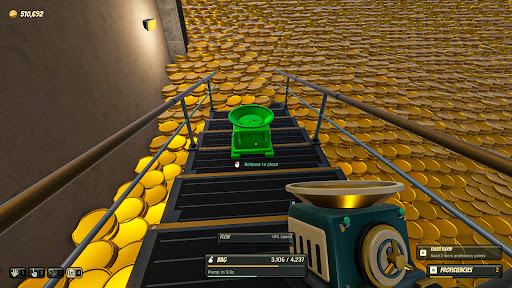
Step into the ultimate gold-collecting experience in One Million Coins, a highly focused first-person incremental mining game where your sole objective is to clear out a massive vault filled with exactly 1,000,000 shiny coins!
The Ultimate Mining Challenge You start in the center of a giant vault equipped with nothing but basic gear and a mountain of treasure ahead of you. Your mission? Dig, collect, and bank your golden haul as fast as possible. Every single coin you gather brings you one step closer to emptying the vault and claiming total victory.
Bank Your Haul & Upgrade Mining one million coins takes strategy and power! Bank your collected gold to purchase powerful tool upgrades. Swap out your beginner equipment for advanced, rapid-fire mining gear to multiply your collection speed, boost your efficiency, and transform your manual labor into a smooth operation.
Build an Empire of Efficiency As you progress, the gameplay evolves from a straightforward clicking challenge into a deeply satisfying incremental progression system. Optimize your upgrade paths, scale your gold-collecting speed, and watch as your haul grows exponentially. Figure out the fastest strategy to unlock the ultimate tools and clear the vault in record time.
Key Features:
First-Person Mining Action: Immerse yourself directly in the vault as you physically dig through massive piles of gold.
Incremental Progression: Start small with manual clicking and build a massive, high-speed collecting operation.
Strategic Tool Upgrades: Spend your banked coins on better, faster, and much more efficient mining equipment.
Satisfying Gameplay Loop: Experience the addictive thrill of watching your coin counter skyrocket as your new upgrades kick in.
A Clear, Definitive Goal: No endless, aimless grinding—your objective is strictly capped at clearing out One Million Coins.
Get ready to dig, upgrade, and conquer the vault. Your golden fortune is waiting!
Mehr anzeigen

1. Laden das MEmu-Installationsprogramm herunter und beenden die Installation

2. MEmu starten und Google Play auf der Homepage öffnen

3. Suchen One Million Coins in Google Play
Install
4. Herunterladen und Installieren One Million Coins
5. Klicken nach Abschluss der Installation auf das Symbol, um es zu starten

6. Viel Spaß beim Spielen von One Million Coins auf dem PC mit MEmu
MEmu App Player ist der beste kostenlose Android-Emulator und 50 Millionen Menschen genießen bereits seine hervorragende Android-Gaming-Erfahrung. Mit der MEmu-Virtualisierungstechnologie können Sie Tausende von Android-Spielen problemlos auf Ihrem PC spielen, selbst bei grafikintensiven Spielen.
BGrößeres Bild mit besserer Grafik; Keine unterbrechungen, keine sorgen um Akku
Komplette Tastenbelegung unterstützt mit Maus und Tastatur oder Controller
Mit dem „Multi-Instance-Manager“ können Sie mehrere Spielkonten oder Spiele gleichzeitig auf einem PC ausführen.
Play One Million Coins on PC by following steps: