Downloading MEmu...
If the download doesn't start, click here
1. Download MEmu installer and finish the setup
2. Start MEmu then open Google Play on the desktop
3. Search Standoff 2 in Google Play
4. Download and Install Standoff 2
5. On install completion click the icon to start
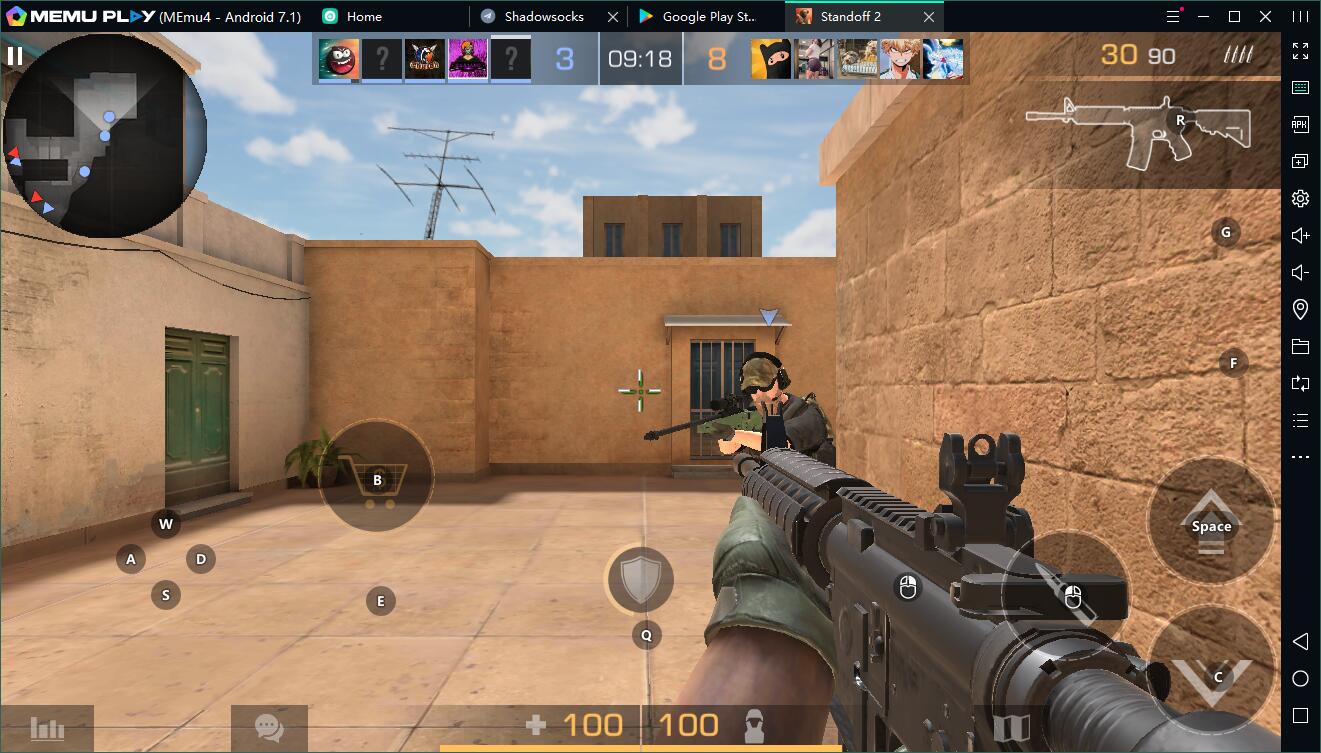
6. Enjoy playing Standoff 2 on PC with MEmu
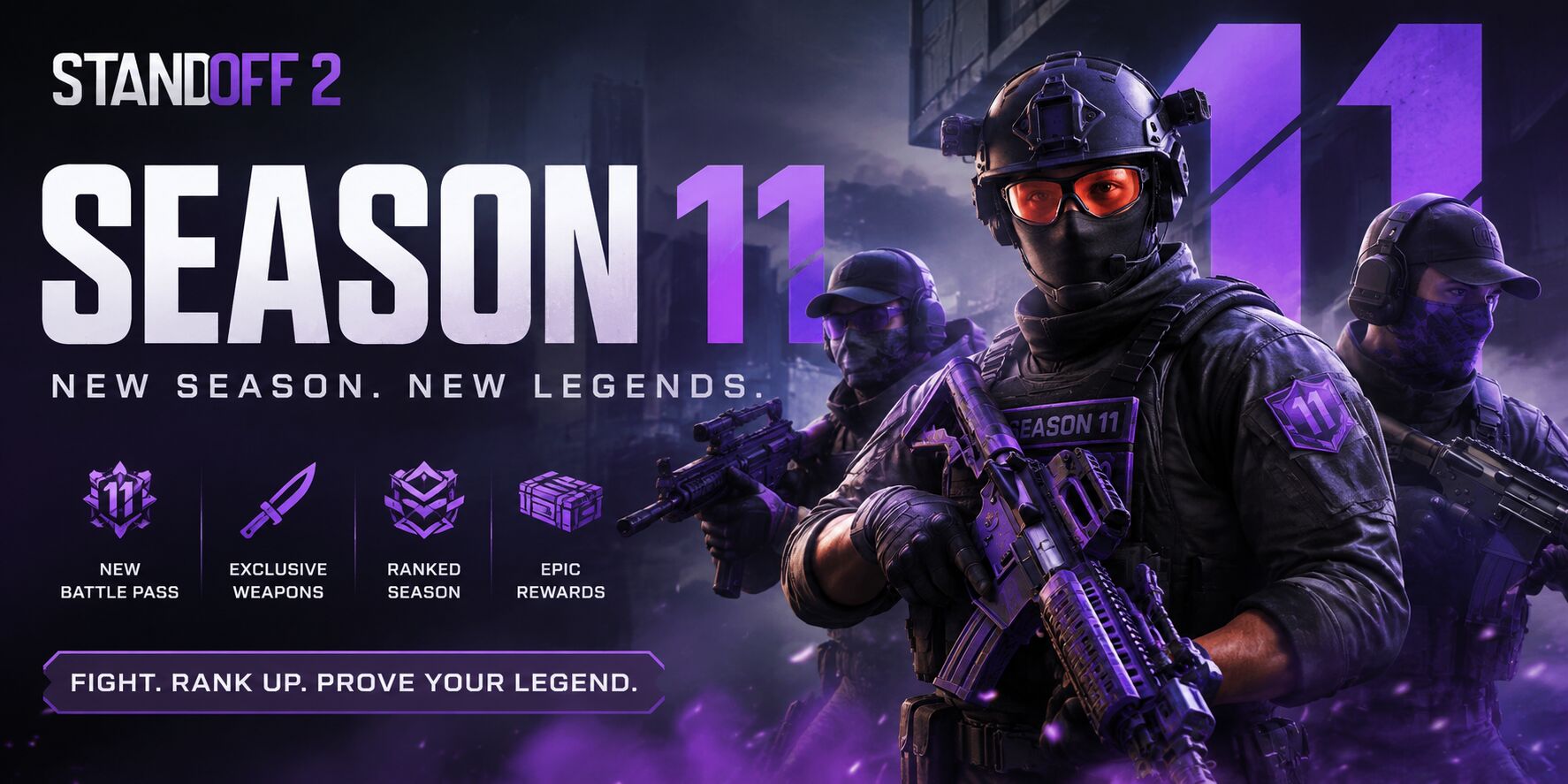
Standoff 2 Season 11 "Breakout" and What's Coming Next
The Standoff 2 Weapons Guide: Must-Use Picks to Dominate in Every Class
How to Win More Matches in Standoff 2
Standoff 2 Codes (January 2025): Free Gold & Skins
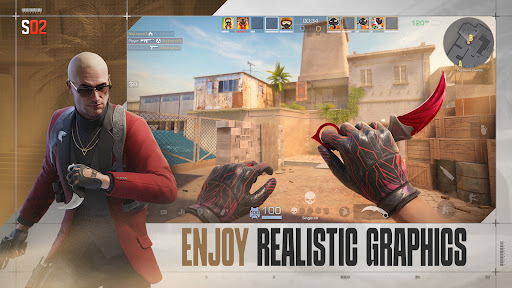
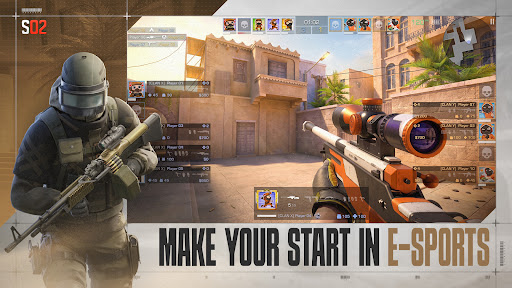
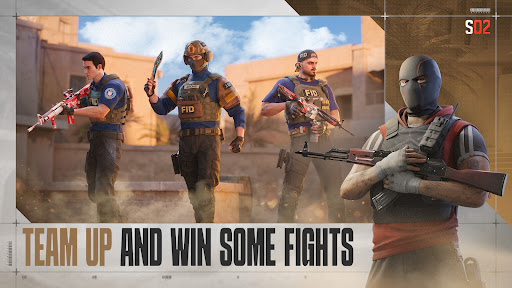
Download and Play Standoff 2 on PC with Memu

Standoff 2 Breakdown: Everything You Need to Know About the Mobile FPS Hit

Best emulator to play Standoff 2 on PC
Free Fire OB55 Update: Everything New in the Latest Patch
Free Fire x Naruto Shippuden Chapter 1 Event Guide: Nine Tails, Hinata, Rewards, and More
Free Fire: How to Unlock Cristiano Ronaldo (Chrono)
Free Fire: How to Recover Your Account Quickly and Easily
Free Fire Best Characters Tier List 2026
Free Fire: The BEST Weapons for Every Situation
PUBG Mobile October & November 2026 Leaks: New Events, Skins & Cosmetics
PUBG MOBILE 4.6 Update: Midnight Hunters Mode Arrives September 9
PUBG Mobile Phantasia Siren Gilt Set Release Date and Latest Updates
PUBG Mobile x Spider-Man: Brand New Day – Everything You Need to Know
PUBG Weapon Tier List 2026: Best Guns Ranked S to D Tier
PUBG MOBILE x NARUTO SHIPPUDEN Collaboration: Release Date & Free Rewards
Popular Games on PC
Top Apps on PC
Copyright © 2026 Microvirt. All Rights Reserved.|Terms of Use|Privacy Policy|About Us