Standoff 2
Updated
Current Version
1.0.0
Offered By

With your passion for Standoff 2, you shouldn’t have to limit yourself to the small screen of a phone. Play like a pro and take full control of the game using a keyboard and mouse. MEmu gives you everything you’re looking for. Download and play Standoff 2 on PC. Play as long as you want — no more worries about battery life, mobile data, or unexpected calls. The all-new MEmu 9 is the best way to play Standoff 2 on PC. With our expertly designed keymapping system, Standoff 2 feels just like a real PC game. The MEmu multi-instance manager lets you run two or more accounts on the same device at the same time. Most importantly, our exclusive emulation engine unlocks your PC’s full potential, delivering smooth and seamless performance.
Show more
Download Standoff 2 on PC with MEmu Android Emulator. Enjoy playing on big screen. Standoff 2 is a free-to-play first-person action shooter with over 300 million installs worldwide.
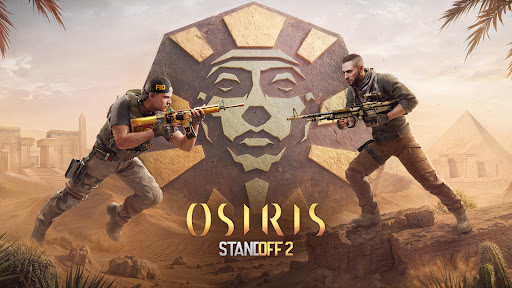
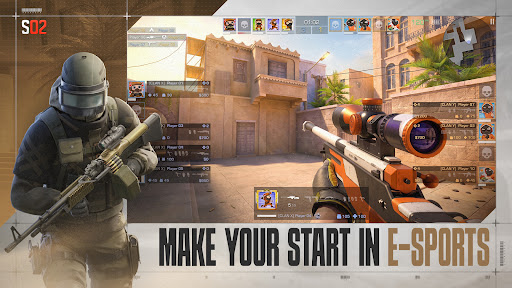
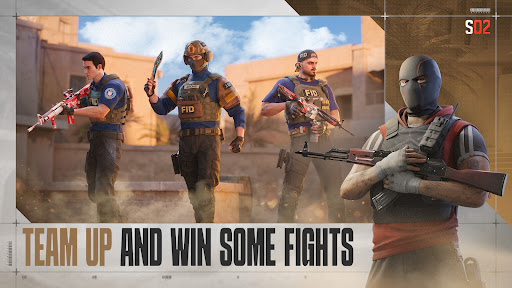
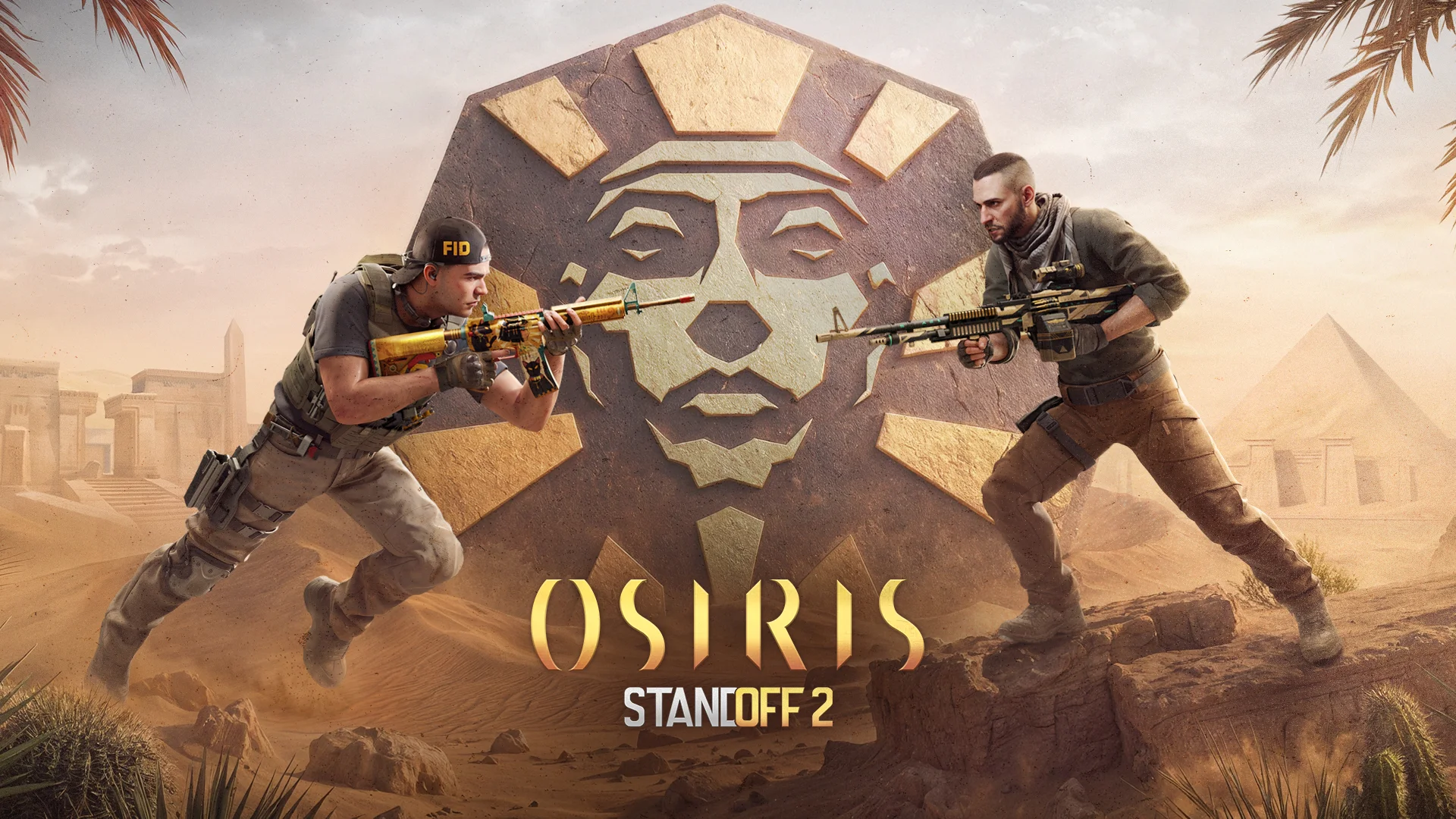
Standoff 2 is a free-to-play first-person action shooter with over 300 million installs worldwide. Immerse yourself in the engaging world of tactical battles and dynamic firefights in the free-to-play multiplayer shooter genre.
EXPLORE A DETAILED ENVIRONMENT
Embark on a global journey across extremely detailed maps — from the picturesque mountains of Province to the deserted streets of Sandstone. Each location in Standoff 2 offers a unique setting for engaging confrontations.
TAKE PART IN REALISTIC SHOOTOUTS
Experience a fully immersive and realistic battle in an online shooter. Shoot a variety of firearms, including AWM and M40 sniper rifles, Deagle and USP pistols, and the iconic AKR and P90. The recoil and spread of the guns are unique, making gunfights feel as though they were real. The diverse arsenal offers more than 25 weapons. Choose your gun. You can use everything right from the start — there's no need to level up to unlock weapons.
TEAM UP WITH YOUR FRIENDS IN COMPETITIVE MATCHES
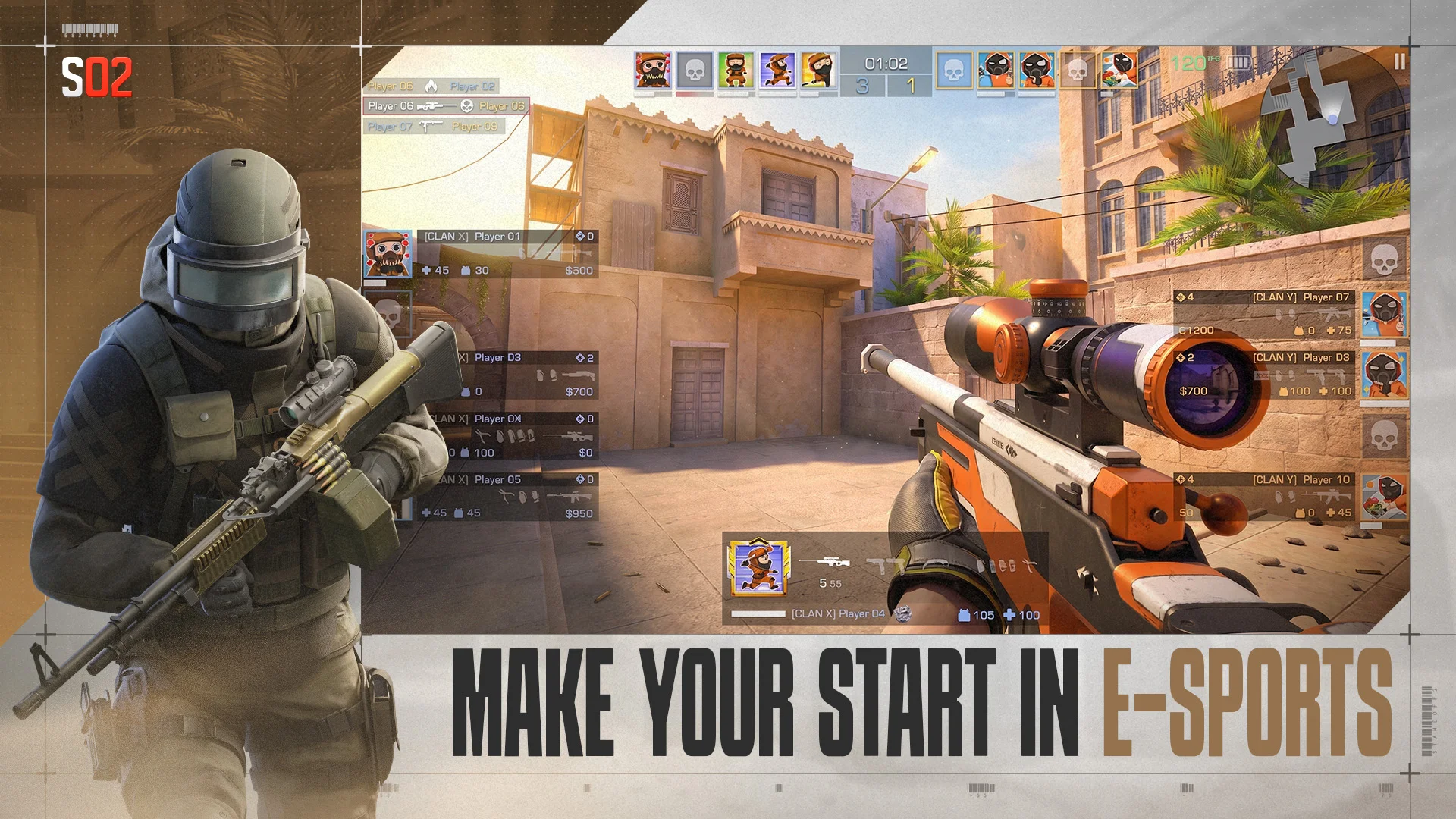
Battle opponents in matches where you rank is at stake. Start off with the calibration at the beginning of the Season and rank up to get unique rewards.
ONLY SKILLS SHAPE SUCCESS
Dive into a fully skill-based gameplay where your abilities and tactics matter the most. Forget about casual shooters — here it's all about teamwork and personal skills. Responsive controls and flexible settings make Standoff 2 one of the best games among online shooters.
CUSTOMIZE YOUR ARSENAL WITH SKINS AND STICKERS
Personalize your weapons with an extensive selection of skins, stickers, and charms. Create a bold and unique design that reflects your style and make your arsenal truly unique. Claim Battle Pass rewards in regular updates, get skins from cases and boxes, and your collection will surely be the most impressive one.
DIFFERENT GAME MODES FOR ENDLESS ACTION
Choose from a variety of game modes: 5v5 fights, Allies: 2v2 confrontations, or deadly 1v1 duels. Have fun in Free-for-all or Team Deathmatch, Tactical fights or endless shootouts, duels or special themed modes.
DOMINATE IN CLAN BATTLES
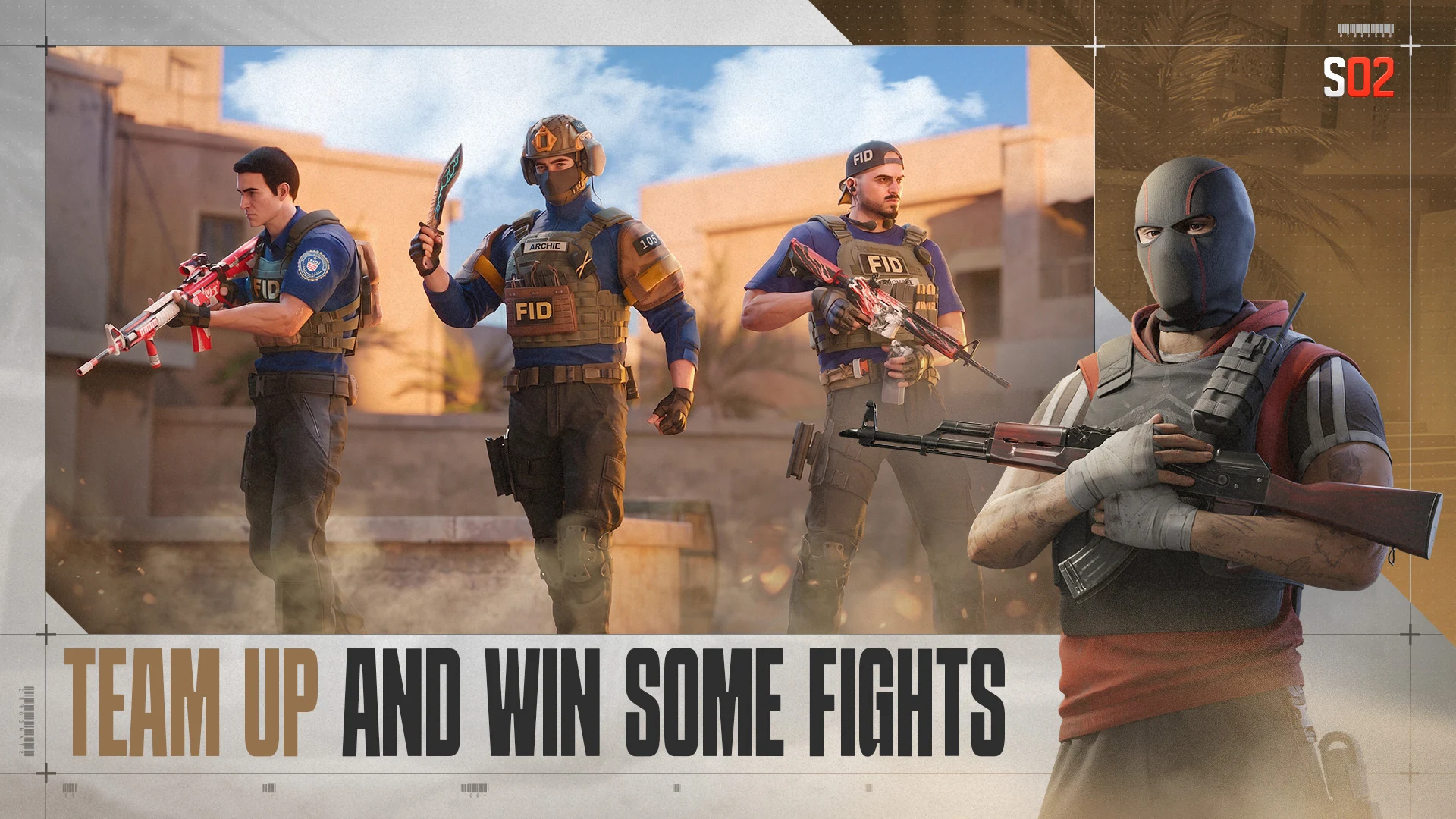
Form alliances and win battles together with your clan. Team up with your friends to achieve glory on the battlefield.
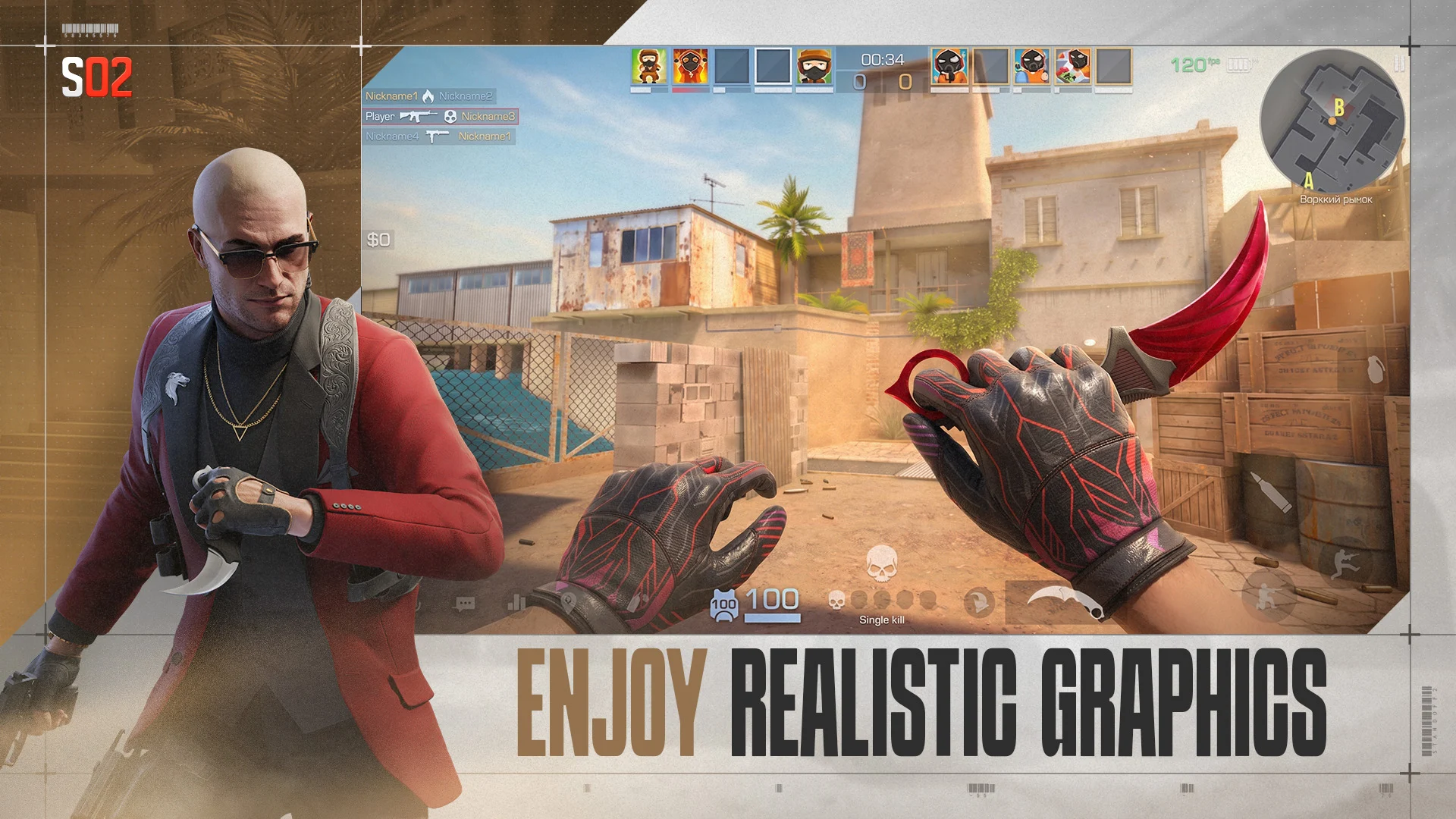
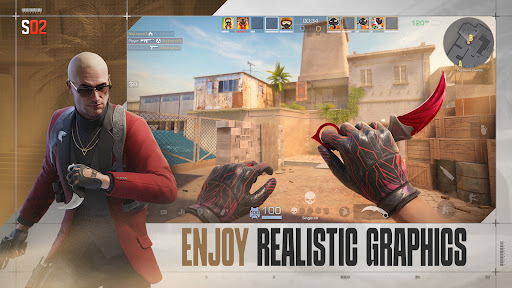
REALISTIC GRAPHICS
Dive into intense online battles with advanced 3D graphics and animations. The shooter supports 120 FPS, providing a smooth immersive gameplay experience on your mobile device.
REGULAR UPDATES AND SEASONS.
There's never a dull moment in Standoff 2 thanks to regular updates. They're all about new mechanics, unique skin collections, engaging maps, and new modes. Experience a festive atmosphere by checking out updates dedicated to New Year and Halloween that offer exclusive content, holiday challenges, and limited edition skins.
JOIN THE COMMUNITY
Don't miss the opportunity to enjoy the action — download Standoff 2 and become a part of the world gaming community! Communicate with players on social media and stay up to date with the latest events:
Facebook: https://facebook.com/Standoff2Official
Youtube: https://www.youtube.com/@Standoff2Game
Discord: https://discord.gg/standoff2
TikTok: https://www.tiktok.com/@standoff2_en
Need help or have questions? Visit our tech support site: https://help.standoff2.com/en/
Engage in epic battles, show off your skills, and dominate the Standoff 2 arena!
Show more

1. Download MEmu installer and finish the setup

2. Start MEmu then open Google Play on the desktop

3. Search Standoff 2 in Google Play
Install
4. Download and Install Standoff 2
5. On install completion click the icon to start

6. Enjoy playing Standoff 2 on PC with MEmu
MEmu Play is the best Android emulator and 100 million people already enjoy its superb Android gaming experience. The MEmu virtualization technology empowers you to play thousands of Android games smoothly on your PC, even the most graphic-intensive ones.
Bigger screen with better graphics; Long duration, without limitation of battery or mobile data.
Full Keymapping support for precise control of keyboard and mouse or gamepad.
Multiple game accounts or tasks on single PC at one time with Multi-Instance manager.
Standoff 2 is a competitive tactical first-person shooter. It focuses on aim, recoil control, positioning, economy and equipment choices, teamwork, and fast reactions. Official modes include 5v5 matches, 2v2 Allies, 1v1 duels, Free-for-All, Team Deathmatch, and themed modes. Compared with a battle royale, matches are smaller, more round-based, and more dependent on mechanical skill and coordinated team play.
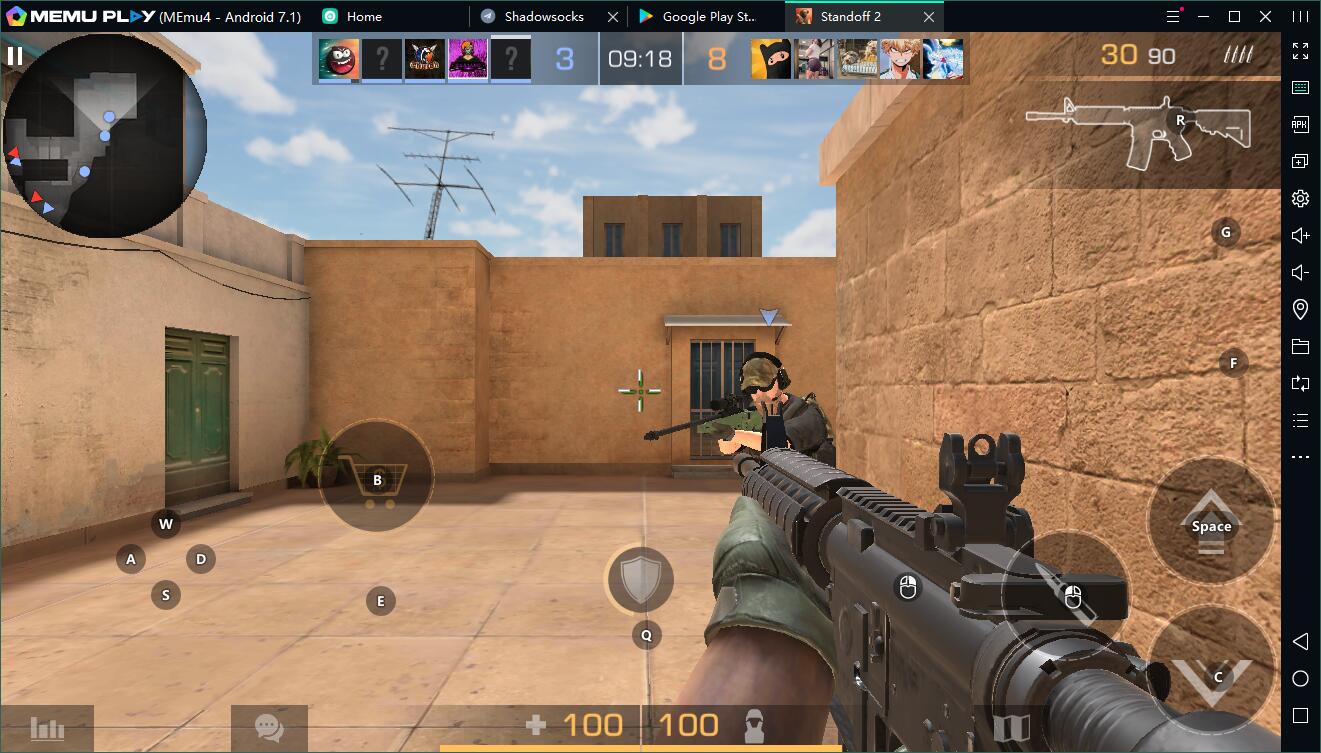
MEmu Play may apply a default layout for movement, aiming, firing, reloading, weapon switching, and grenades. Start with the preset, then open Key Mapping from the right toolbar to adjust sensitivity and key placement. Use direct one-to-one mappings. Avoid macros for recoil control, rapid fire, automatic combos, or other combat automation, as they may conflict with competitive-integrity or anti-cheat rules.
Learn more: Key Mapping and Joystick Setup.
MEmu Play’s software-safety statement is available in its Safety FAQ. However, no official Standoff 2 source reviewed for this update explicitly authorizes MEmu Play or all third-party Android emulators. Use the official Google Play client, avoid modified APKs and automation tools, and understand that technical support or anti-cheat behavior may differ on an emulator.
Yes, Standoff 2 officially supports linking multiple authorization methods to one game profile. This can allow the same progress and inventory to be used on Android and iOS, provided you link an additional supported authorization method before moving to the new device. The additional login must not already be attached to another Standoff 2 profile.
These are MEmu Play recommendations rather than native Standoff 2 PC requirements:
Standoff 2 officially supports 120 FPS on compatible mobile hardware. MEmu Play also provides high-FPS modes, but 120 FPS in the emulator is not guaranteed for every version or PC. Enable high FPS in Settings > Game Settings, then select the highest frame-rate option exposed by the game. Smooth performance depends on the emulator build, graphics mode, driver, CPU/GPU capability, monitor refresh rate, and network stability.
You can find the latest Standoff 2 codes, tier lists, news, and PC guides on this page.
Standoff 2 Codes: Active Gift Codes & Rewards
How to Win More Matches in Standoff 2