Riichi City - Japanese Mahjong
Mise à jour
Version actuelle
2.2.8.1
Proposée par

Avec toute la passion que vous avez à jouer Riichi City - Japanese Mahjong, vos mains ne sont pas sensées se limiter à l’infime écran de votre téléphone. Jouez comme un pro et ayez le contrôle total de votre jeu à l’aide du clavier et de la souris. MEmu satisfait toutes vos attentes. Téléchargez et jouez Riichi City - Japanese Mahjong sur PC. Jouez aussi longtemps que vous souhaitez sans aucune limitation de batterie, de données mobiles et d’appels embêtants. La toute nouvelle version de MEmu 9 est la meilleure option de jouer Riichi City - Japanese Mahjong sur PC. Réalisé par nos experts, l’e magnifique système d’affectation de touches prédéfini fait de Riichi City - Japanese Mahjong un jeu réaliste sur PC. Le gestionnaire multi-instances de MEmu permet 2 ou plusieurs comptes de jeu sur le même appareil. Et le plus important, le moteur d’émulation exclusif peut libérer le plein potentiel de votre PC, ce qui facilite tout.
Afficher plus
Téléchargez Riichi City - Japanese Mahjong avec le simulateur d’Android MEmu sur votre PC. Profitez de jouer sur un grand écran. [Please note that all in-game currencies, items, and characters are considered virtual property.

[Please note that all in-game currencies, items, and characters are considered virtual property. They hold no monetary value and cannot be exchanged for cash or any other tangible equivalent.]
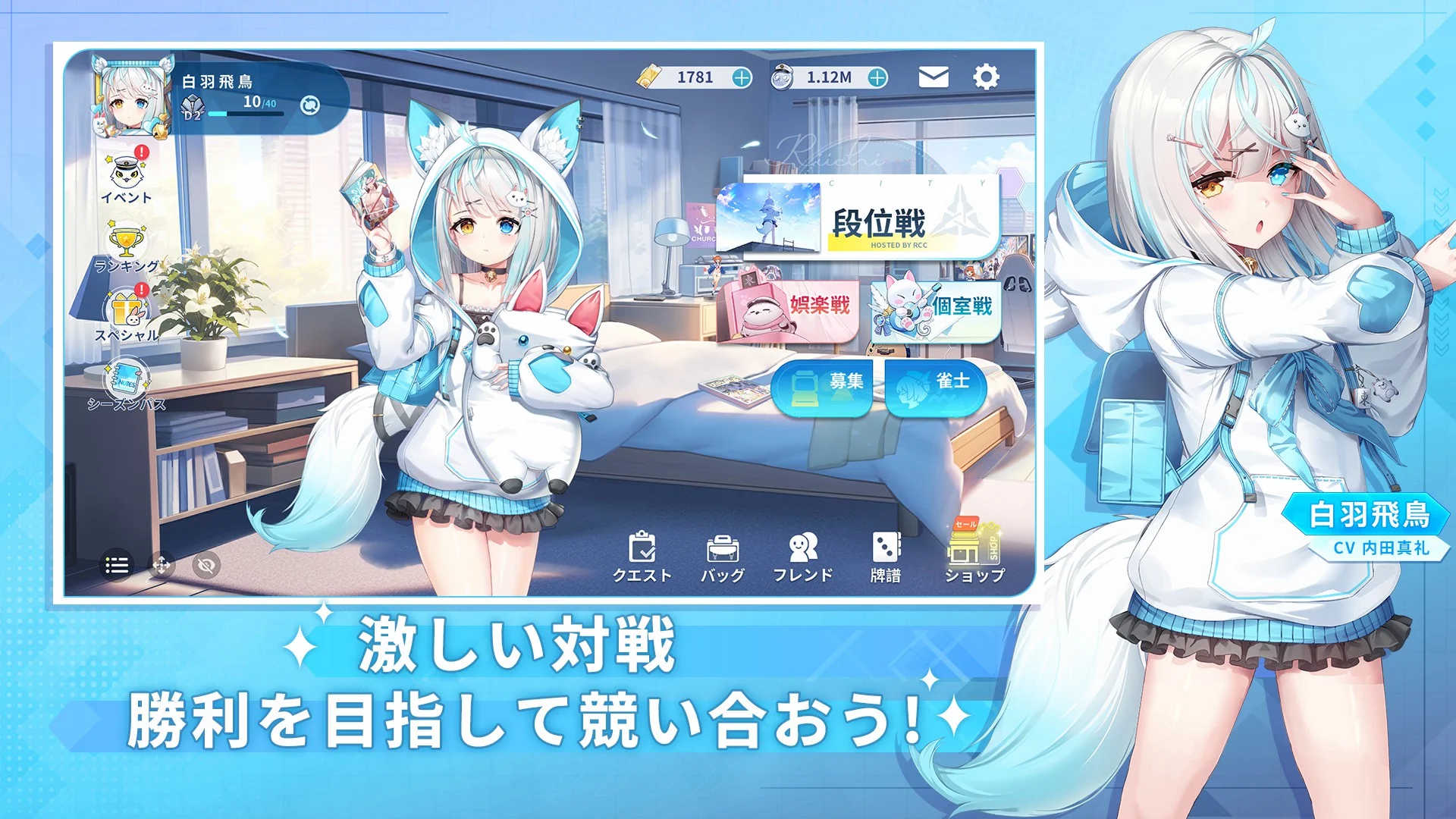
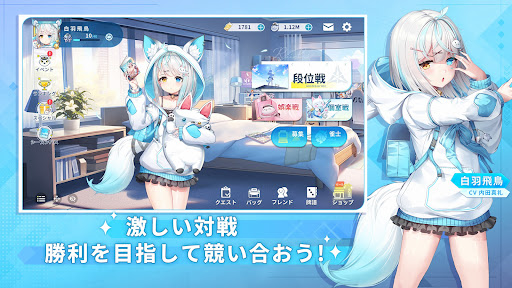
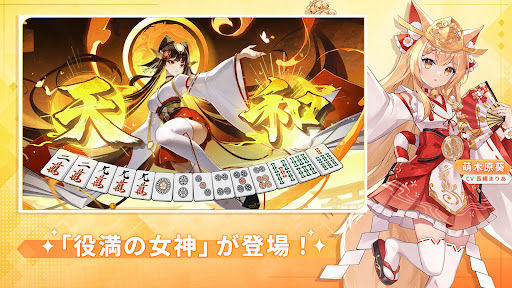
RiichiCity is one of the anime-style free mahjong games! Many adorable, charming girls are eagerly awaiting your arrival! Come and embark on a delightful mahjong journey with these lovely mahjong girls together! Battle alongside these lovely ACG characters in-app and against real mahjong players to dominate Riichi City!
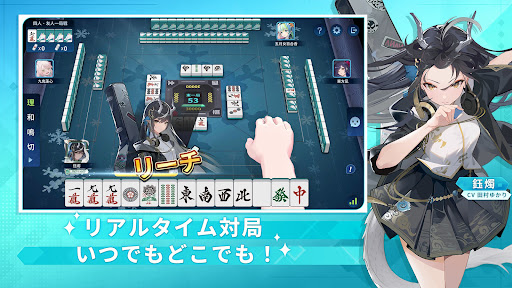
With various mahjong match modes available, both beginners and masters can savor the excitement of the real mahjong games! The user-friendly design ensures that even beginners can easily immerse themselves in the fun of playing mahjong online! Ignite your mahjong soul now! Conquer the challenges to be No.1!
[RiichiCity Features]
◆Free to Play and Fair Environment
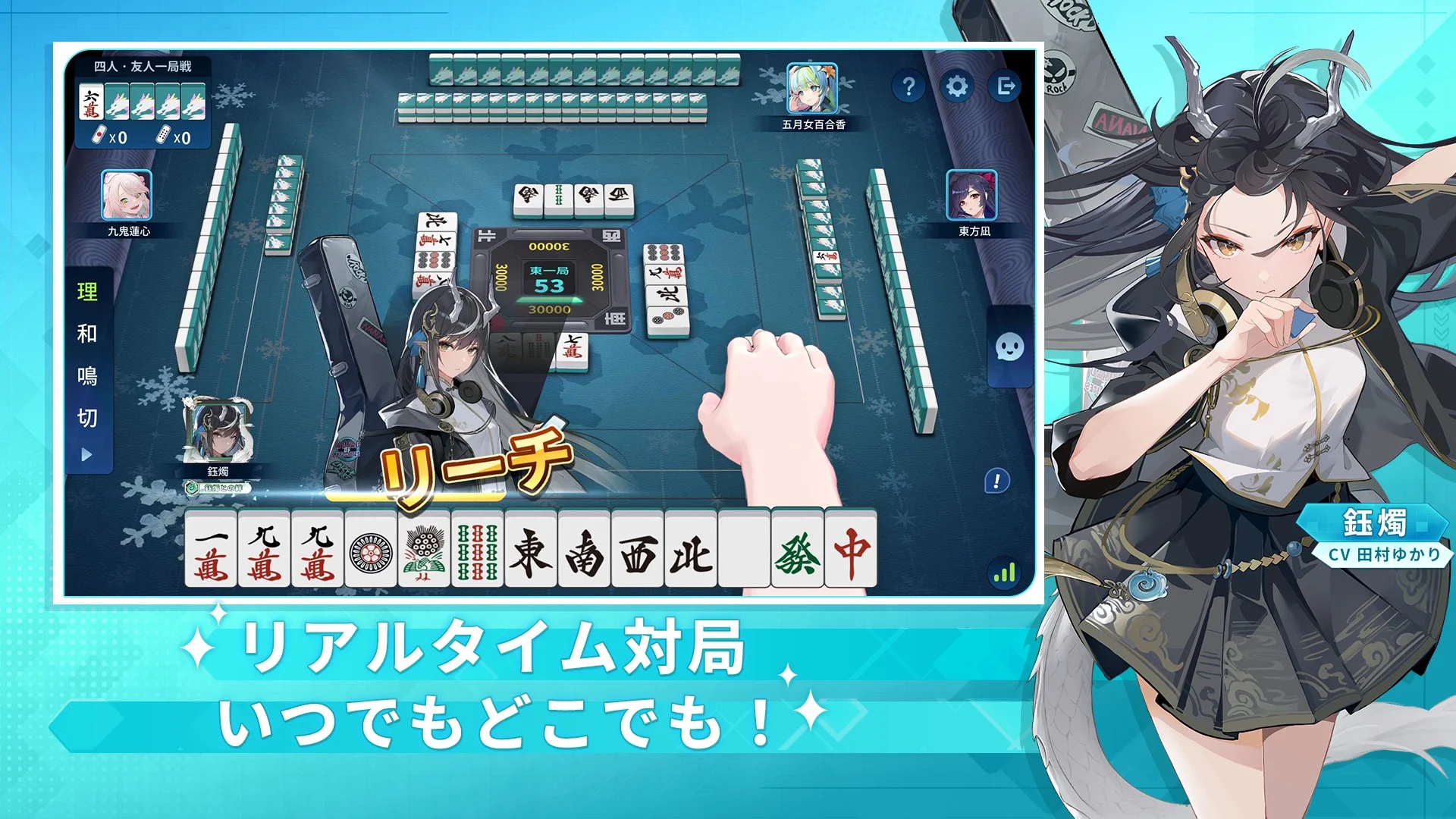
Enjoy different modes and features without any cost! Indulge in the real Riichi mahjong games with your friends anywhere, anytime! Experience truly random tiles, without any additional adjustments! Chii! Pon! Kan! Pinfu! Chinitsu! Kokushi Musou! Explore a wide range of yaku combinations that you love in a fair and secure gaming environment!
◆Real-Life Design Elements
The real-life design elements in the modern Riichi City, such as mahjong houses, cafés, convenience stores and more, bring the realness of playing live Japanese mahjong games to the app! Experience the fierce competition in the fast-paced Japanese mahjong matches!
◆ACG Characters with Unique Playing Styles & Personalities
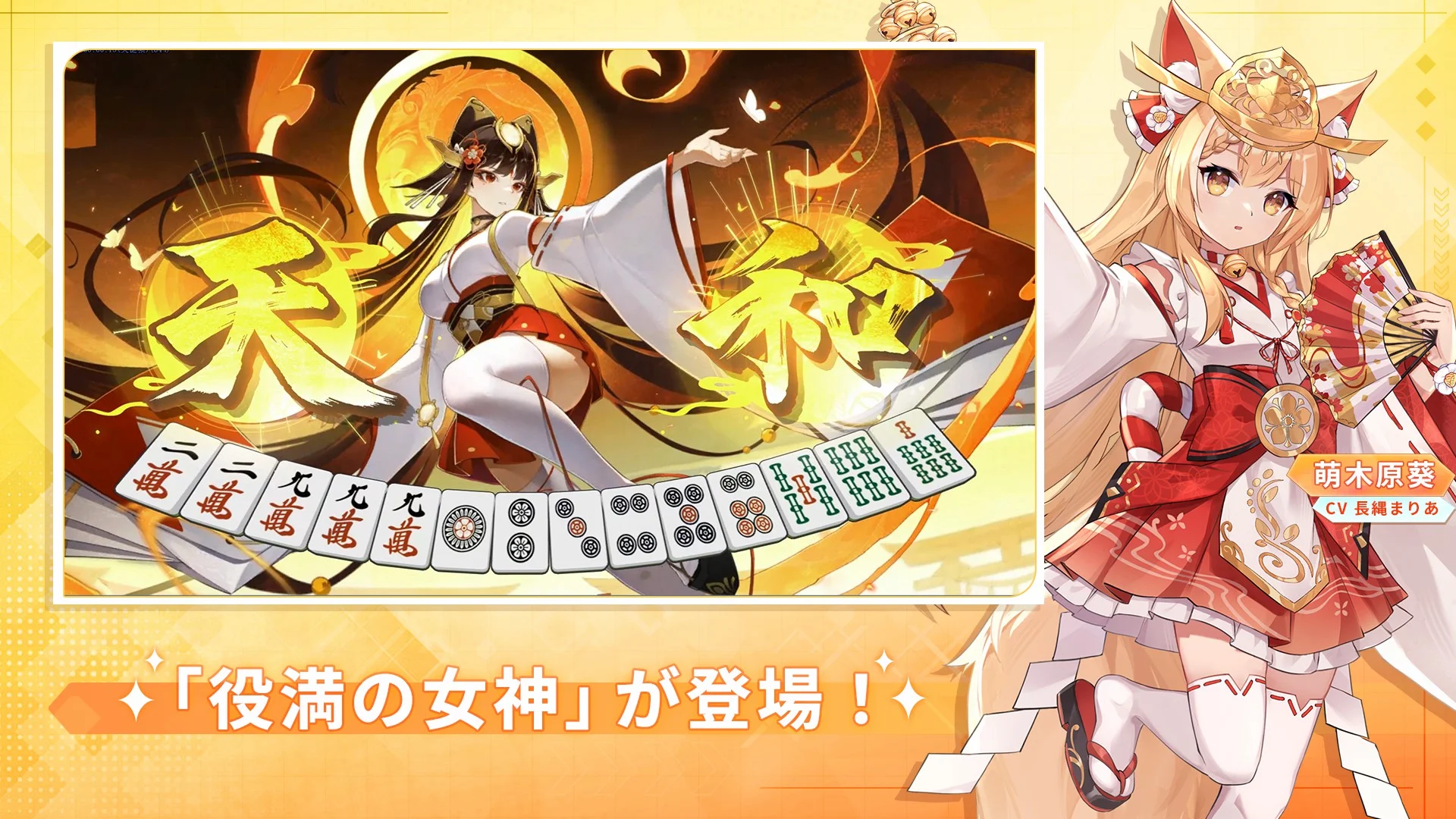
Meet and bond with the ACG characters in-app, each featuring their own playing styles and personalities, ranging from aggressive to defensive and skilled at reading discards... You name it! Grow with them and take your Japanese mahjong skills to the next level!
◆Fully Voiced by Famous Japanese CVs
Renowned Japanese voice actors and actresses bring the ACG characters in Riichi City to life with their exceptional voice acting talent! Lead them as their captain, start competing against others in the mahjong tournaments, and enjoy your game with these mahjong stars!
CVs: Ogura Yui, Namikawa Daisuke, Ishikawa Yui, Arai Satomi, Suguta Hina, Morishima Shuuta, Hasegawa Reina...
◆Beginner-Friendly Functions
Riichi City has a lot to offer, including tutorials, game log, spectator mode, hints for the winning tiles, tips for drawing and discarding tiles, auto hints, point calculation, and much more! All of these features are designed to help beginners ease into the Riichi mahjong world!
Afficher plus

1. Téléchargez l'installateur MEmu et terminez l'installation

2. Démarrez MEmu puis ouvrez Google Play sur la page d'accueil

3. Recherchez Riichi City - Japanese Mahjong dans Google Play
Install
4. Téléchargez et installez Riichi City - Japanese Mahjong
5. Une fois l'installation terminée, cliquez sur l'icône pour démarrer

6. Profitez de jouer Riichi City - Japanese Mahjong sur PC avec MEmu
Le lecteur d'application MEmu est le meilleur émulateur Android gratuit, et 50 millions de personnes profitent déjà de sa fantastique expérience de jeu Android. La technologie de virtualisation MEmu vous donne la possibilité de jouer à des milliers de jeux Android sur votre PC sans aucune difficulté, même aux plus gourmands.
L’écran plus grand avec de meilleurs graphismes; Une longue durée, sans limitation de batterie ou de données mobiles.
Soutien du Keymapping pour un contrôle précis du clavier et de la souris ou de la manette de jeu
Plusieurs comptes de jeu ou tâches sur un seul PC en même temps avec le gestionnaire de multi-instance.
Play Riichi City - Japanese Mahjong on PC by following steps: