Riichi City - Japanese Mahjong
Updated
Current Version
2.2.8.1
Offered By

With your passion for Riichi City - Japanese Mahjong, you shouldn’t have to limit yourself to the small screen of a phone. Play like a pro and take full control of the game using a keyboard and mouse. MEmu gives you everything you’re looking for. Download and play Riichi City - Japanese Mahjong on PC. Play as long as you want — no more worries about battery life, mobile data, or unexpected calls. The all-new MEmu 9 is the best way to play Riichi City - Japanese Mahjong on PC. With our expertly designed keymapping system, Riichi City - Japanese Mahjong feels just like a real PC game. The MEmu multi-instance manager lets you run two or more accounts on the same device at the same time. Most importantly, our exclusive emulation engine unlocks your PC’s full potential, delivering smooth and seamless performance.
Show more
Download Riichi City - Japanese Mahjong on PC with MEmu Android Emulator. Enjoy playing on big screen. [Please note that all in-game currencies, items, and characters are considered virtual property.
[Please note that all in-game currencies, items, and characters are considered virtual property. They hold no monetary value and cannot be exchanged for cash or any other tangible equivalent.]
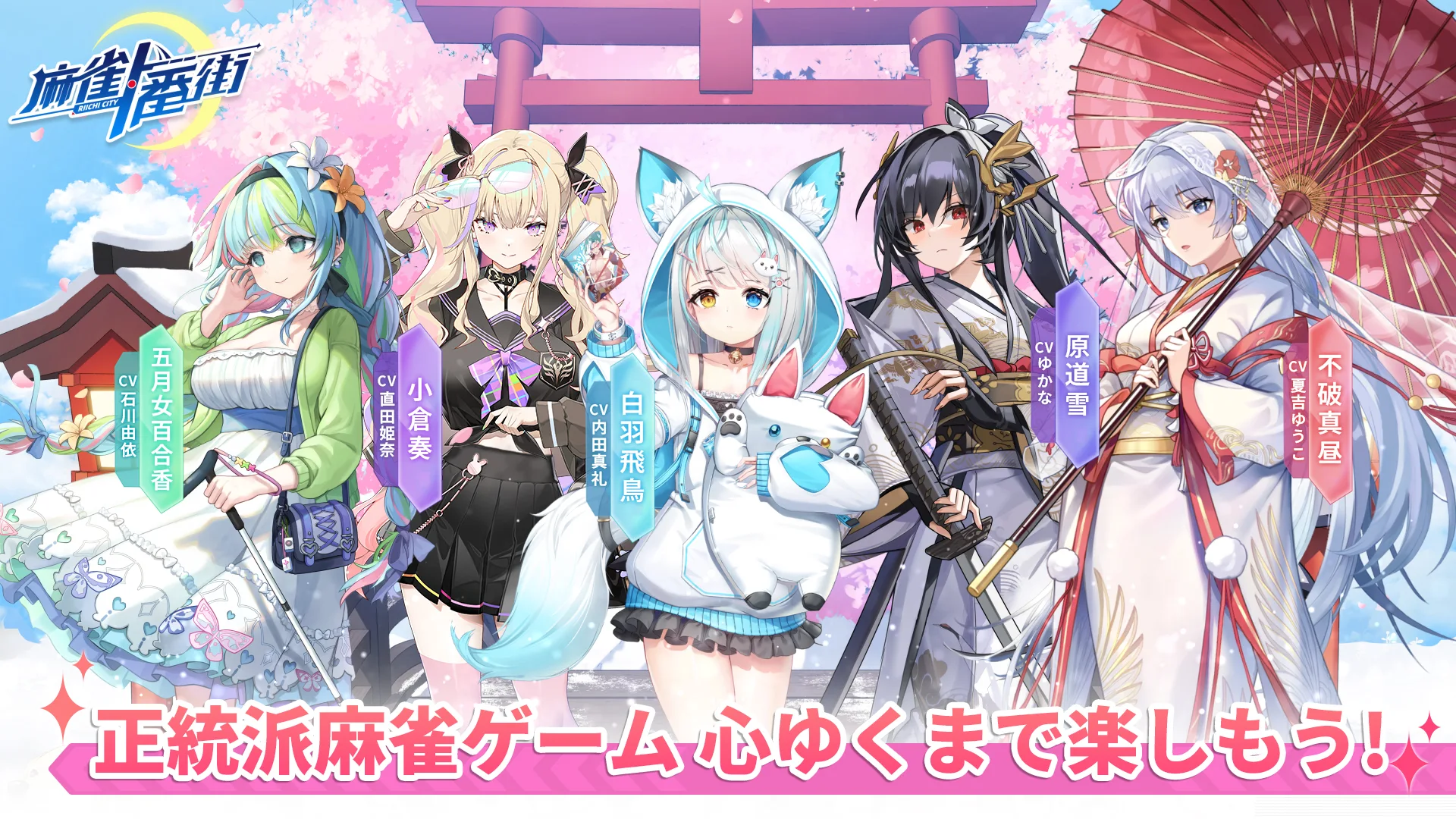
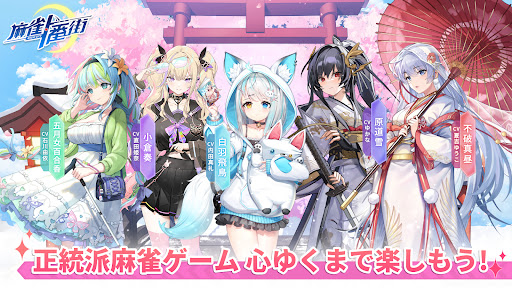
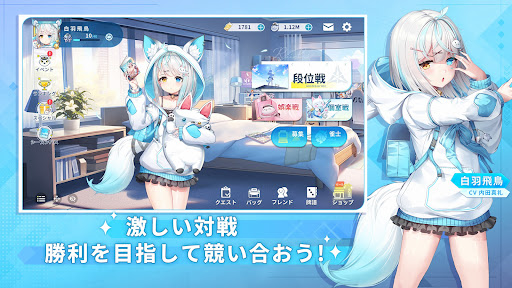
RiichiCity is one of the anime-style free mahjong games! Many adorable, charming girls are eagerly awaiting your arrival! Come and embark on a delightful mahjong journey with these lovely mahjong girls together! Battle alongside these lovely ACG characters in-app and against real mahjong players to dominate Riichi City!
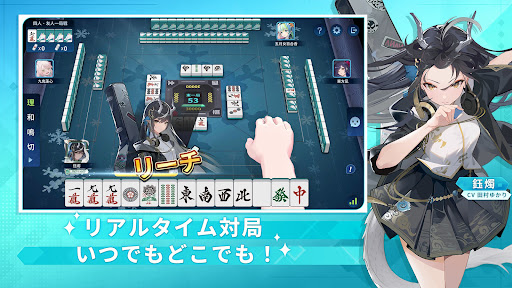
With various mahjong match modes available, both beginners and masters can savor the excitement of the real mahjong games! The user-friendly design ensures that even beginners can easily immerse themselves in the fun of playing mahjong online! Ignite your mahjong soul now! Conquer the challenges to be No.1!
[RiichiCity Features]
◆Free to Play and Fair Environment
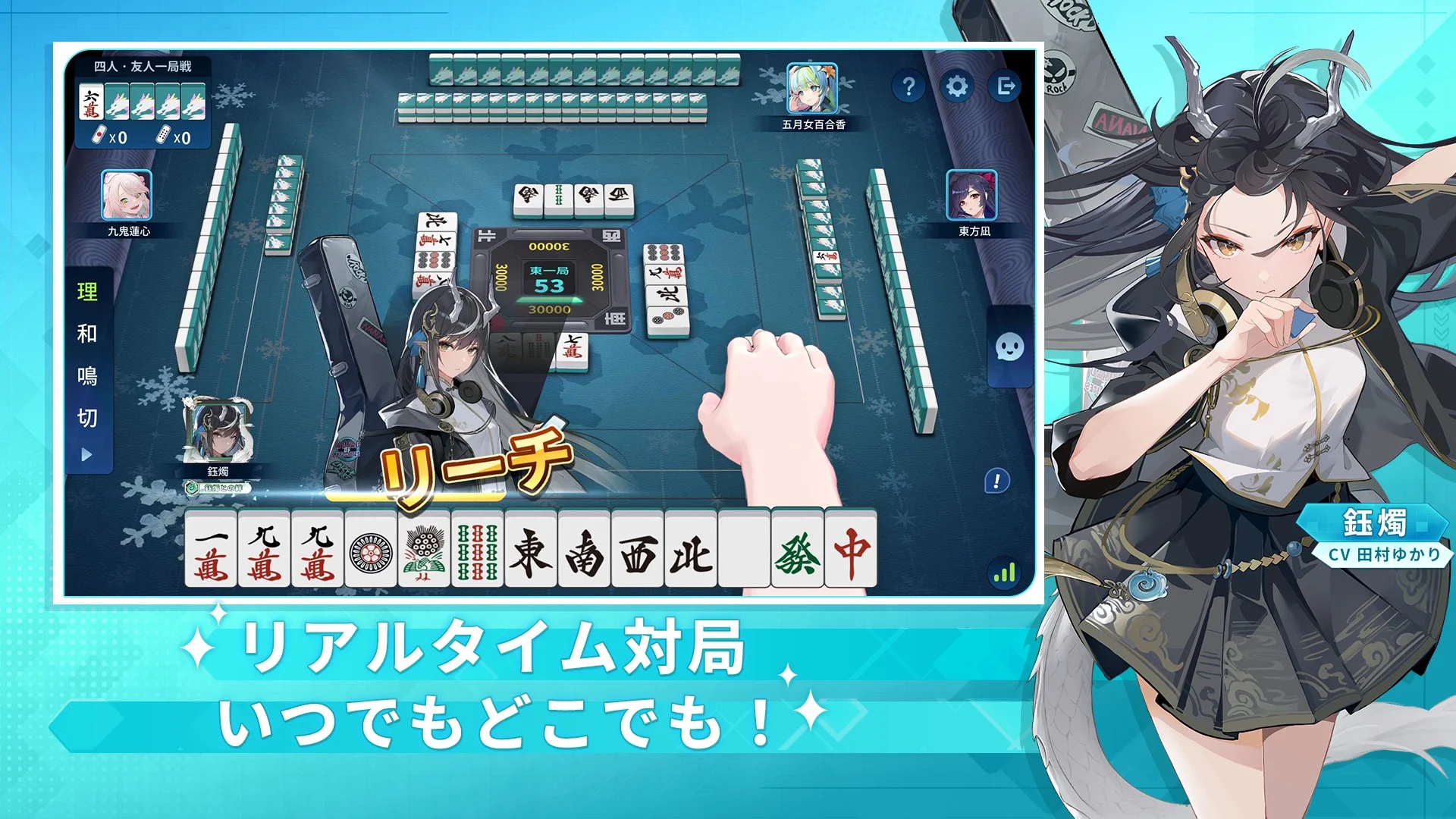
Enjoy different modes and features without any cost! Indulge in the real Riichi mahjong games with your friends anywhere, anytime! Experience truly random tiles, without any additional adjustments! Chii! Pon! Kan! Pinfu! Chinitsu! Kokushi Musou! Explore a wide range of yaku combinations that you love in a fair and secure gaming environment!
◆Real-Life Design Elements
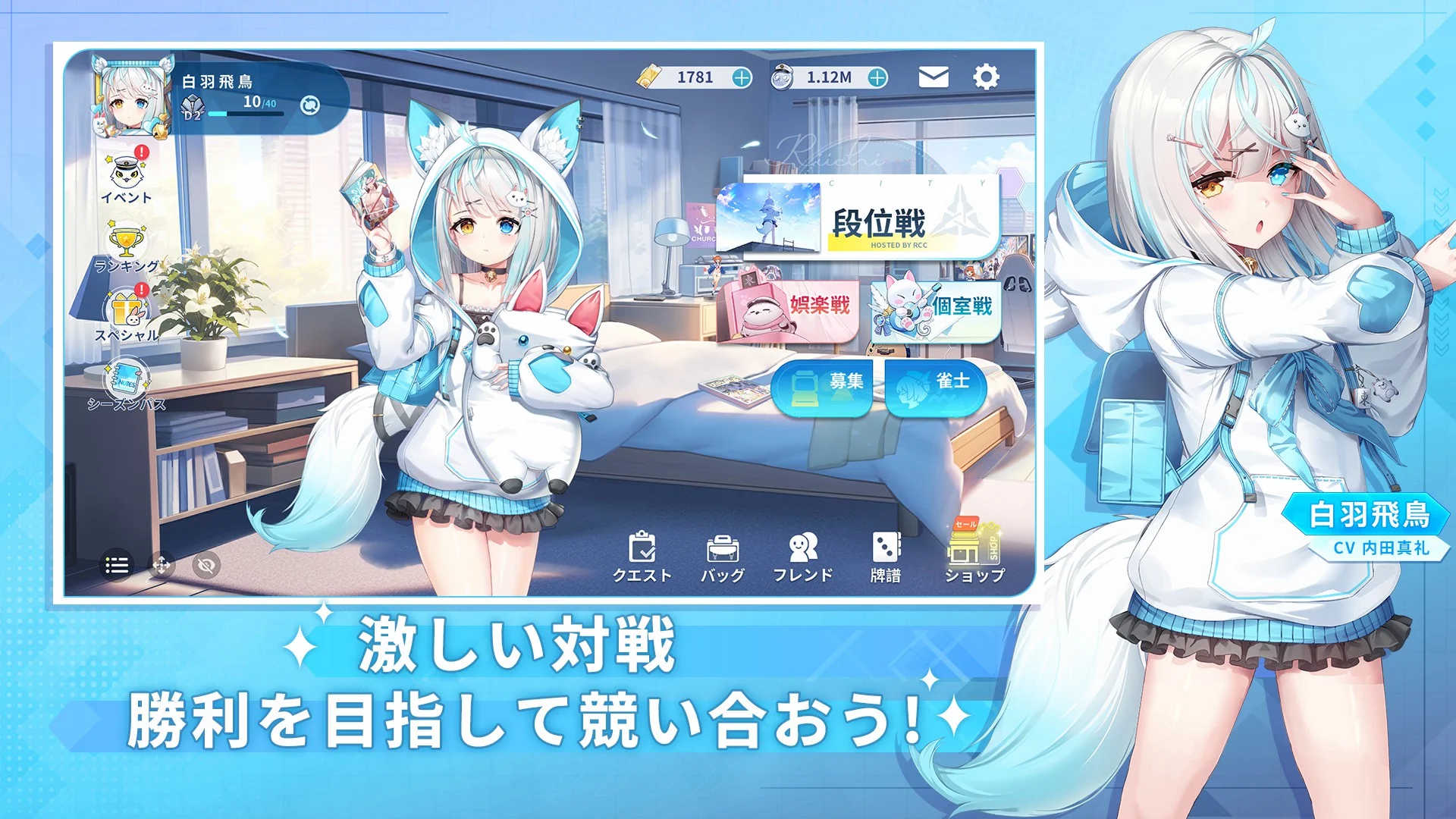
The real-life design elements in the modern Riichi City, such as mahjong houses, cafés, convenience stores and more, bring the realness of playing live Japanese mahjong games to the app! Experience the fierce competition in the fast-paced Japanese mahjong matches!
◆ACG Characters with Unique Playing Styles & Personalities
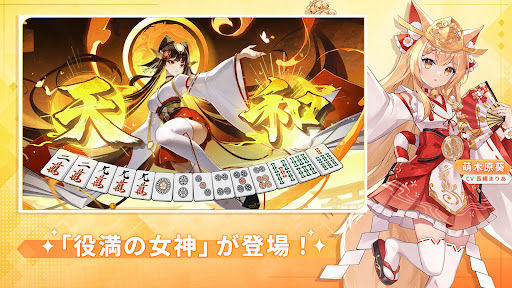
Meet and bond with the ACG characters in-app, each featuring their own playing styles and personalities, ranging from aggressive to defensive and skilled at reading discards... You name it! Grow with them and take your Japanese mahjong skills to the next level!
◆Fully Voiced by Famous Japanese CVs
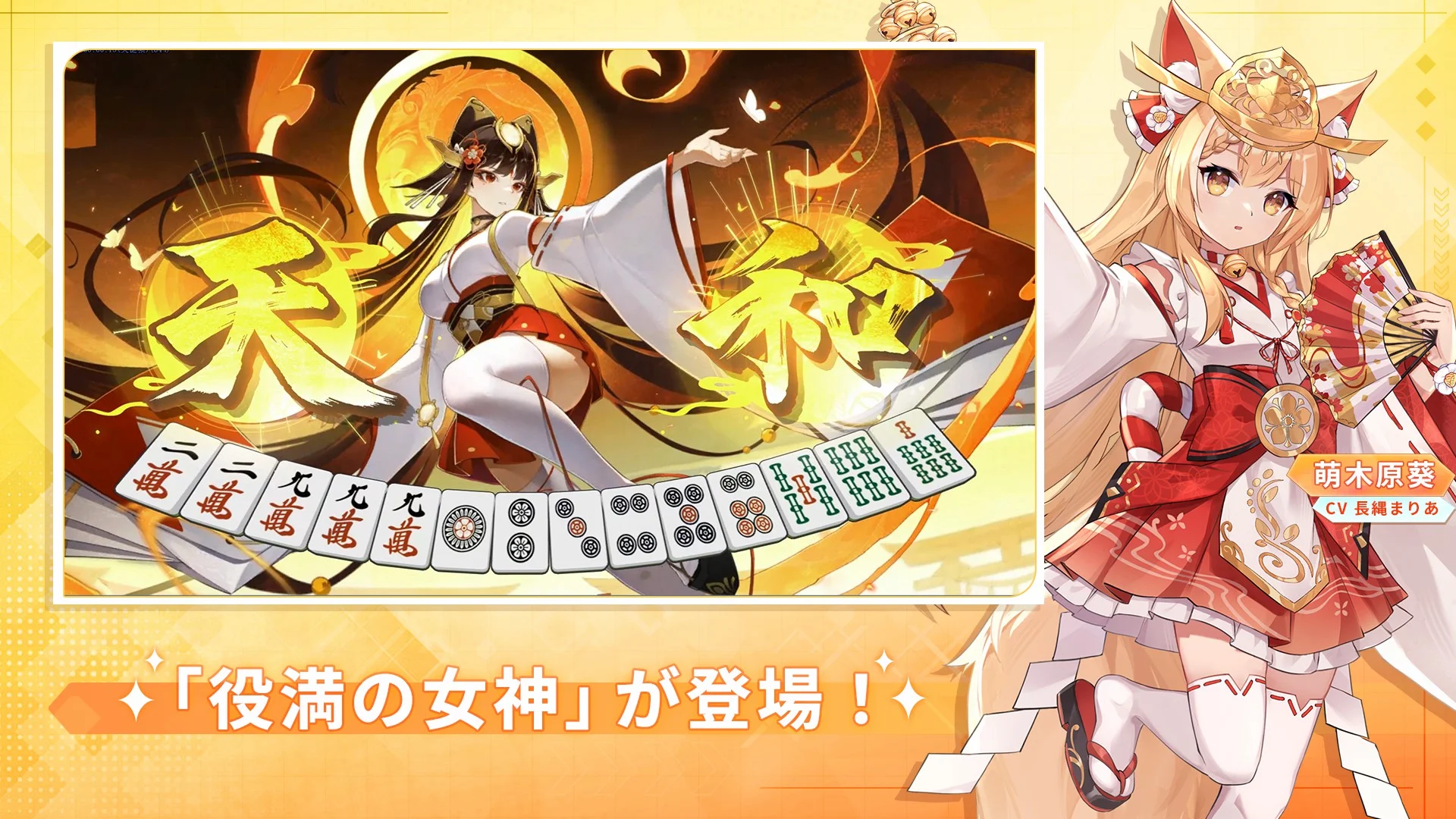
Renowned Japanese voice actors and actresses bring the ACG characters in Riichi City to life with their exceptional voice acting talent! Lead them as their captain, start competing against others in the mahjong tournaments, and enjoy your game with these mahjong stars!
CVs: Ogura Yui, Namikawa Daisuke, Ishikawa Yui, Arai Satomi, Suguta Hina, Morishima Shuuta, Hasegawa Reina...
◆Beginner-Friendly Functions
Riichi City has a lot to offer, including tutorials, game log, spectator mode, hints for the winning tiles, tips for drawing and discarding tiles, auto hints, point calculation, and much more! All of these features are designed to help beginners ease into the Riichi mahjong world!
Show more

1. Download MEmu installer and finish the setup

2. Start MEmu then open Google Play on the desktop

3. Search Riichi City - Japanese Mahjong in Google Play
Install
4. Download and Install Riichi City - Japanese Mahjong
5. On install completion click the icon to start

6. Enjoy playing Riichi City - Japanese Mahjong on PC with MEmu
MEmu Play is the best Android emulator and 100 million people already enjoy its superb Android gaming experience. The MEmu virtualization technology empowers you to play thousands of Android games smoothly on your PC, even the most graphic-intensive ones.
Bigger screen with better graphics; Long duration, without limitation of battery or mobile data.
Full Keymapping support for precise control of keyboard and mouse or gamepad.
Multiple game accounts or tasks on single PC at one time with Multi-Instance manager.
Play Riichi City - Japanese Mahjong on PC by following steps: